 3 min
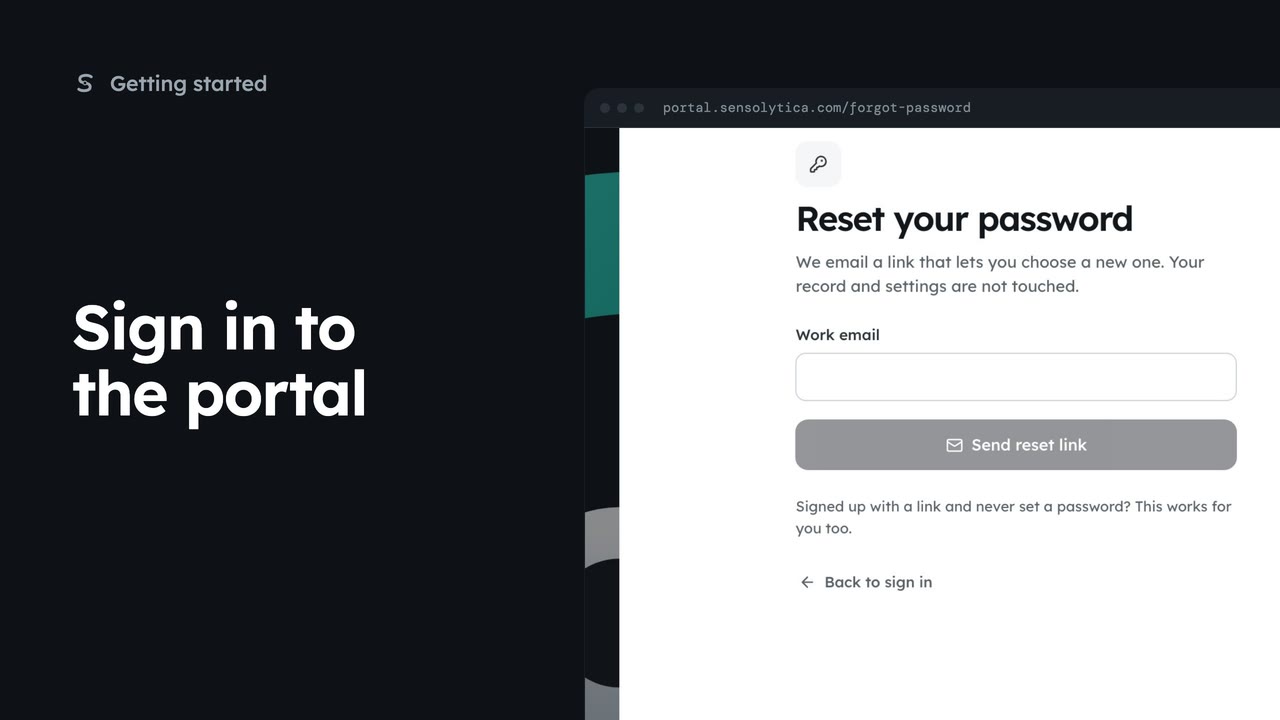
3 minSign in to the portal
Sign in with your work email and a password or an emailed link, enter your two-factor code, and get back in if you forget your password.
3 min7 stepsSensolytica staff, Admin, Operator, Maker
TutorialsIllustrative
Short silent films of every task in the Sensolytica portal, with English subtitles and every step written out, the buttons named as the portal labels them.
Posters from the films, recorded on the Westmouth demo organisation. Data illustrative.
Signing in, joining an organisation, finding your way around and the dashboard.
3 minSign in with your work email and a password or an emailed link, enter your two-factor code, and get back in if you forget your password.
3 min7 stepsSensolytica staff, Admin, Operator, Maker
 3 min
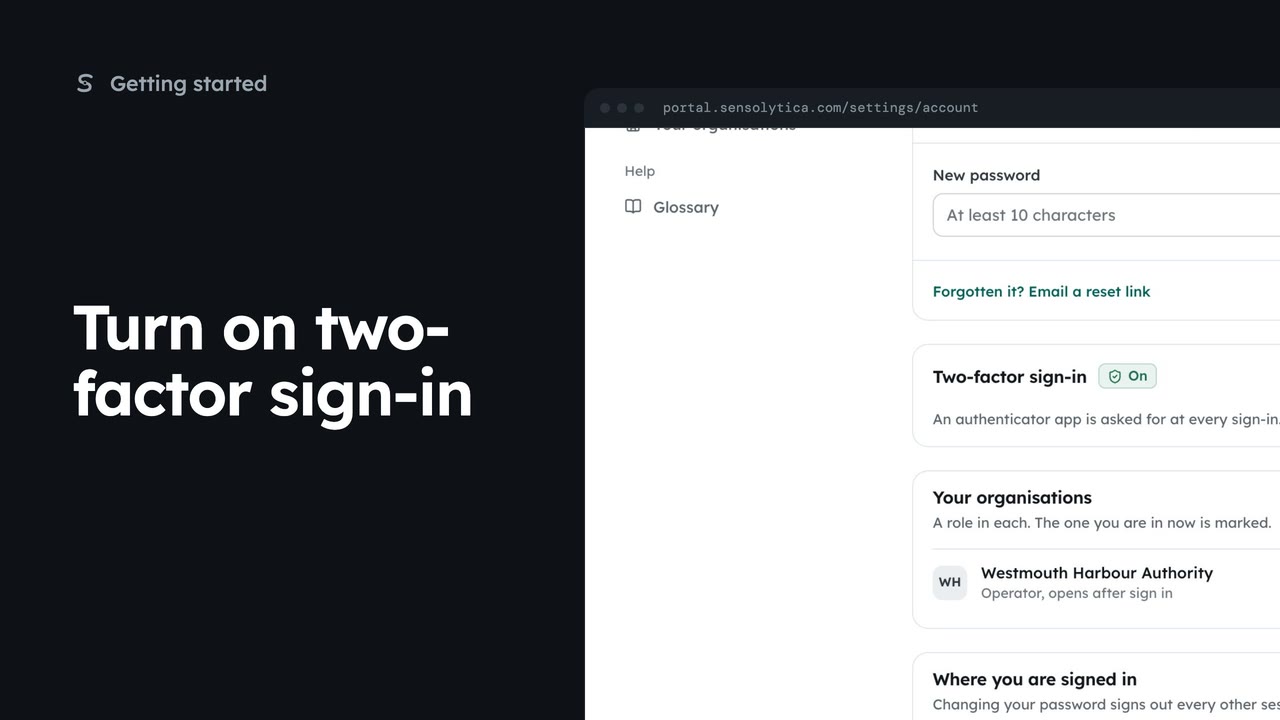
3 minPair an authenticator app with your account so a stolen password is not enough to sign in as you, then sign in with a code.
3 min5 stepsSensolytica staff, Admin, Operator, Maker
 2 min
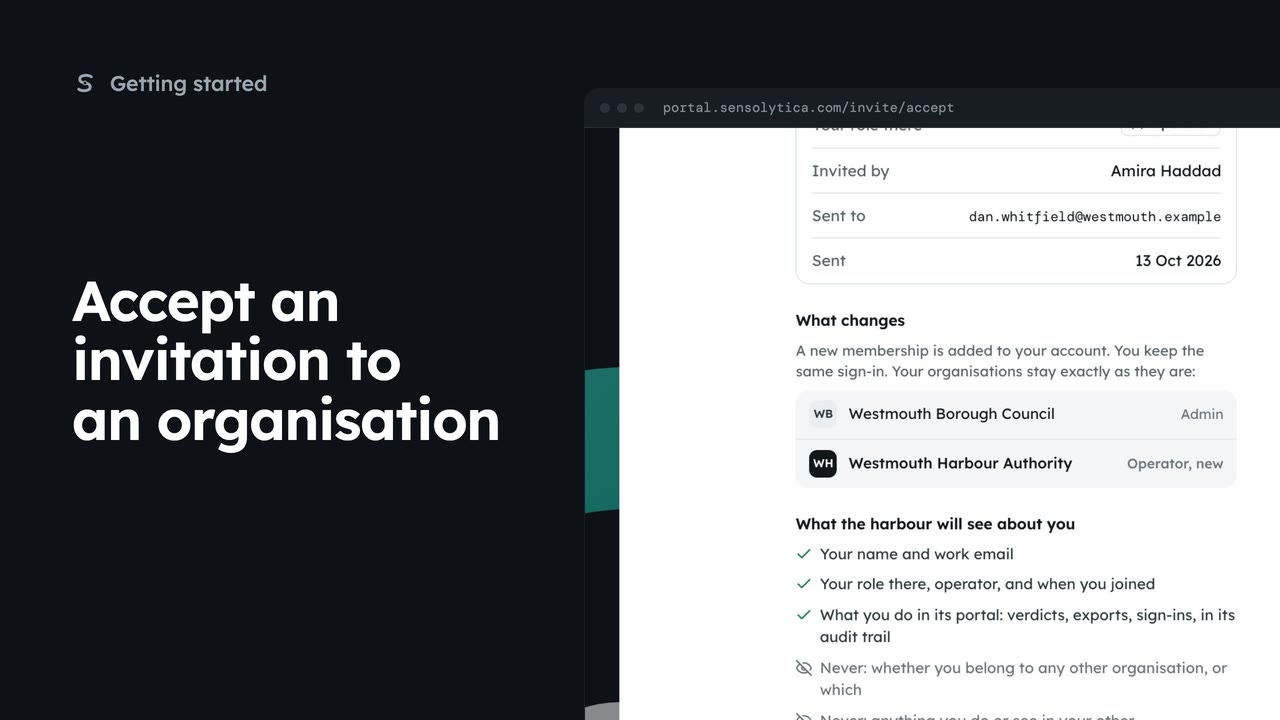
2 minReview an invitation to another organisation, see what it will know about you, and accept or decline it.
2 min5 stepsAdmin, Operator, Maker
 2 min
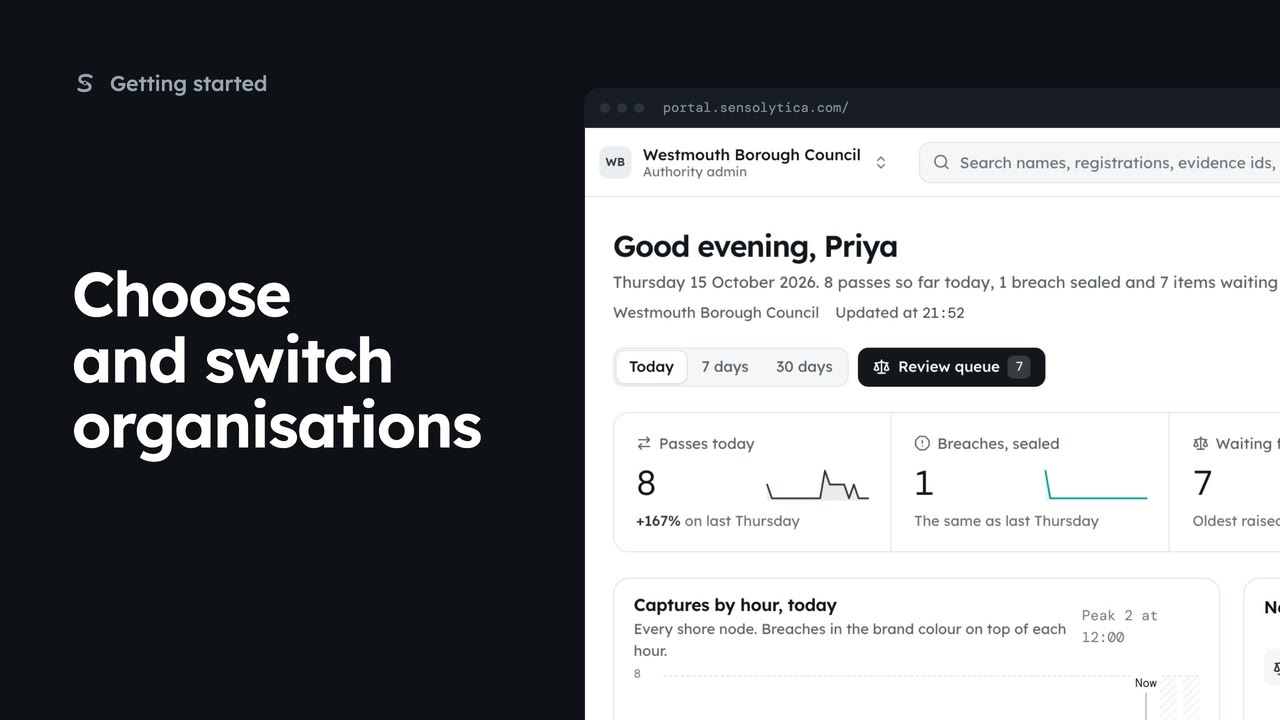
2 minPick where to start after sign in, switch organisation from the top bar, and set your default.
2 min5 stepsAdmin, Operator
 2 min
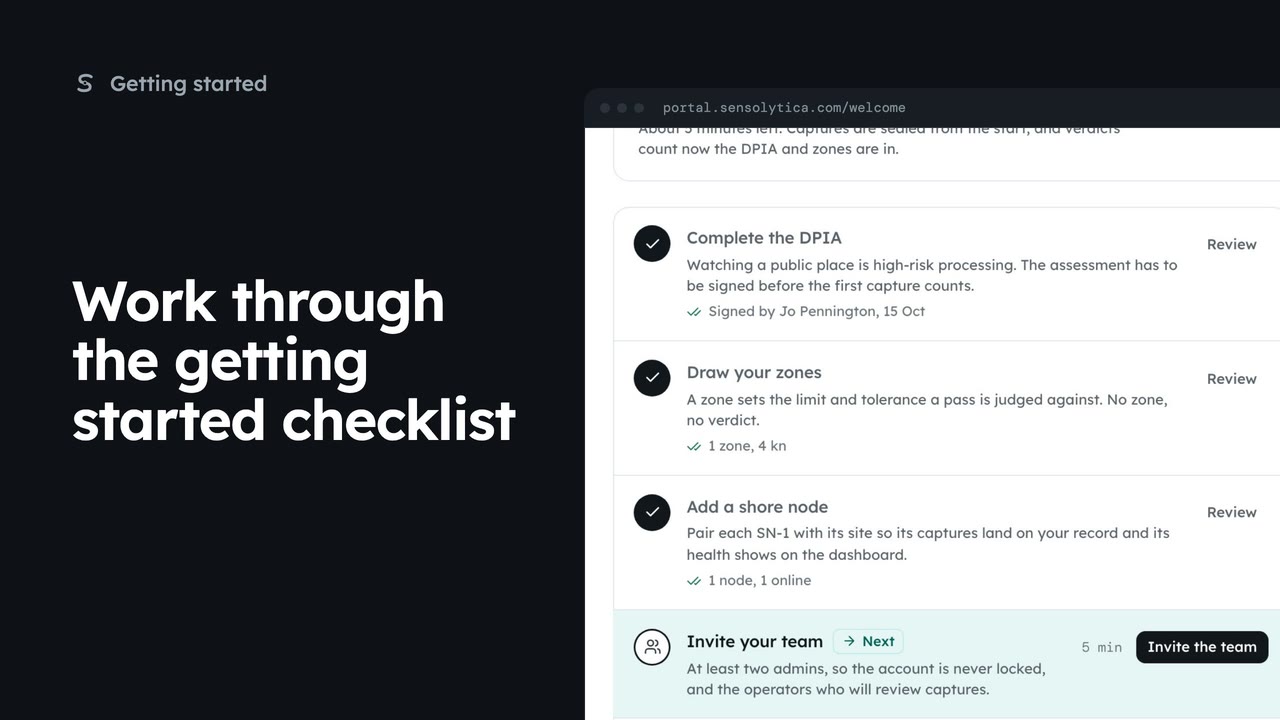
2 minUse the getting started checklist to set up a new organisation before the first capture counts.
2 min5 stepsAdmin, Sensolytica staff
 2 min
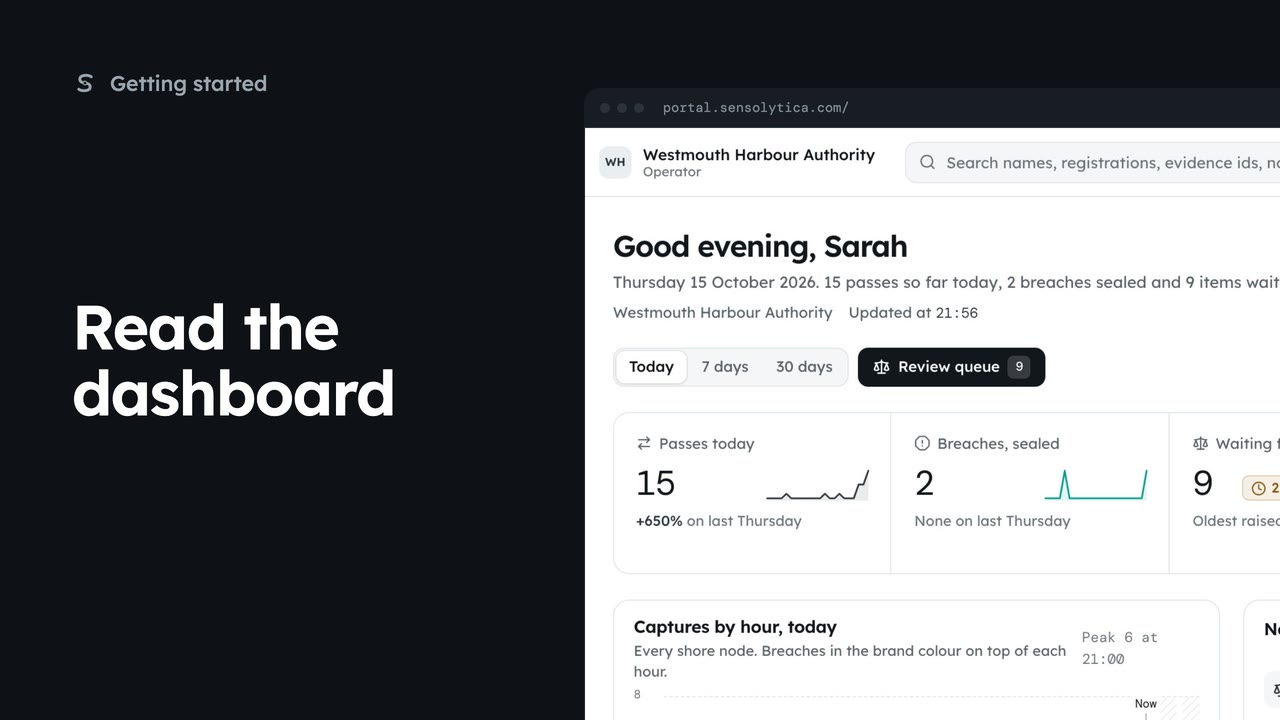
2 minSee what happened today, what needs a person and whether every unit is working, in a few seconds.
2 min5 stepsAdmin, Operator, Sensolytica staff
 2 min
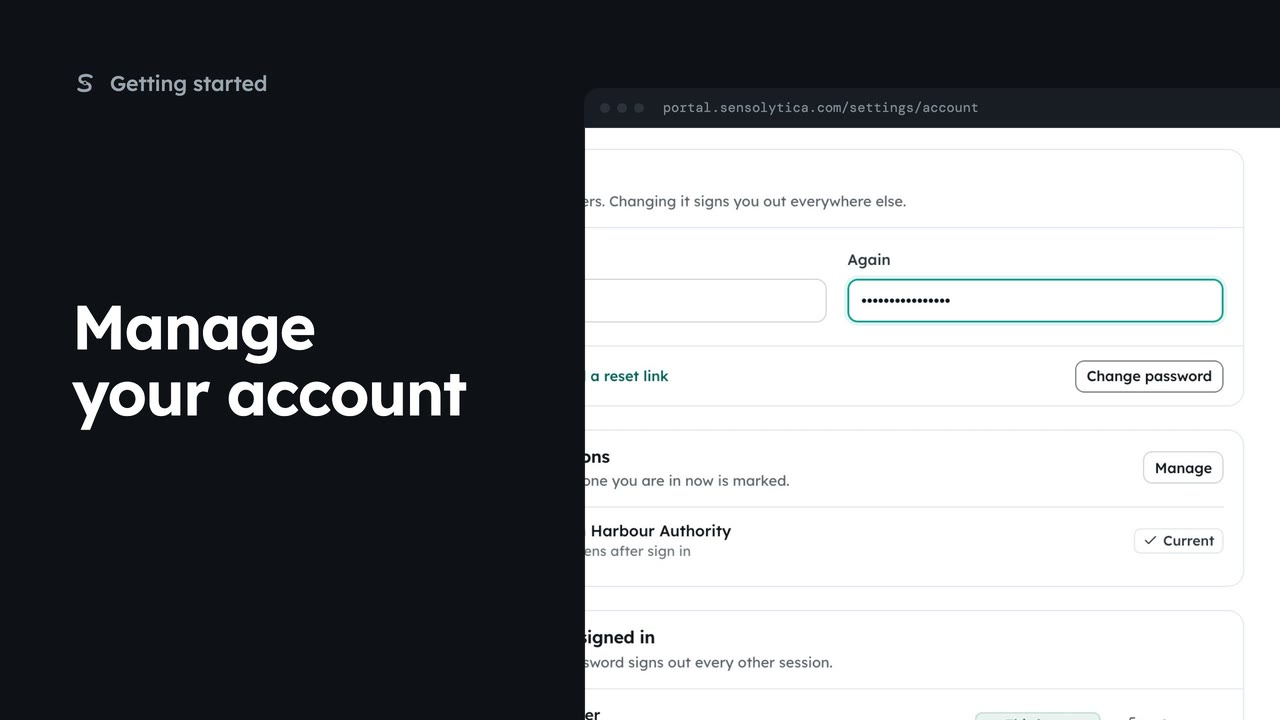
2 minSet your name and picture, change your password and see where you are signed in.
2 min4 stepsSensolytica staff, Admin, Operator, Maker
 2 min
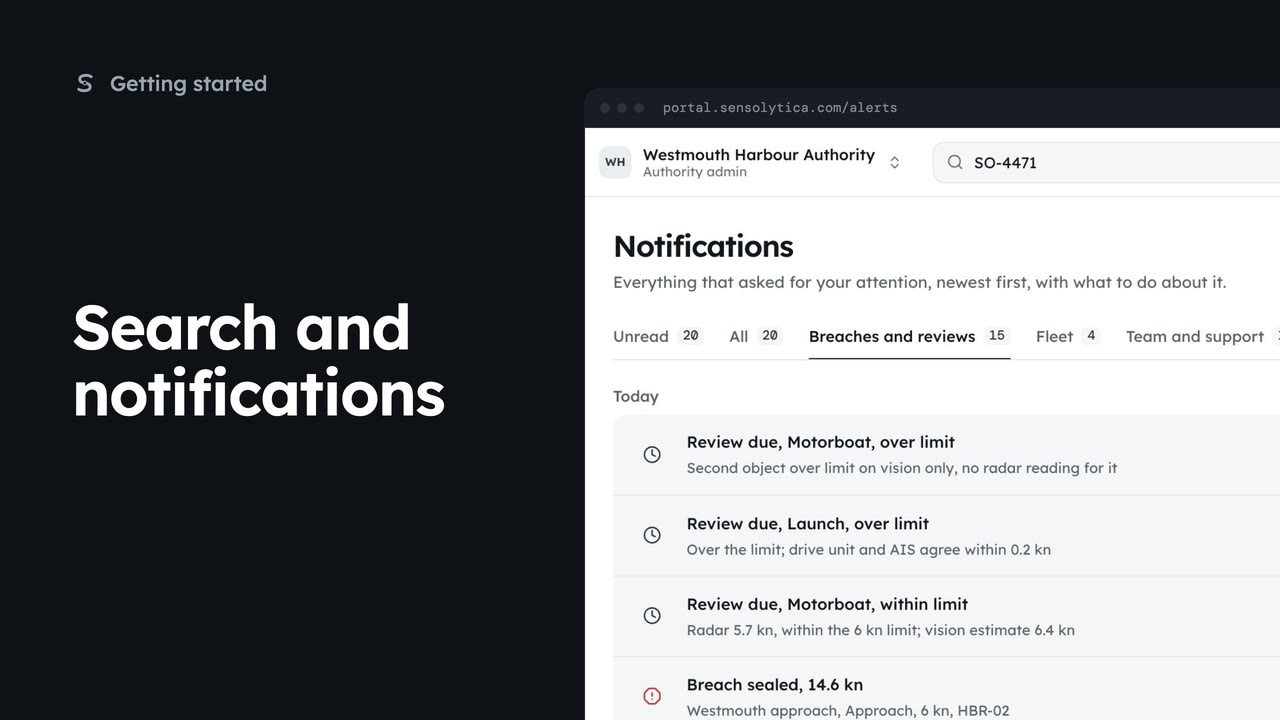
2 minFind a vessel, capture or node from the top bar, and keep up with what needs your attention.
2 min5 stepsAdmin, Operator, Sensolytica staff
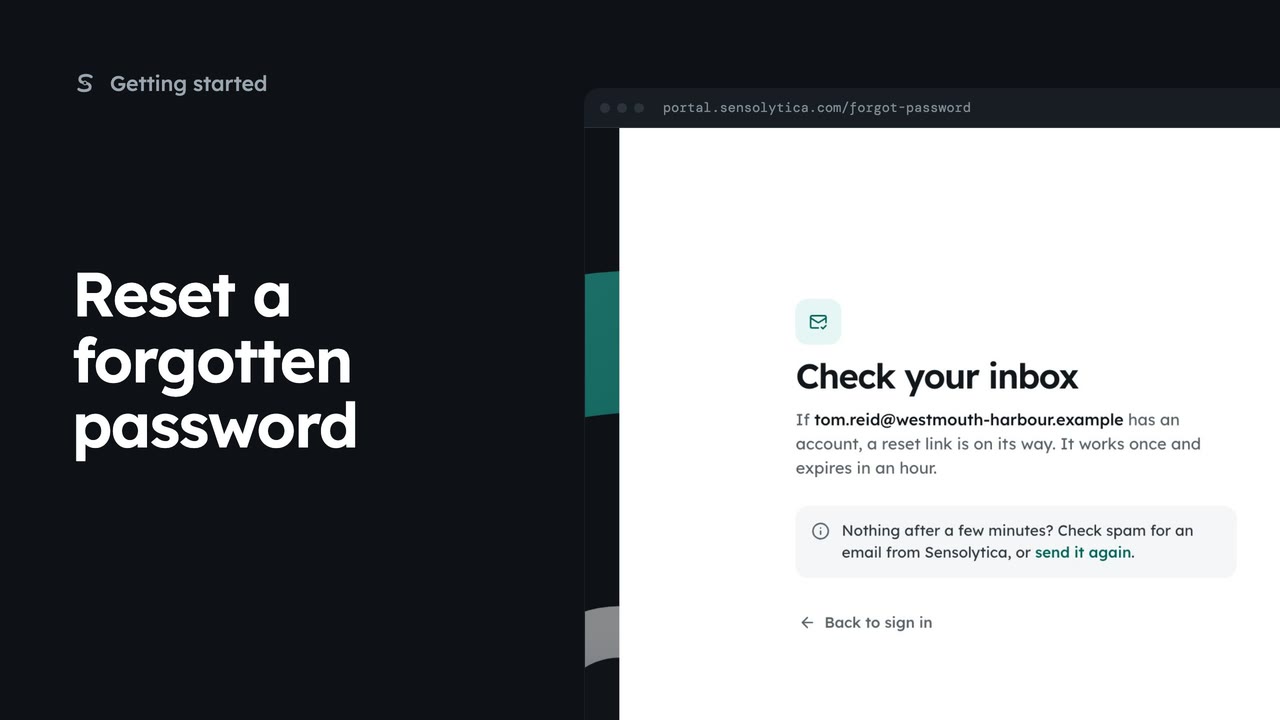 1 min
1 minAsk for a reset link from the sign-in page, then find it in your inbox or send it again.
1 min4 stepsSensolytica staff, Admin, Operator, Maker
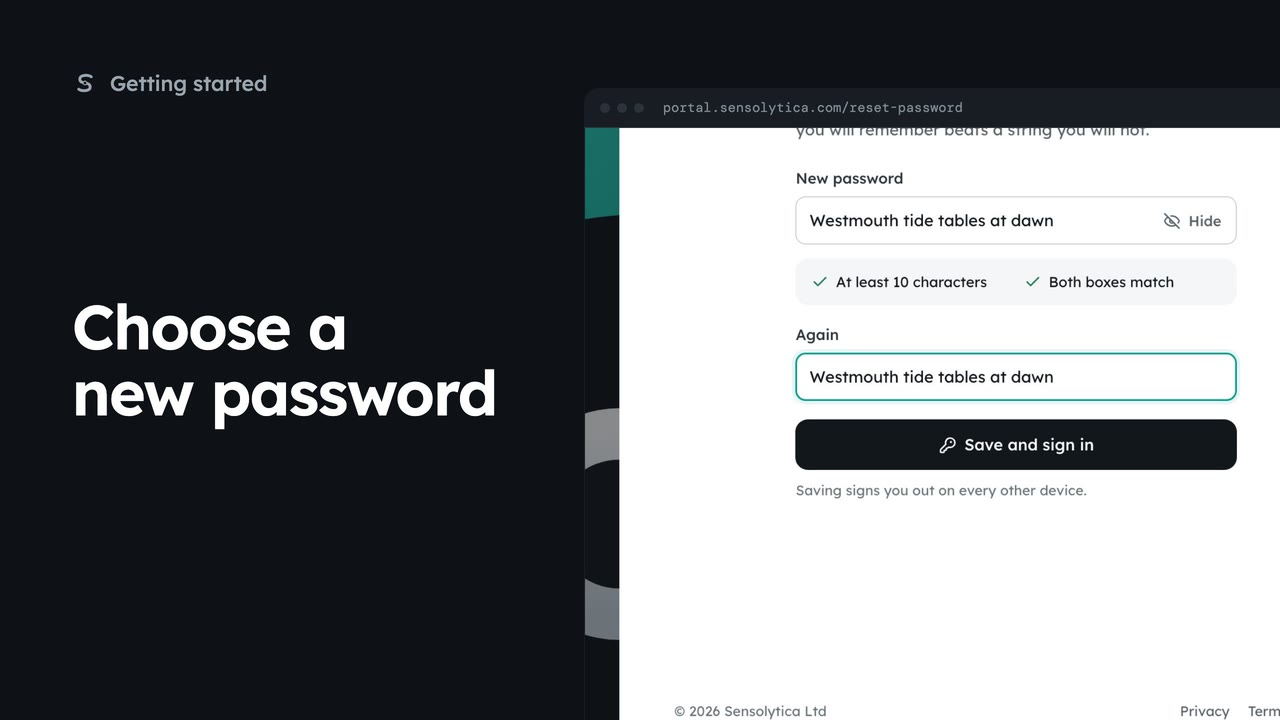 2 min
2 minSet a new password on the page the reset link or an invitation opens, with its two rules checked as you type.
2 min4 stepsSensolytica staff, Admin, Operator, Maker
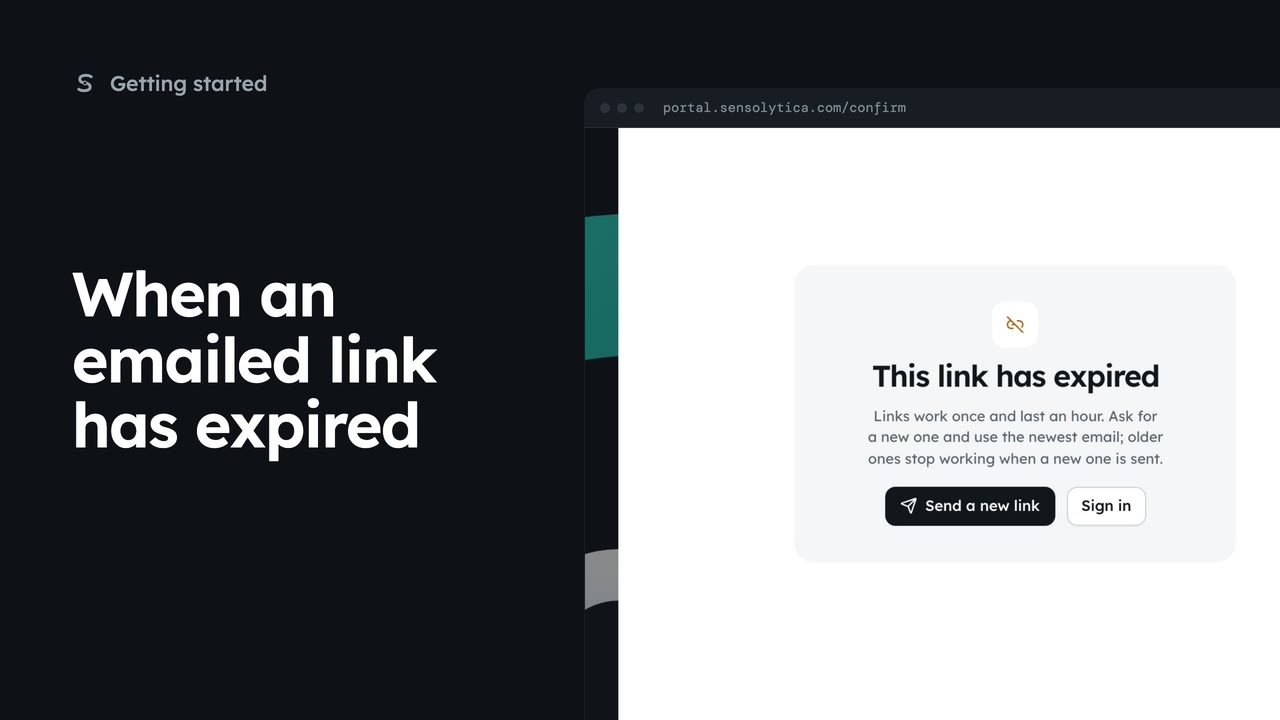 1 min
1 minWhat the portal shows when a sign-in, reset or invitation link has been used or has expired, and how to get a new one.
1 min3 stepsSensolytica staff, Admin, Operator, Maker
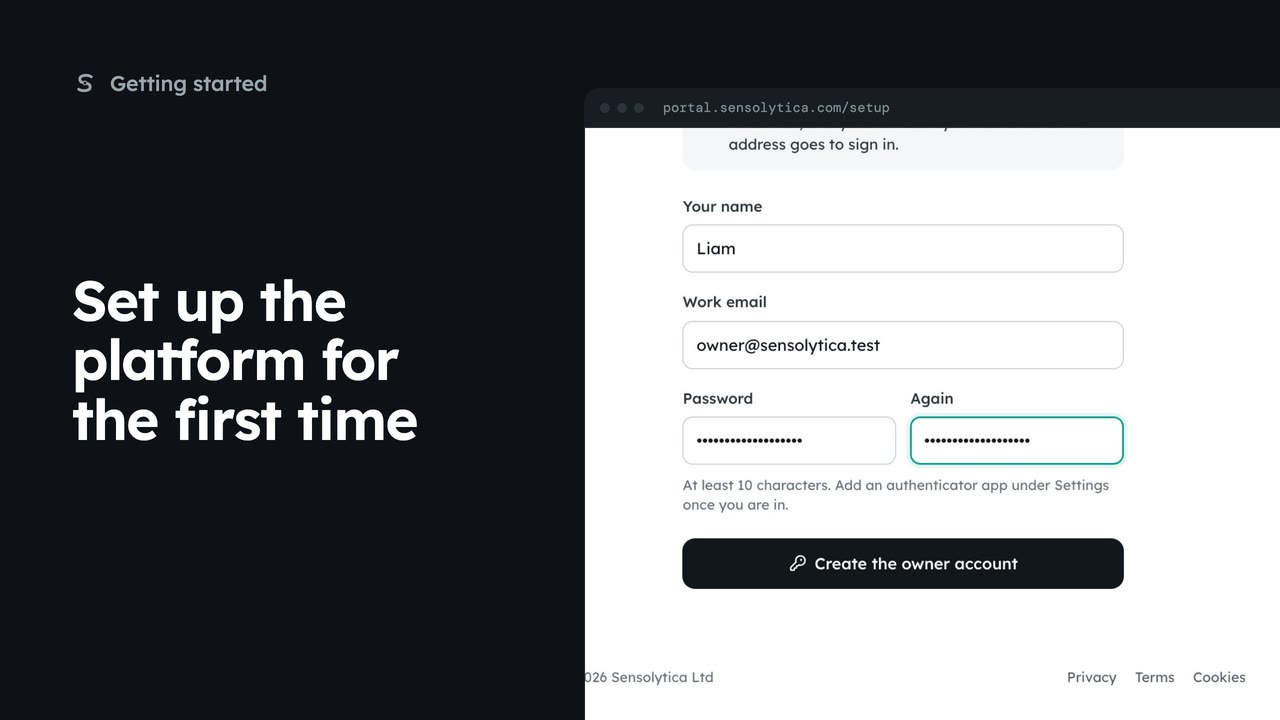 1 min
1 minMake the owner account on a new Sensolytica platform: the first account becomes the super admin and the page then closes for good.
1 min4 stepsSensolytica staff
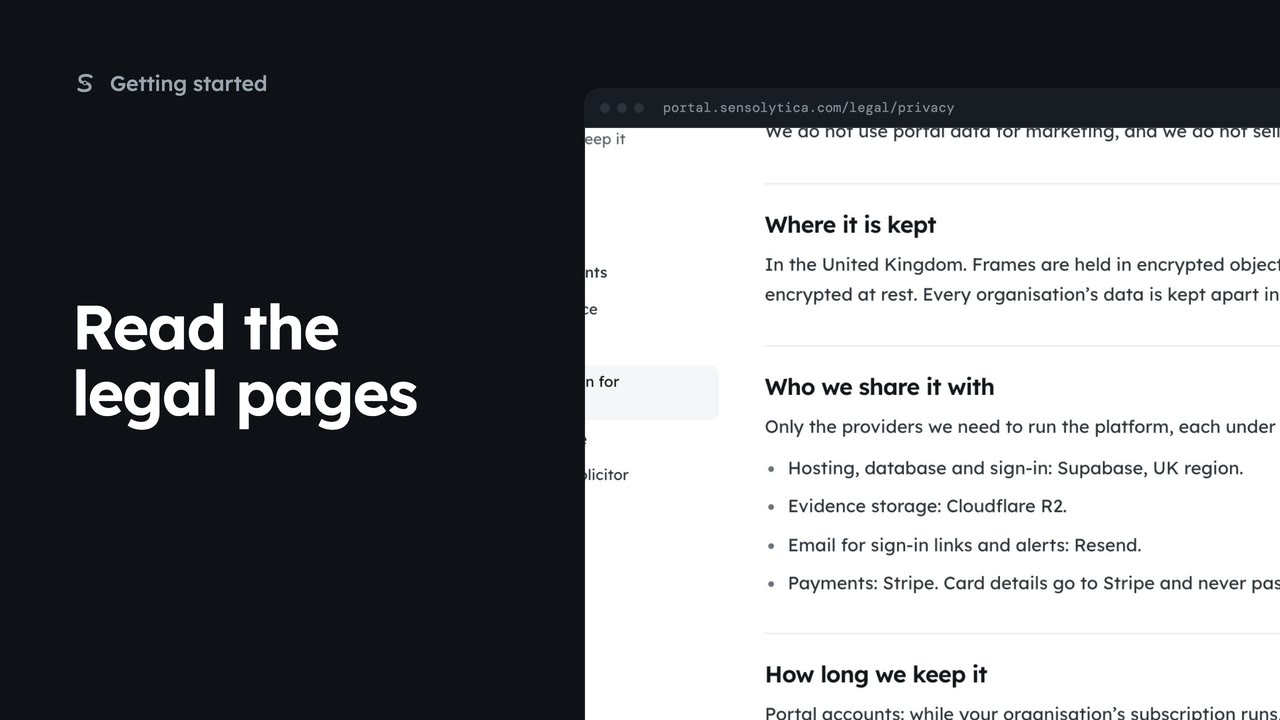 2 min
2 minFind the privacy notice, terms, cookie policy and data protection pages, and see which parts are still drafts.
2 min4 stepsSensolytica staff, Admin, Operator, Maker
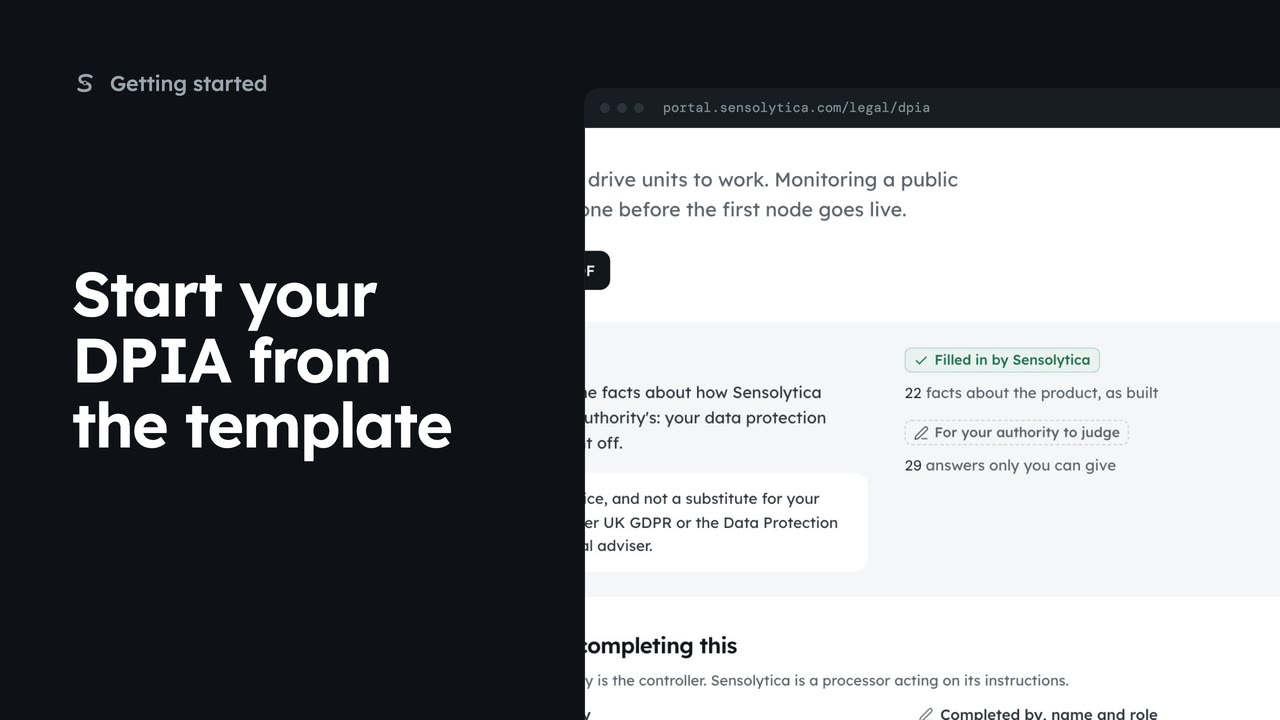 2 min
2 minOpen the data protection impact assessment template, see what Sensolytica has filled in and what your authority judges, and take it into your own documents.
2 min4 stepsAdmin
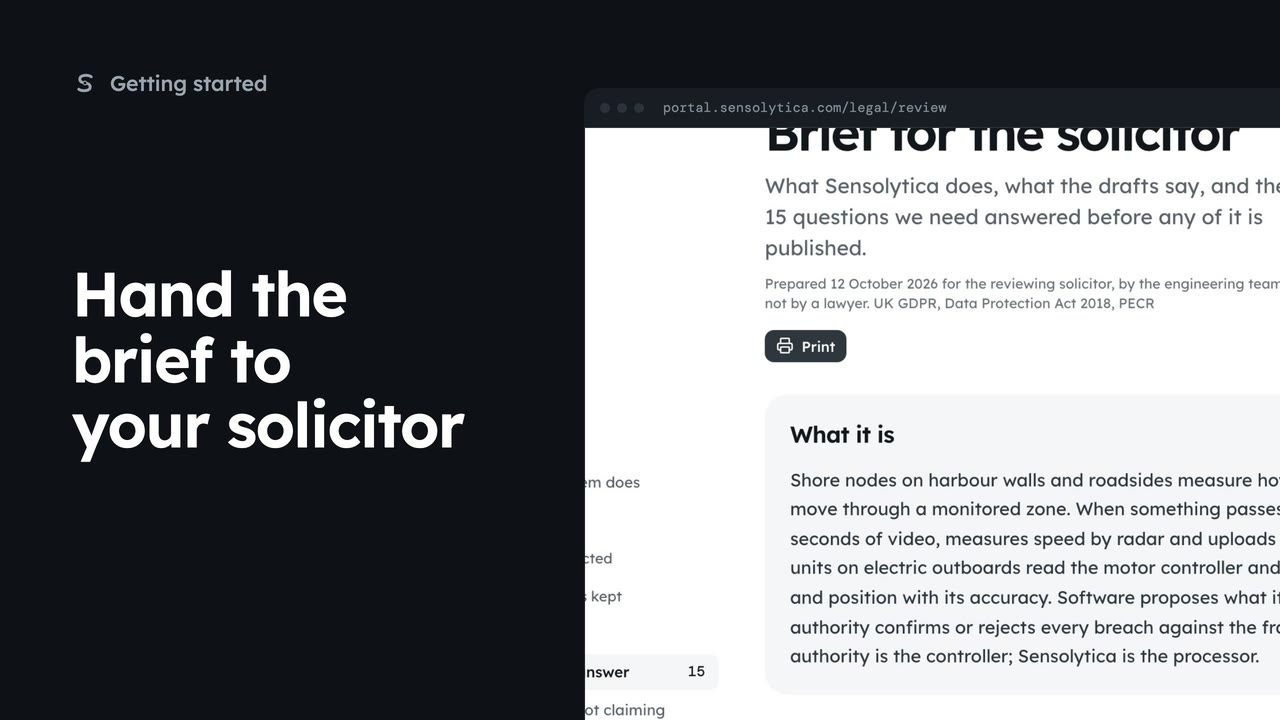 1 min
1 minRead the brief that tells a solicitor what the system does, which documents exist and the questions to settle before go-live.
1 min3 stepsAdmin, Sensolytica staff
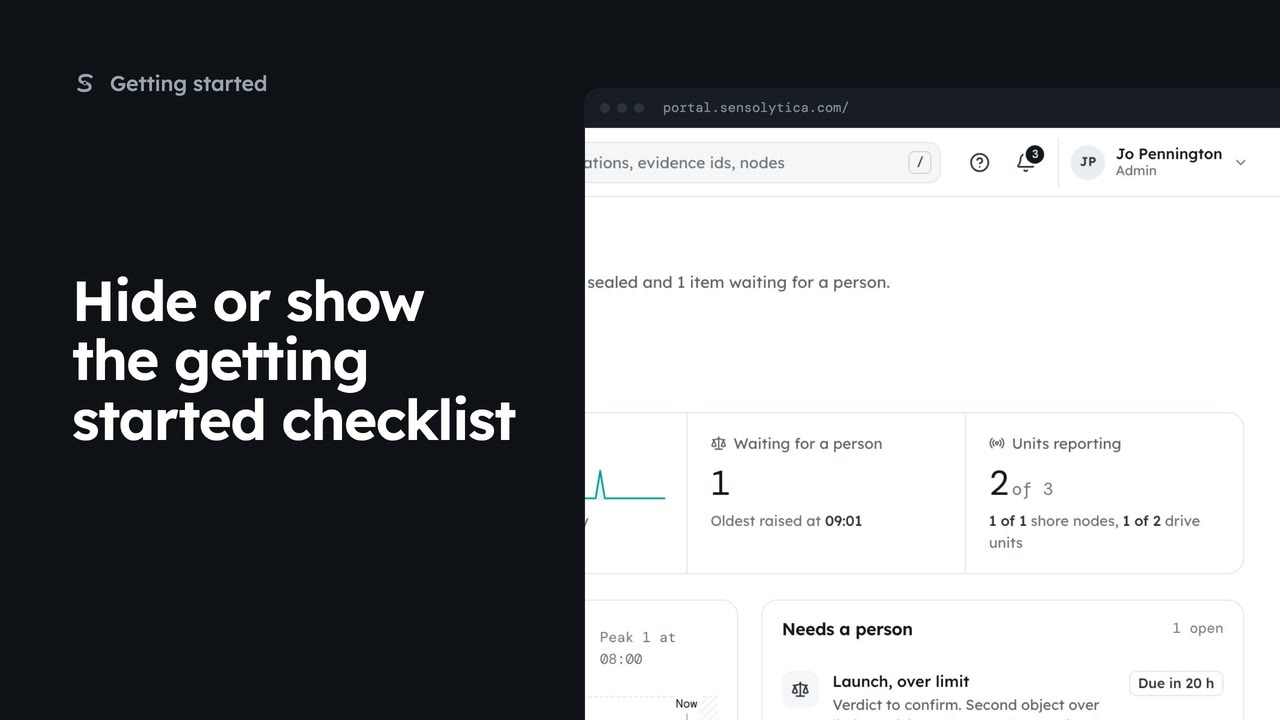 1 min
1 minTake the getting started checklist off the dashboard, and bring it back from Settings.
1 min3 stepsAdmin
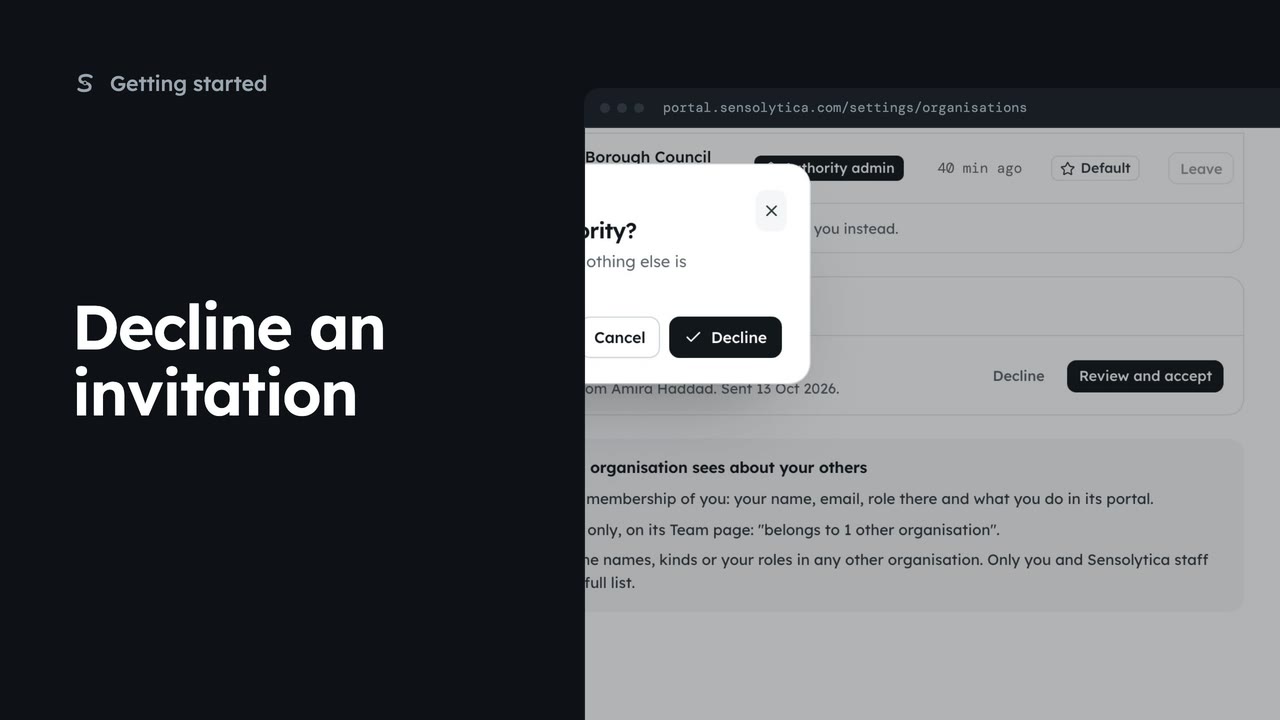 1 min
1 minSay no to an invitation to another organisation, so the admin who sent it knows and nothing else is shared.
1 min3 stepsAdmin, Operator, Maker
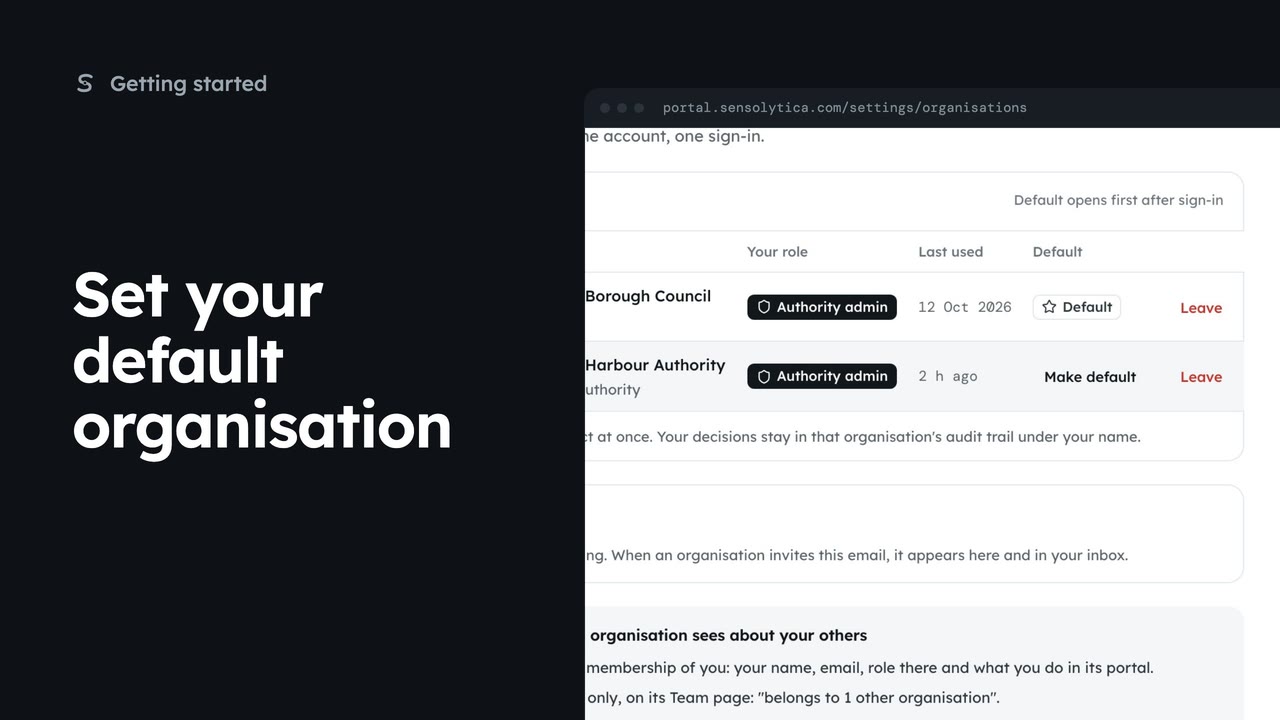 1 min
1 minChoose which of your organisations opens first after you sign in.
1 min2 stepsAdmin, Operator, Maker
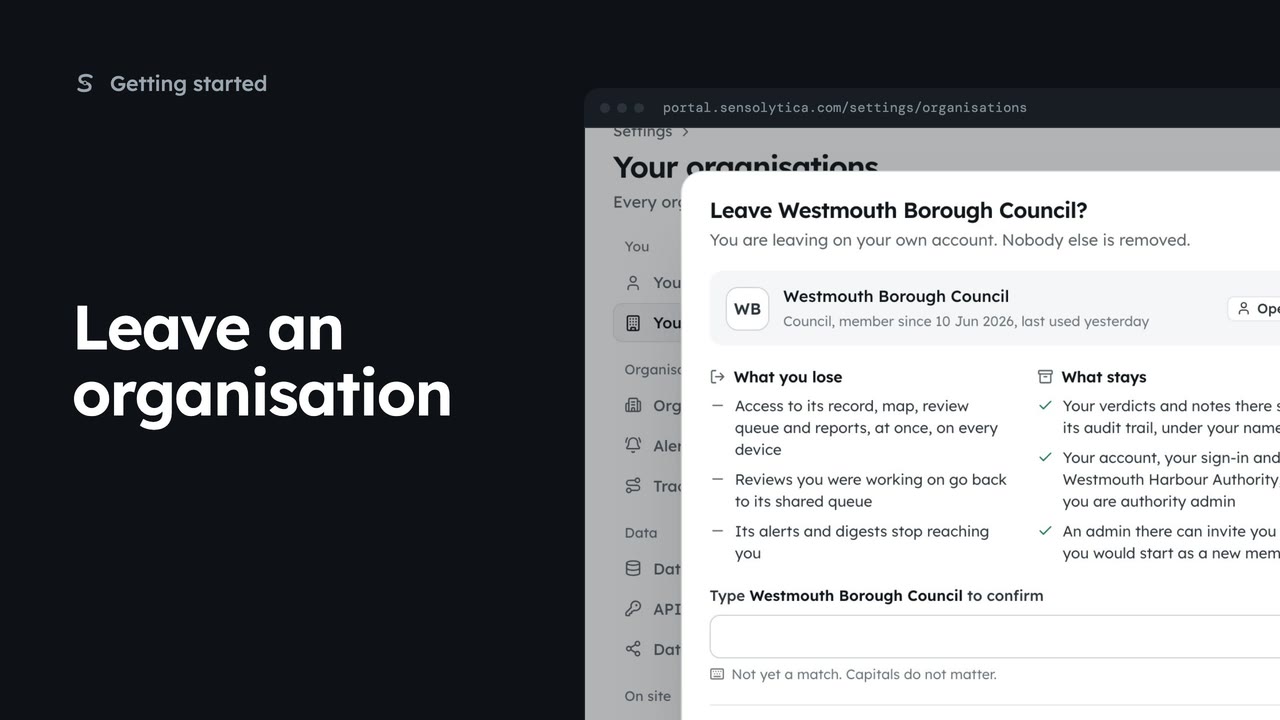 2 min
2 minLeave an organisation you no longer work with, see what you lose and what stays, and confirm by typing its name.
2 min3 stepsAdmin, Operator, Maker
 Film coming
Save the name that goes on every decision you make, and add a profile picture.
2 min4 stepsSensolytica staff, Admin, Operator, Maker
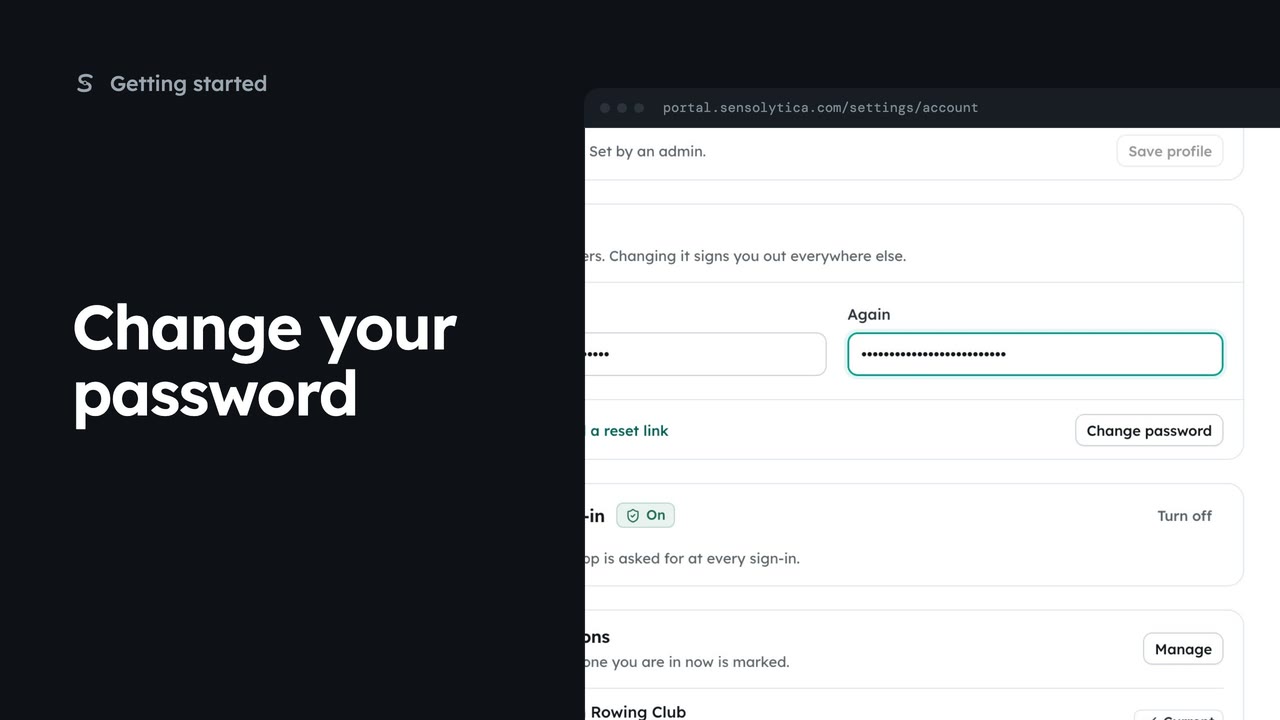 1 min
1 minChange your password while you are signed in, which signs you out of every other session.
1 min3 stepsSensolytica staff, Admin, Operator, Maker
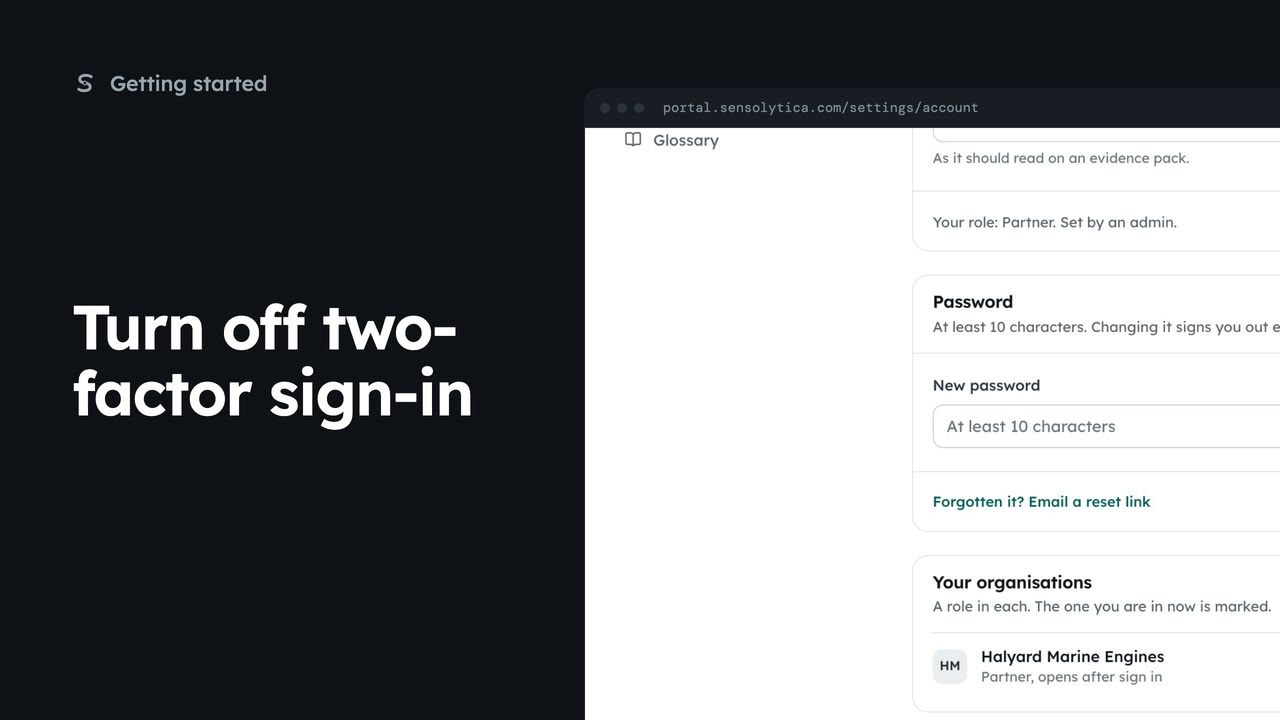 1 min
1 minRemove your authenticator app when you change phones, then pair the new one straight away.
1 min3 stepsSensolytica staff, Admin, Operator, Maker
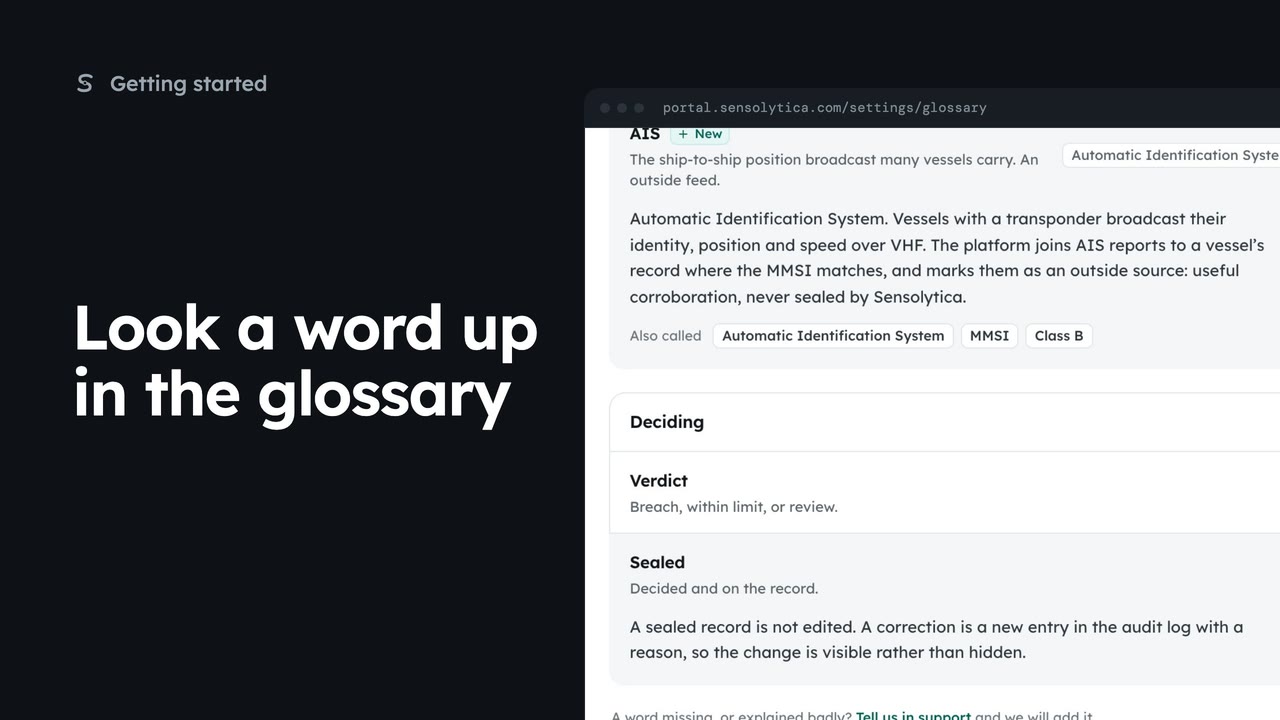 1 min
1 minFind what a word means in the portal, by searching or by category, and jump to where it is used.
1 min4 stepsAdmin, Operator, Maker, Sensolytica staff
The record, captures and their objects, verdicts, evidence packs, the review queue and matching.
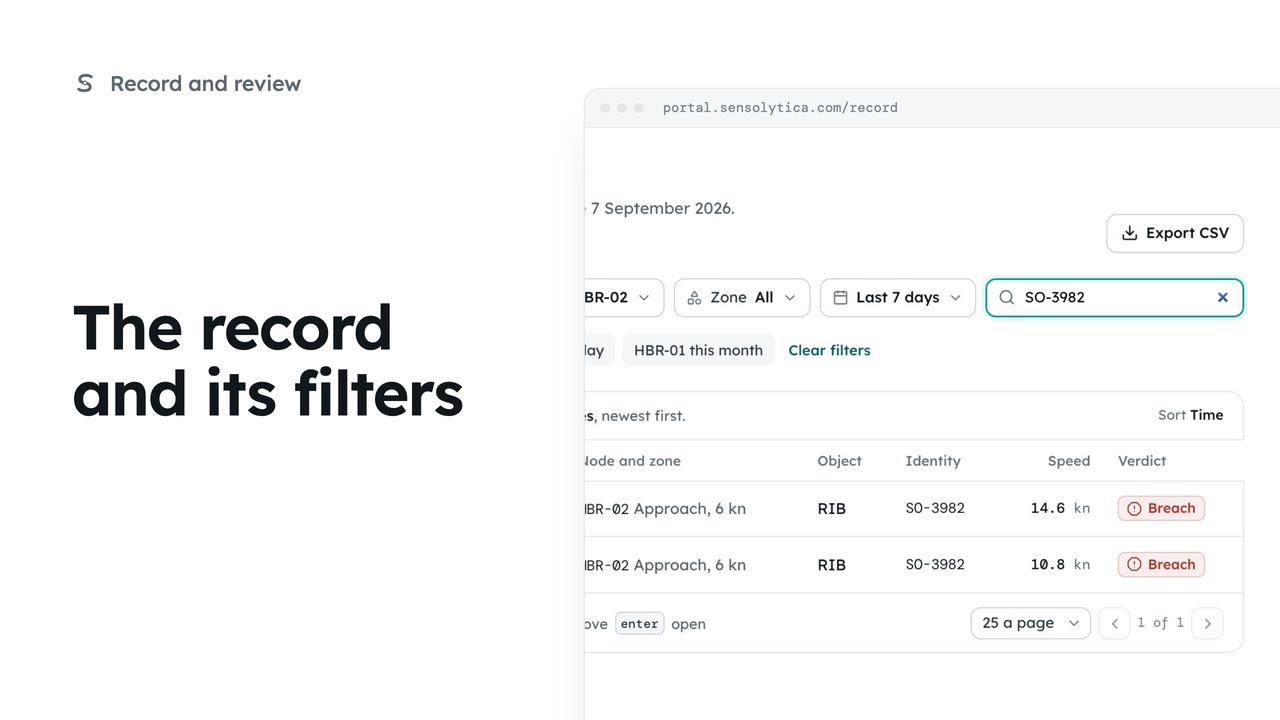 2 min
2 minFind any capture on the record by verdict, node, date or registration, and share the view as a link.
2 min6 stepsOperator, Admin
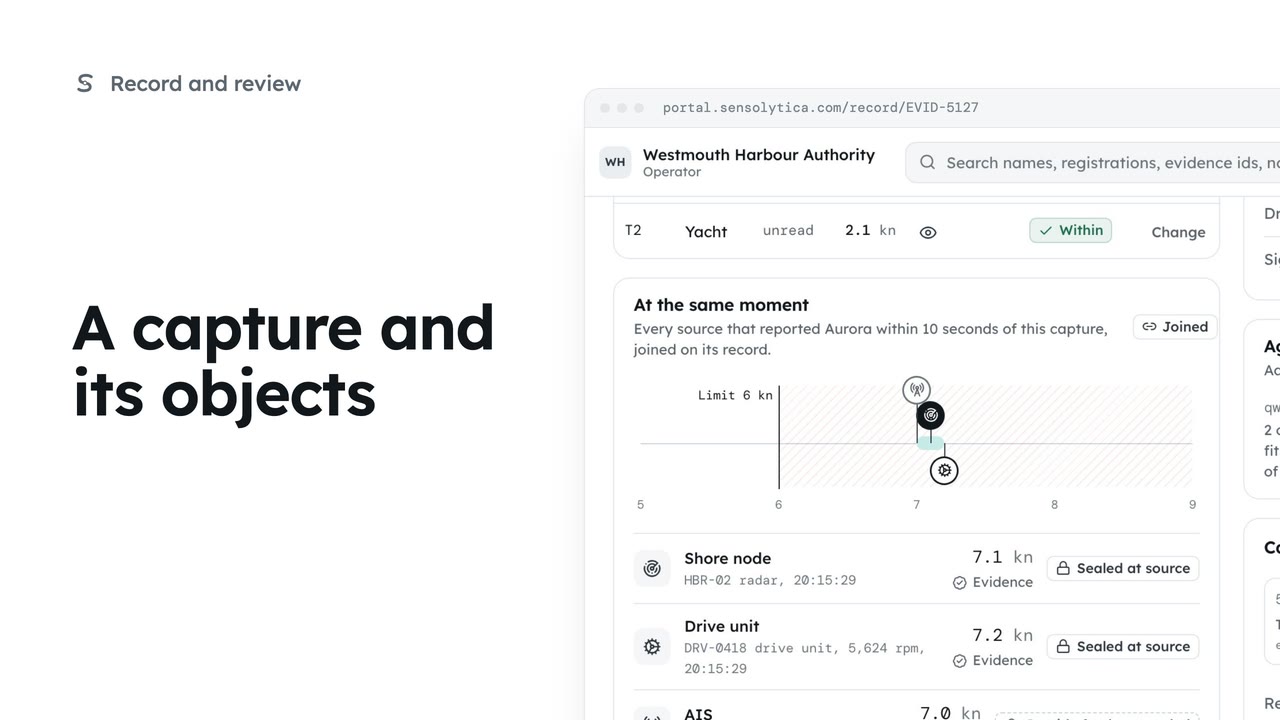 3 min
3 minRead one capture: its frames, every object in frame with its own verdict, the other sources at that moment and the seal.
3 min6 stepsOperator, Admin
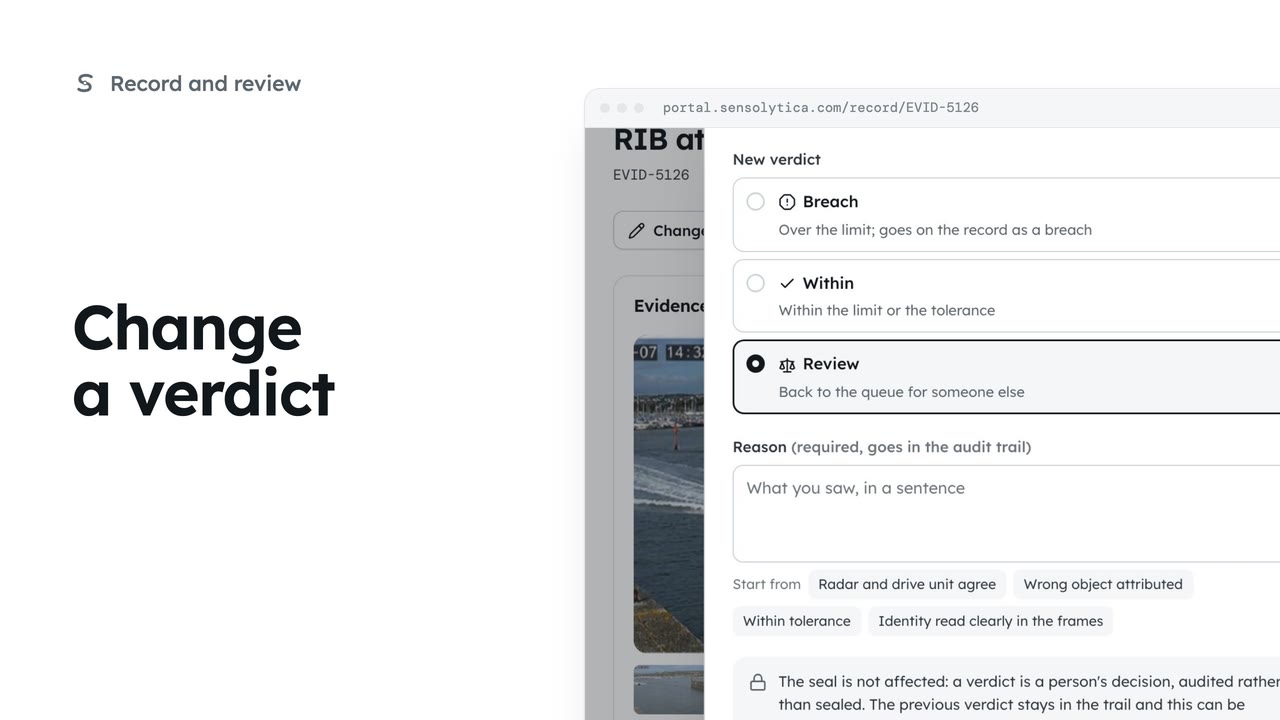 2 min
2 minChange one object's verdict on purpose, with a reason that goes into the audit trail and leaves the seal untouched.
2 min5 stepsOperator, Admin
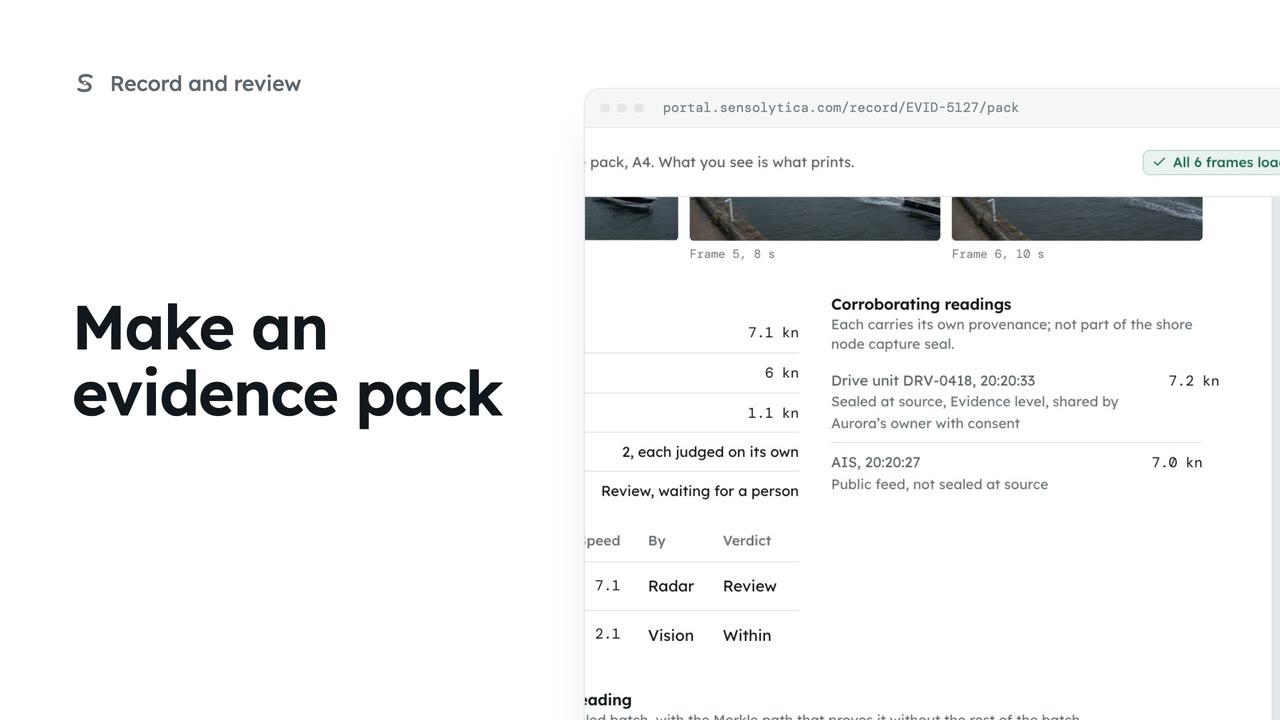 2 min
2 minLay one capture out as an A4 evidence pack with its frames, readings and seal, ready to print or save as a PDF.
2 min5 stepsOperator, Admin
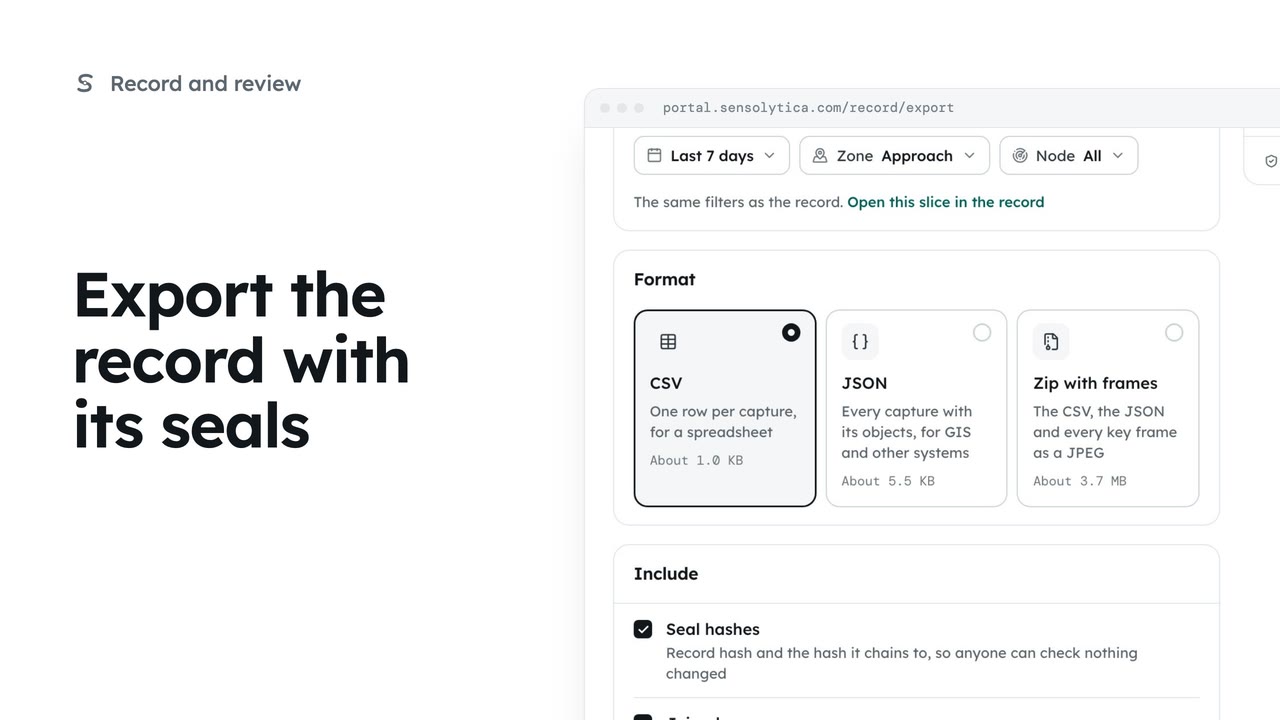 2 min
2 minTake a defined slice of the record out as CSV, JSON or a zip with frames, with the seals so whoever receives it can check it.
2 min5 stepsAdmin
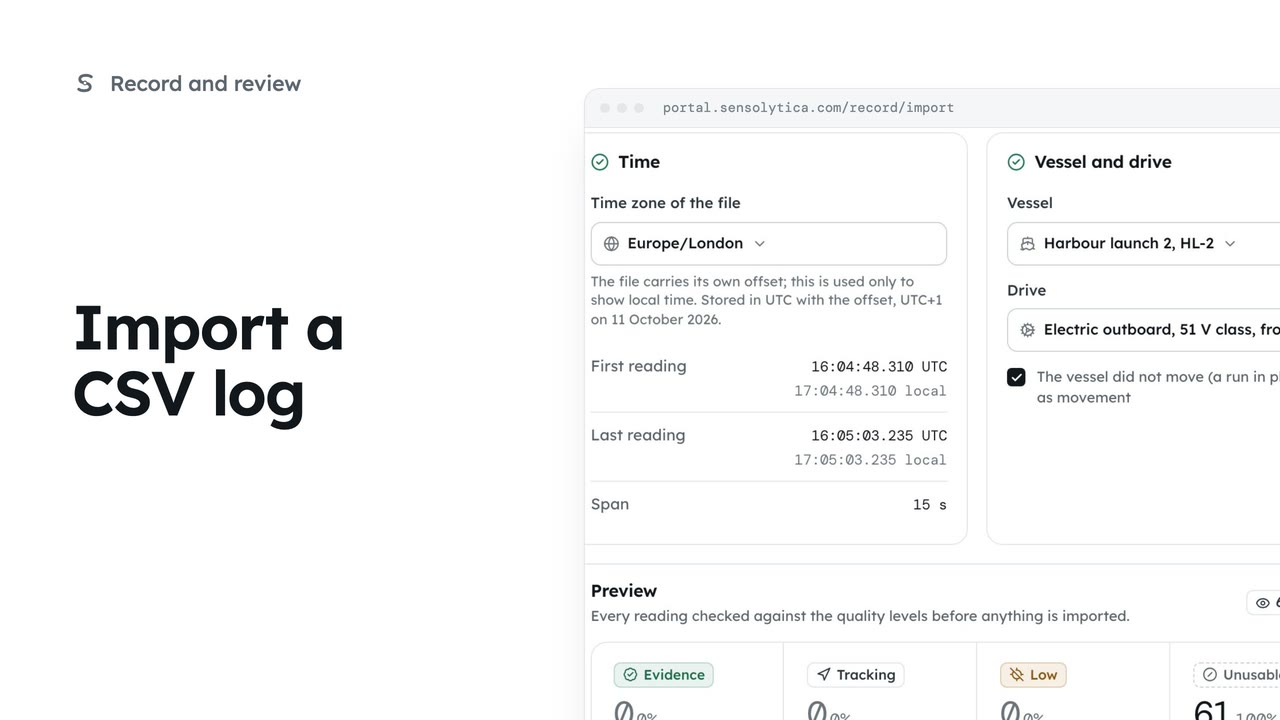 3 min
3 minBring in a CSV from an electric outboard's own app, check every reading against the quality levels and seal it on import.
3 min6 stepsAdmin
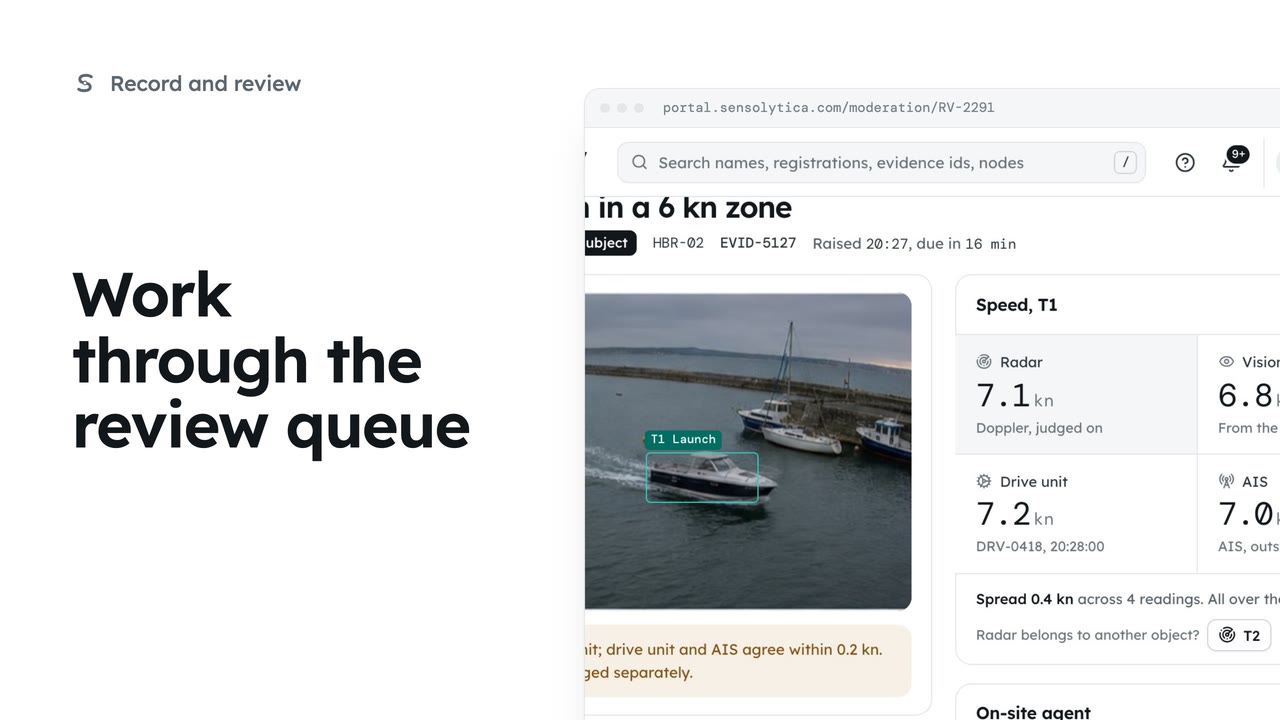 2 min
2 minDecide each object waiting in Moderation, in the order it is due, with every source's speed side by side.
2 min6 stepsOperator, Admin
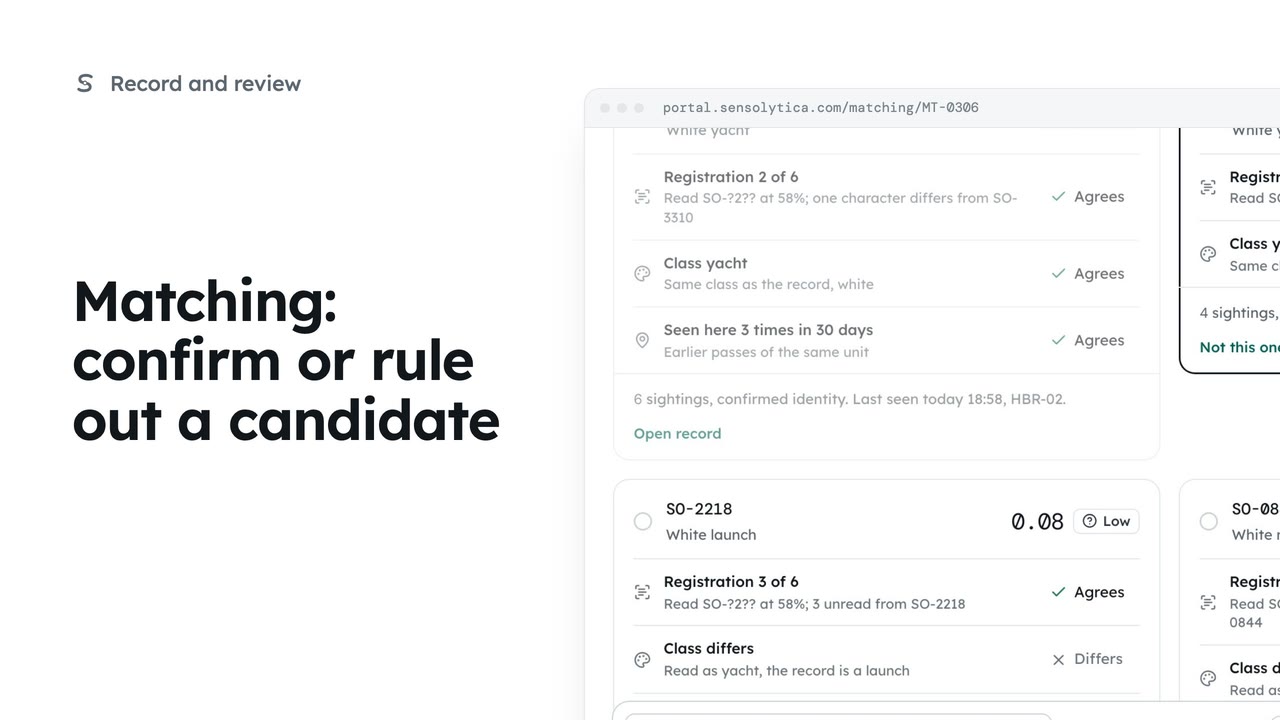 2 min
2 minJoin an uncertain reading to the right vessel, ruling out the candidates that do not fit.
2 min5 stepsOperator, Admin
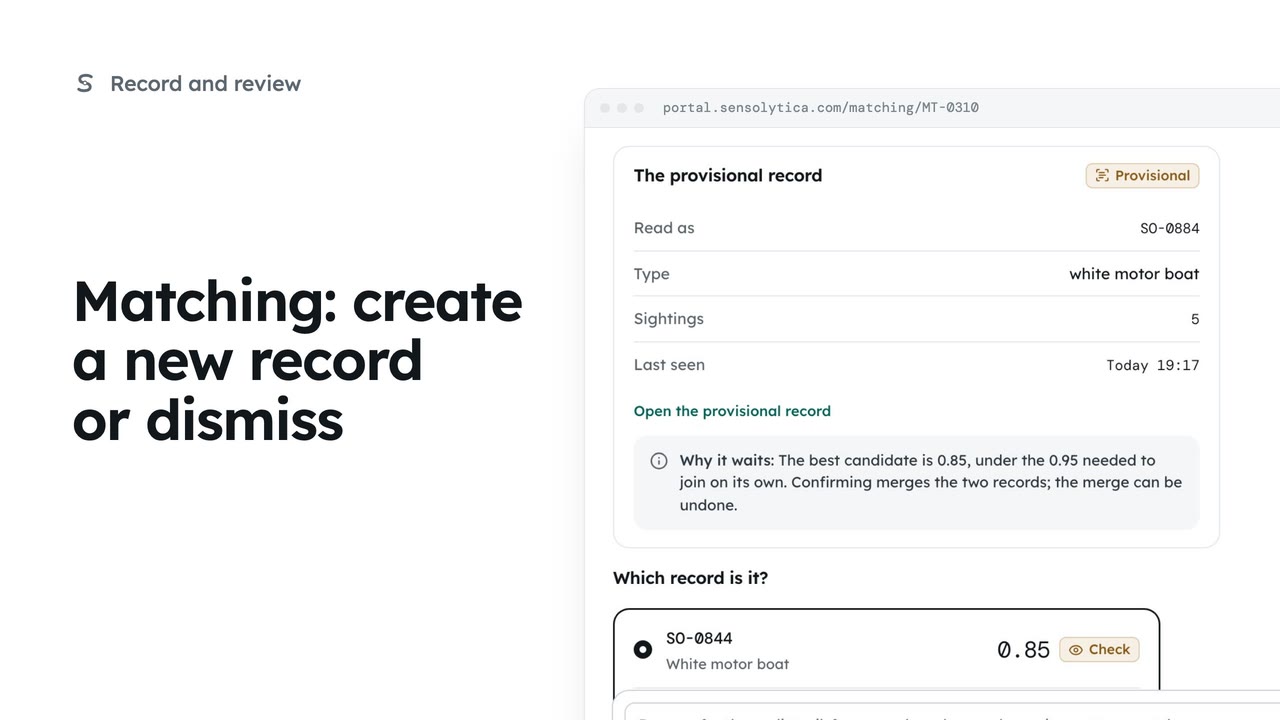 2 min
2 minStart a new provisional record when no candidate fits, or dismiss a reading that should not join any record.
2 min5 stepsOperator, Admin
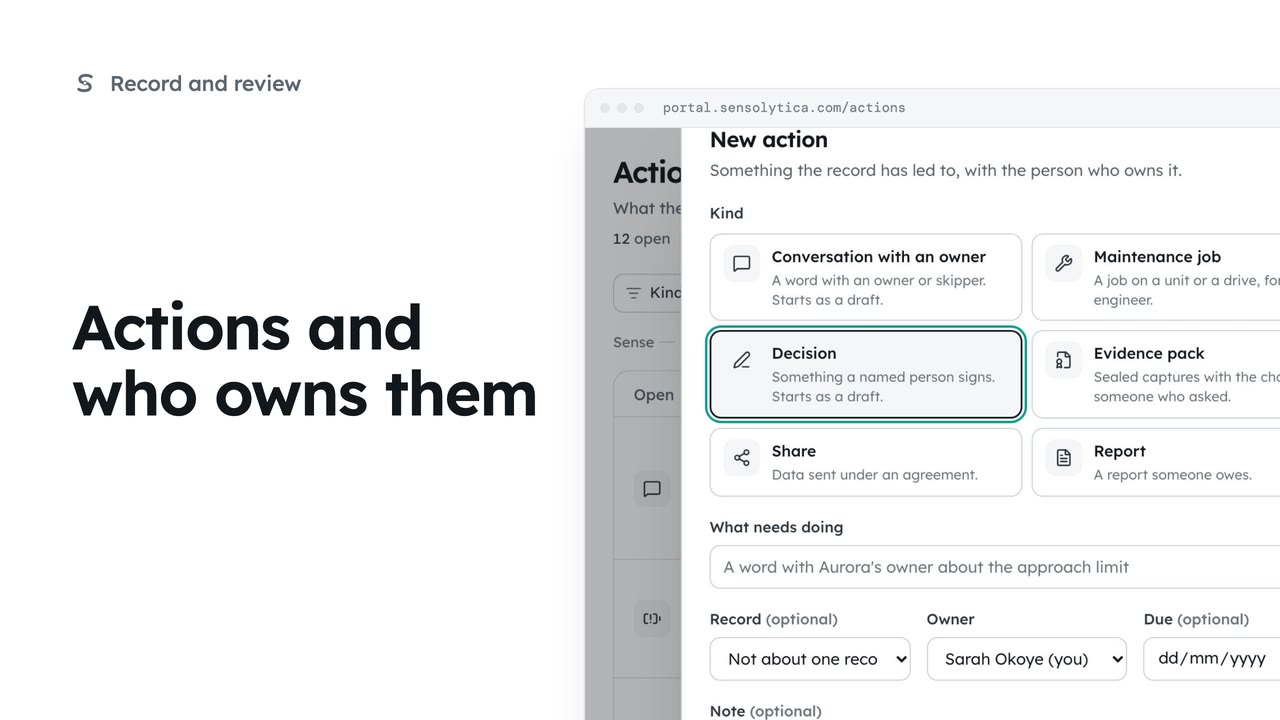 2 min
2 minSee everything the record has led to, each with a named owner, mark your own work done and add a new action.
2 min7 stepsOperator, Admin
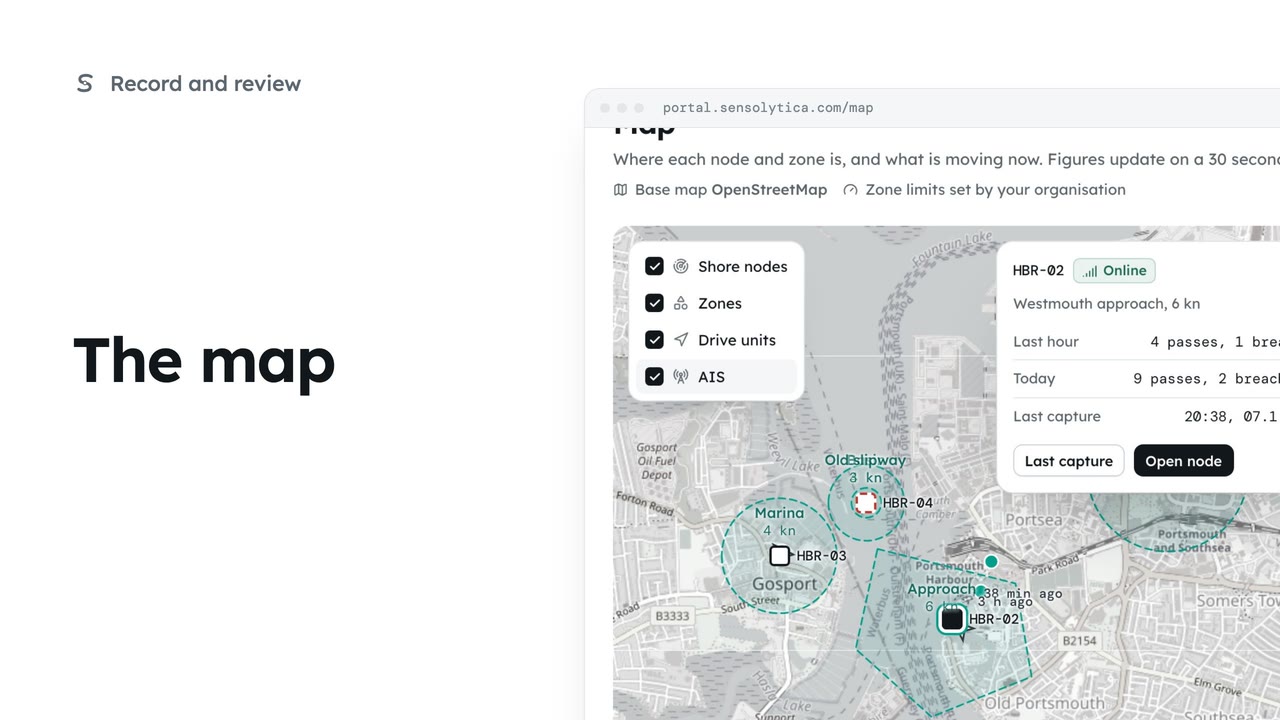 2 min
2 minSee where every node and zone is, what is moving now, and today's passes at each place.
2 min4 stepsOperator, Admin
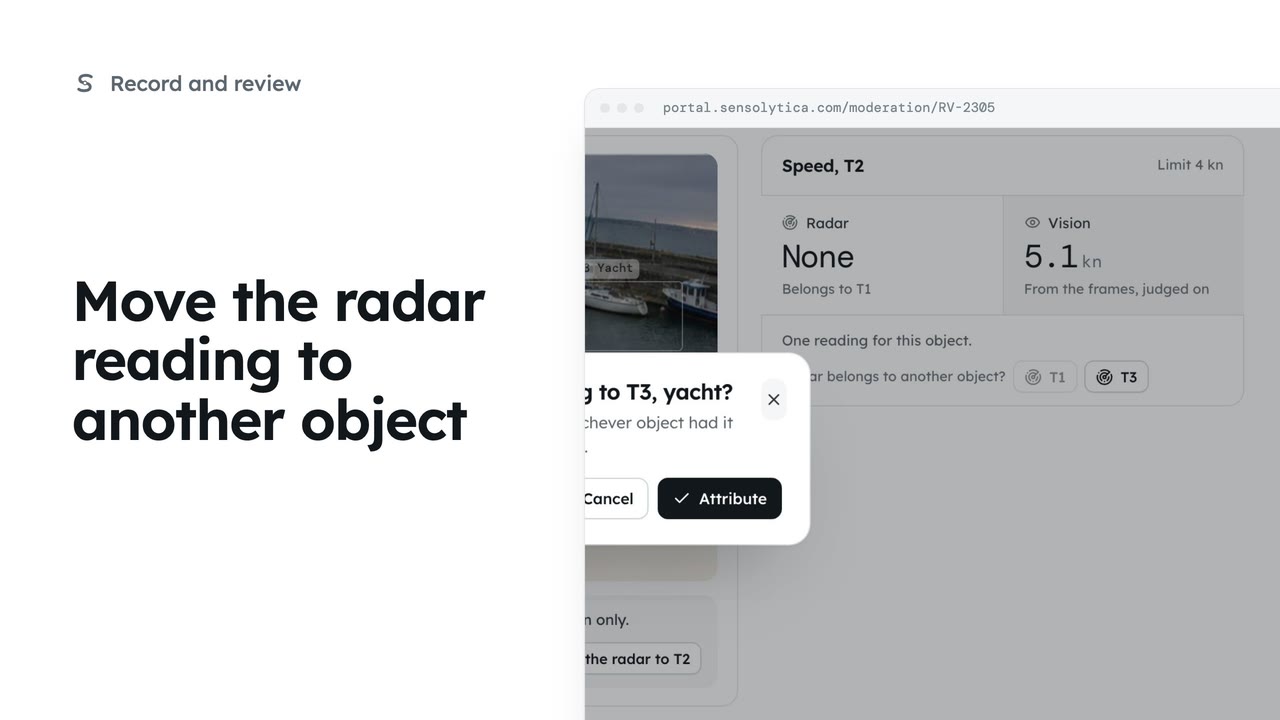 2 min
2 minWhen a capture holds several objects and the radar speed belongs to a different one, move it, so each object is judged on its own speed.
2 min4 stepsOperator, Admin
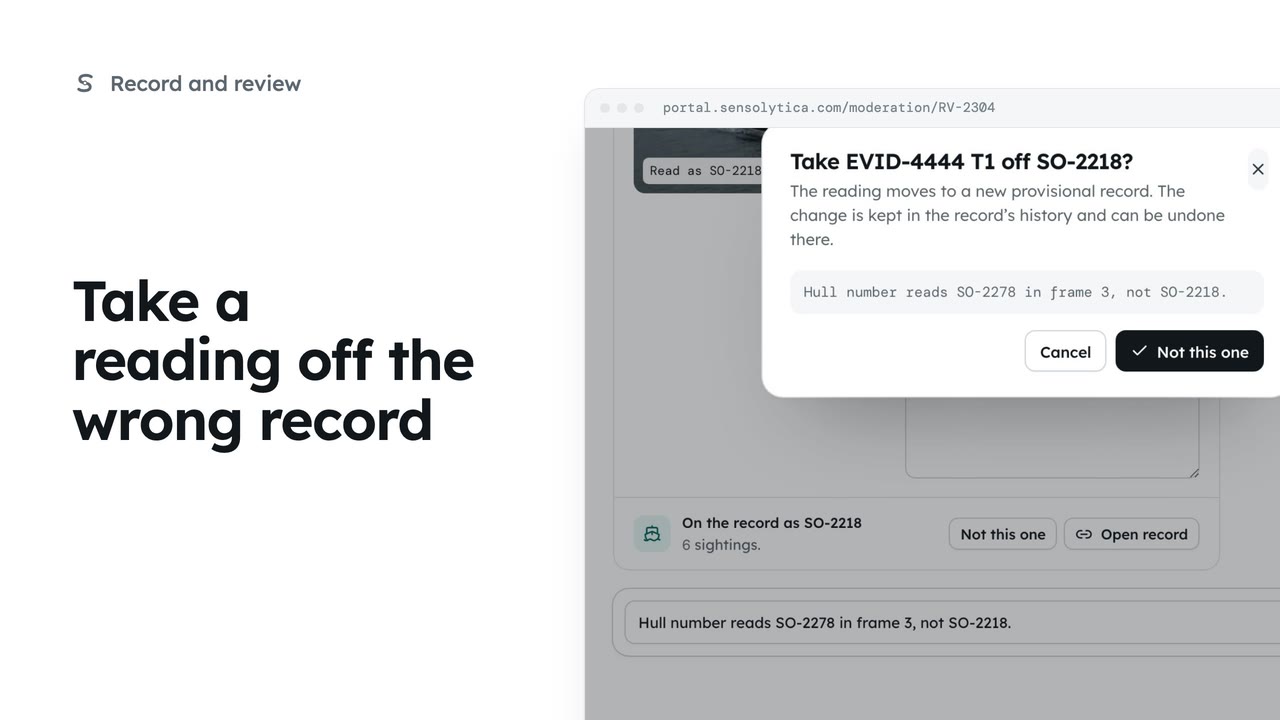 2 min
2 minWhen the frames show a different boat from the record the reading joined, move it to a new provisional record from the review item.
2 min4 stepsOperator, Admin
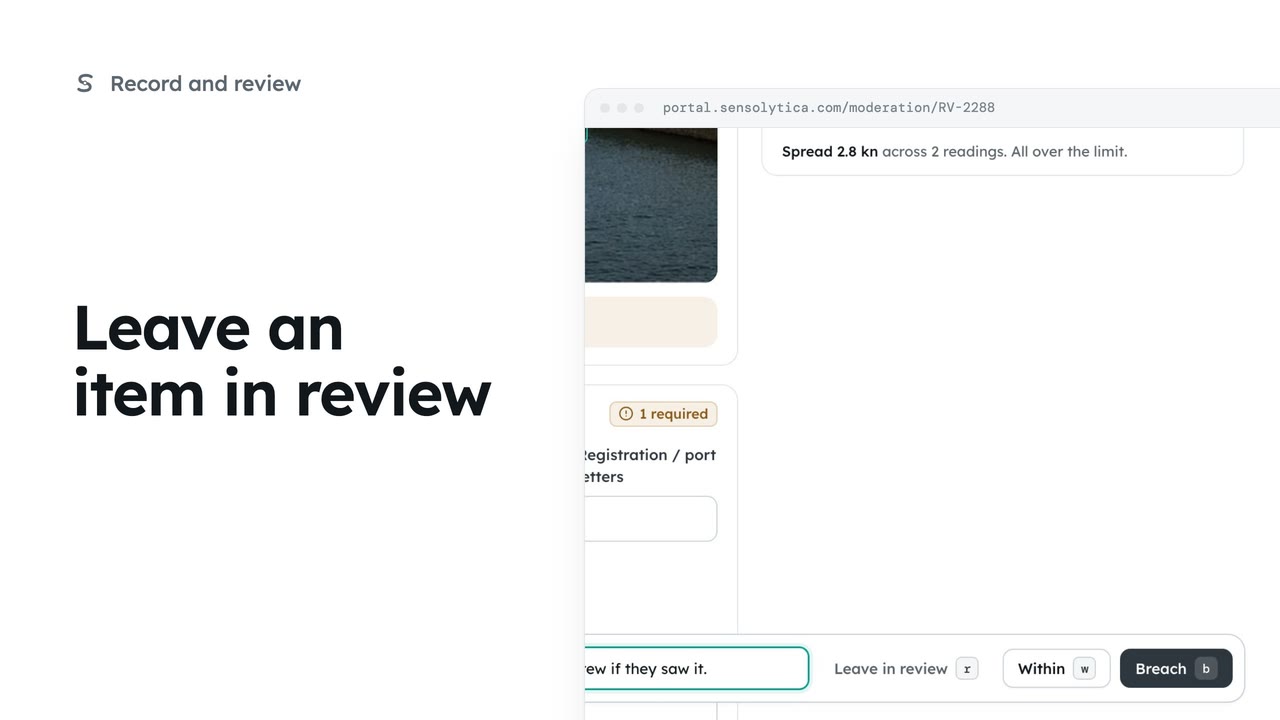 1 min
1 minWhen the sources disagree and you cannot decide yet, leave the item open for someone else with a note of why.
1 min3 stepsOperator, Admin
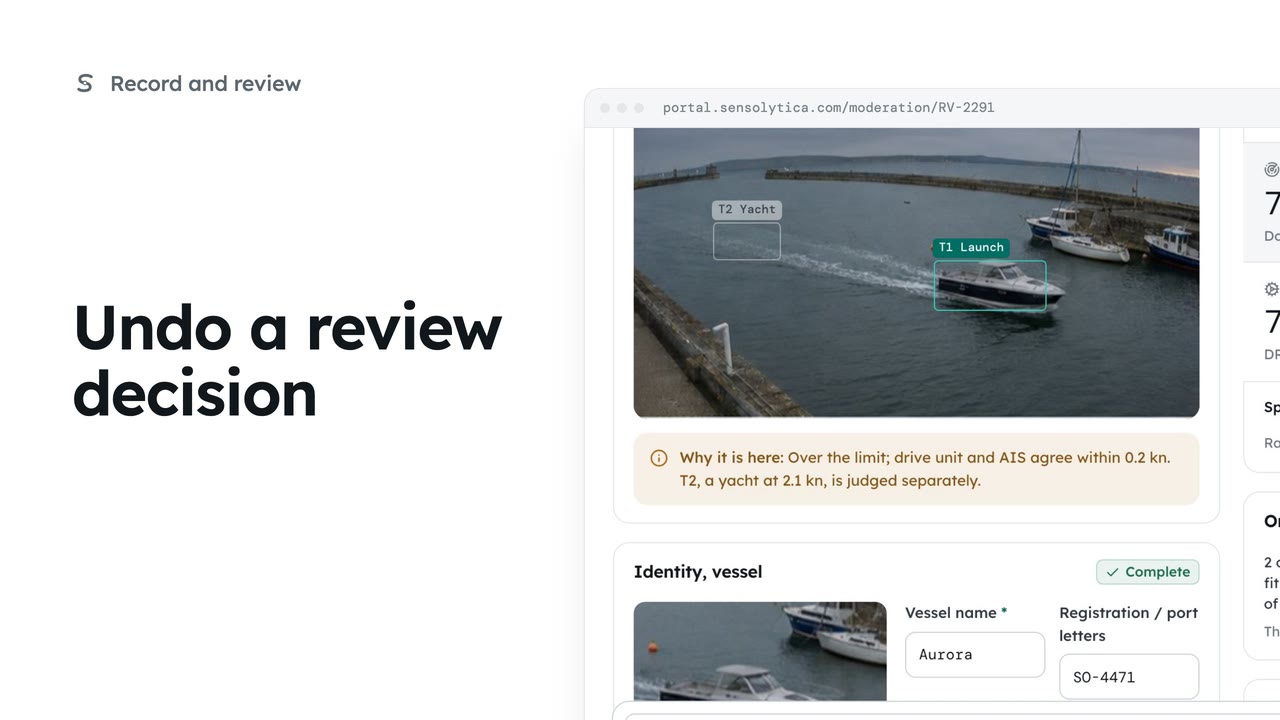 2 min
2 minPut a decision you just made back in the queue, from the next item or from the decided item itself.
2 min3 stepsOperator, Admin
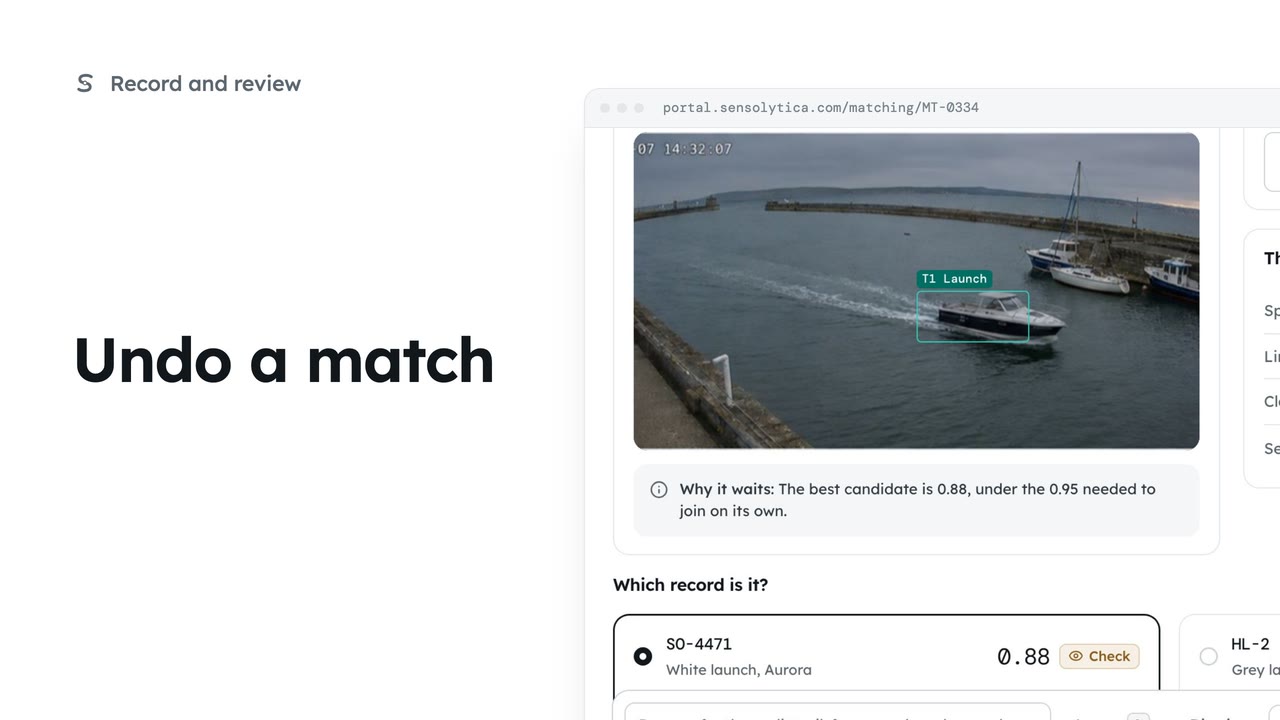 1 min
1 minTake a reading back off the record you just joined it to, and put it back in the Matching queue.
1 min3 stepsOperator, Admin
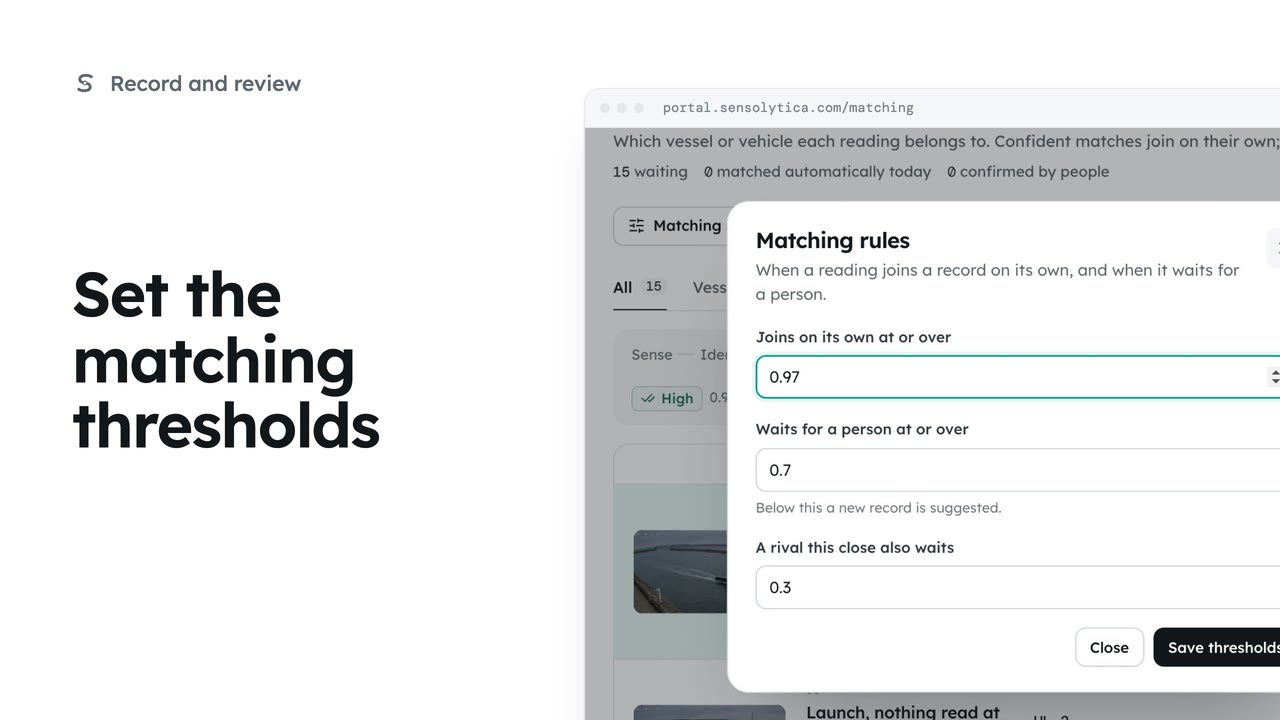 2 min
2 minChoose the confidence at which a reading joins a record on its own, when it waits for a person, and when a close rival makes it wait.
2 min4 stepsAdmin
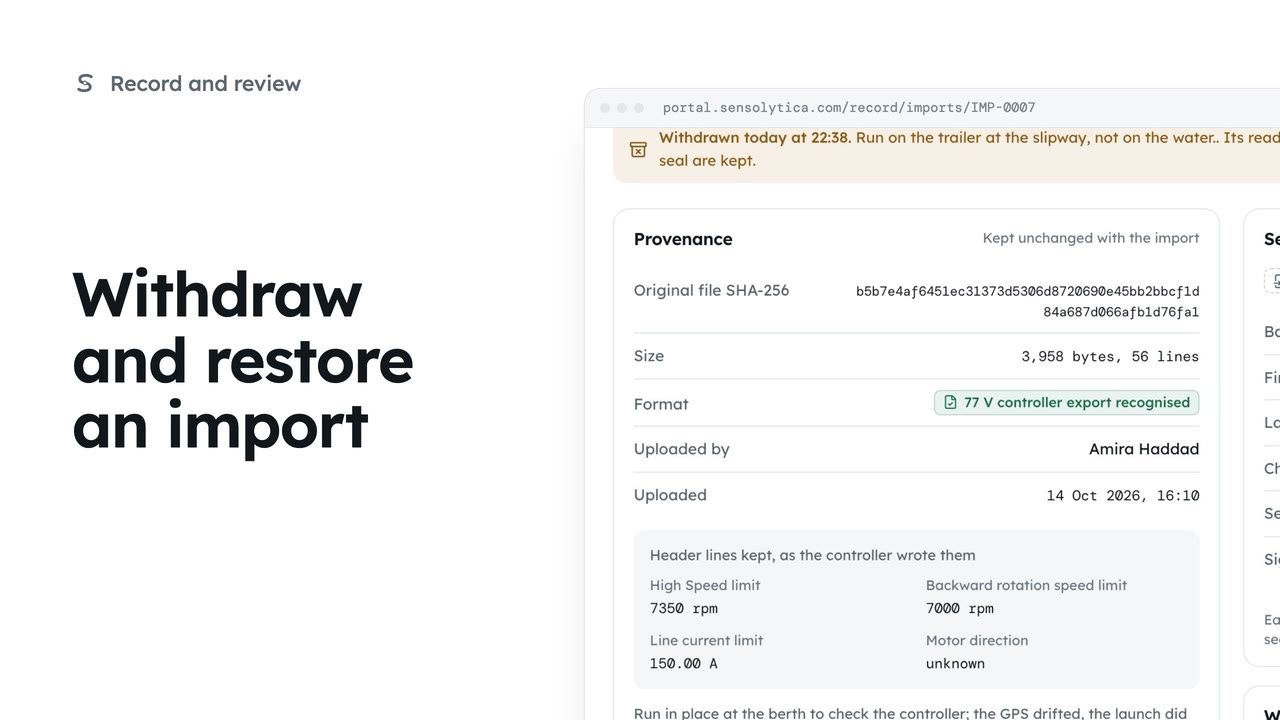 2 min
2 minFind a CSV import, take its readings out of every timeline with a reason, put them back, and download the original file.
2 min4 stepsAdmin
 2 min
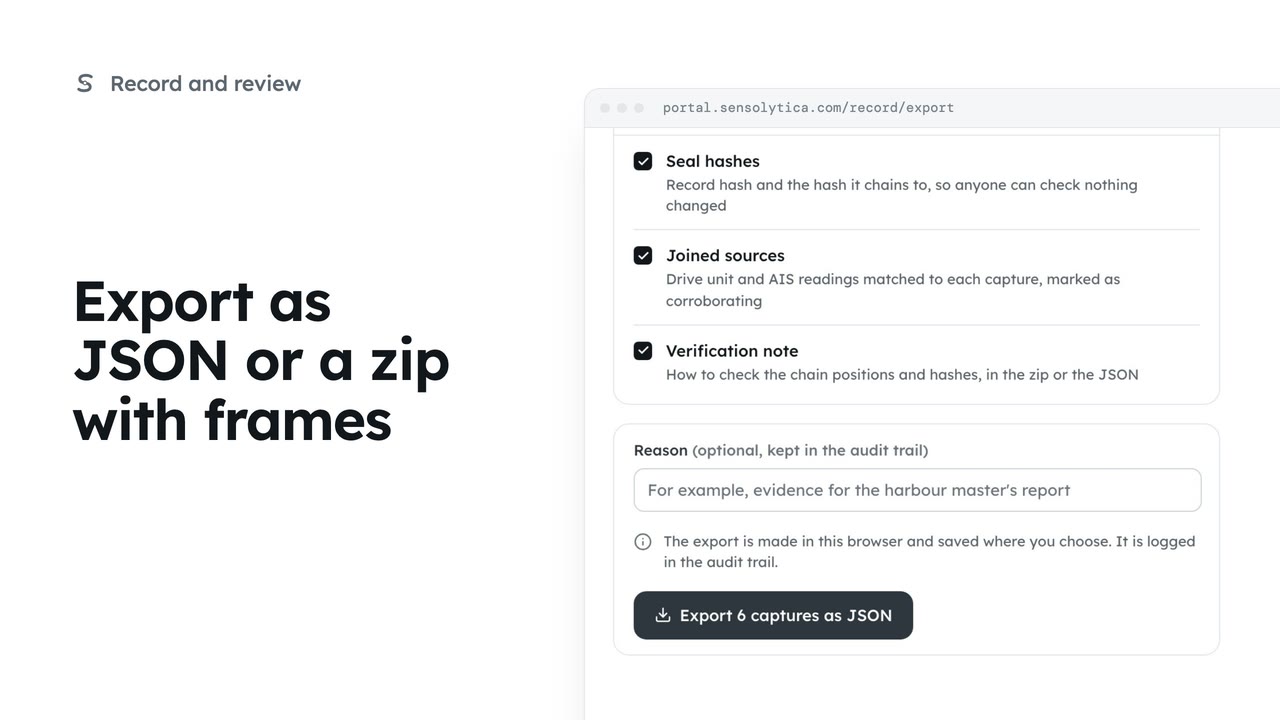
2 minTake a slice of the record out as JSON for another system, or as a zip with every key frame, with its seals.
2 min4 stepsAdmin
 1 min
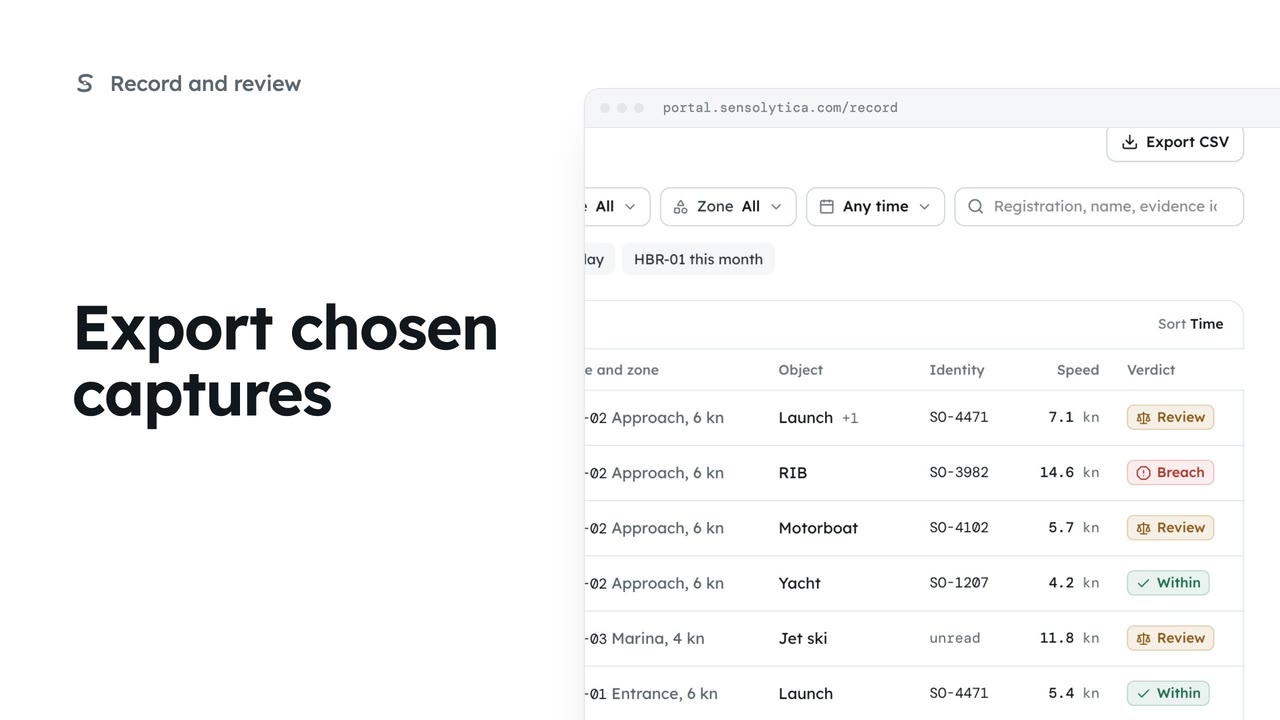
1 minTick the captures you want on the record and save just those as a CSV, or save the whole filtered view.
1 min3 stepsOperator, Admin
The record of each vessel and vehicle, zones and their limits, and the reports you build from them.
 2 min
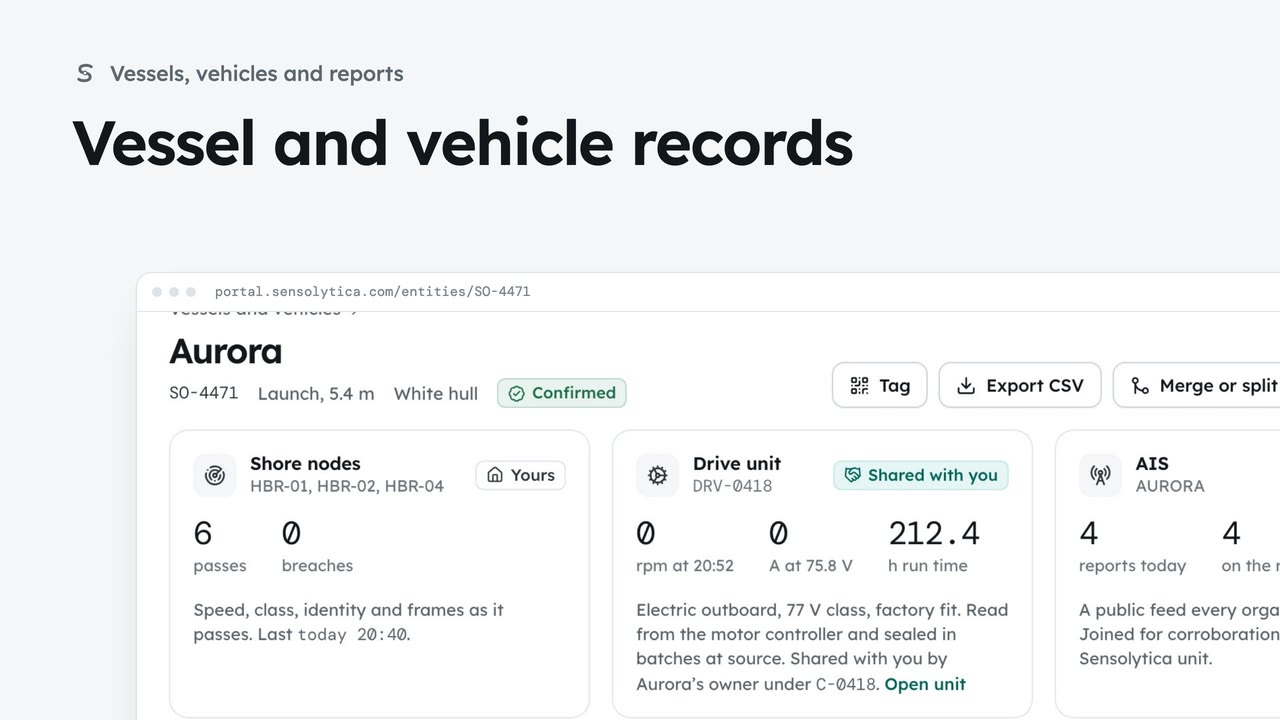
2 minFind a vessel or vehicle and read its one record, joining every shore node pass, its drive unit and AIS.
2 min6 stepsAdmin, Operator
 2 min
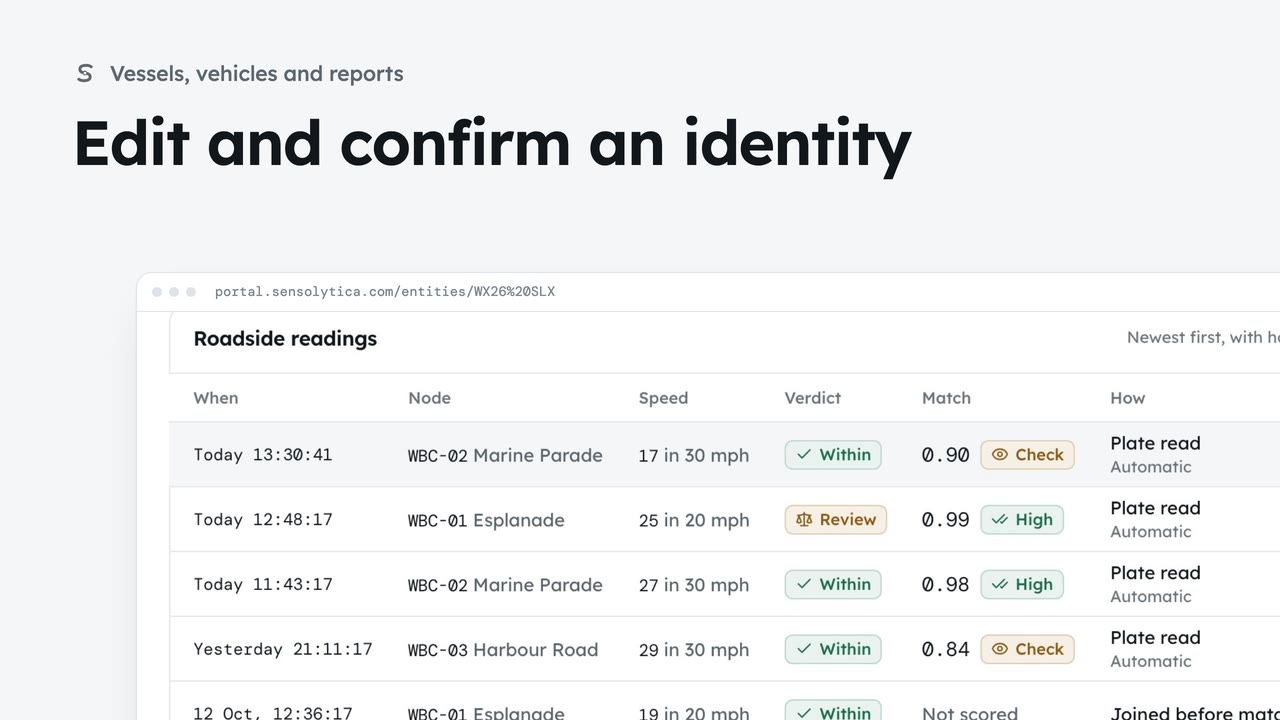
2 minDescribe a vehicle or vessel so a colleague could pick it out, and confirm a provisional identity.
2 min7 stepsAdmin, Operator
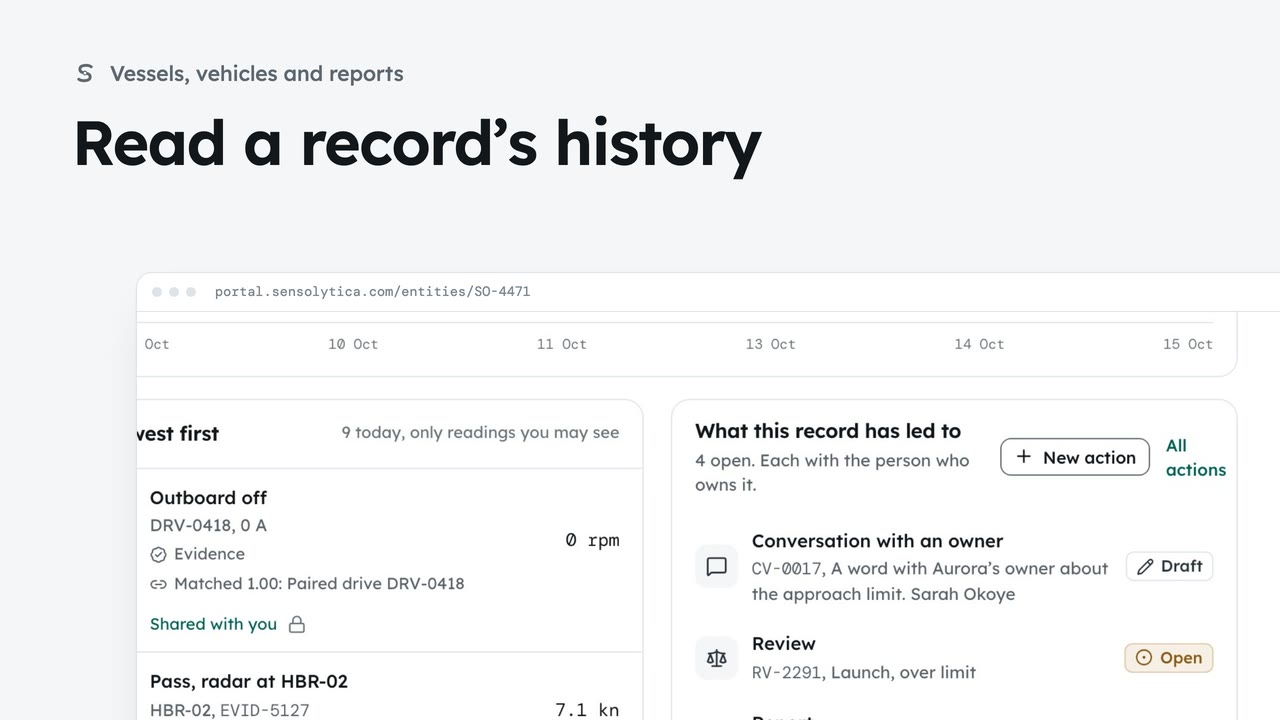 2 min
2 minFollow every reading on a vessel’s record and every change to which readings belong to it.
2 min5 stepsAdmin, Operator
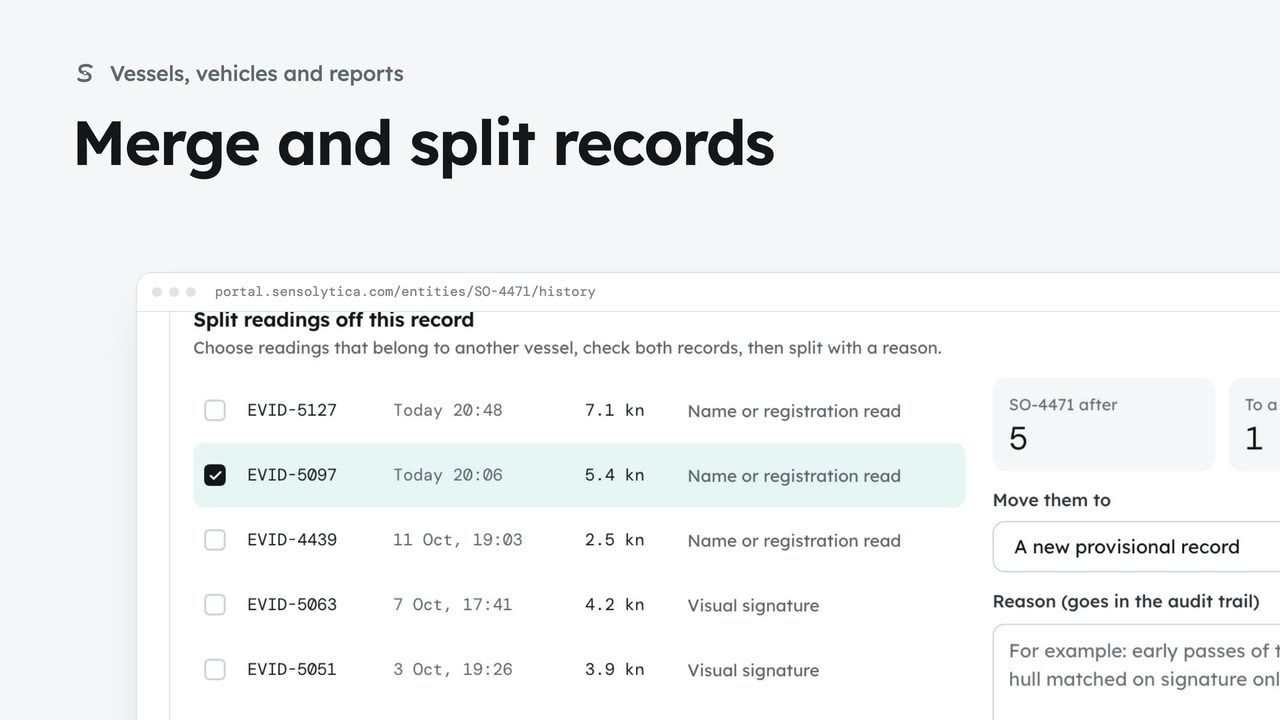 3 min
3 minJoin two records of the same vessel or vehicle, undo it if needed, and split off readings that belong to another.
3 min7 stepsAdmin, Operator
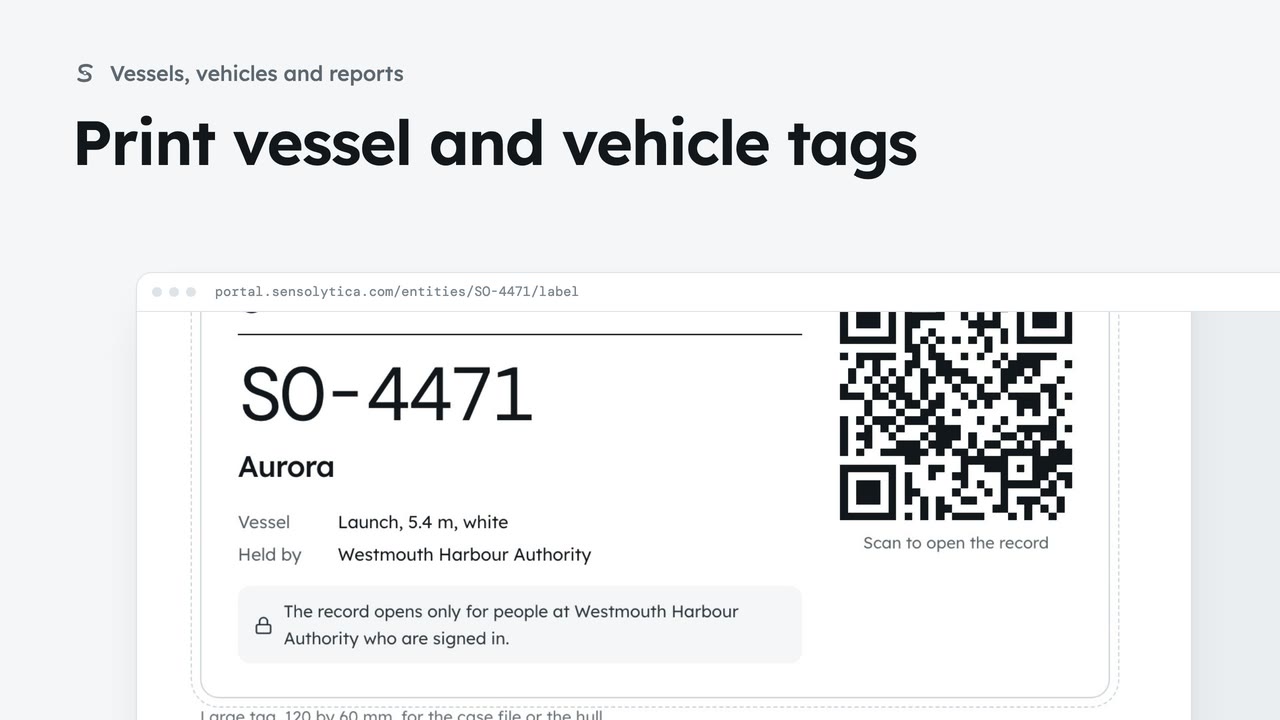 1 min
1 minPrint weatherproof tags with a code that opens the record for people at your organisation.
1 min3 stepsAdmin, Operator
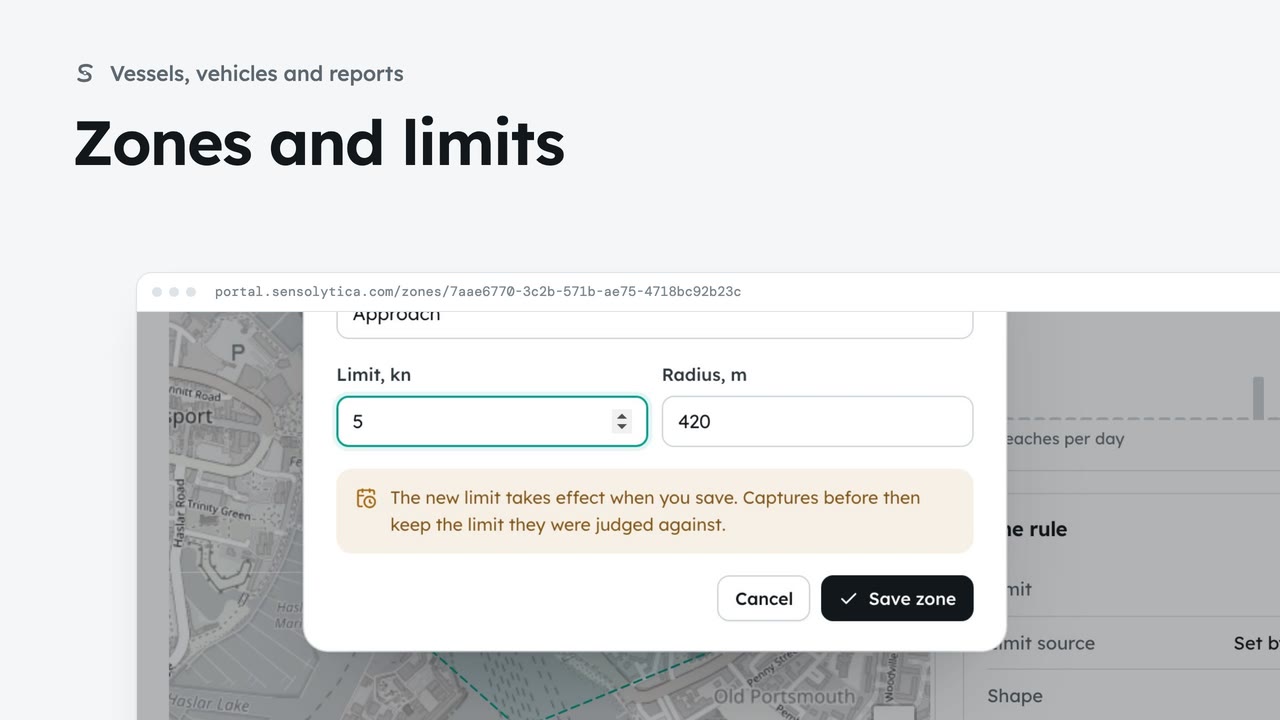 2 min
2 minSee where each limit applies and how each zone keeps to it, and change a limit with when it takes effect.
2 min6 stepsAdmin, Operator
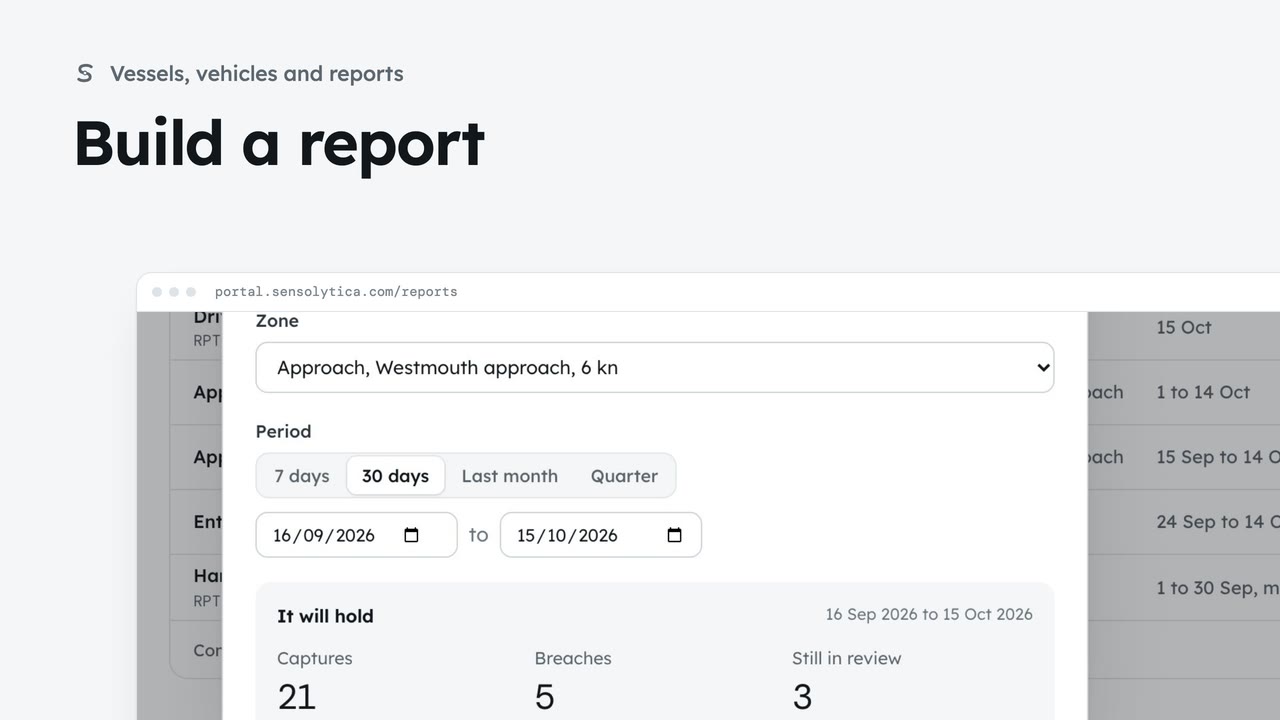 2 min
2 minChoose a kind, a zone and a period, see what the report will hold, then make it from sealed records.
2 min5 stepsAdmin, Operator
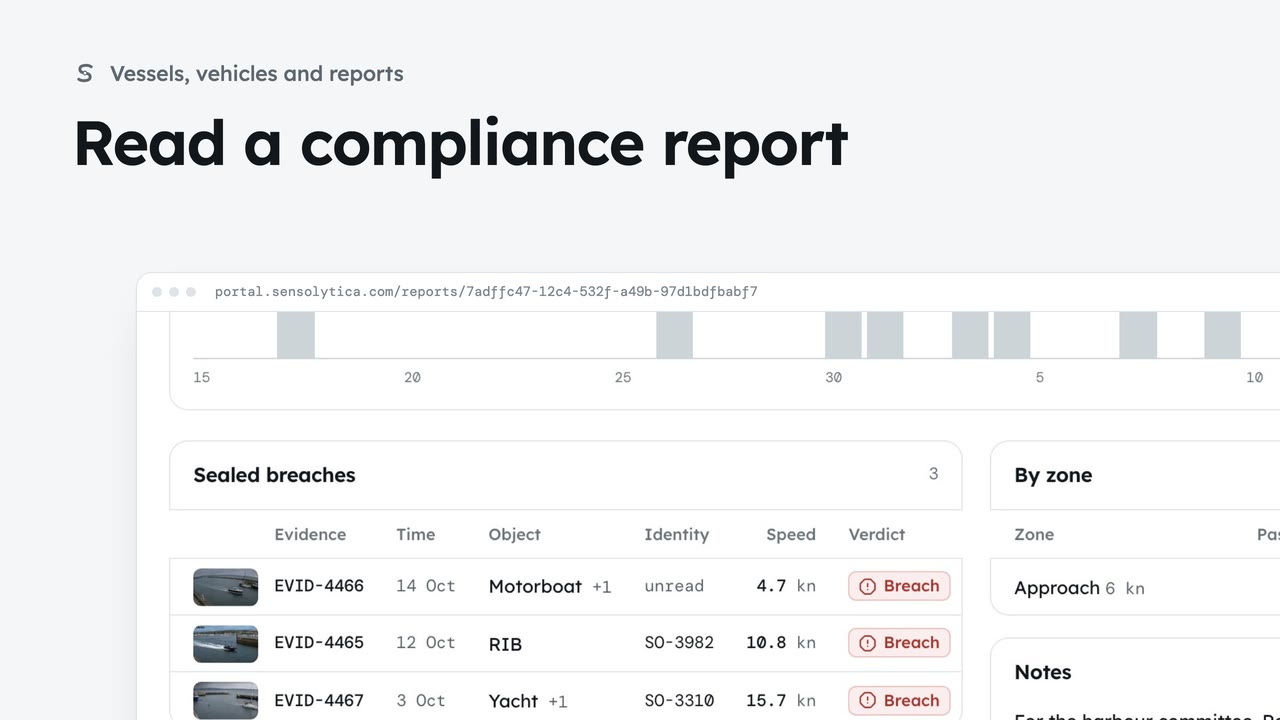 2 min
2 minRead how a zone kept to its limit over a period, add notes for the committee and print it.
2 min5 stepsAdmin, Operator
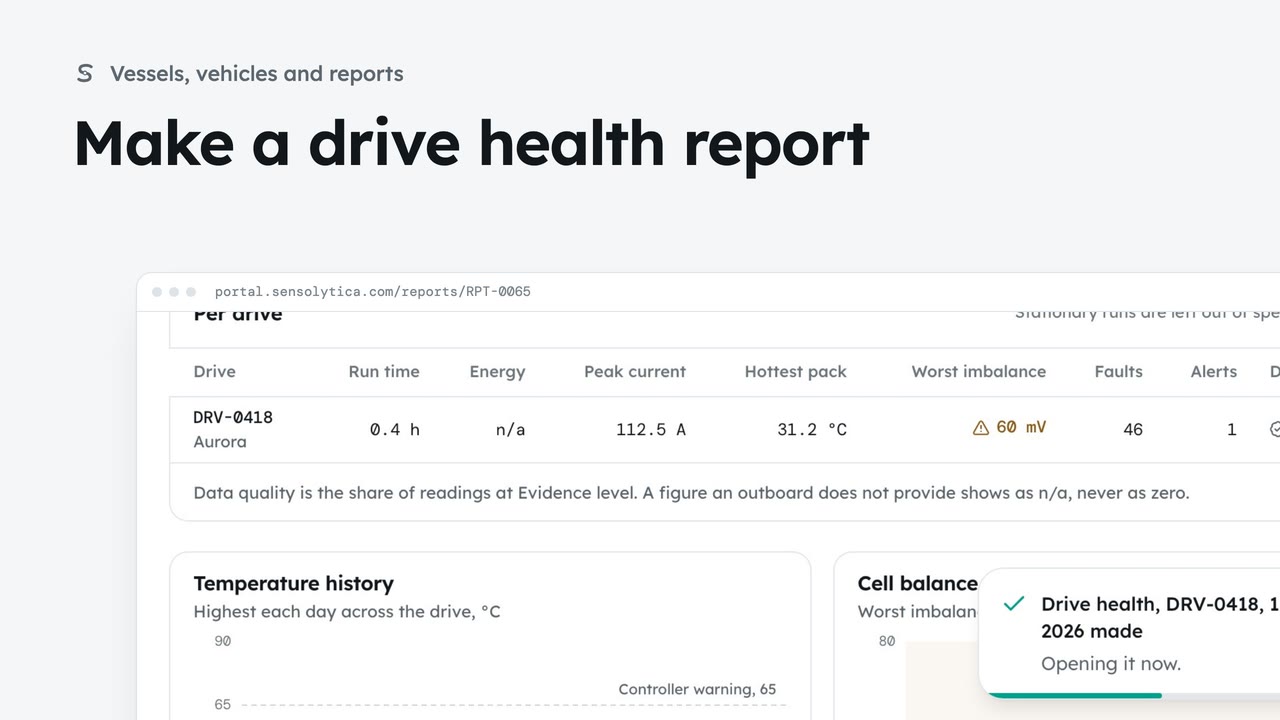 2 min
2 minReport on one drive, your fleet or a drive shared with you: run time, energy, current, temperatures, cell balance, alerts and data quality.
2 min6 stepsAdmin, Operator
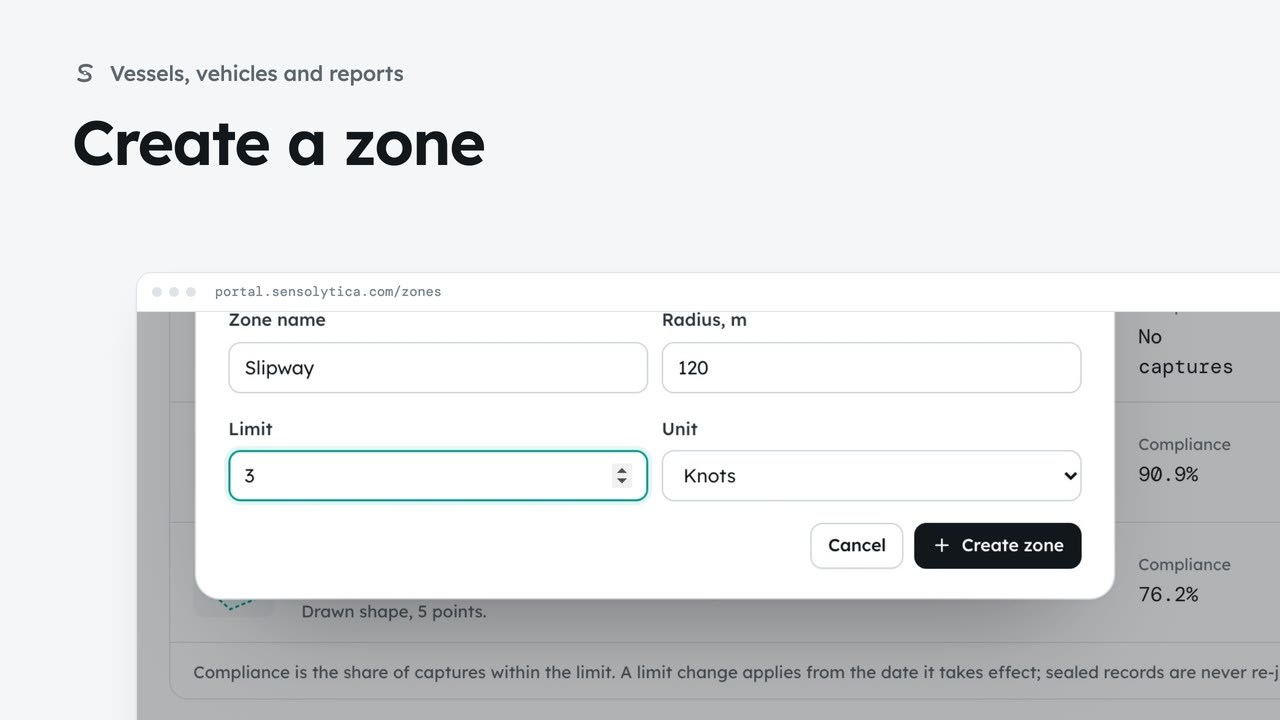 2 min
2 minAdd a zone at one of your sites with its radius and its limit, so the nodes deployed there judge captures against it.
2 min4 stepsAdmin
 2 min
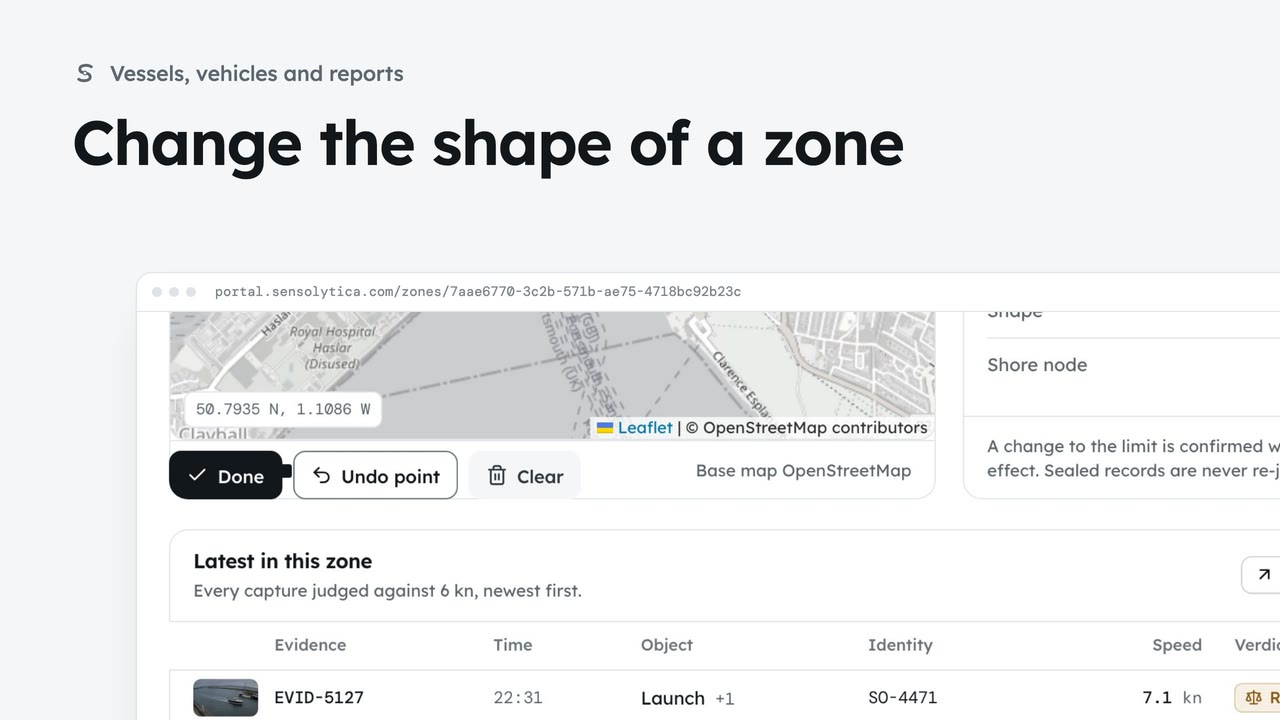
2 minEdit the points of a drawn zone, or go back to a radius ring, so every map shows where the limit really applies.
2 min3 stepsAdmin
 1 min
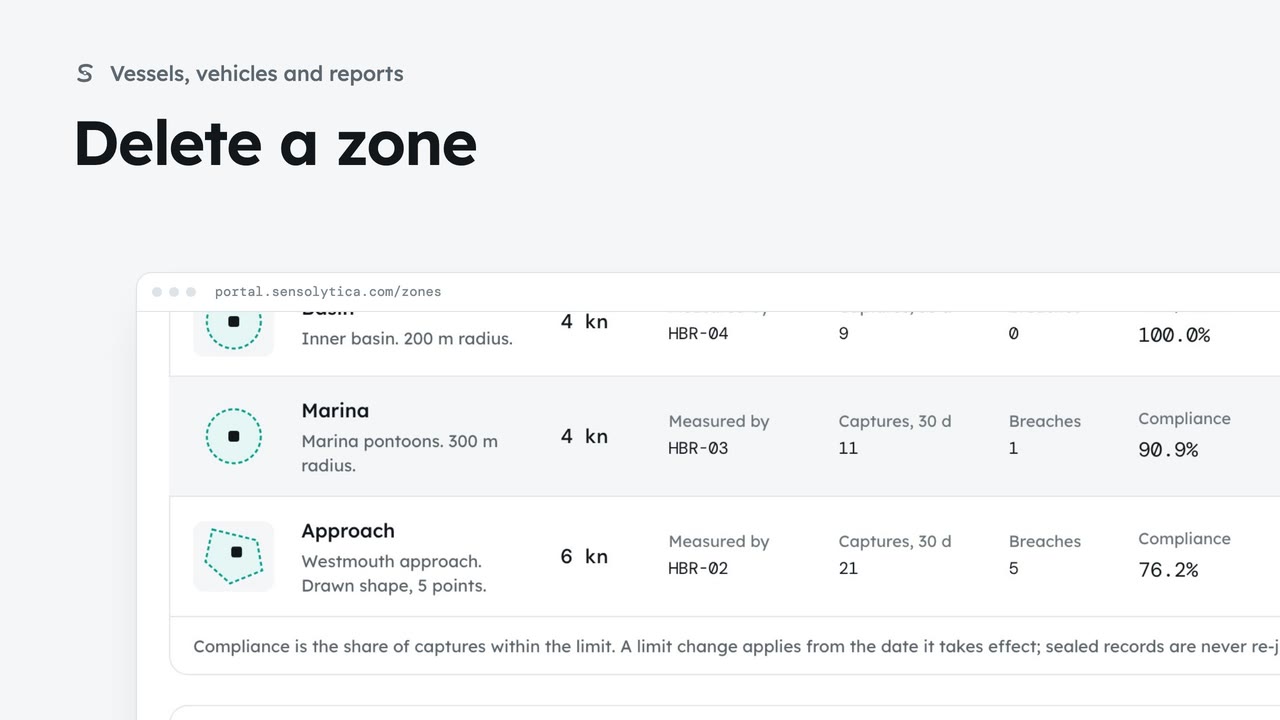
1 minTake away a zone you no longer use. A zone with captures is archived instead, so the record keeps its history.
1 min3 stepsAdmin
 1 min
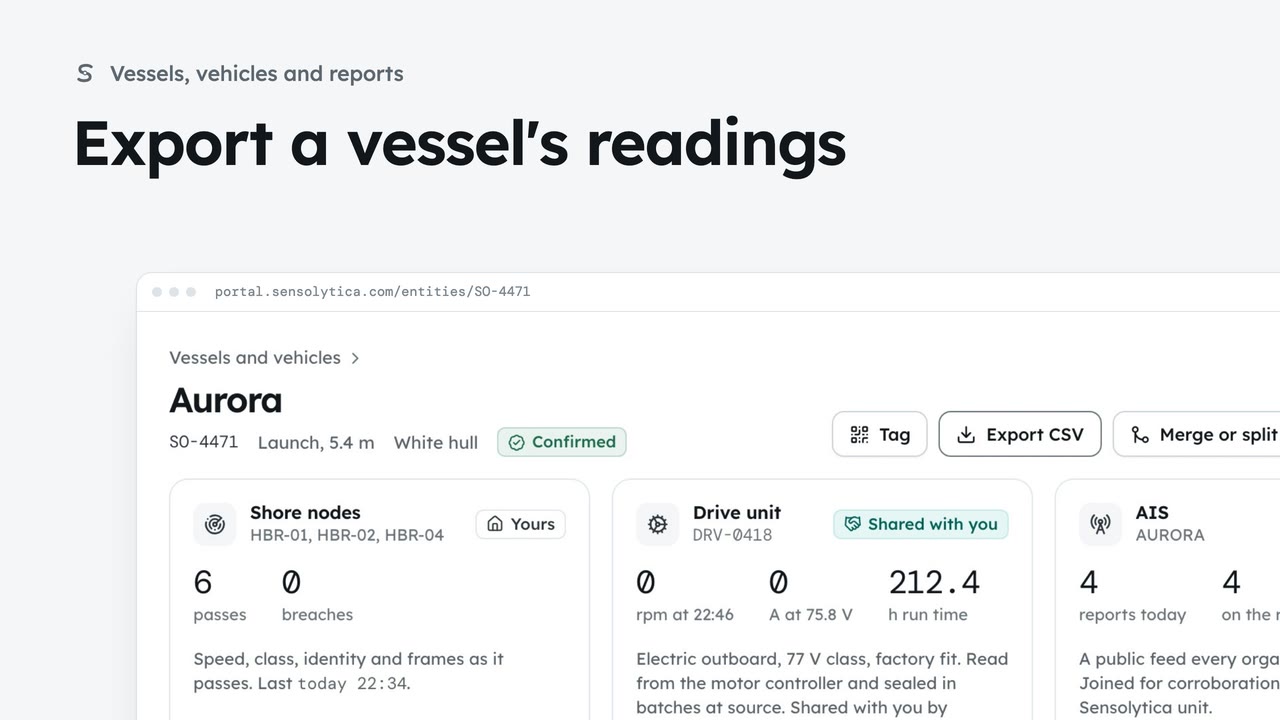
1 minSave every reading on one vessel's record that you may see, with its seals, as a CSV.
1 min2 stepsAdmin, Operator
Adding and looking after the hardware, its health, its sealed readings and its alerts.
 2 min
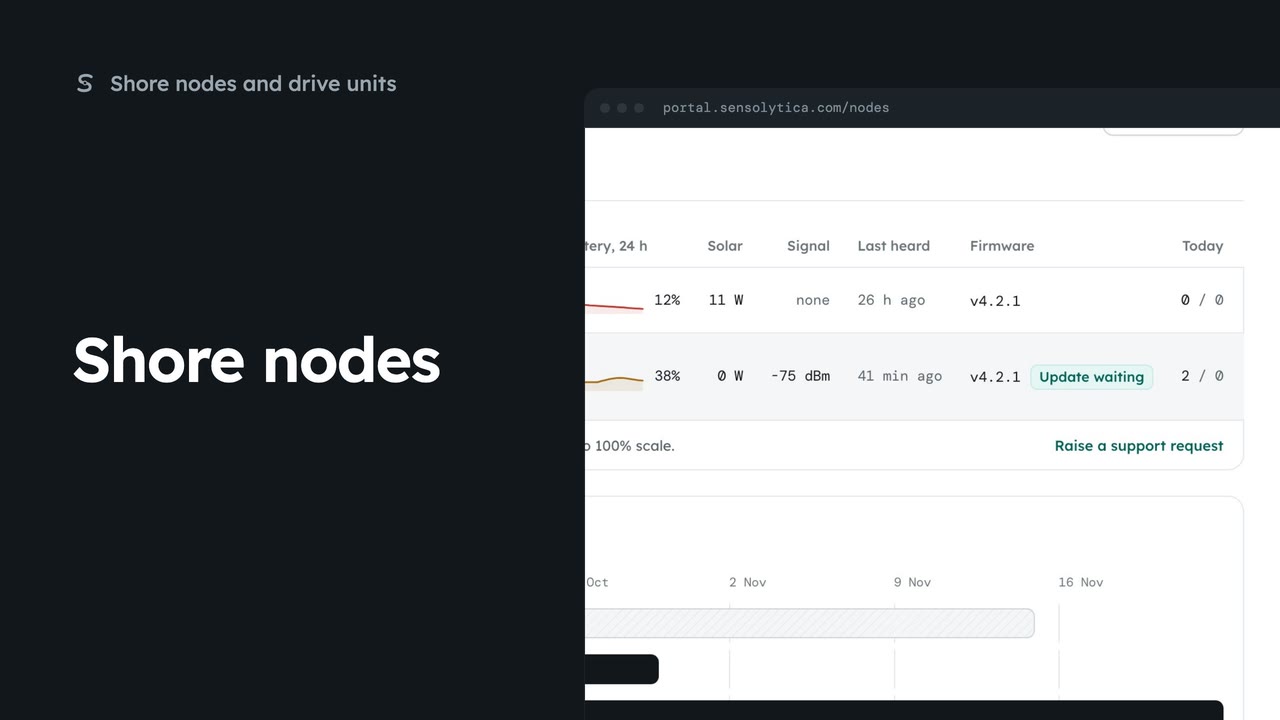
2 minSee every shore node, where it is and whether it is working, with the ones that need a visit first.
2 min5 stepsAdmin, Operator
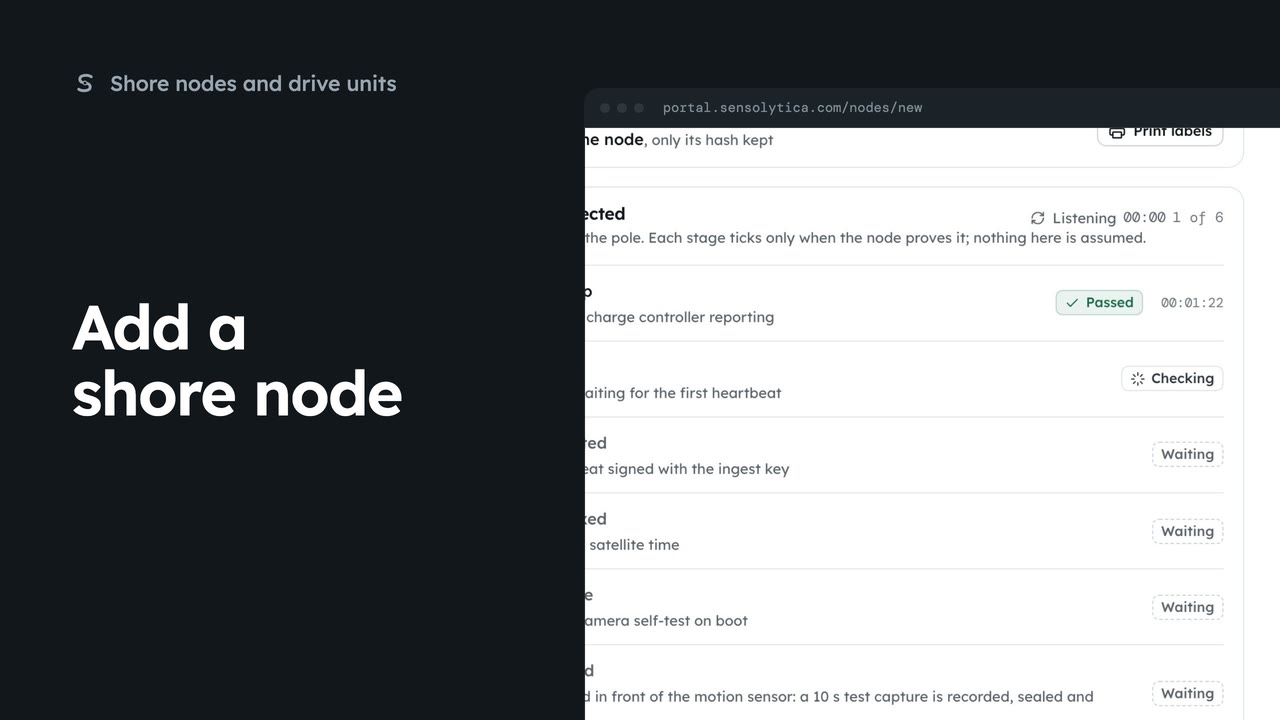 3 min
3 minRegister a new shore node, save its key and watch it connect, in four steps.
3 min7 stepsAdmin
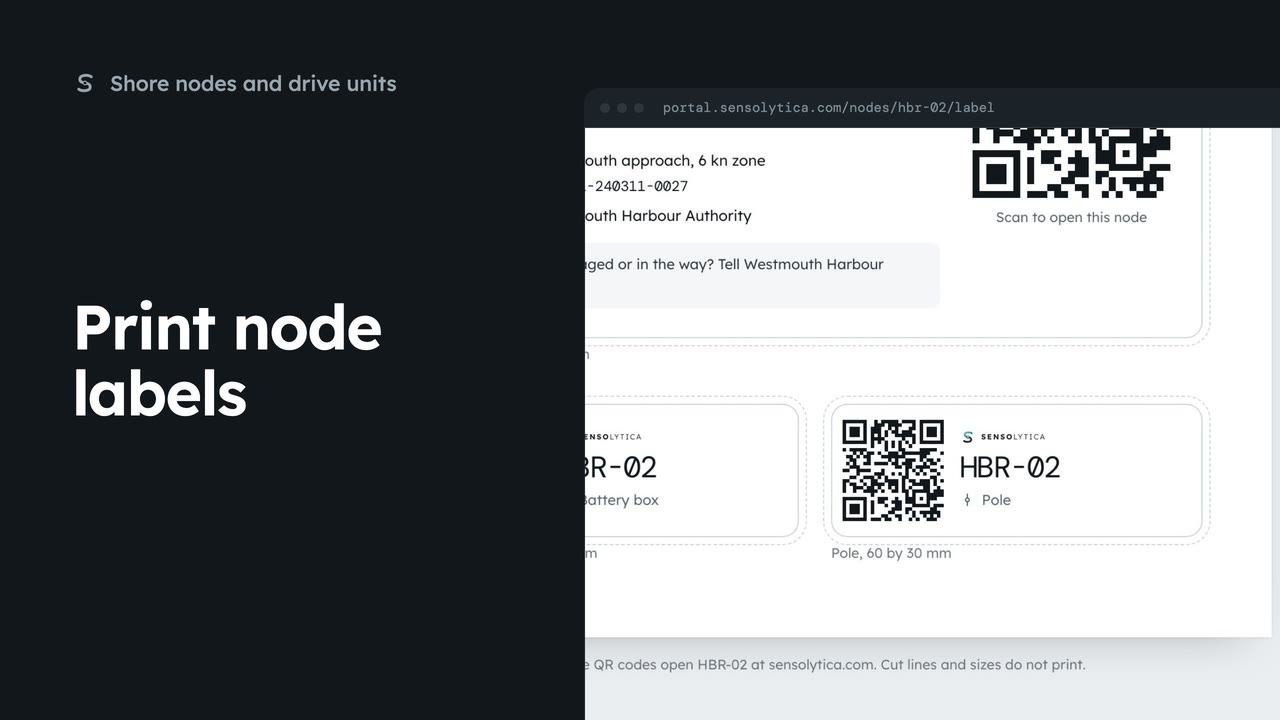 1 min
1 minPrint the enclosure, battery box and pole labels for a shore node on one weatherproof sheet.
1 min3 stepsAdmin, Operator
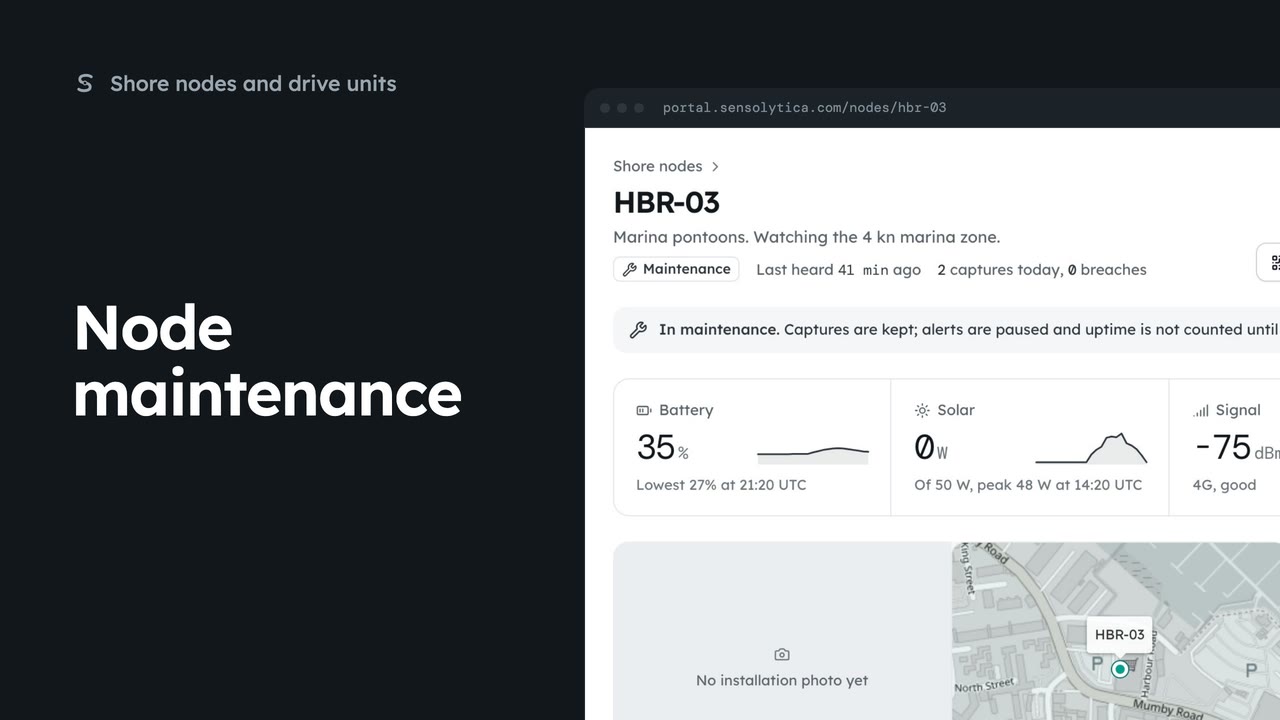 2 min
2 minRead a node’s next visit note, put it into maintenance while you work on it, and return it to service.
2 min5 stepsAdmin
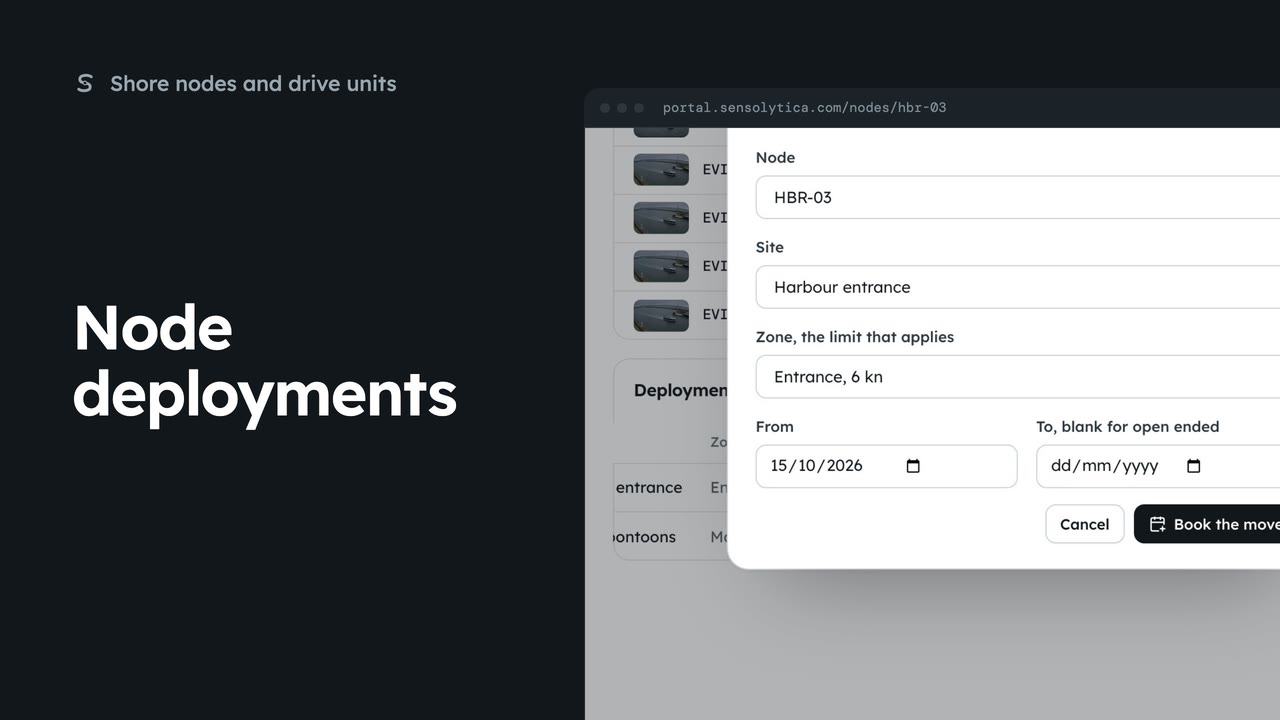 2 min
2 minEnd a node’s deployment at one site and book it at another, so its captures are judged against the right limit.
2 min4 stepsAdmin
 3 min
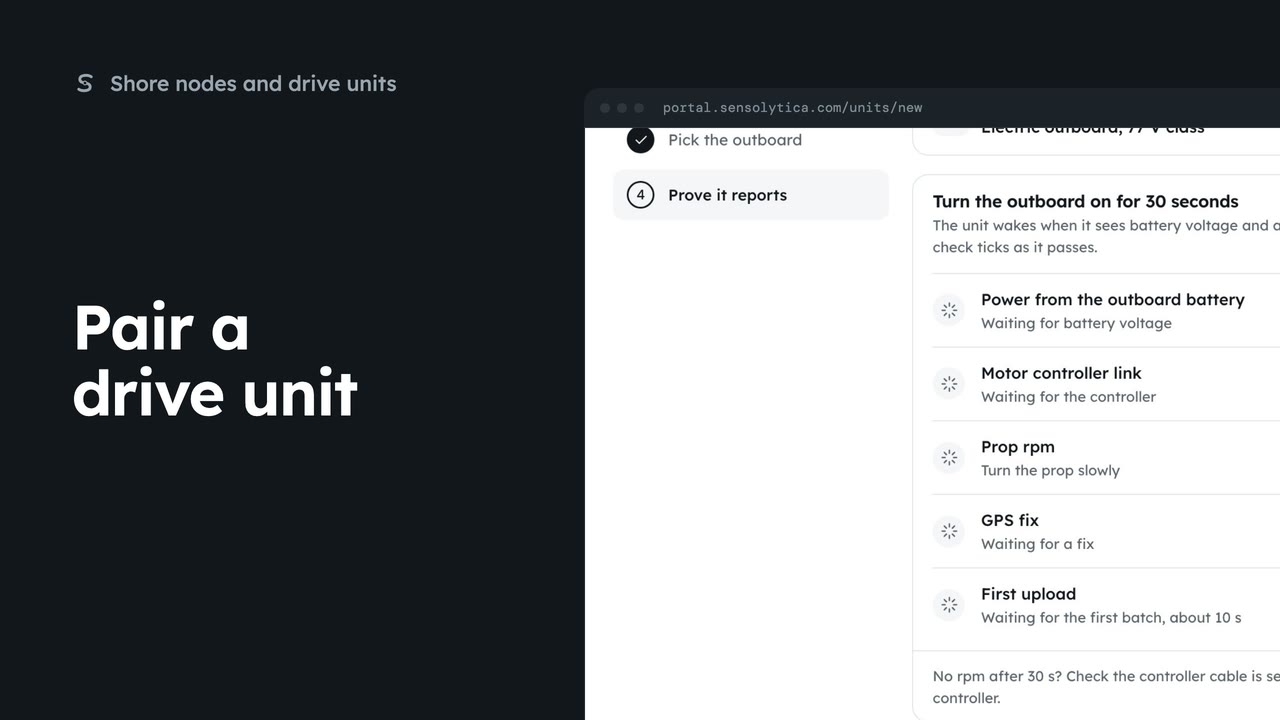
3 minLink a drive unit to a vessel, say which electric outboard it reads, and check that it reports.
3 min7 stepsAdmin
 2 min
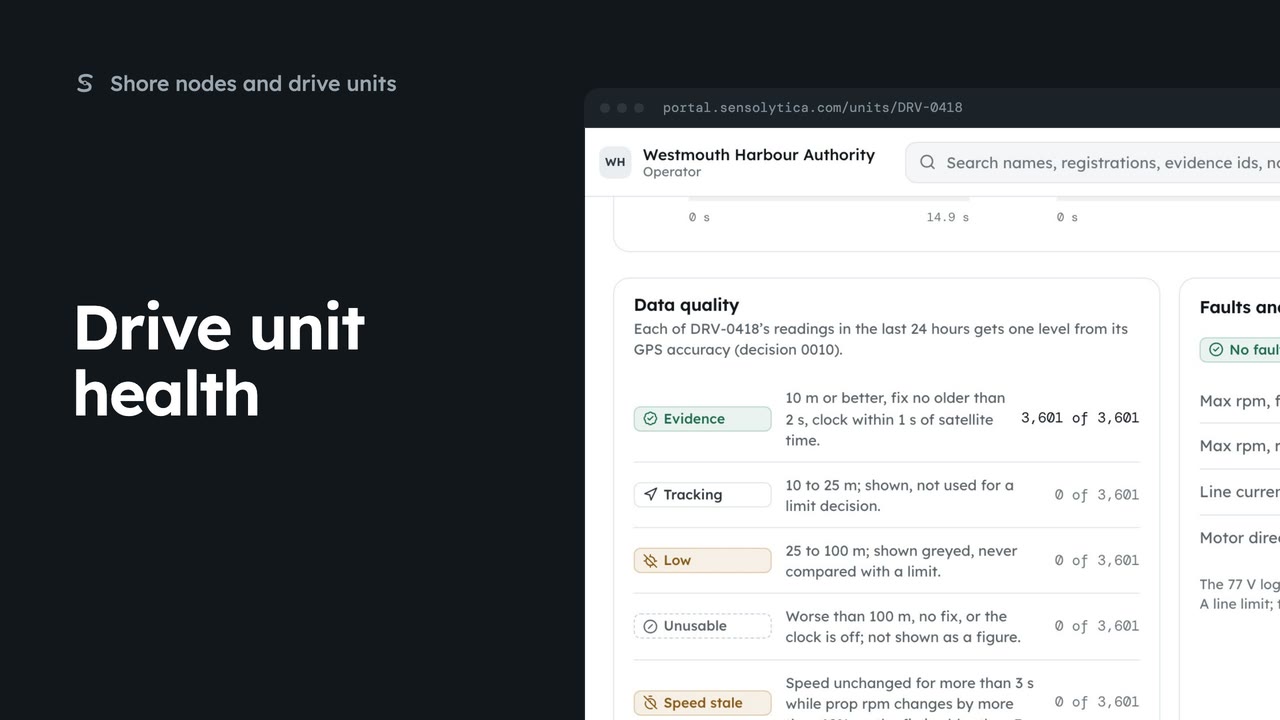
2 minRead what a drive unit reports now, how good its readings are, and its faults and limits.
2 min6 stepsAdmin, Operator
 2 min
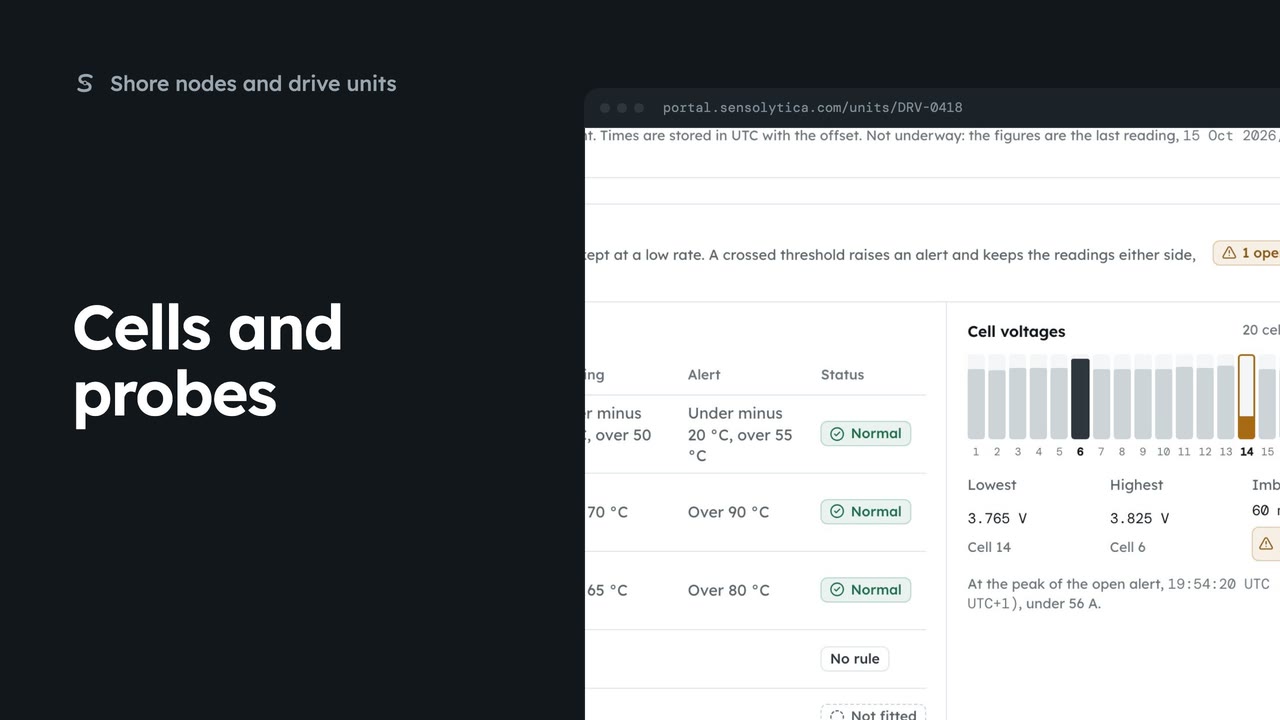
2 minCheck a drive’s temperature probes and battery cells against the thresholds that apply to it.
2 min5 stepsAdmin, Operator
 2 min
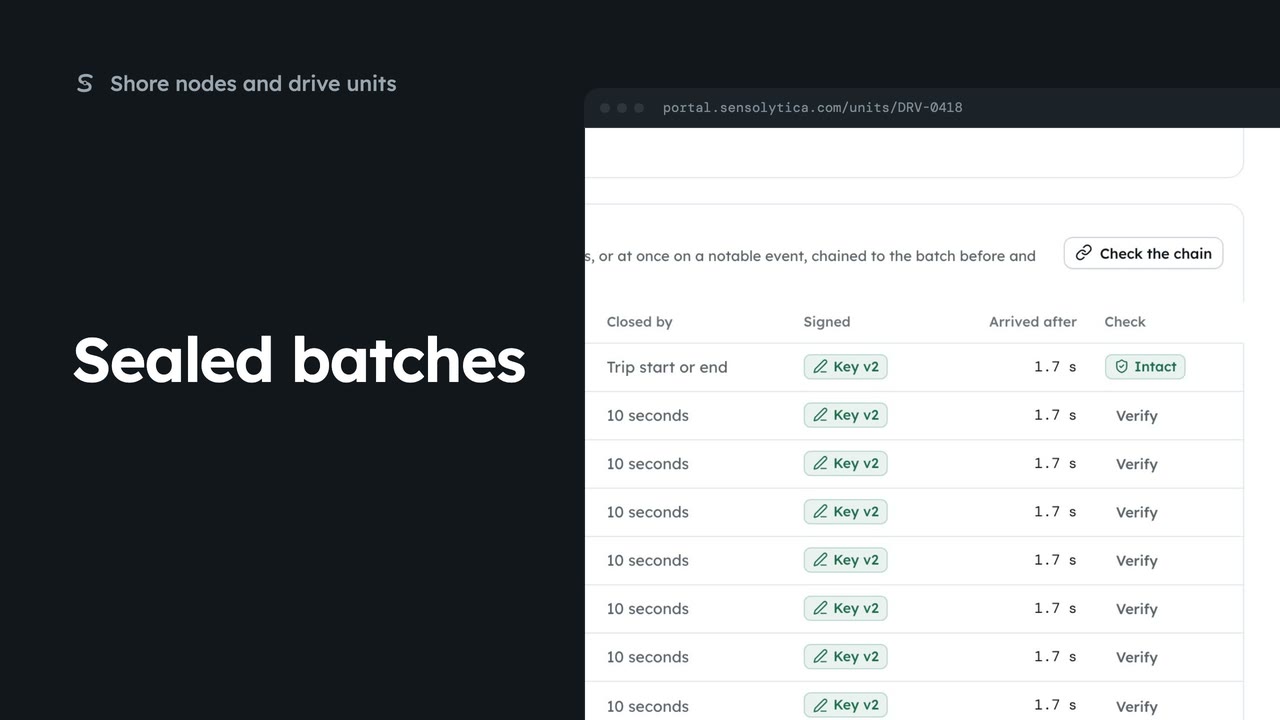
2 minCheck that a drive unit’s readings have not changed since they were sealed at source.
2 min5 stepsAdmin, Operator
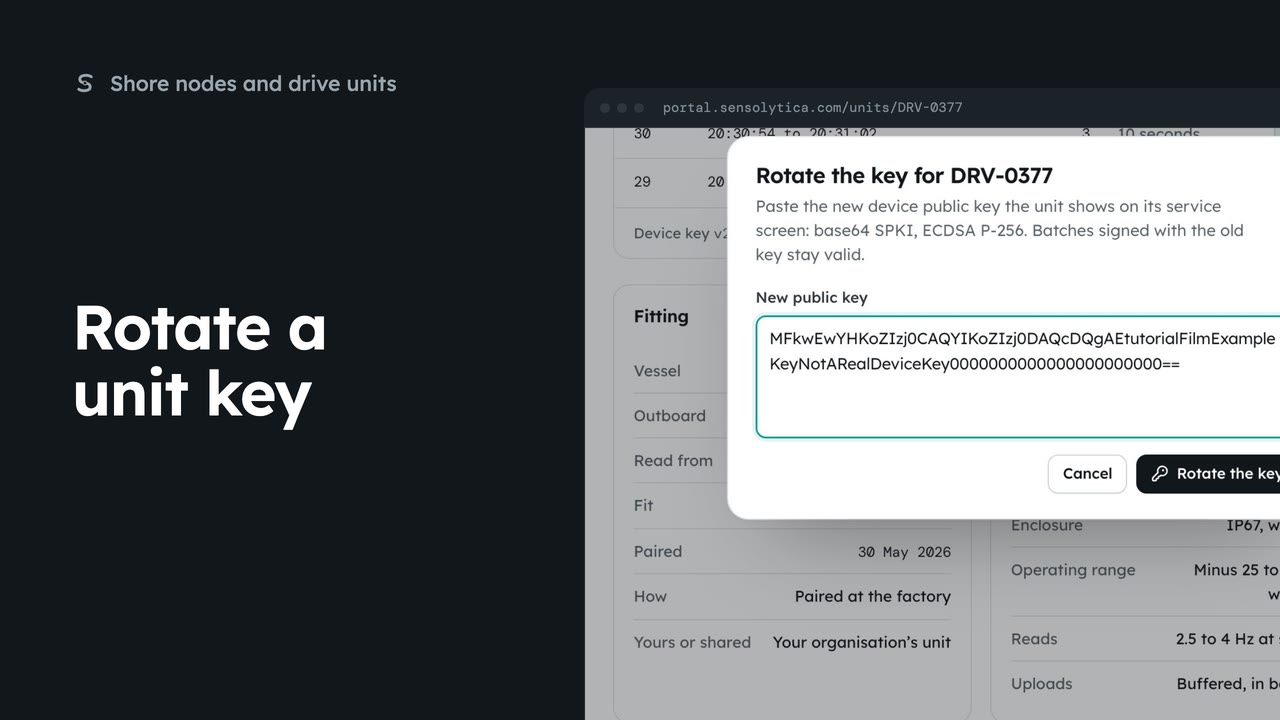 1 min
1 minGive a drive unit a new device key when it is replaced or its key may have been exposed.
1 min3 stepsAdmin
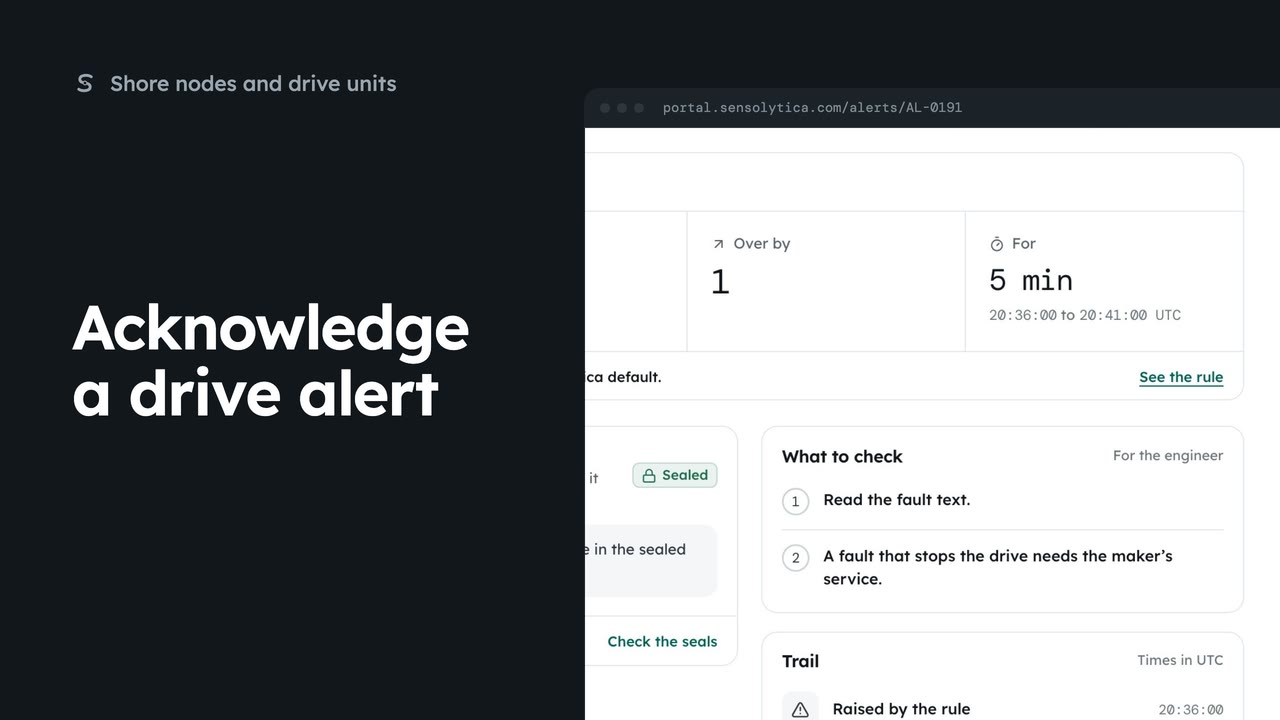 2 min
2 minOpen a drive alert, see what crossed and what to check, and put your name on it.
2 min5 stepsAdmin, Operator
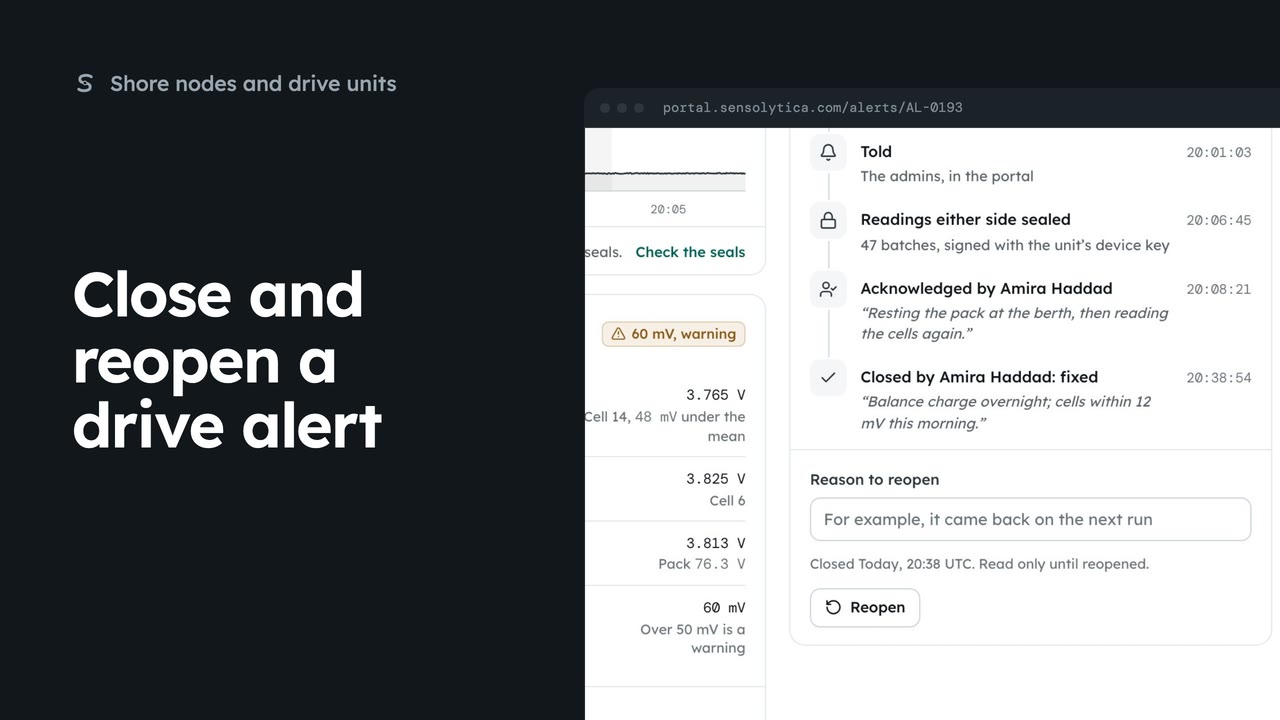 2 min
2 minClose a drive alert with an outcome and a note, and reopen it with a reason if it comes back.
2 min4 stepsAdmin, Operator
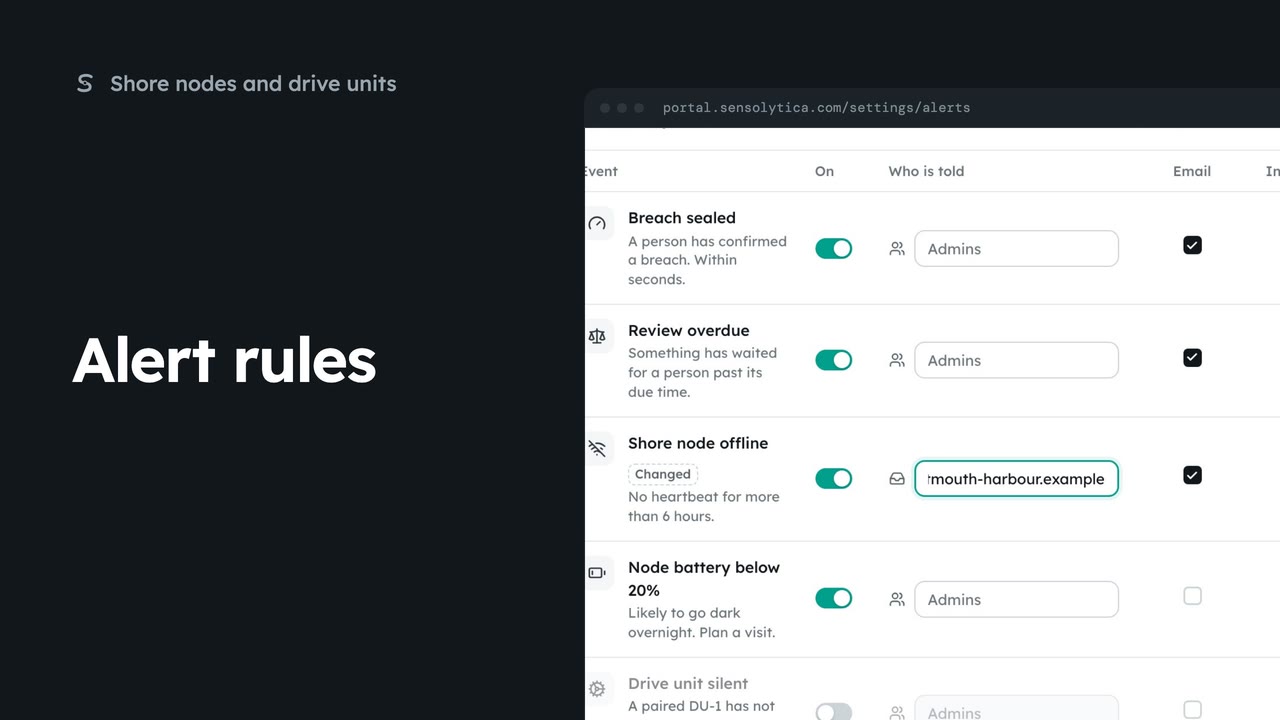 2 min
2 minChoose which events tell your team, who is told, and whether by email or in the portal.
2 min5 stepsAdmin
 2 min
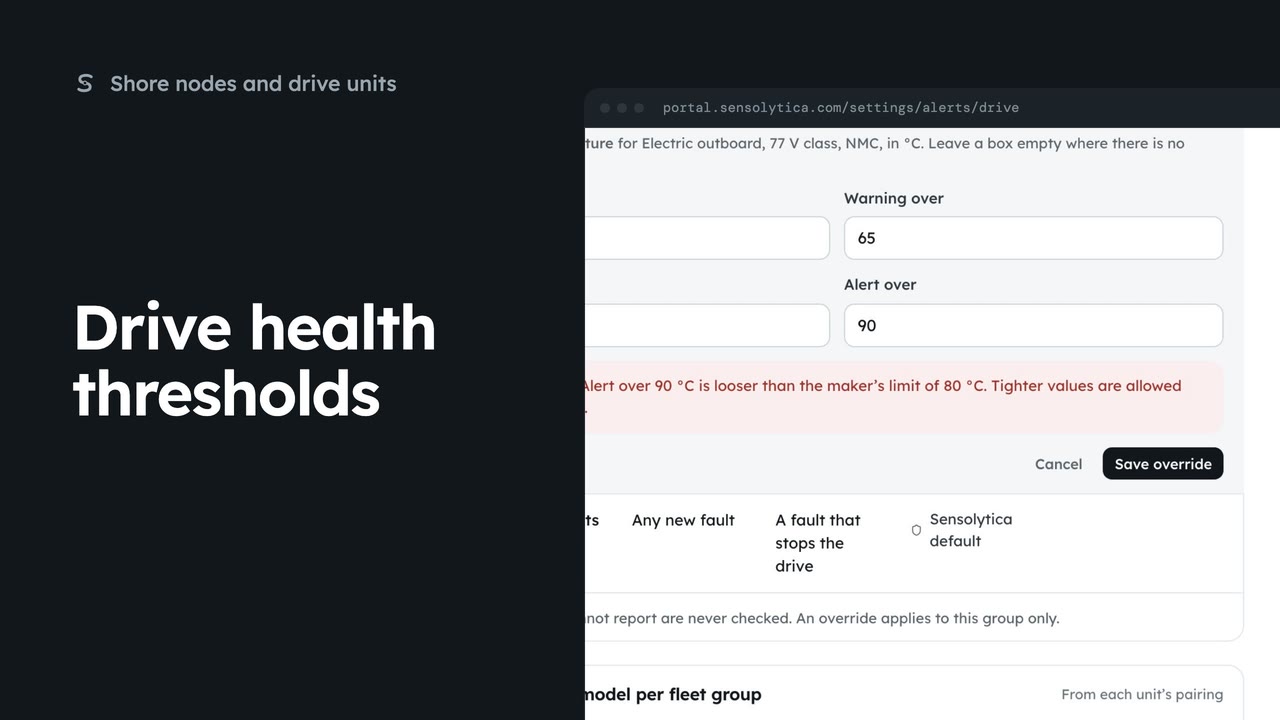
2 minTighten a drive health threshold for one fleet group, within the maker’s limits.
2 min5 stepsAdmin
 2 min
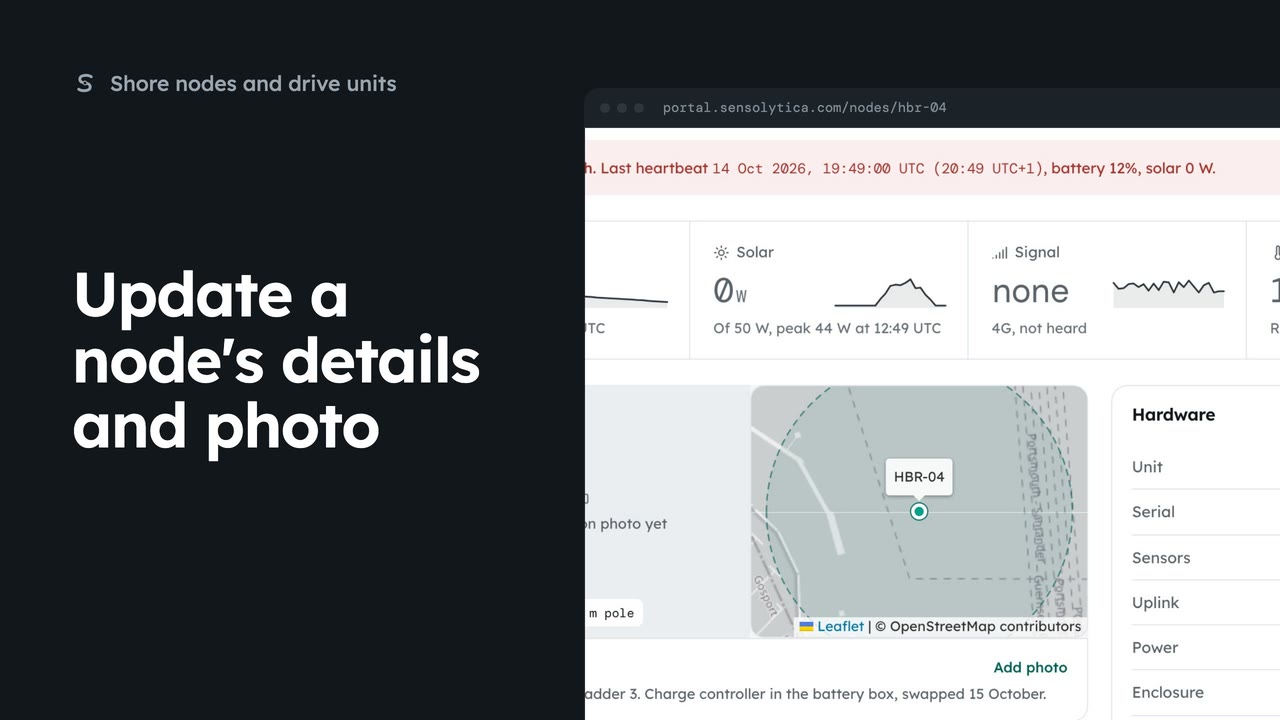
2 minKeep a shore node's serial, mount, position and installation notes up to date, and add a photo of how it is fitted, for the next engineer.
2 min4 stepsAdmin
 1 min
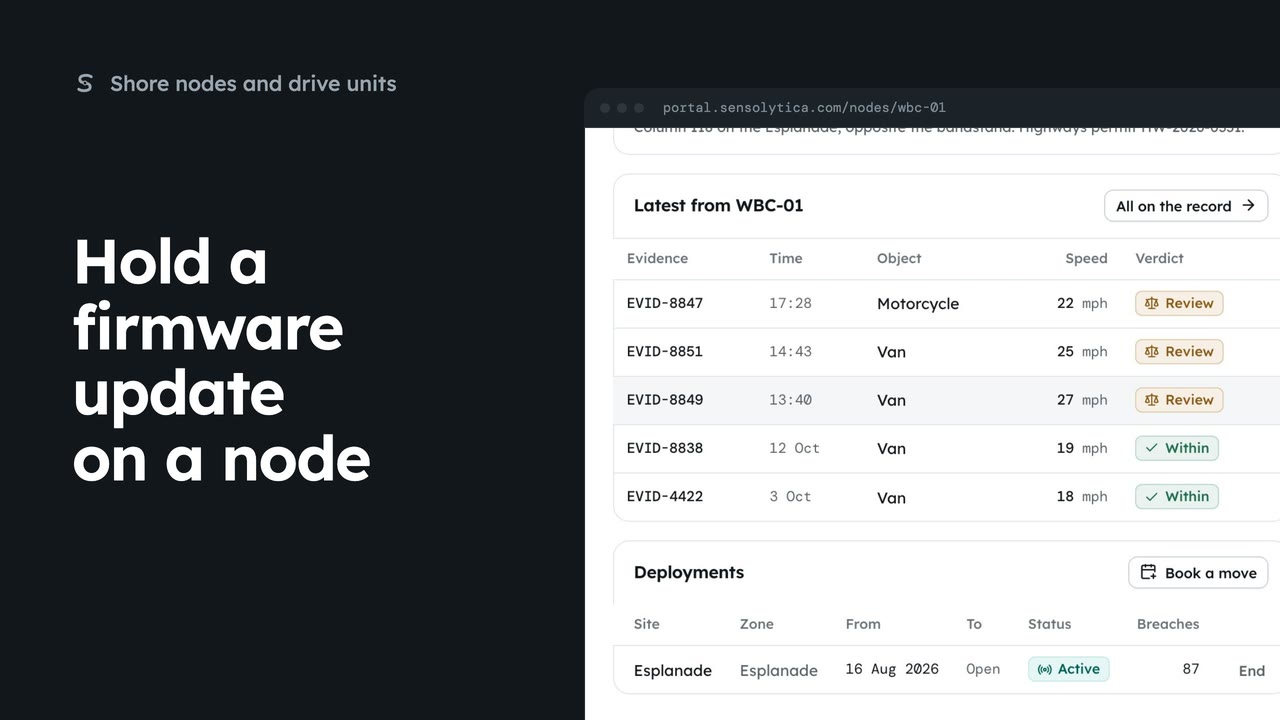
1 minKeep a node on the firmware it runs while someone is on site or the pole is down.
1 min2 stepsAdmin
 1 min
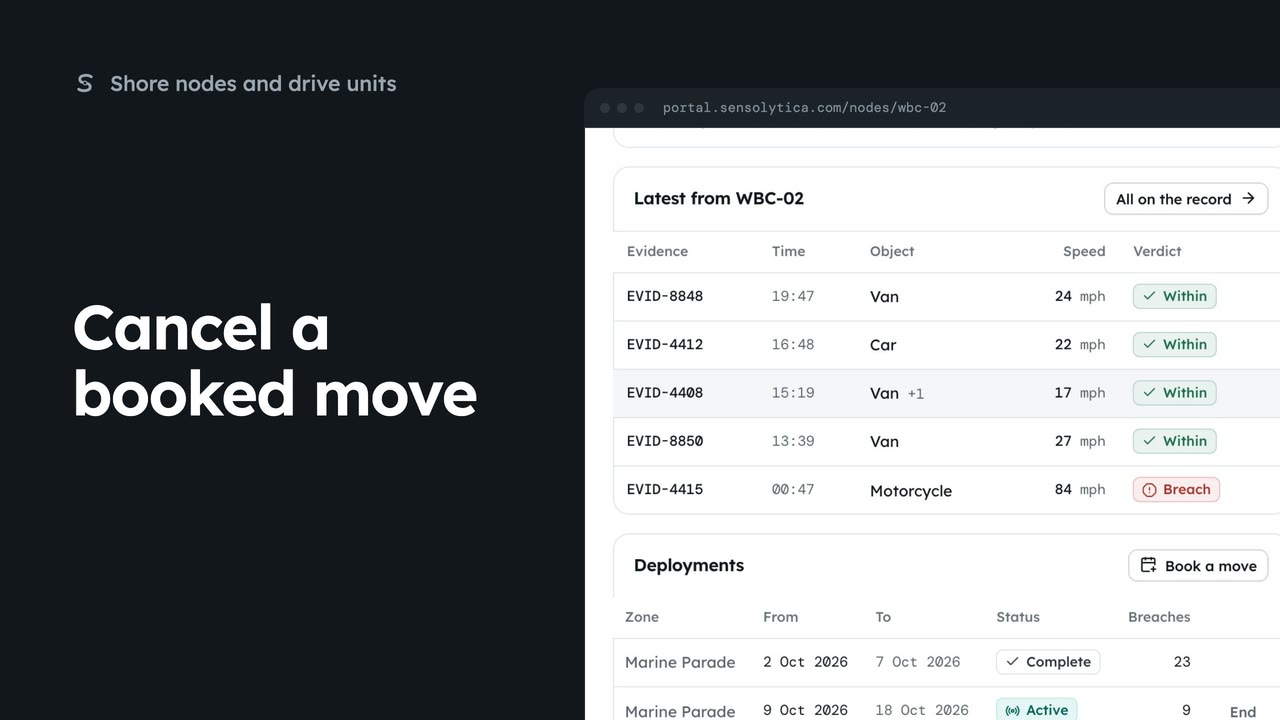
1 minTake a booked deployment off a node's plan before it starts.
1 min2 stepsAdmin
 1 min
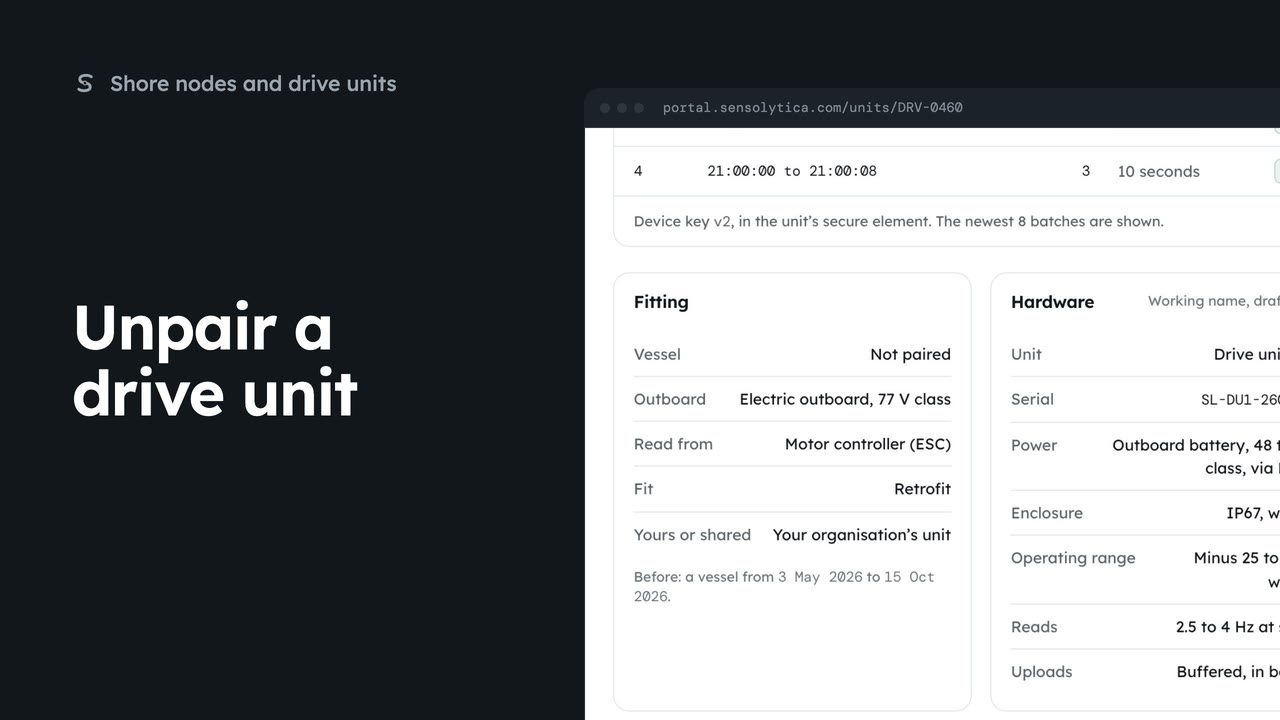
1 minUnlink a drive unit from a vessel when the outboard is sold or the unit moves to another boat.
1 min2 stepsAdmin
 1 min
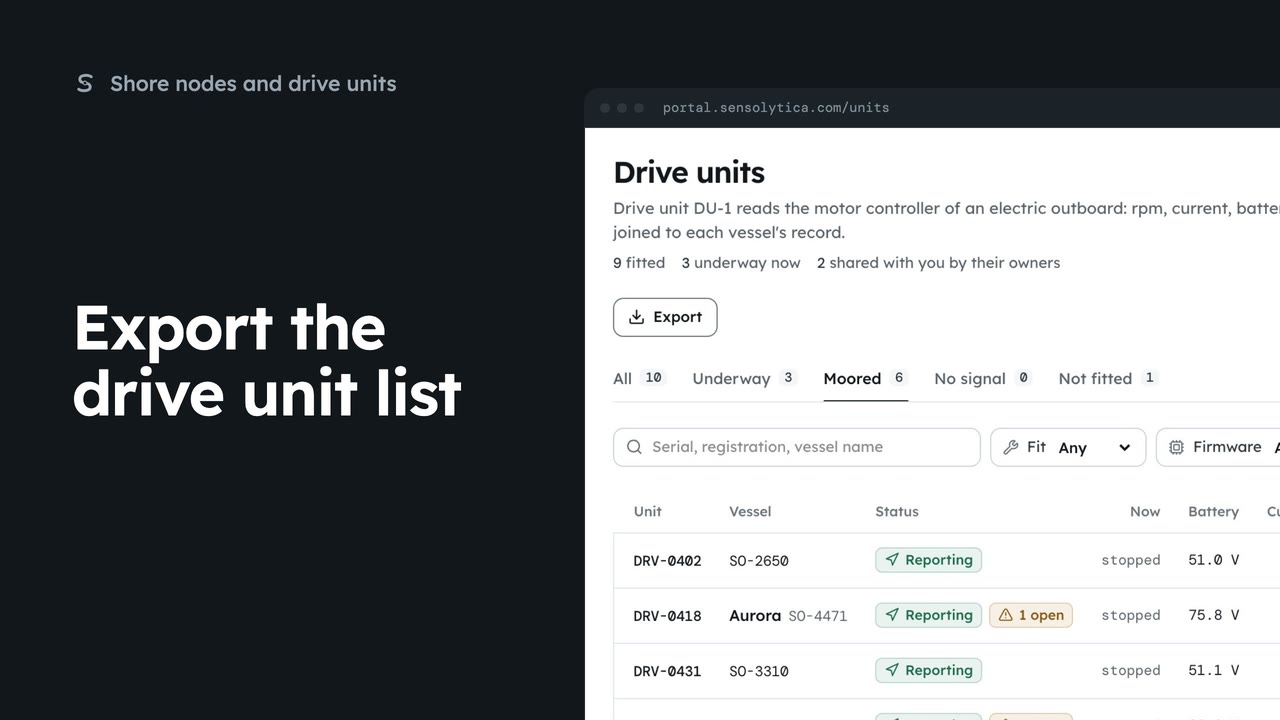
1 minFilter the drive units and save the list as a CSV for a service round or an insurer.
1 min2 stepsAdmin, Operator
 1 min
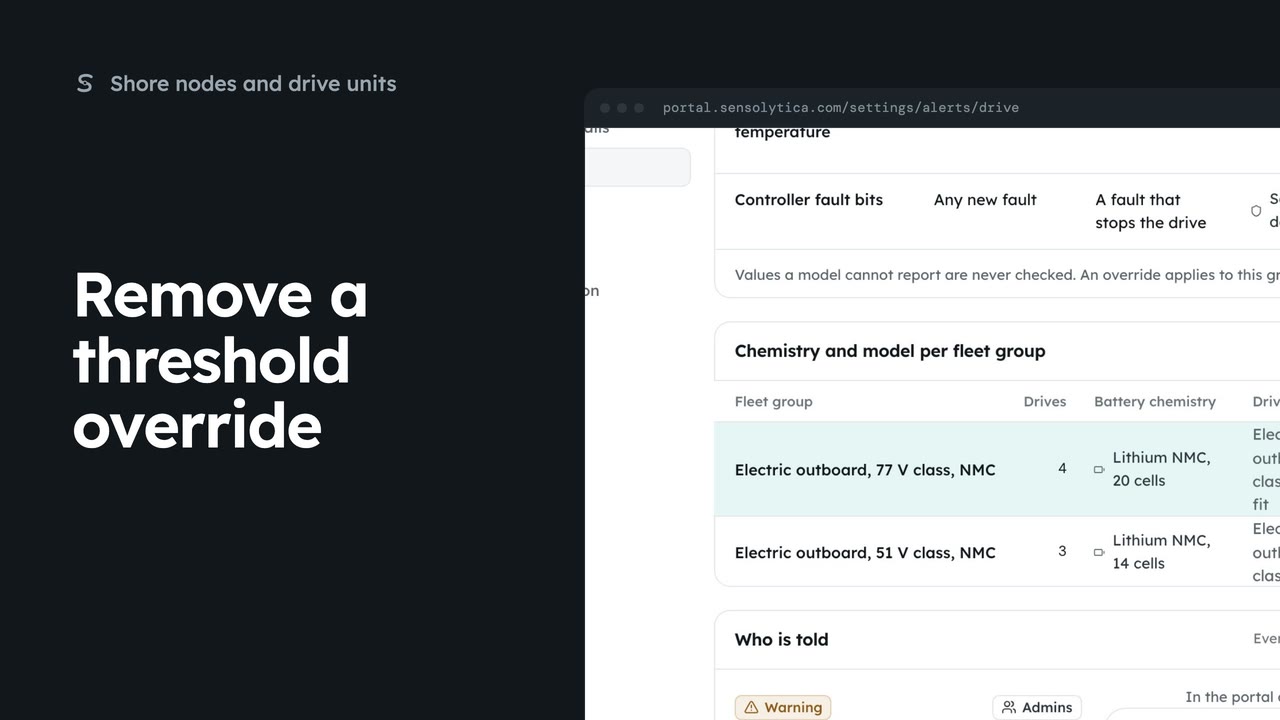
1 minGo back from your own drive health threshold to the maker's limit or the Sensolytica default.
1 min2 stepsAdmin
Your team, tracking and consent, sharing data with others, retention, API keys, the on-site agent and billing.
 2 min
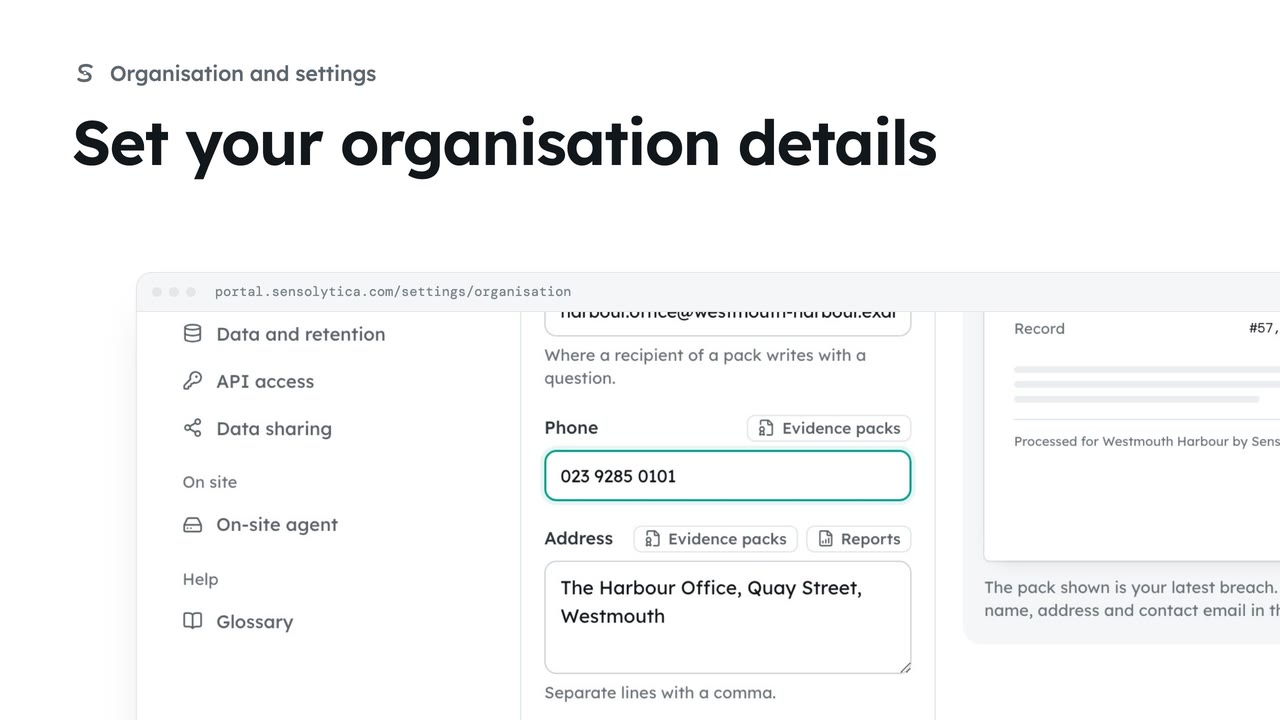
2 minKeep the name, contact email, phone and address that head every evidence pack and report up to date.
2 min4 stepsAdmin
 3 min
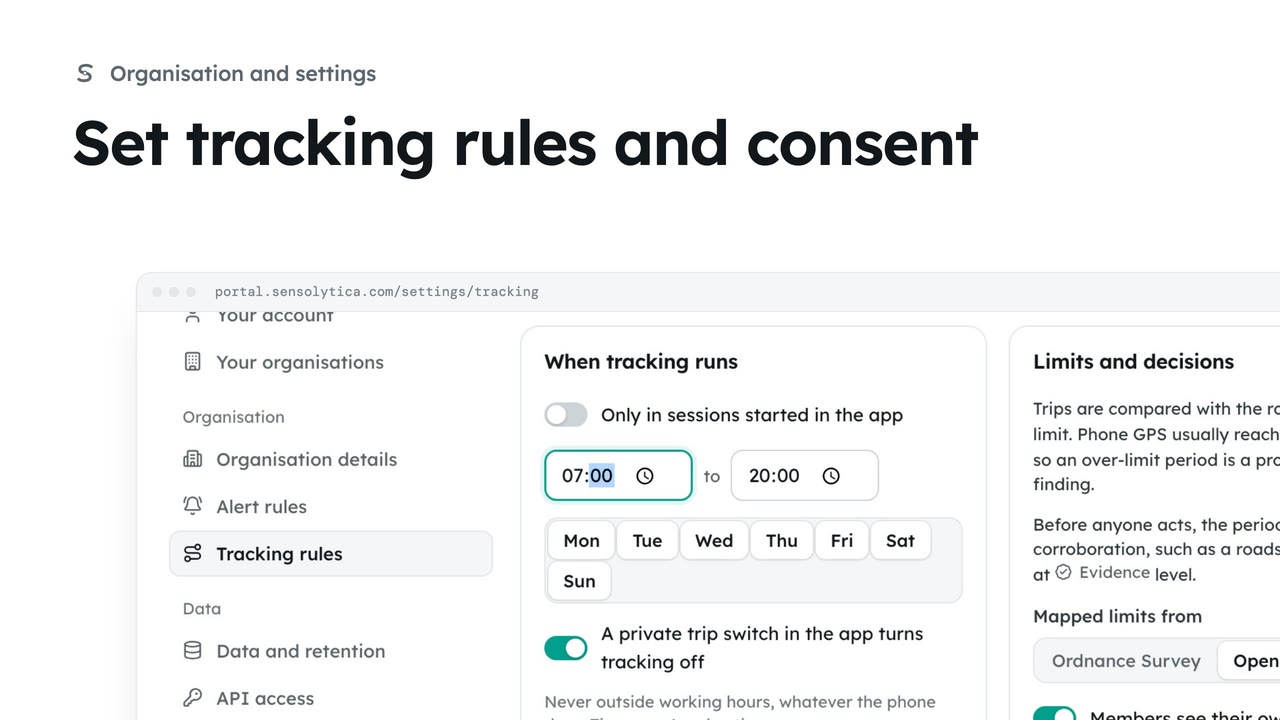
3 minDecide who may track the organisation’s own vehicles and boats, with whose consent, when, and how long trips are kept.
3 min6 stepsAdmin
 3 min
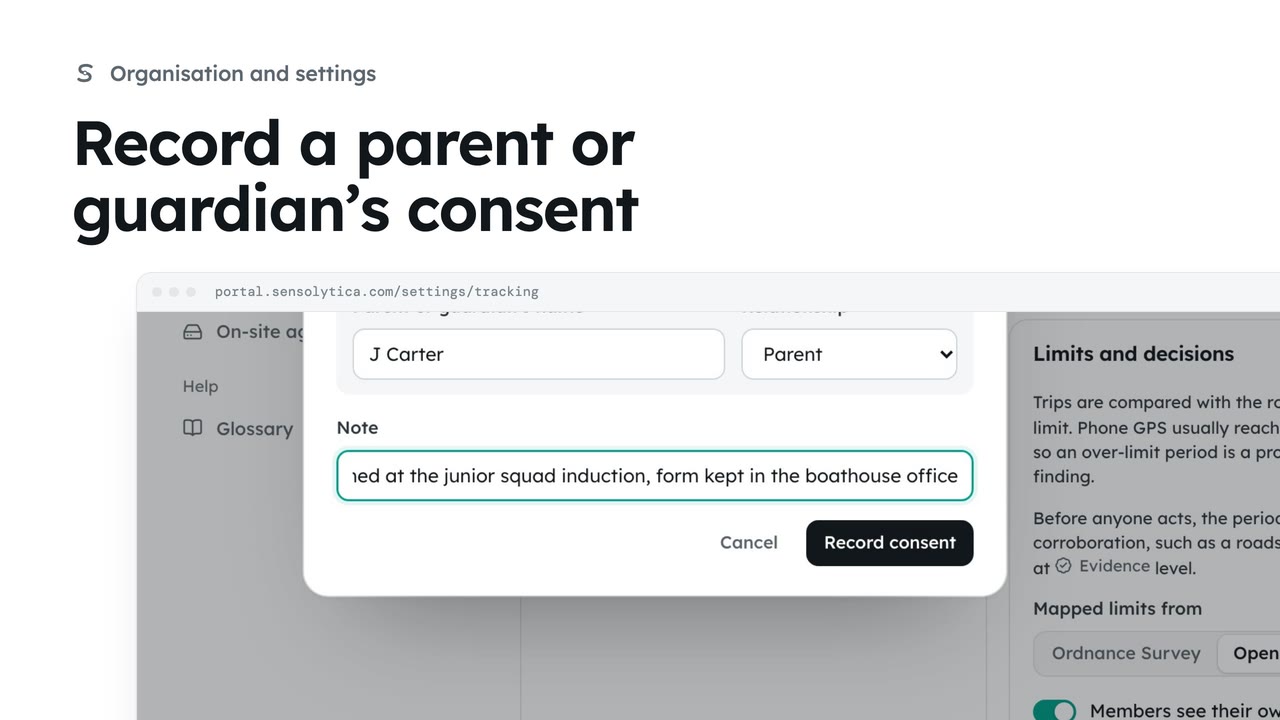
3 minRequire a parent or guardian’s consent for under 18s, and record one that was given on paper.
3 min6 stepsAdmin
 1 min
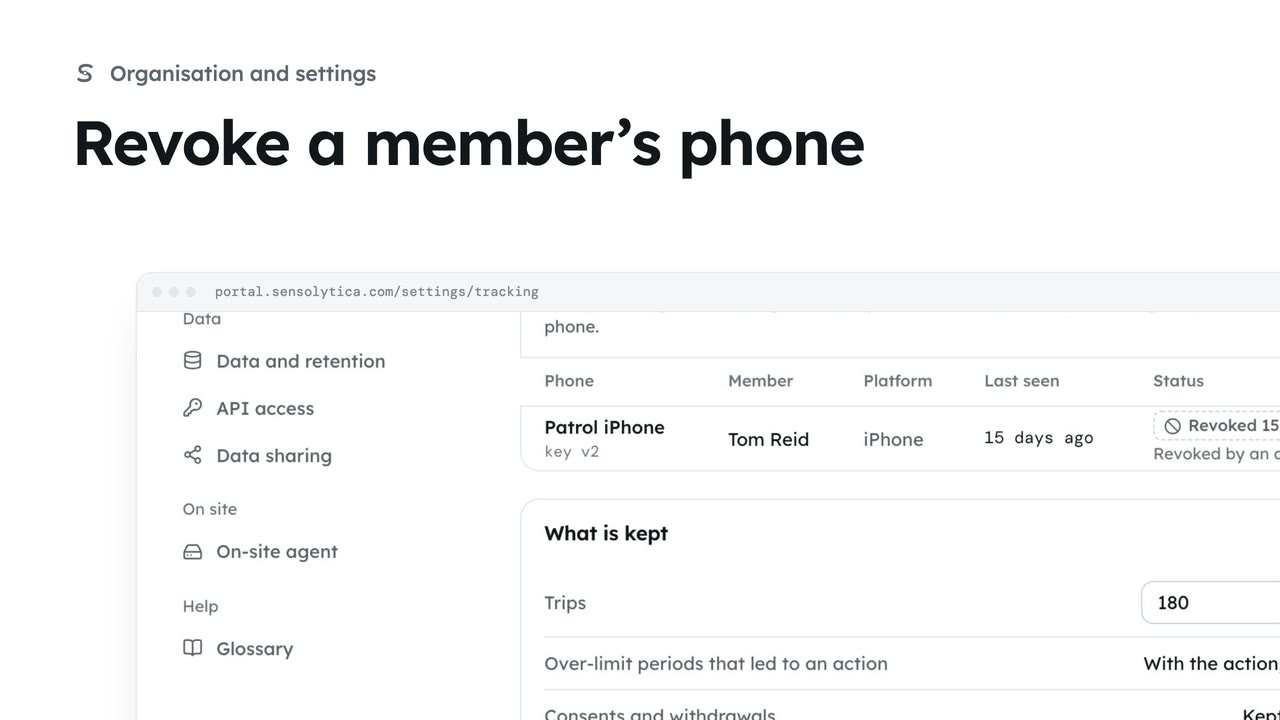
1 minSee which phones may send readings and revoke one that is lost, replaced or no longer needed.
1 min3 stepsAdmin
 3 min
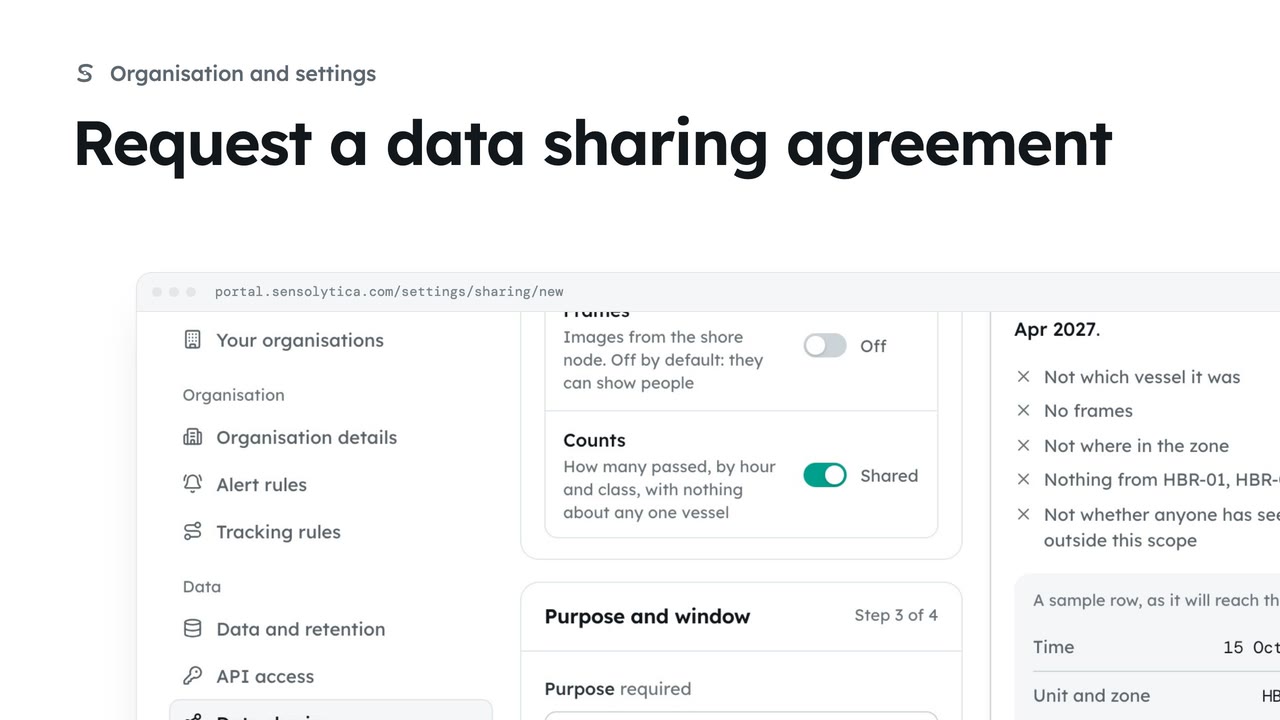
3 minAsk another organisation to share readings, or offer yours, with the narrowest scope, a stated purpose and an end date.
3 min6 stepsAdmin
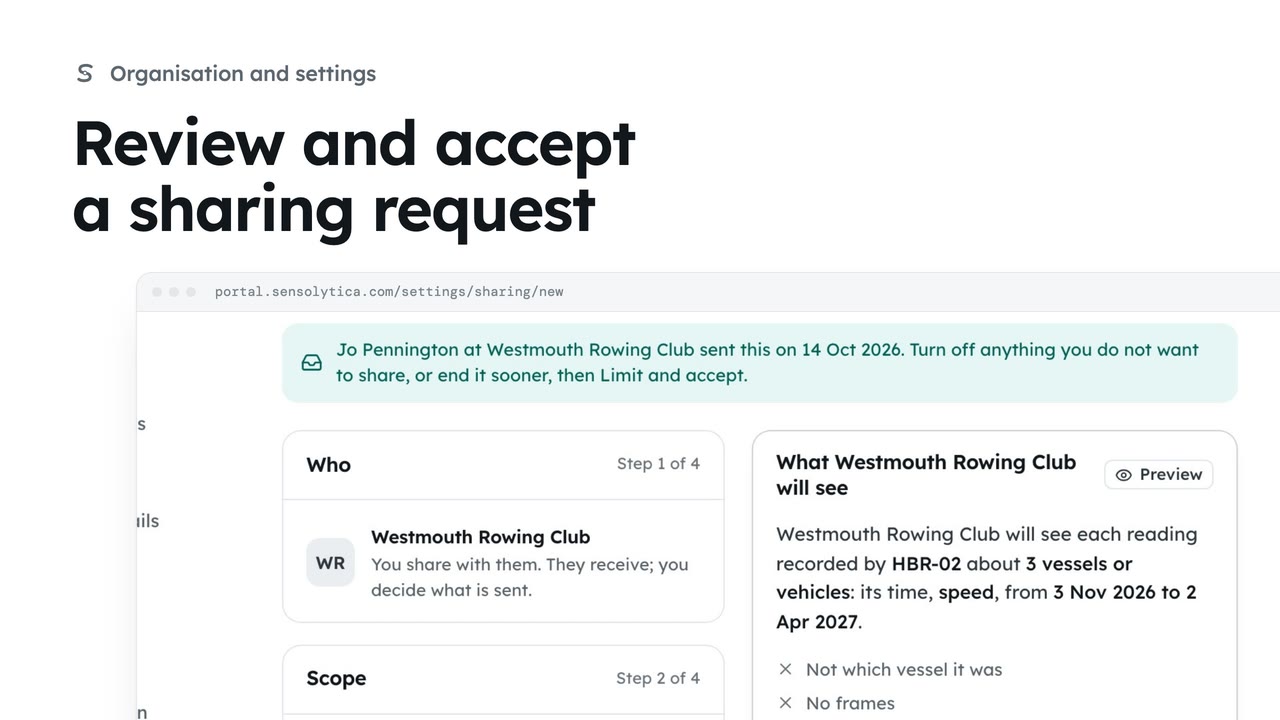 2 min
2 minRead a request another organisation sent you, then accept it, limit it first, or decline.
2 min4 stepsAdmin
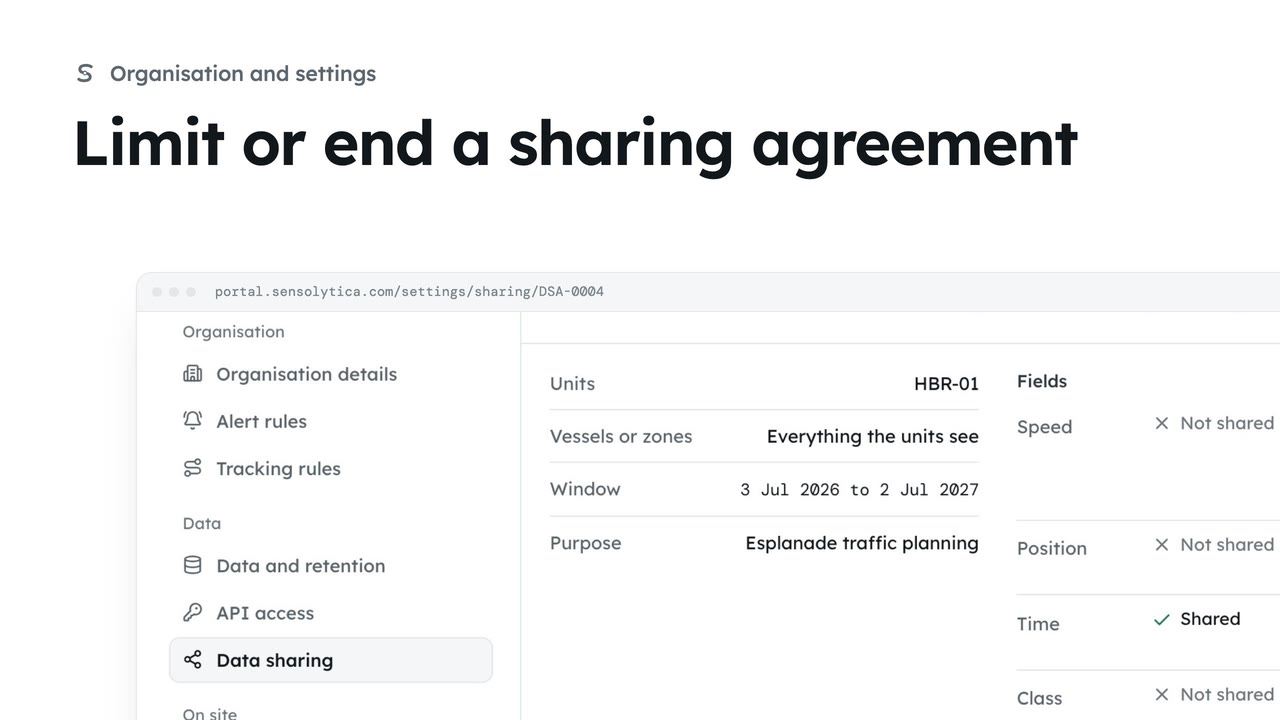 2 min
2 minNarrow a running agreement by taking fields away or ending it sooner, or end it at once.
2 min4 stepsAdmin
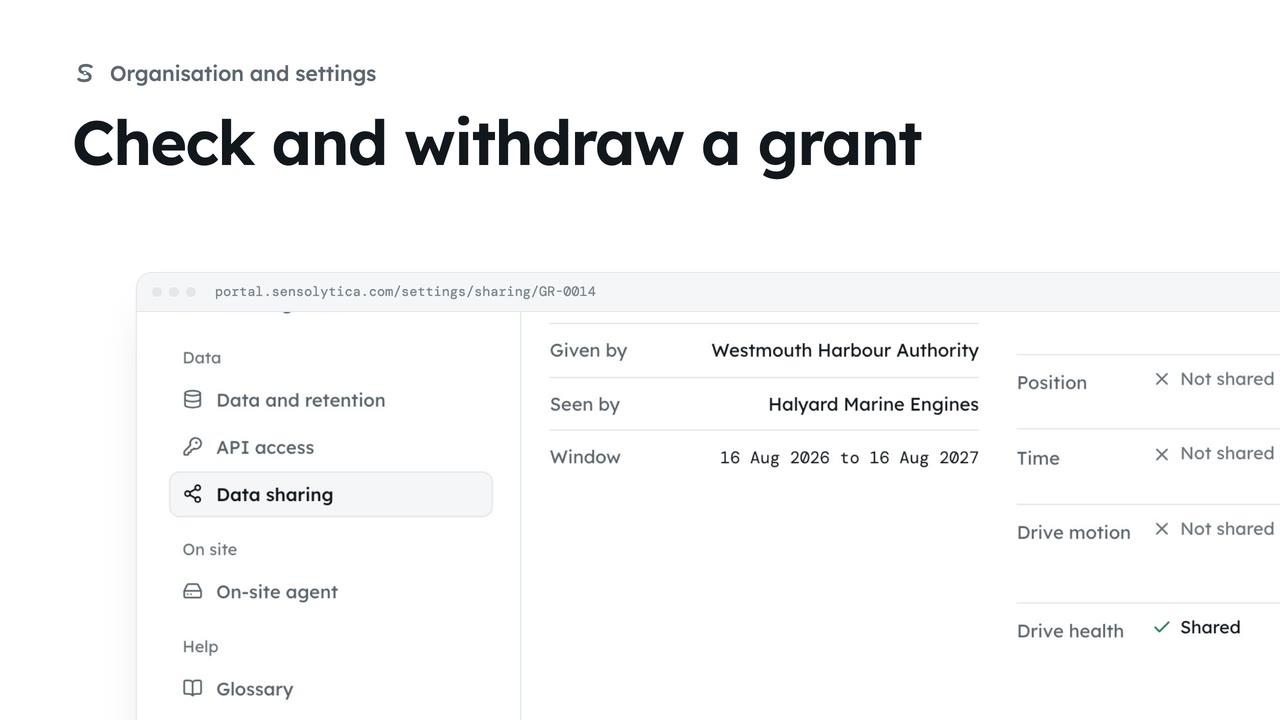 2 min
2 minSee the narrow grants that open one unit or vessel to a maker, an owner or a maintenance job, and withdraw one you gave.
2 min3 stepsAdmin
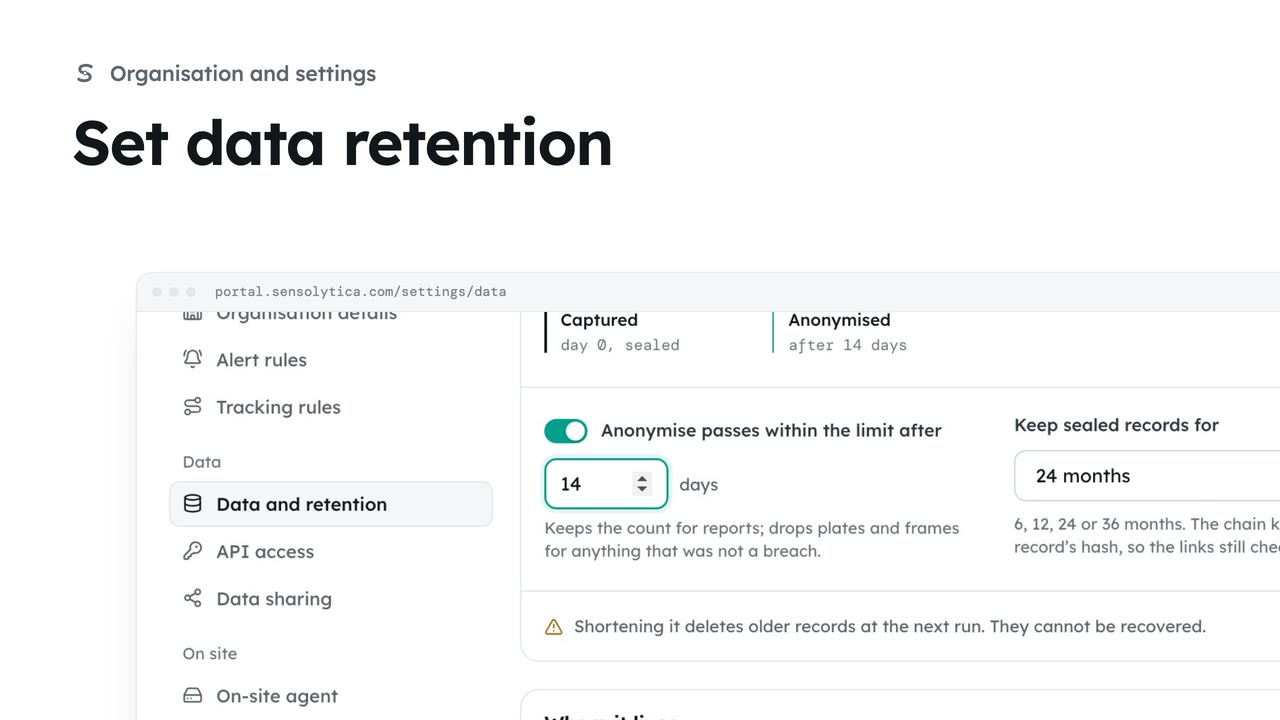 2 min
2 minChoose how long sealed records are kept and when passes within the limit lose what identifies them.
2 min4 stepsAdmin
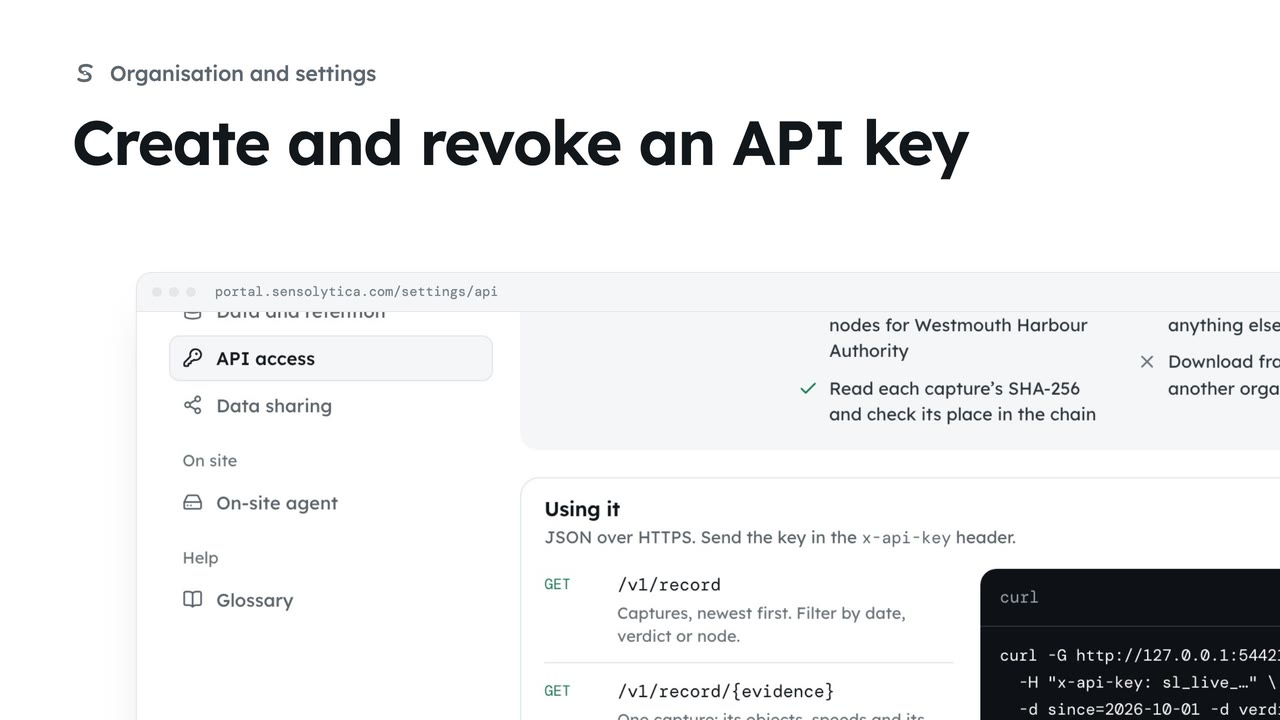 2 min
2 minGive another system read-only access to your record with a key you can revoke at any time.
2 min4 stepsAdmin
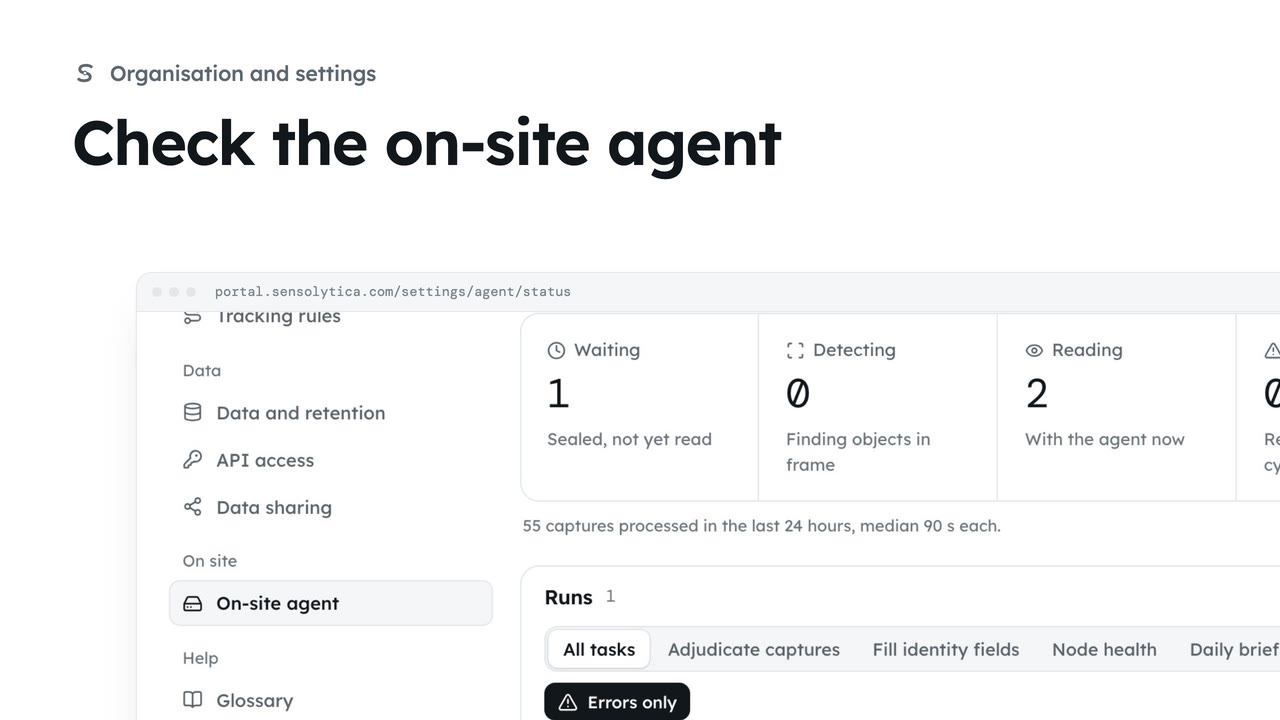 2 min
2 minSee what the on-site agent does, whether it is reporting in, its recent runs and the briefs it has written.
2 min4 stepsAdmin
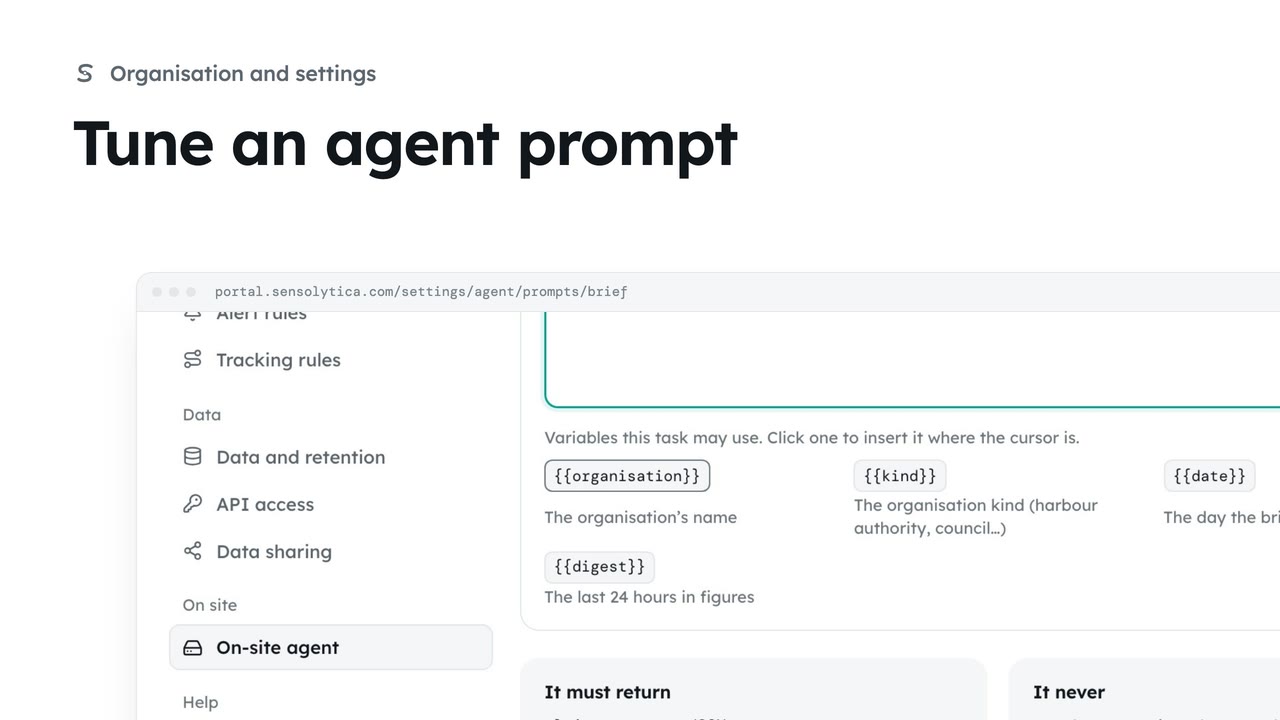 2 min
2 minChange what the on-site agent is told for one task, compare it with the platform template, and save your version.
2 min4 stepsAdmin
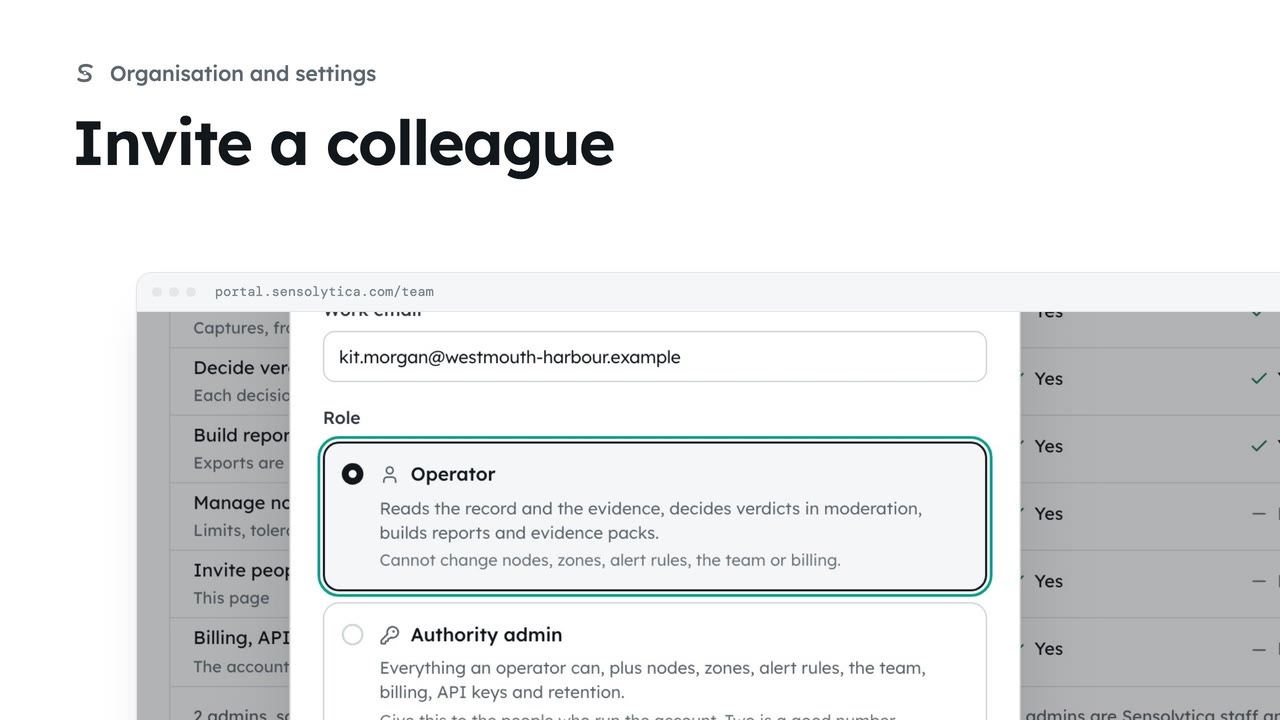 2 min
2 minInvite someone to your organisation with the smallest role that lets them do their job.
2 min5 stepsAdmin
 2 min
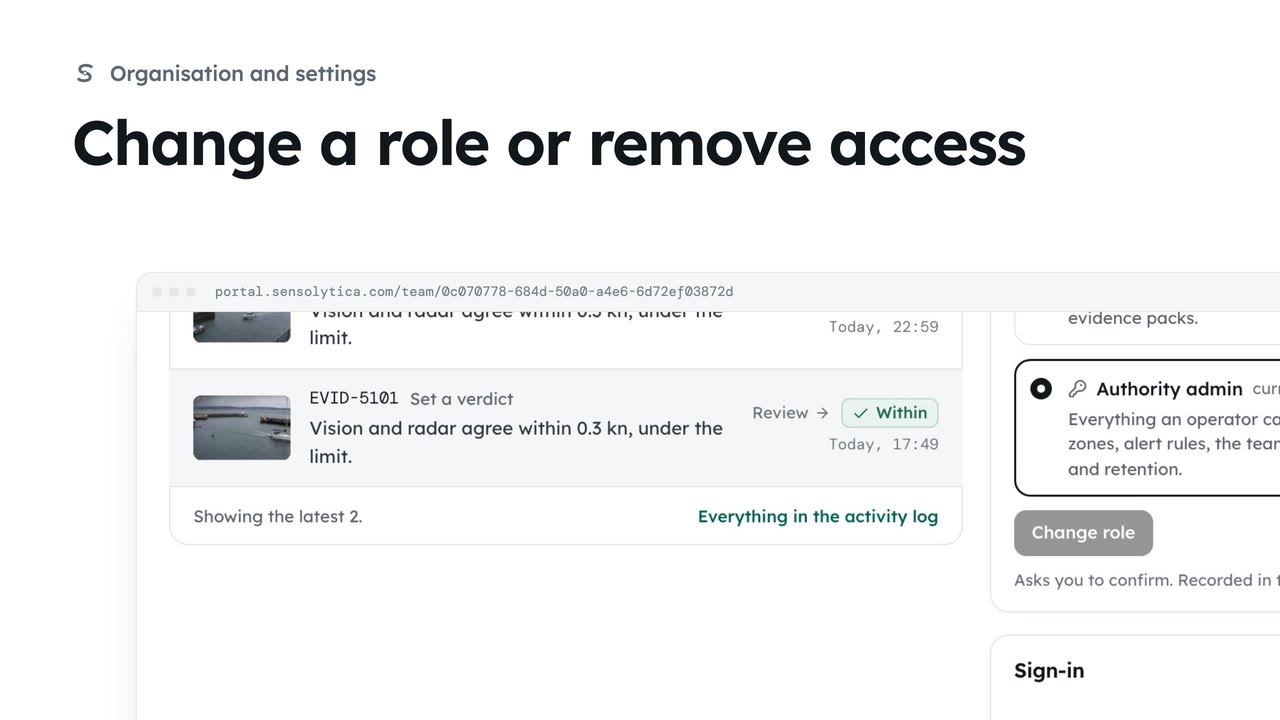
2 minSee what each role can do, change a person’s role, and remove someone who no longer needs access.
2 min4 stepsAdmin
 2 min
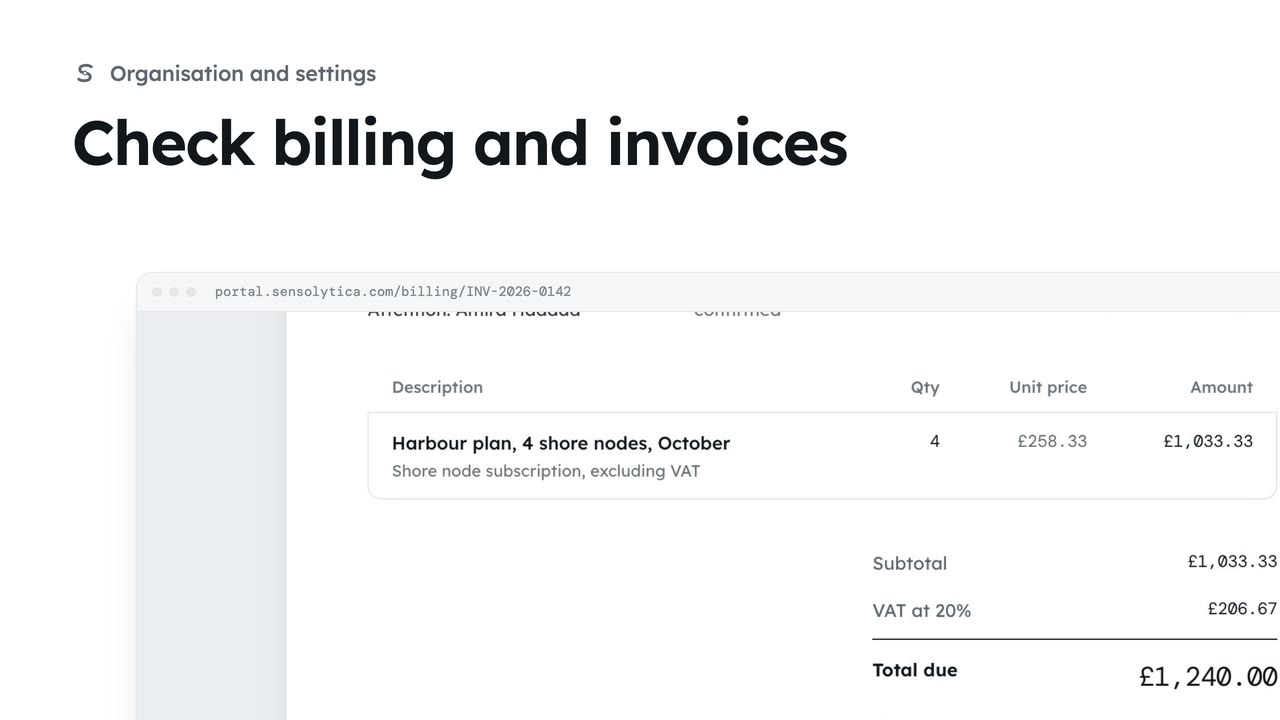
2 minSee your plan and next invoice, how you pay, and open, print or pay an invoice.
2 min4 stepsAdmin
 2 min
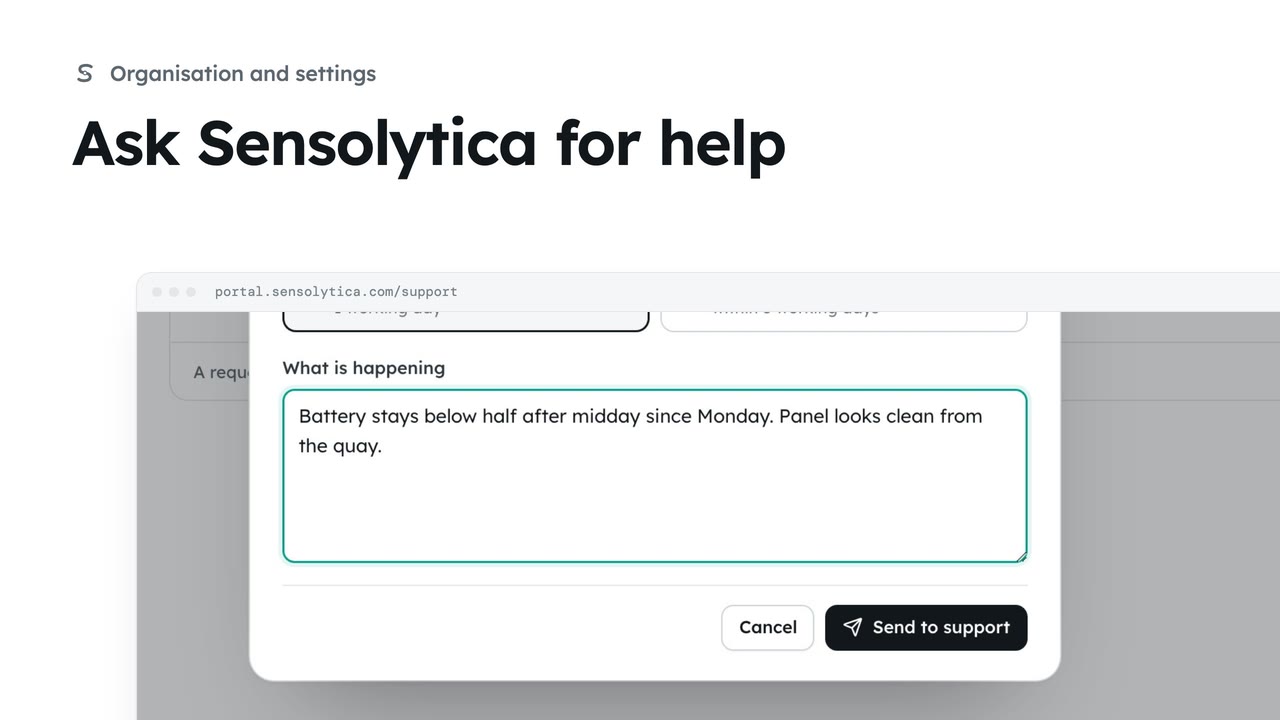
2 minRaise a support request, say how soon you need an answer, and follow it against our promise.
2 min4 stepsAdmin, Operator, Maker
 2 min
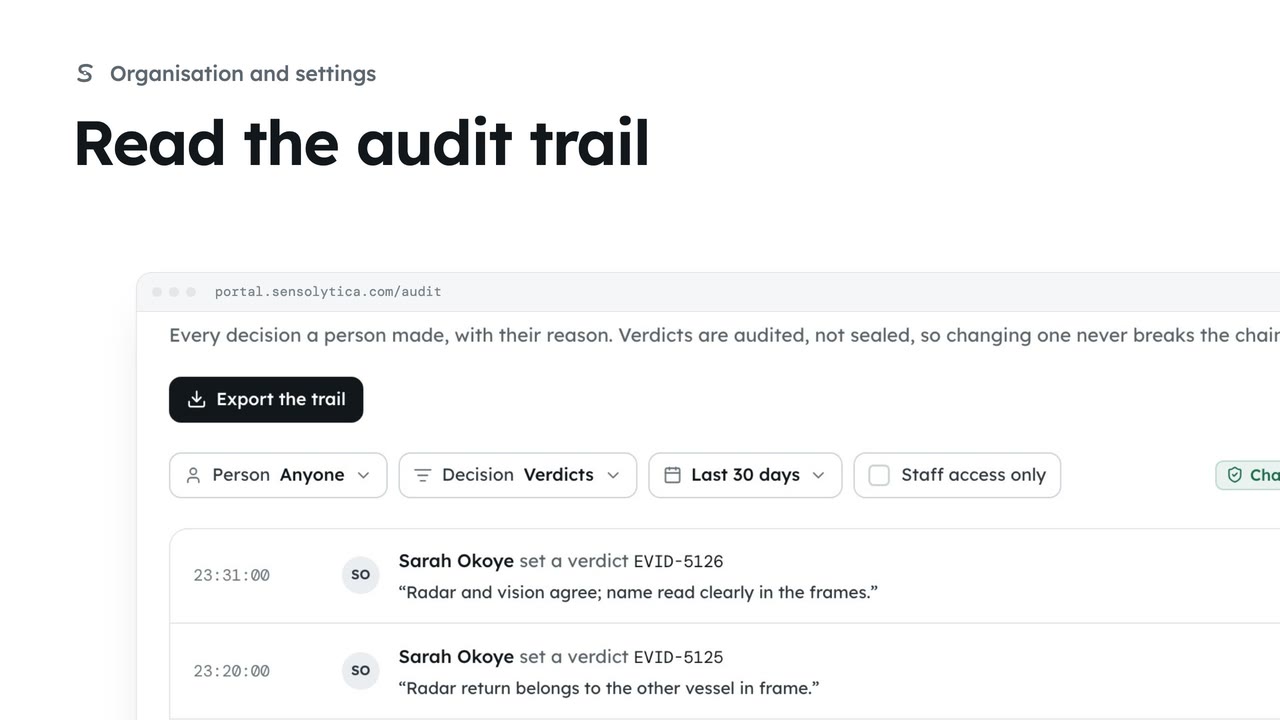
2 minSee every decision a person made in your organisation, with their reason, and export it for an auditor.
2 min4 stepsAdmin
 2 min
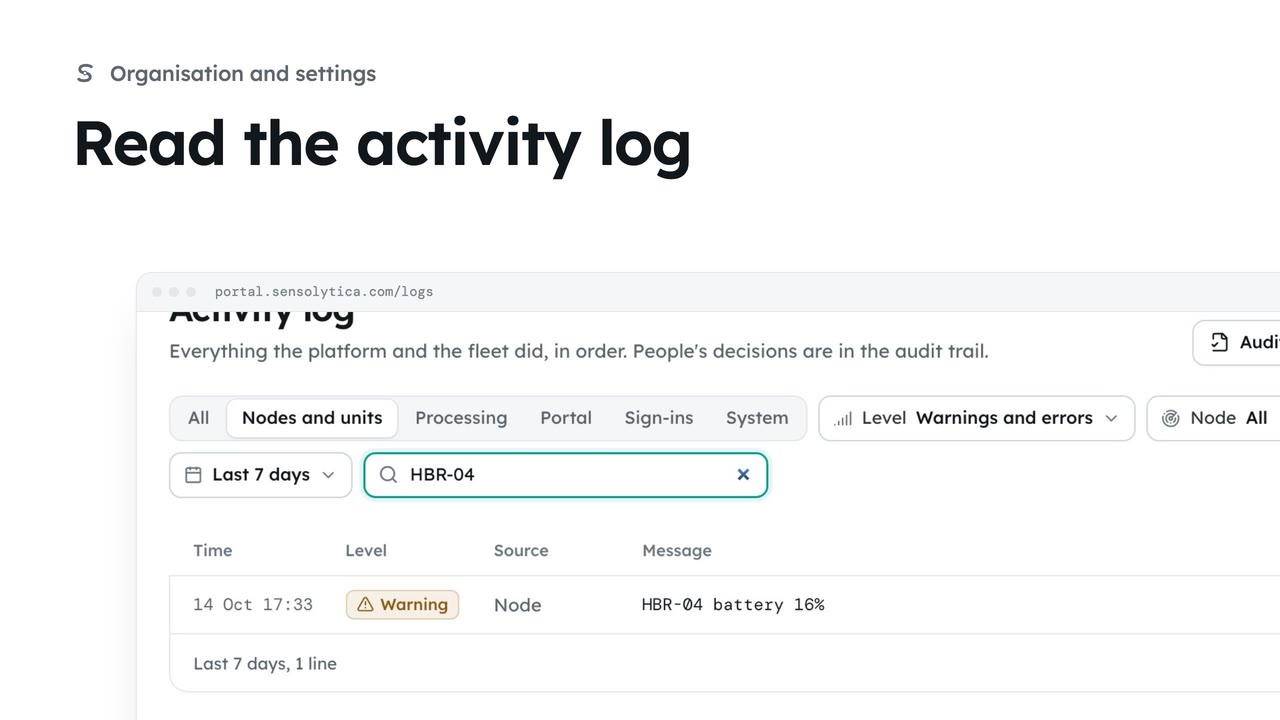
2 minFollow everything the platform and the fleet did, filter it to what matters and export it.
2 min4 stepsAdmin, Operator
 2 min
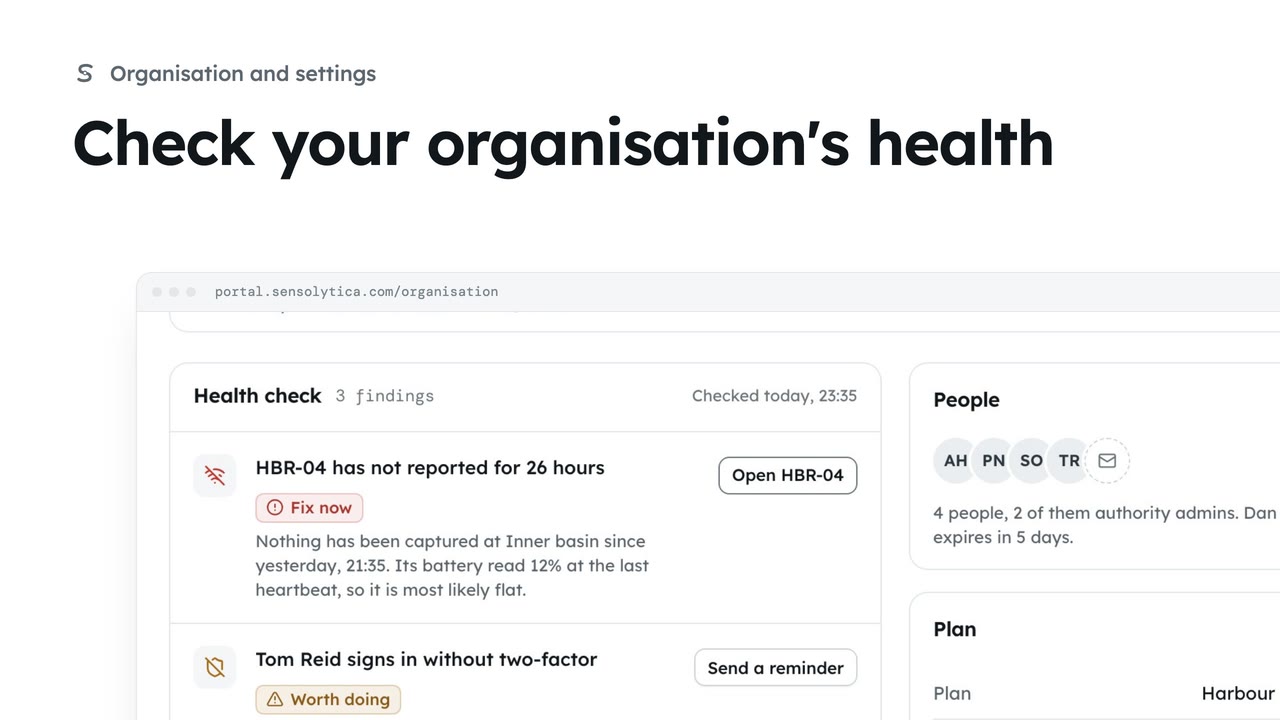
2 minRead the organisation overview: its figures, the health check with what to fix first, and send a two-factor reminder from it.
2 min3 stepsAdmin
 2 min
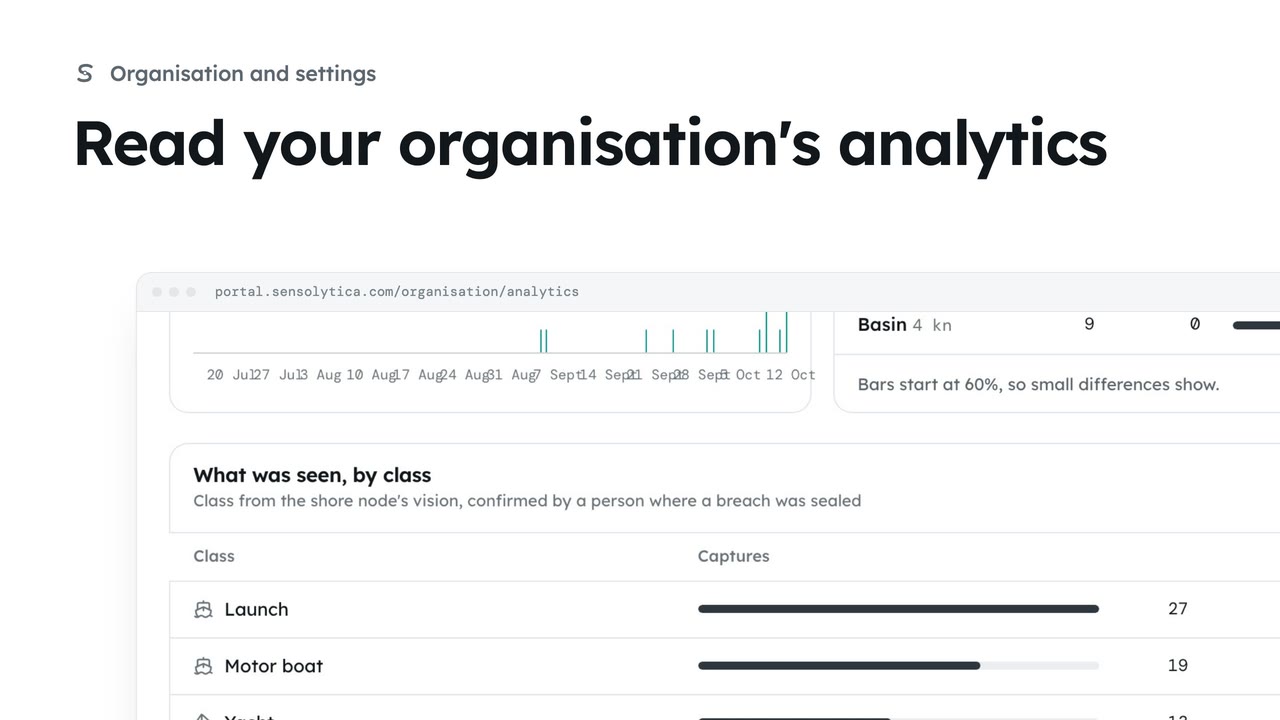
2 minSee when breaches happen, by weekday and hour, how each zone keeps to its limit and what passes, and save the figures as a CSV.
2 min4 stepsAdmin
 1 min
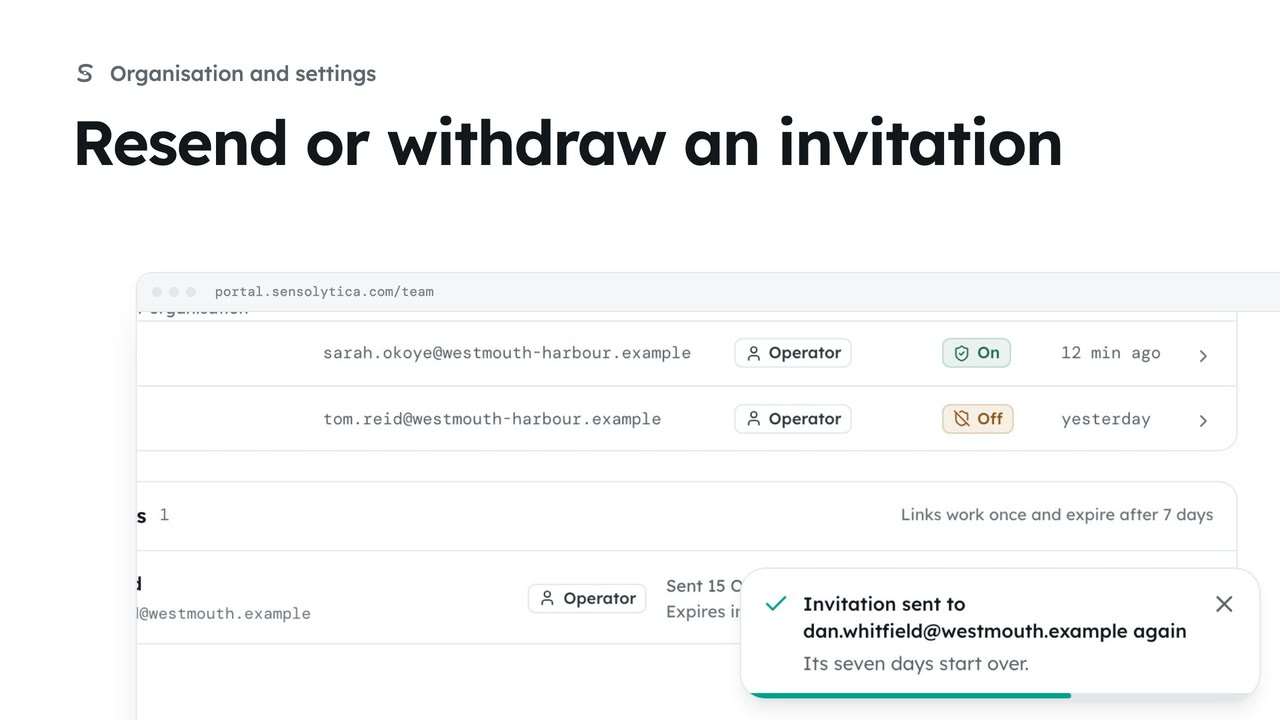
1 minSend an invitation again when it has gone astray, or withdraw one that should not be used.
1 min3 stepsAdmin
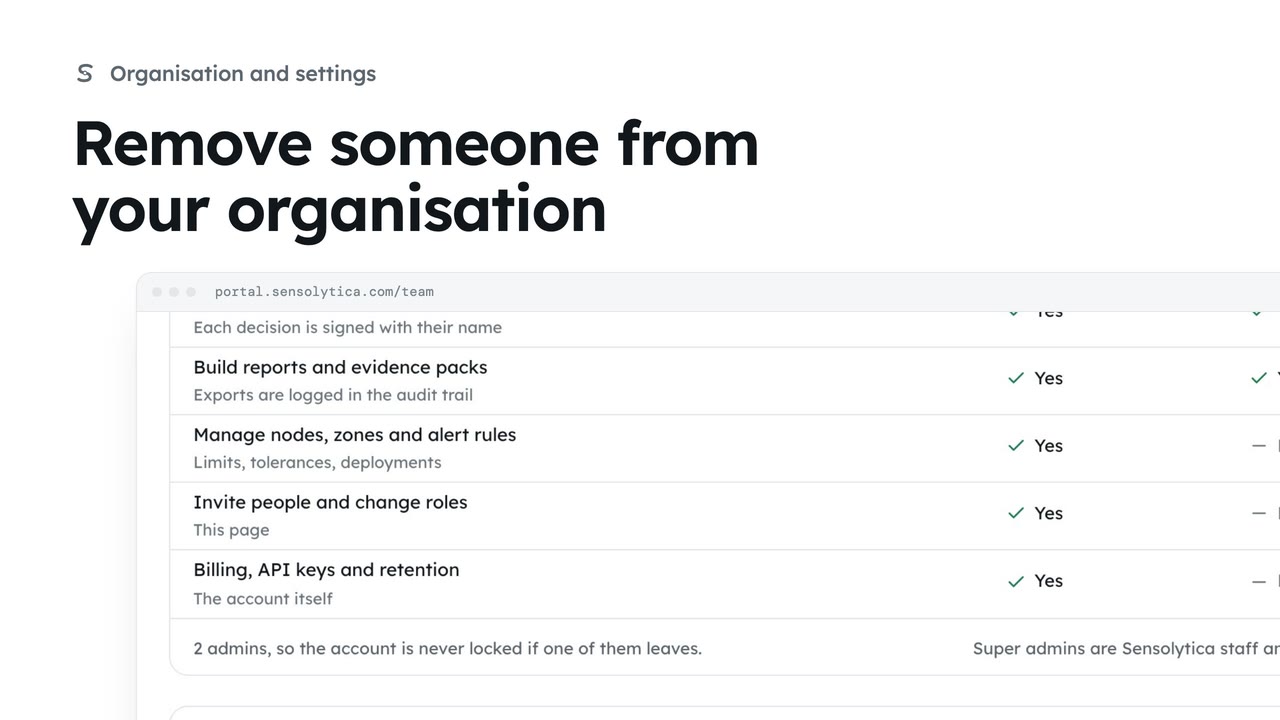 1 min
1 minTake away a person's access when they leave, keeping their decisions on the record under their name.
1 min2 stepsAdmin
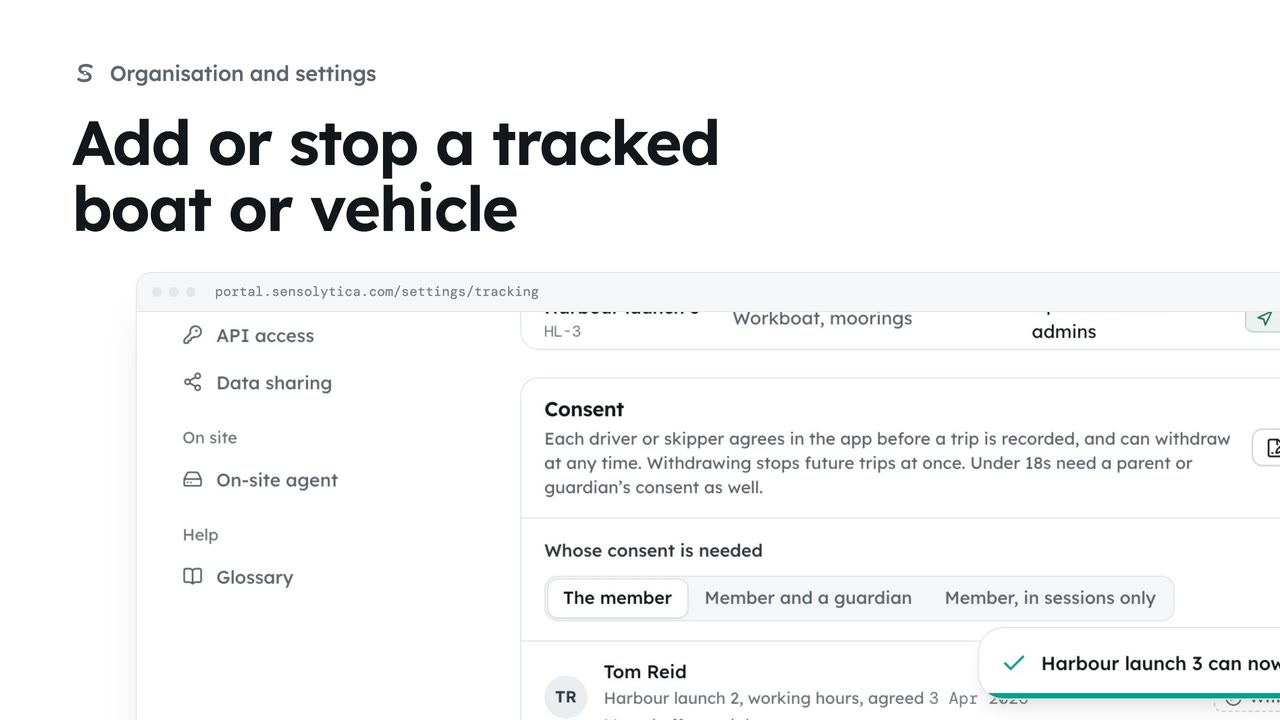 2 min
2 minLet members' phones record trips on one more of the organisation's own boats or vehicles, and stop when it is no longer needed.
2 min3 stepsAdmin
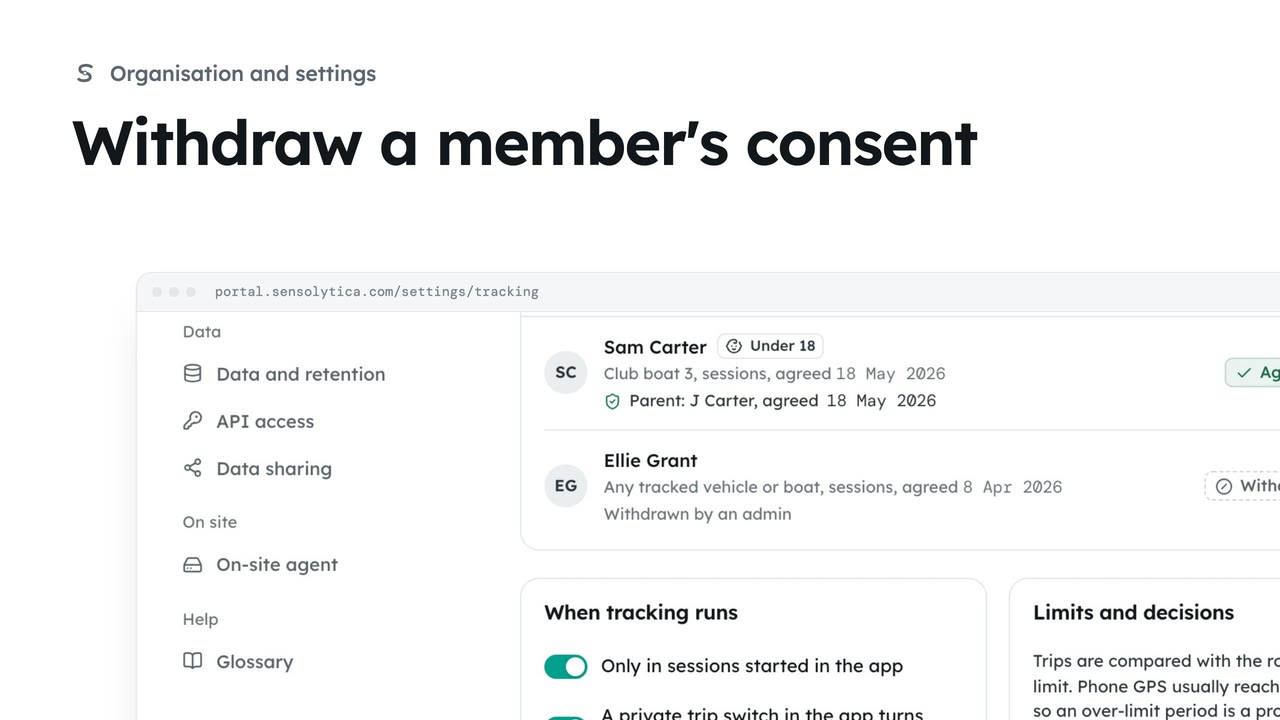 1 min
1 minStop a member's trips at once when they ask, or when they no longer drive or skipper for you.
1 min2 stepsAdmin
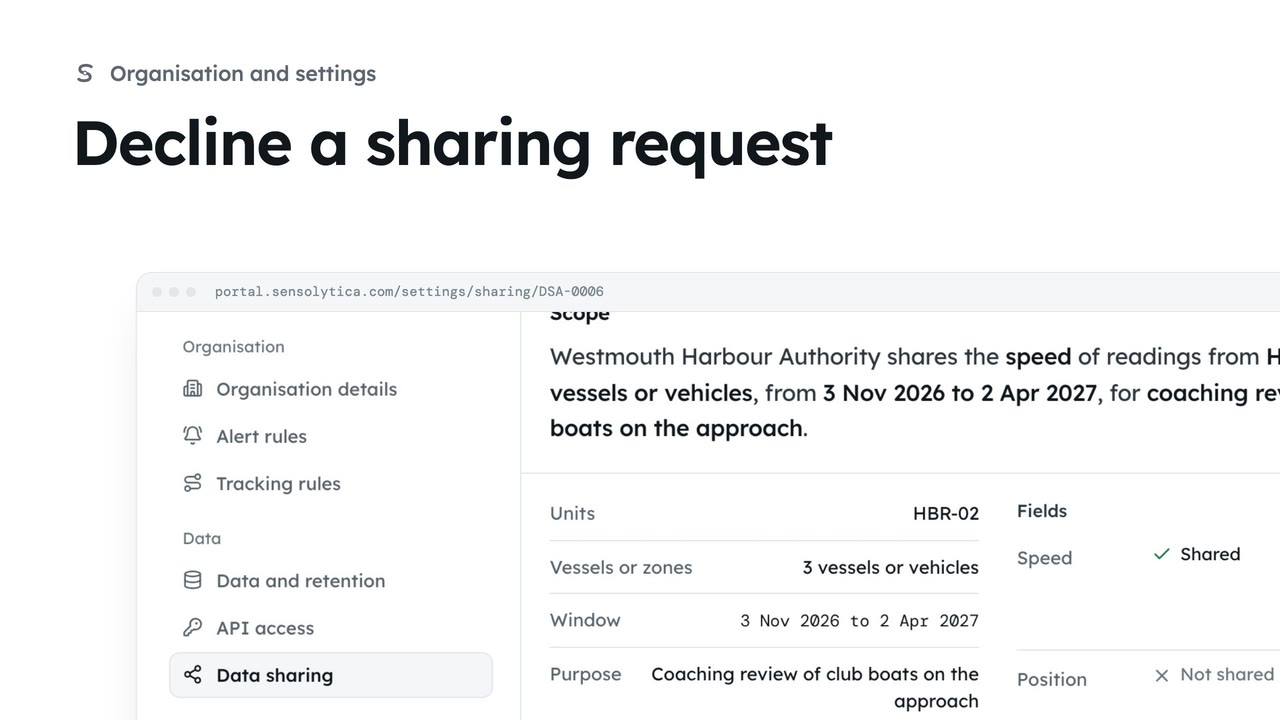 1 min
1 minTurn down a request from another organisation to share readings. They are told, and nothing is shared.
1 min2 stepsAdmin
 1 min
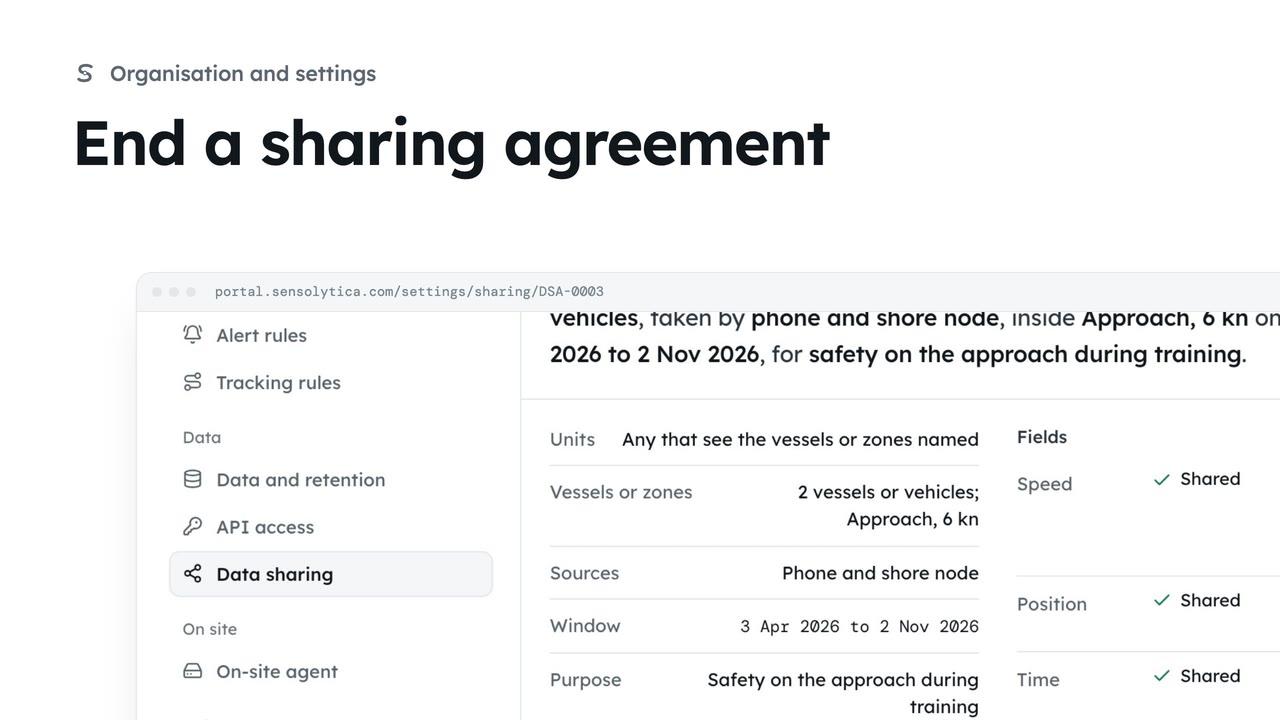
1 minStop a running agreement at once, so the other organisation no longer sees your readings.
1 min2 stepsAdmin
 1 min
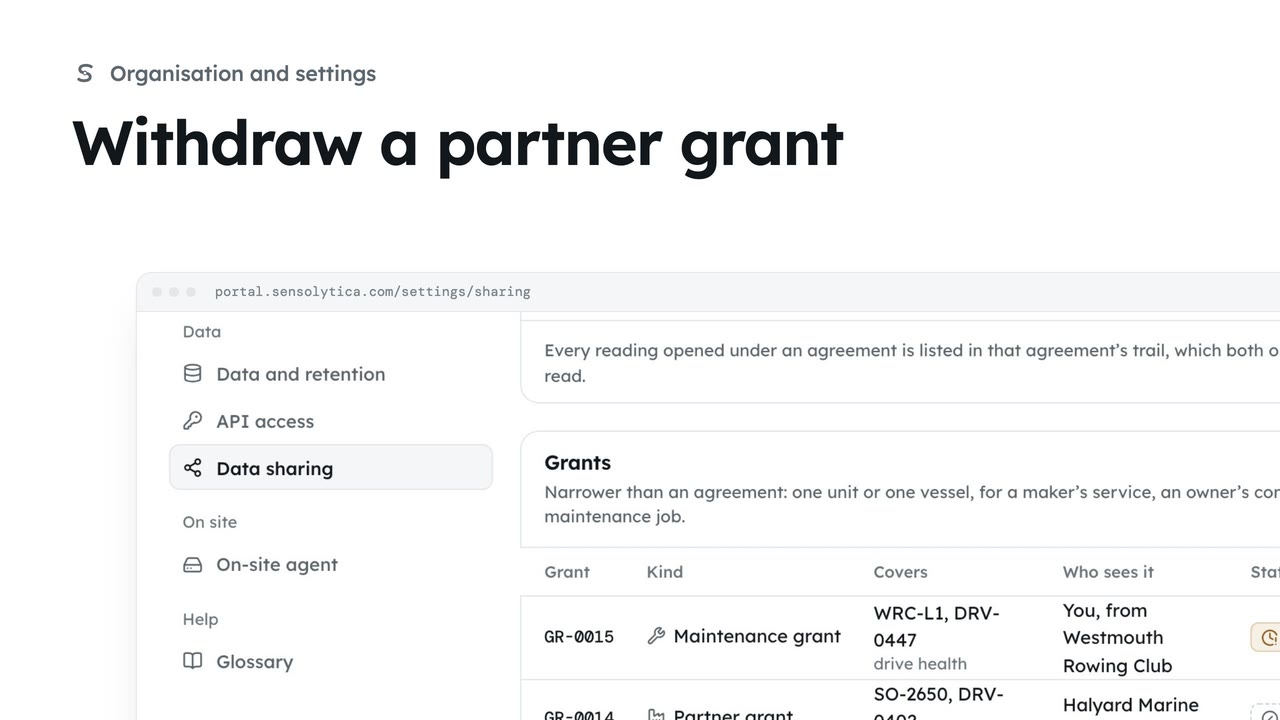
1 minStop a maker seeing a unit's drive health, straight from the list of grants.
1 min2 stepsAdmin
 1 min
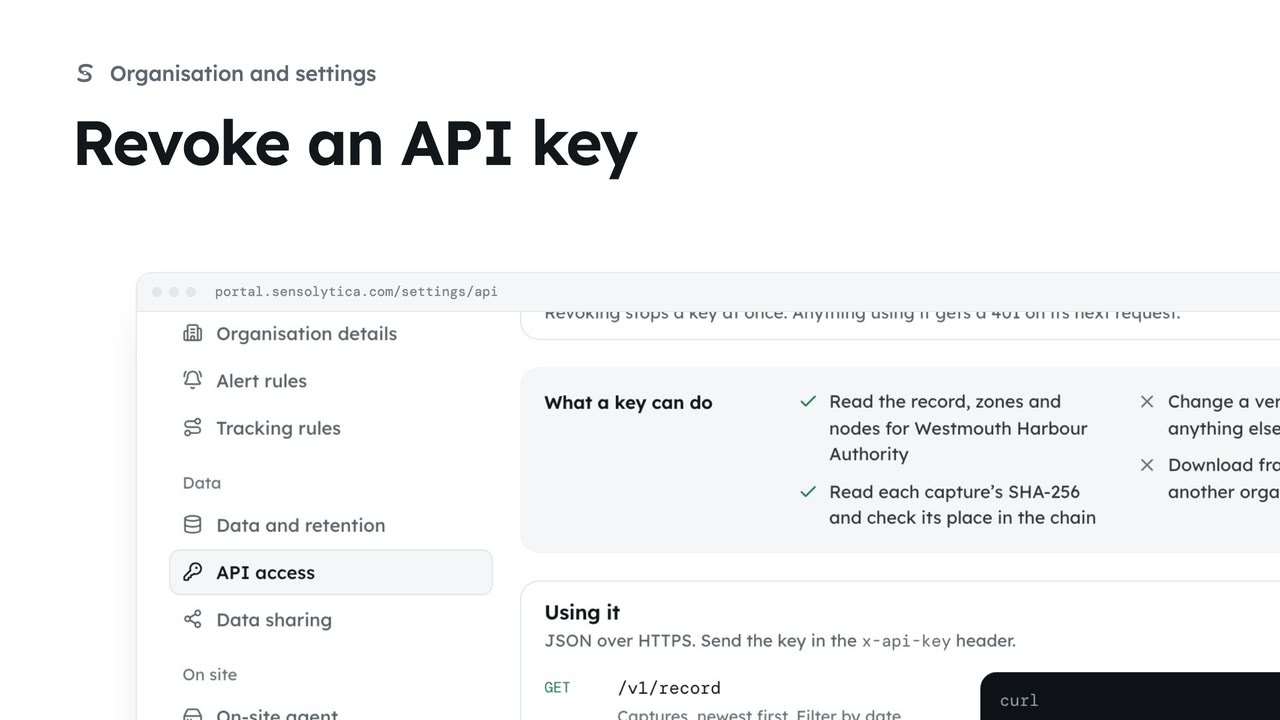
1 minCut off a system that reads your record by revoking its key, when it is retired or the key may have leaked.
1 min2 stepsAdmin
 2 min
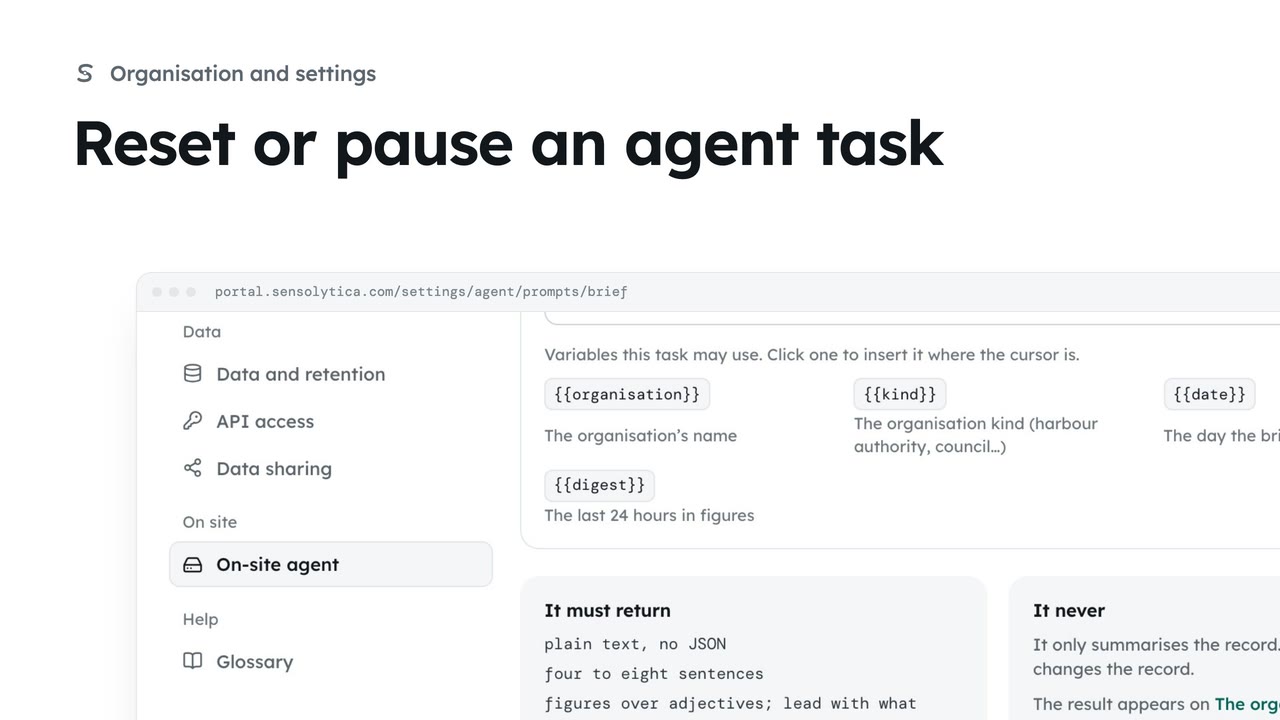
2 minGo back to the platform template for one of the on-site agent's tasks, or pause the task for your organisation.
2 min3 stepsAdmin
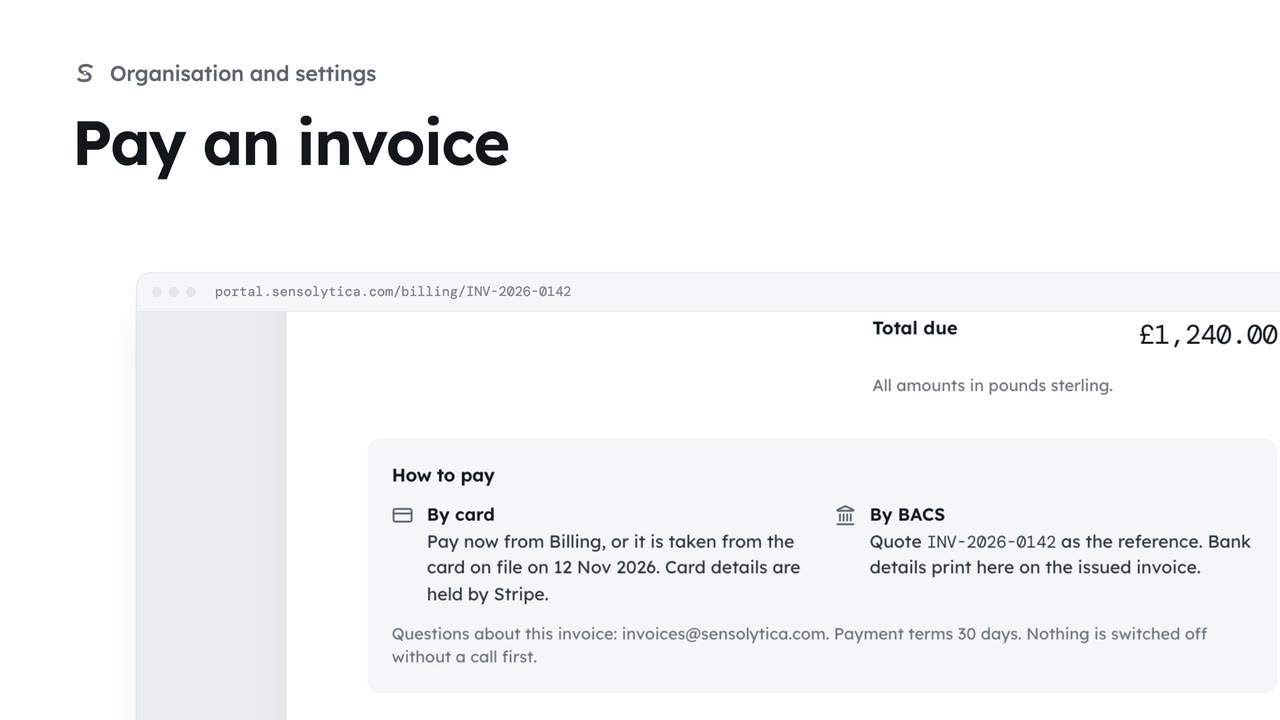 1 min
1 minOpen an outstanding invoice, see how to pay it, and pay it on Stripe's hosted page.
1 min3 stepsAdmin
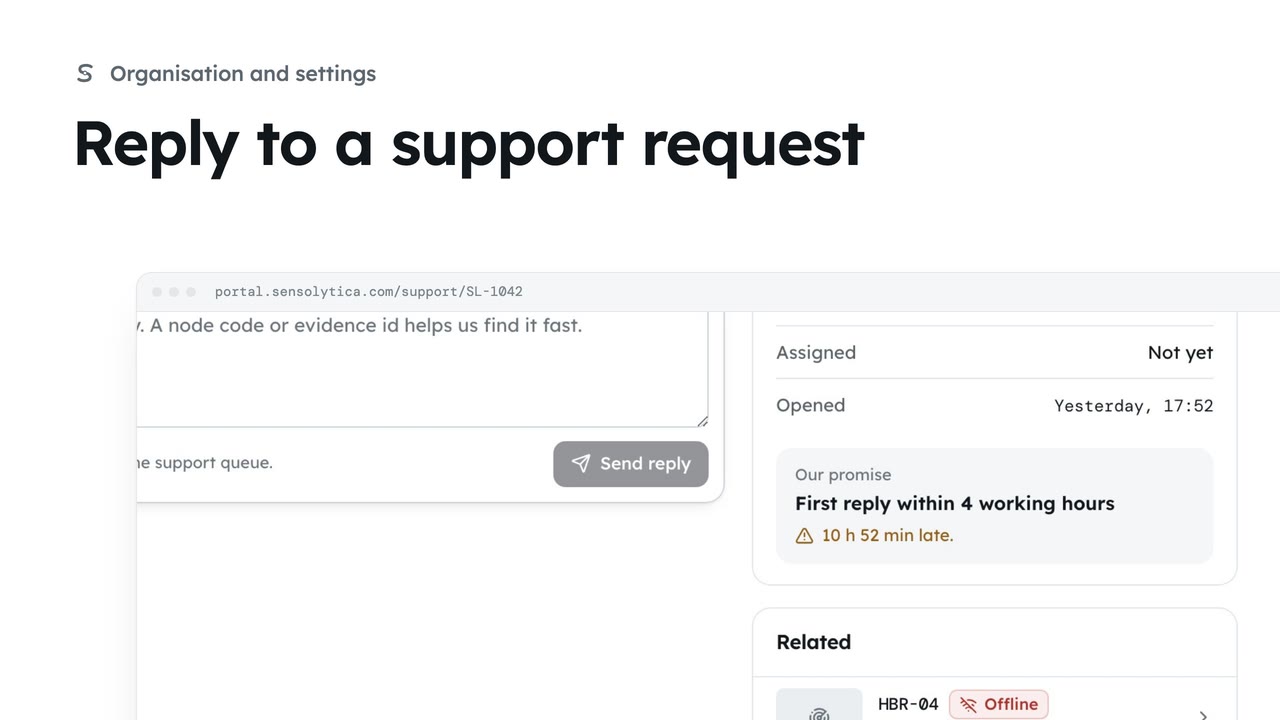 1 min
1 minFollow a request you raised, read our replies and answer them.
1 min3 stepsAdmin, Operator, Maker
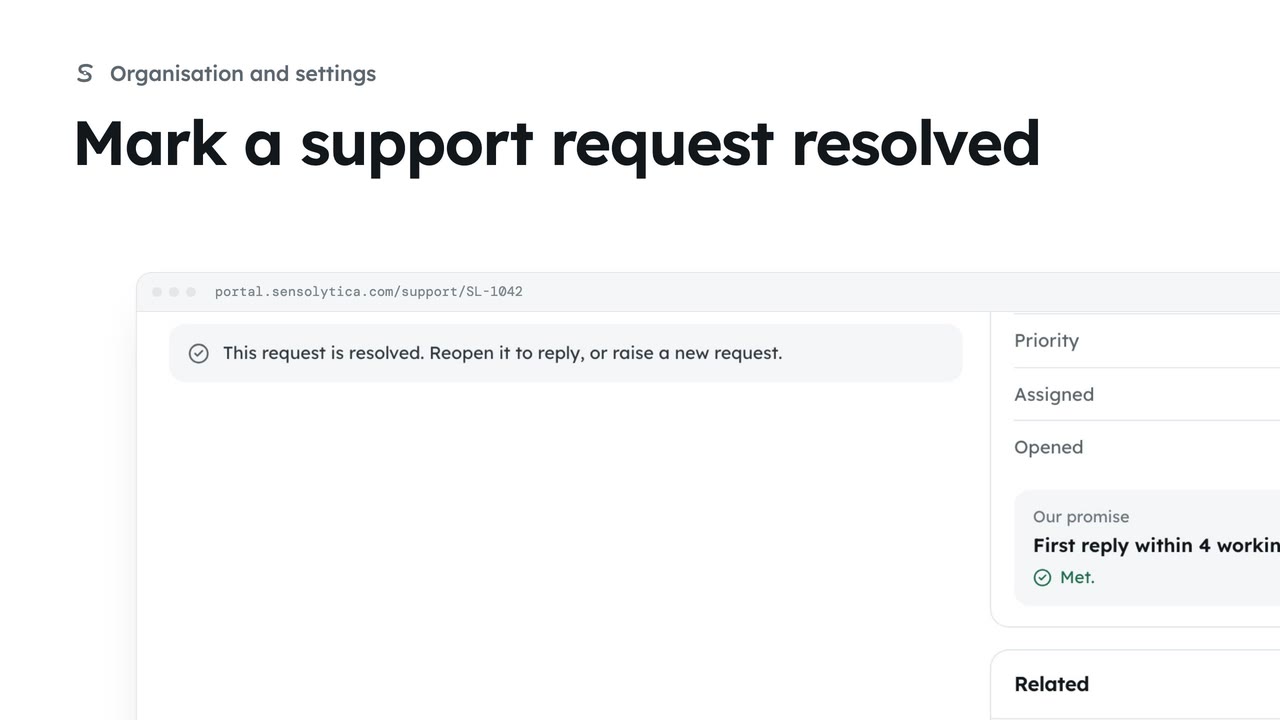 1 min
1 minClose a request once the problem is fixed, and reopen it if it comes back.
1 min3 stepsAdmin, Operator, Maker
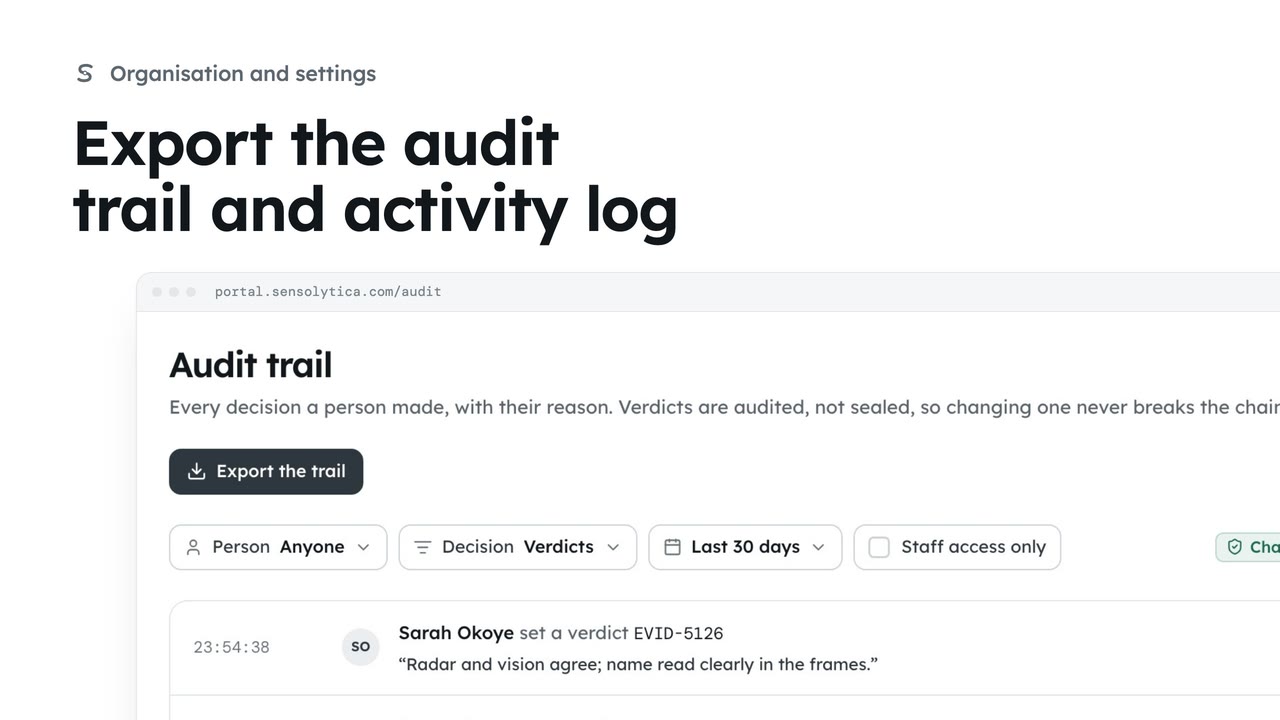 2 min
2 minSave the decisions people made and what the platform did, filtered to what an auditor asked for, as CSV files.
2 min3 stepsAdmin
The platform pages for Sensolytica staff: organisations, users, firmware, the central record and support.
 2 min
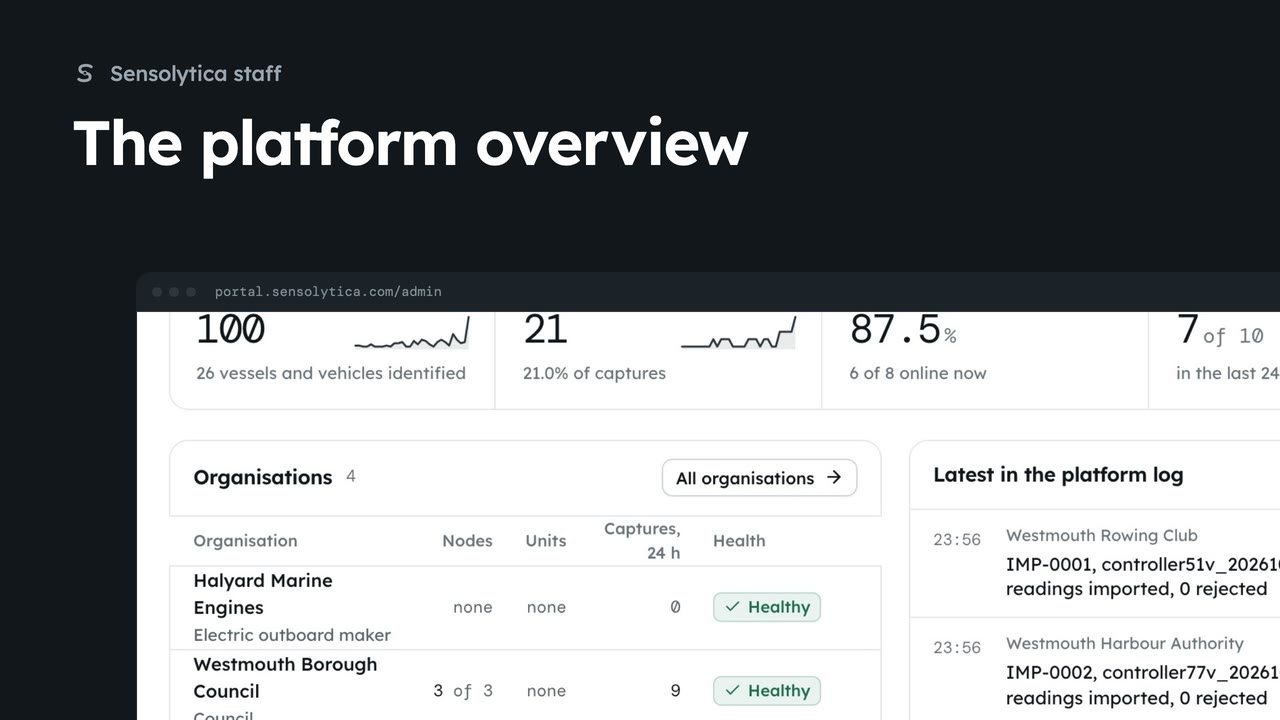
2 minSee what needs Sensolytica staff across every organisation, how the platform did over 30 days, and where to go next.
2 min6 stepsSensolytica staff
 2 min
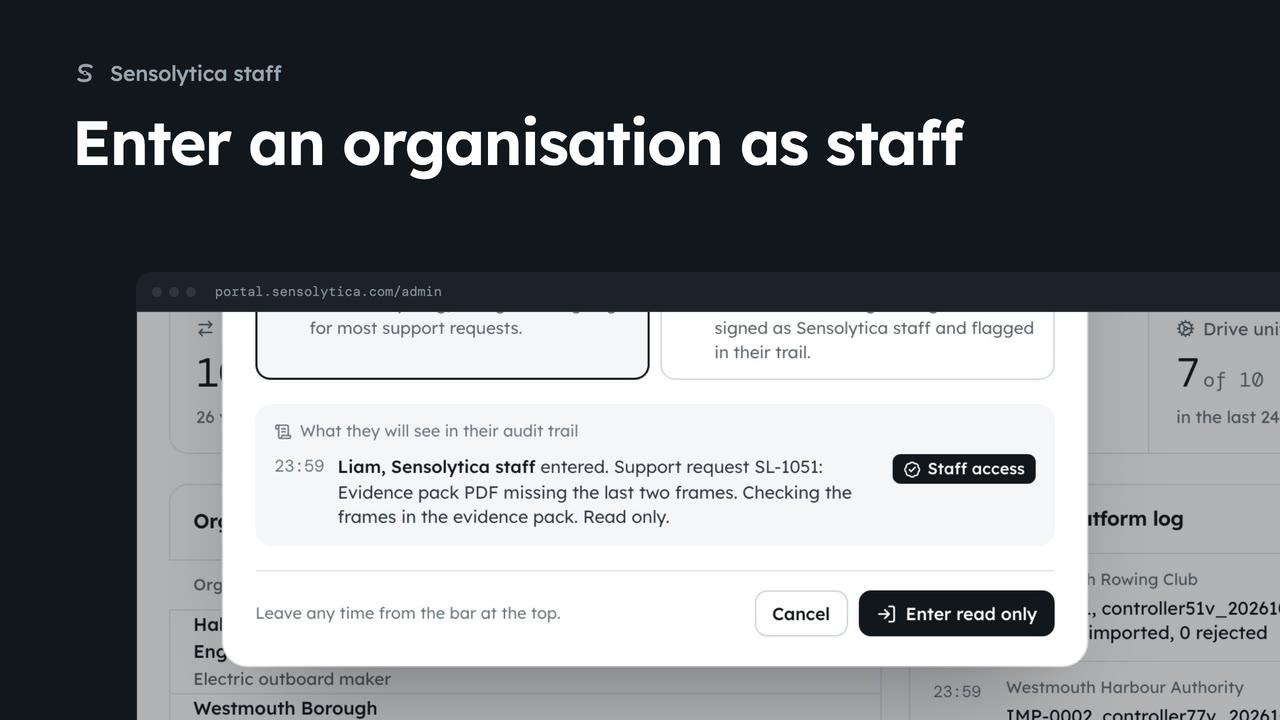
2 minAct inside an organisation as Sensolytica staff with a recorded reason, then leave it again.
2 min7 stepsSensolytica staff
 2 min
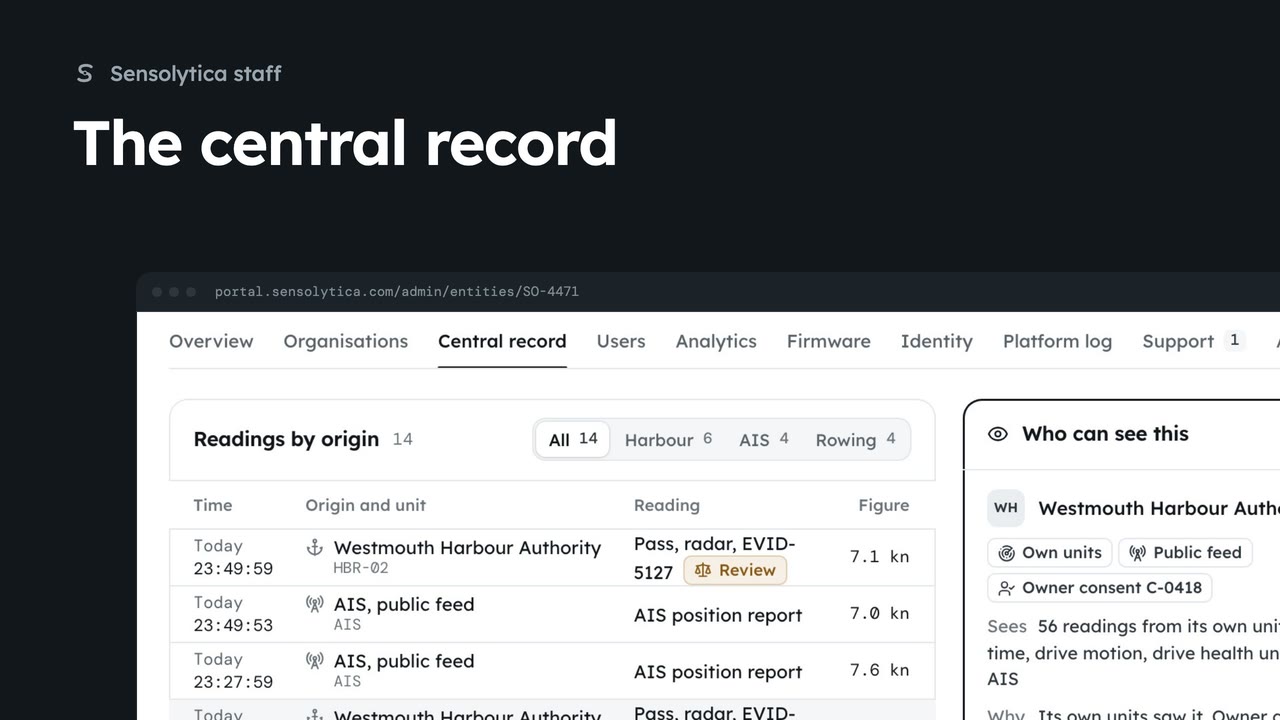
2 minFind a vessel or vehicle across every organisation, see every reading and who can see it, and check the staff access log.
2 min6 stepsSensolytica staff
 2 min
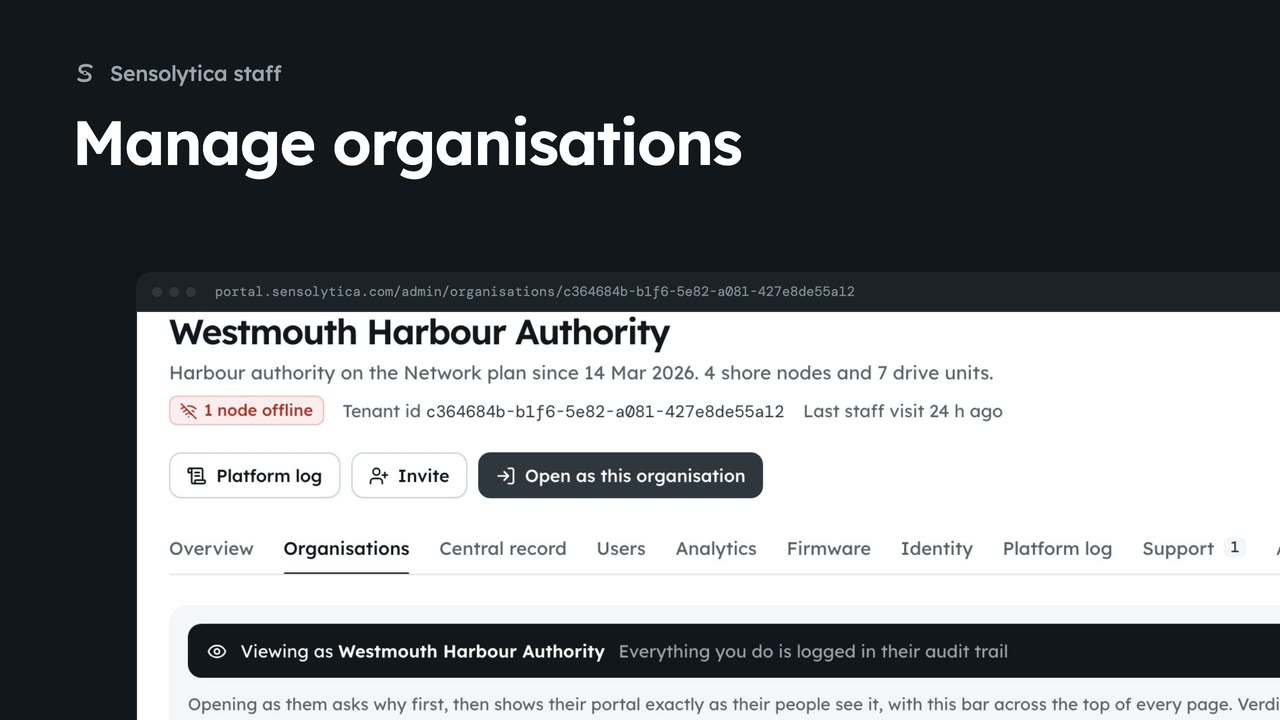
2 minFind an organisation, check its health and fleet on its platform page, and create a new one.
2 min6 stepsSensolytica staff
 2 min
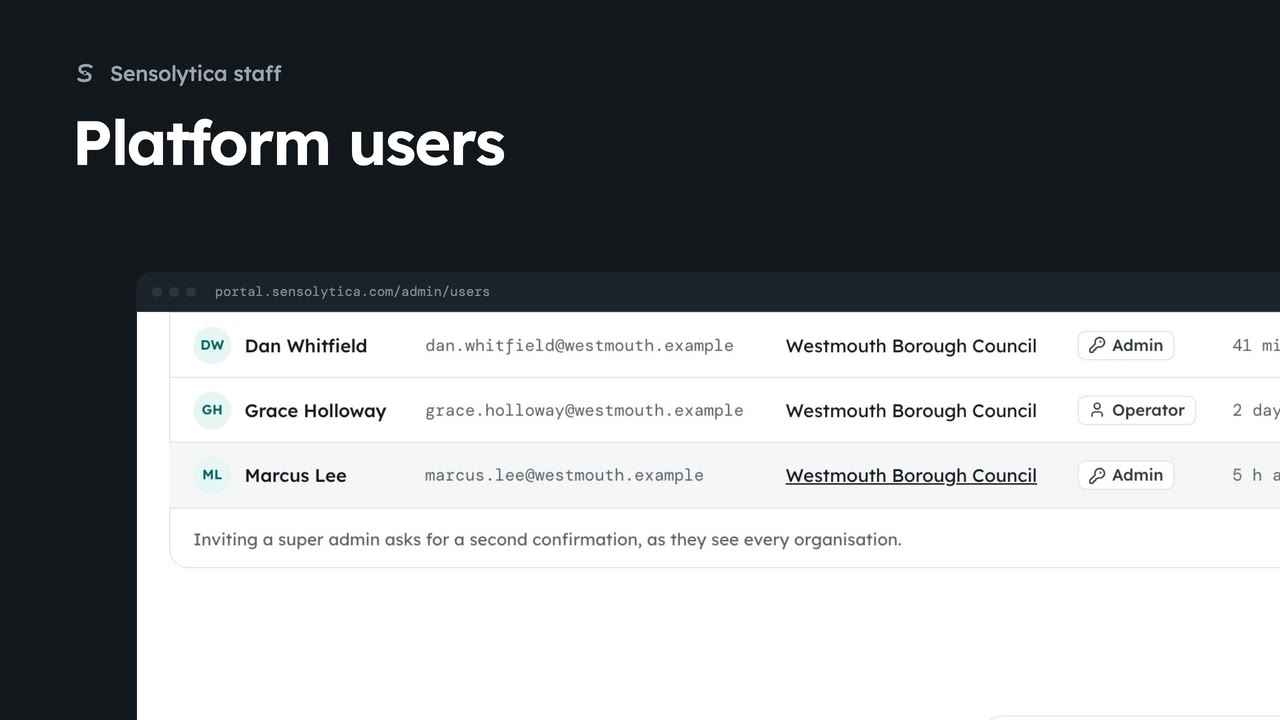
2 minFind anyone with access across every organisation, change a person's role, and invite someone to the right organisation.
2 min6 stepsSensolytica staff
 2 min
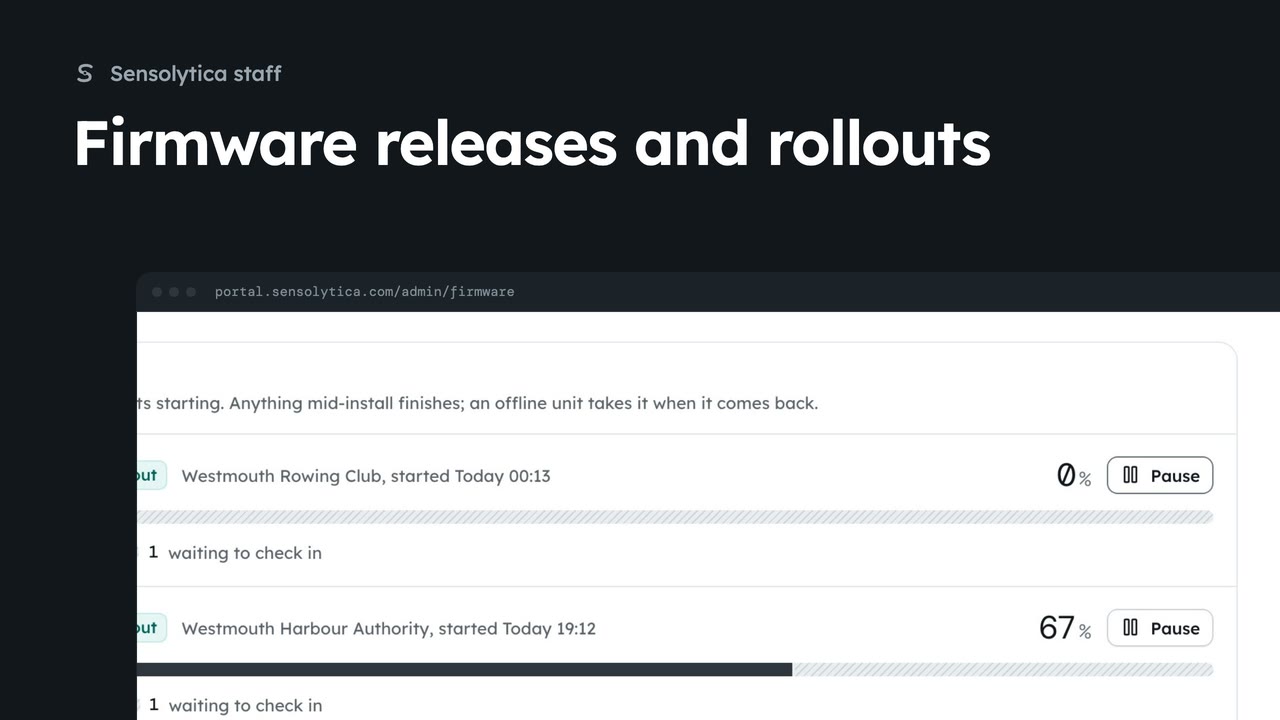
2 minRoll a shore node release out to one organisation, follow the rollout and hold a unit while someone is on site.
2 min6 stepsSensolytica staff
 2 min
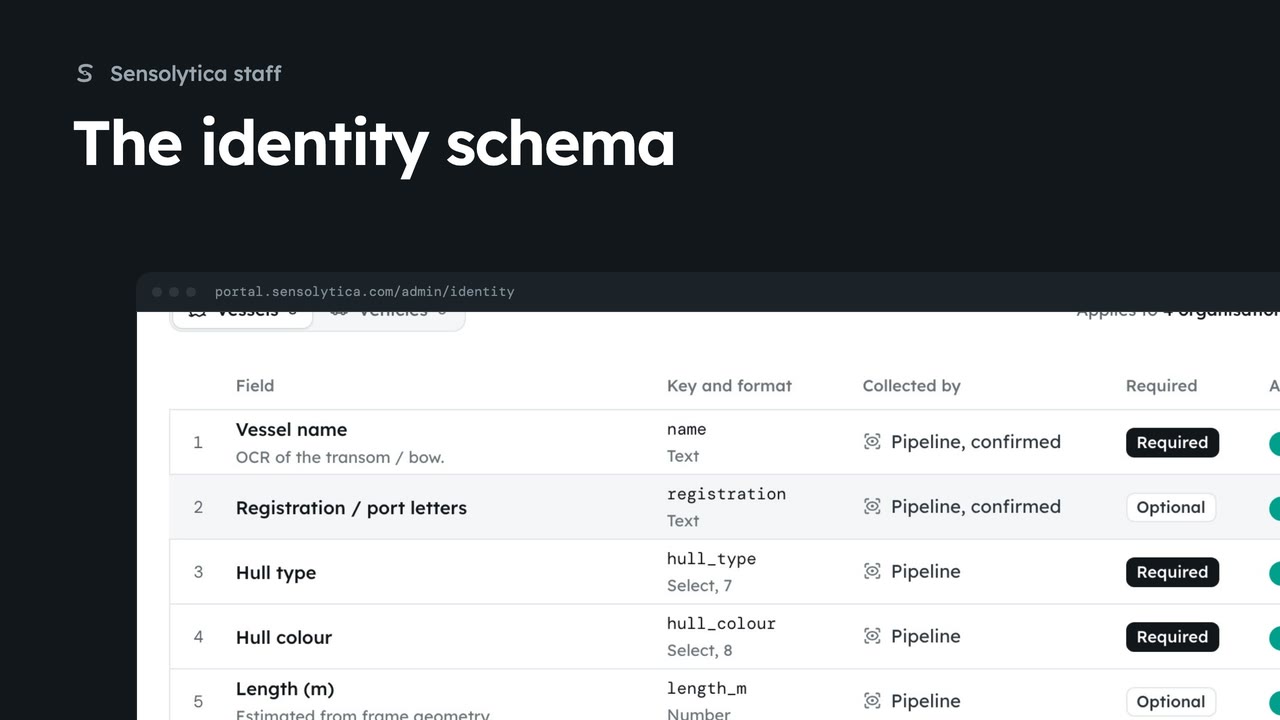
2 minChoose the fields that identify a vessel or a vehicle for every organisation, and who fills each one in.
2 min5 stepsSensolytica staff
 1 min
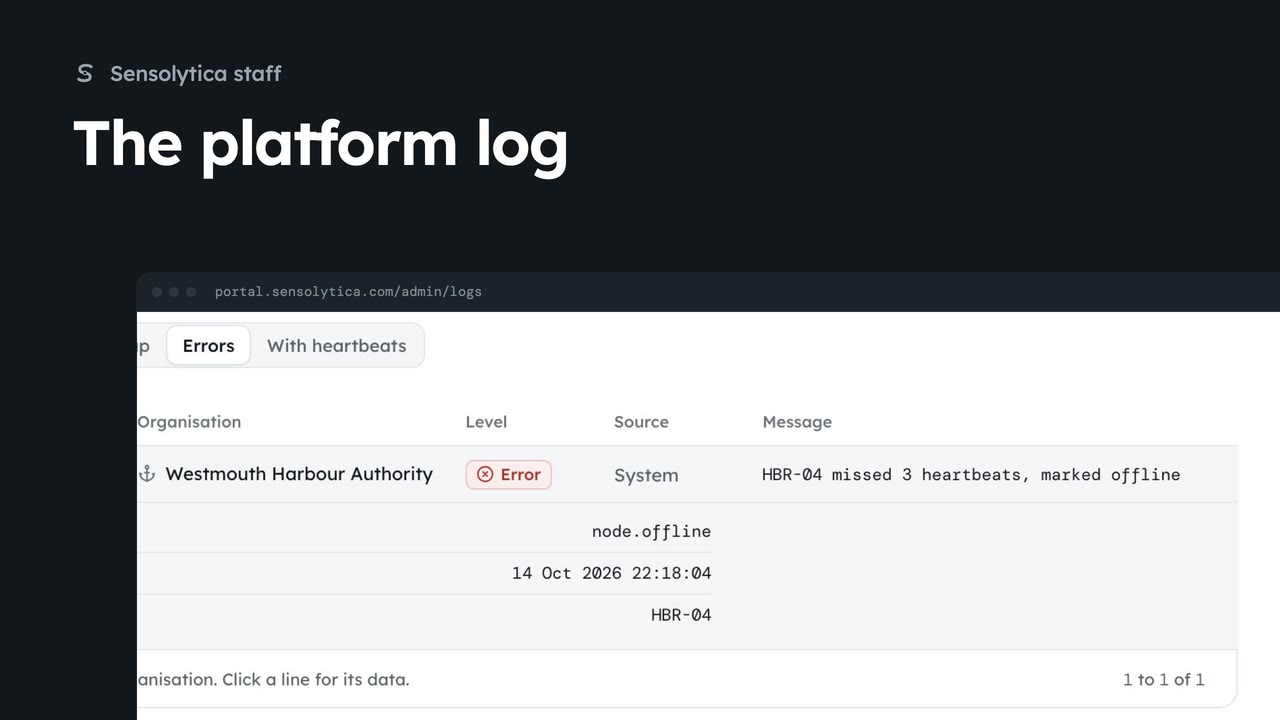
1 minSearch everything the platform and the fleet did across every organisation in the platform log, and export what you find.
1 min4 stepsSensolytica staff
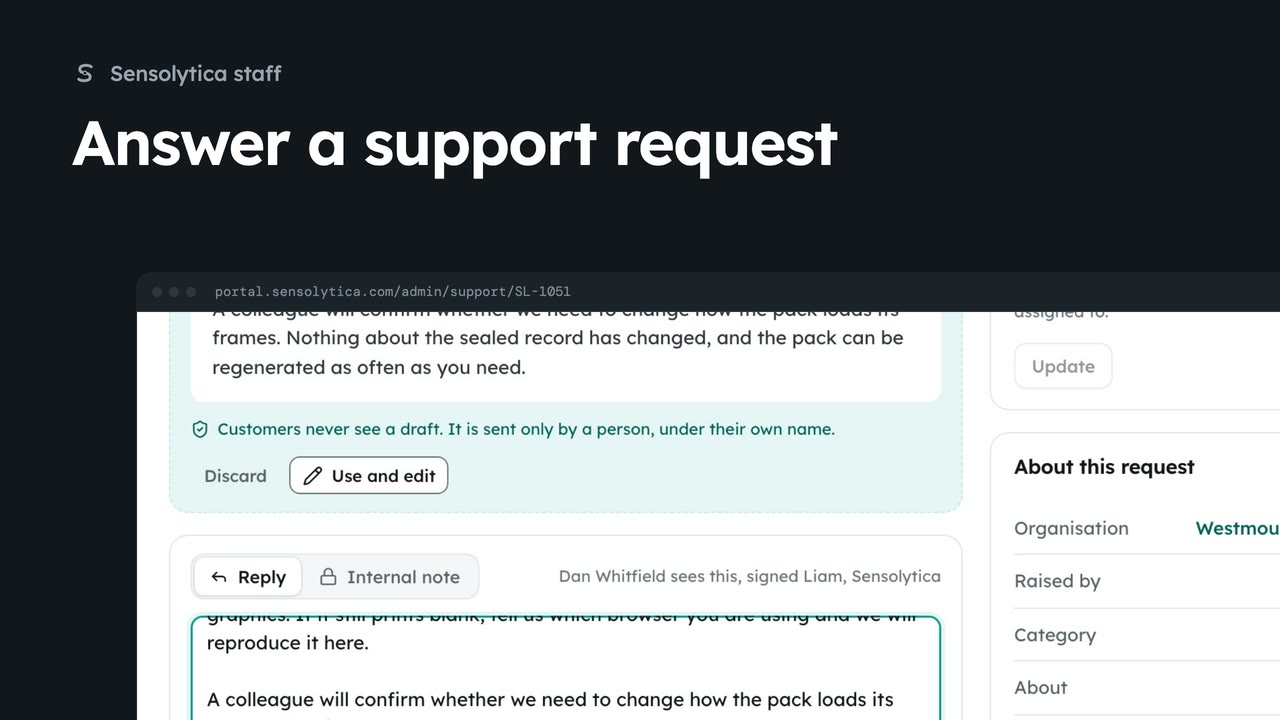 2 min
2 minTake a request from the support queue, use the agent's suggested reply, and send it under your own name.
2 min6 stepsSensolytica staff
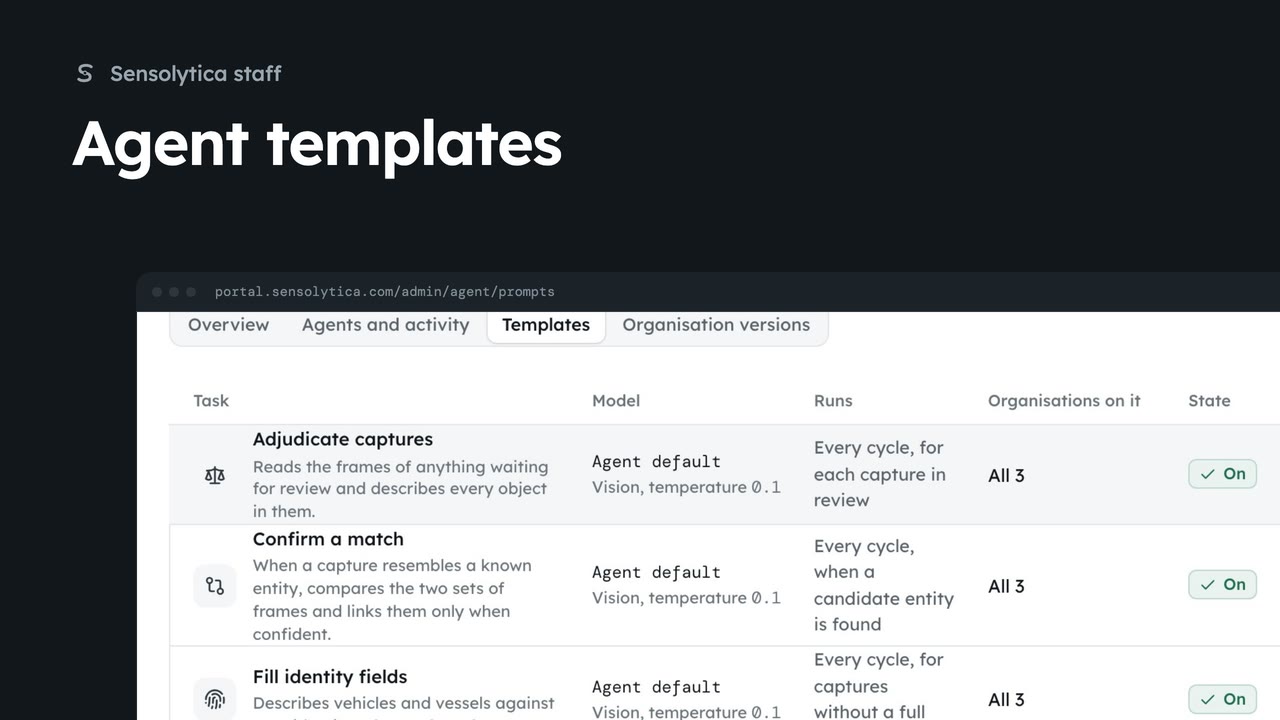 2 min
2 minCheck the agents reporting in, then change the template an agent task runs for every organisation.
2 min5 stepsSensolytica staff
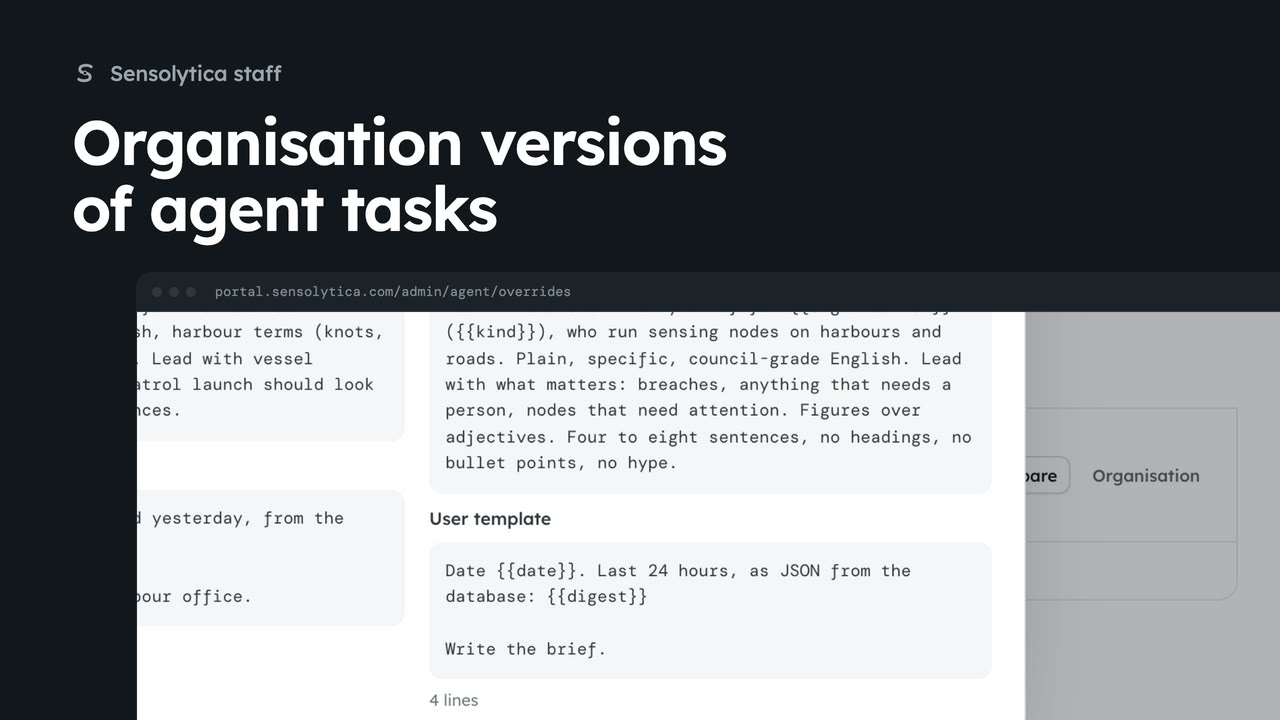 1 min
1 minSee which organisations run their own version of an agent task and compare it with the template.
1 min4 stepsSensolytica staff
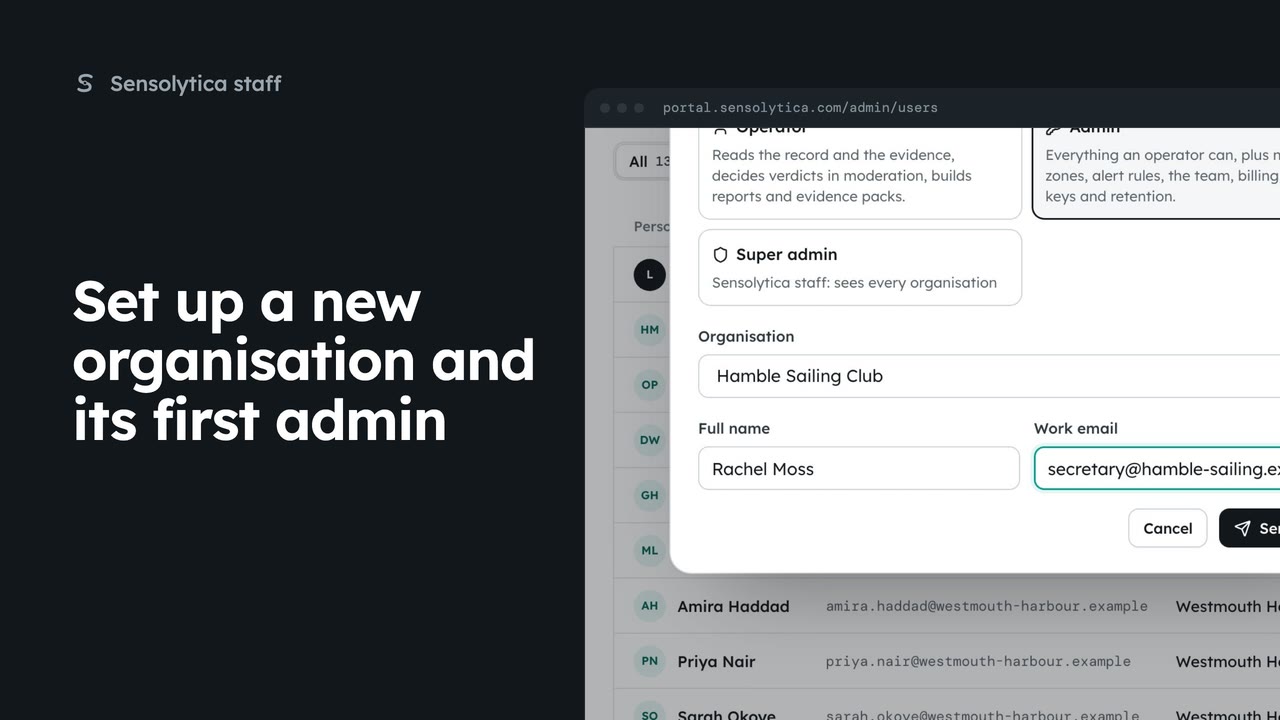 2 min
2 minCreate a new customer organisation from the platform overview, then invite the admin who will run it.
2 min4 stepsSensolytica staff
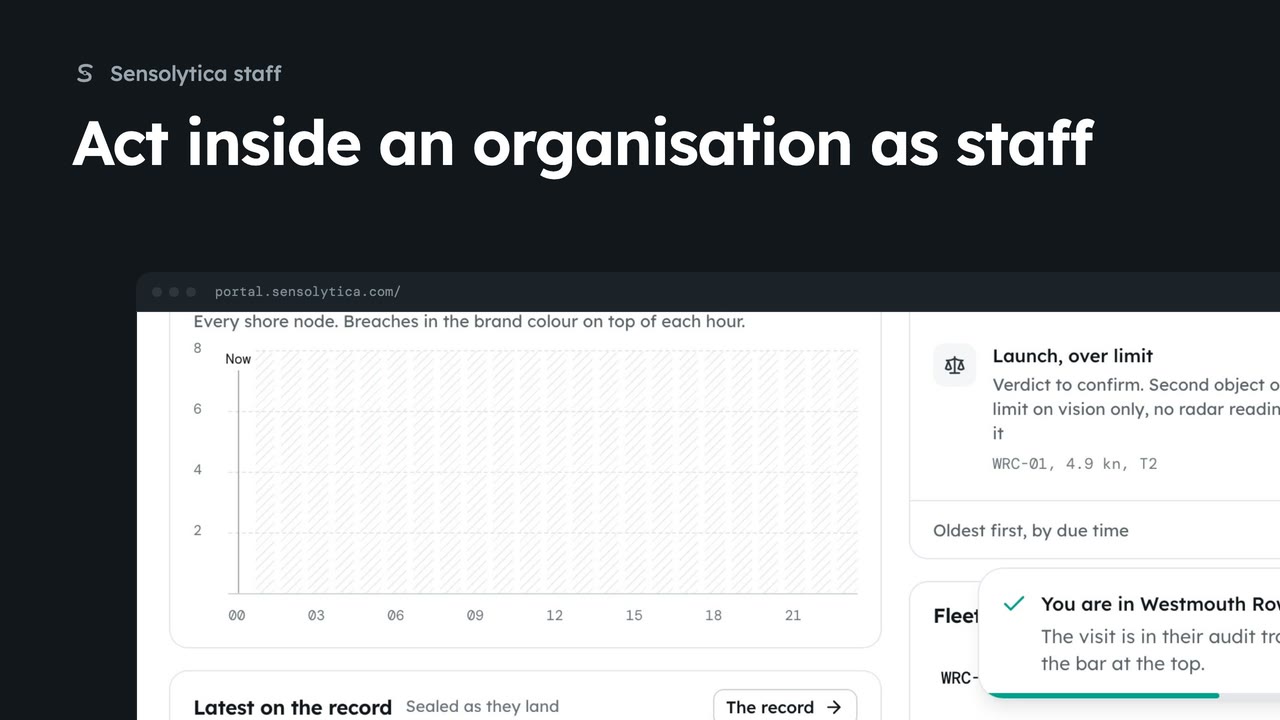 3 min
3 minEnter an organisation able to act, see what it looks like inside, change a setting for them, and find your visit in their audit trail.
3 min5 stepsSensolytica staff
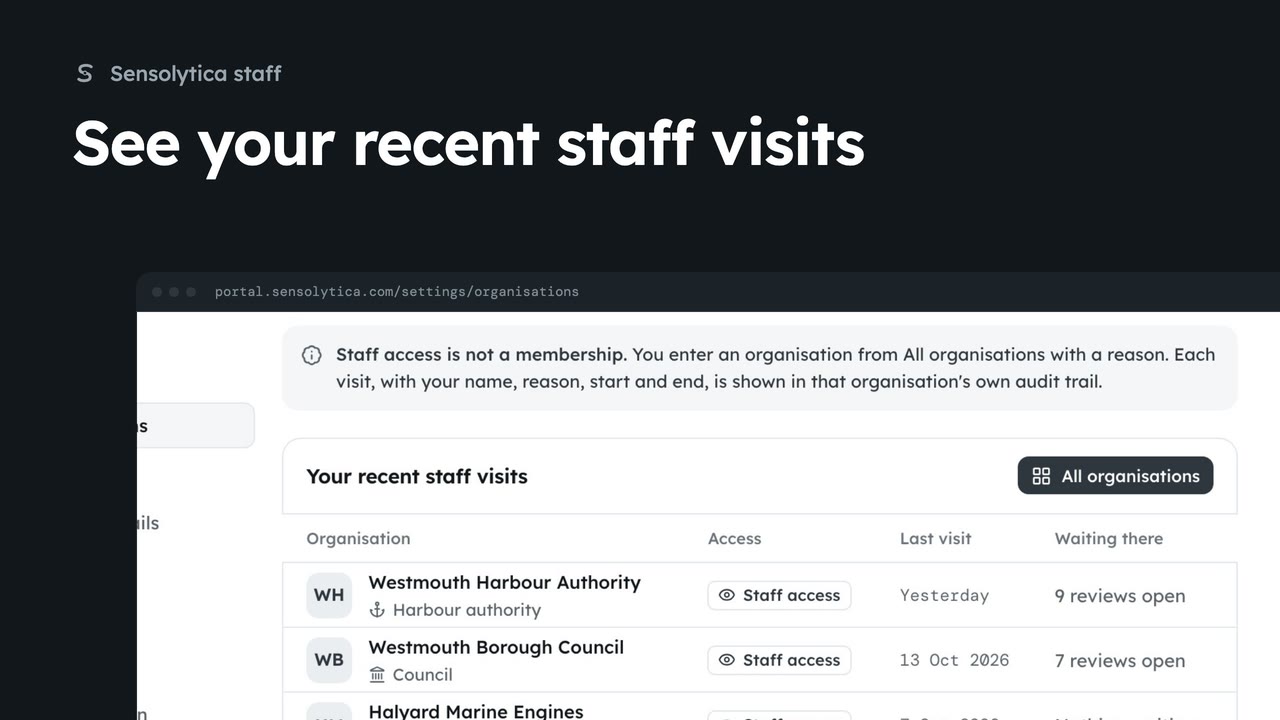 1 min
1 minList the organisations you have entered as staff, when, and what is waiting there.
1 min2 stepsSensolytica staff
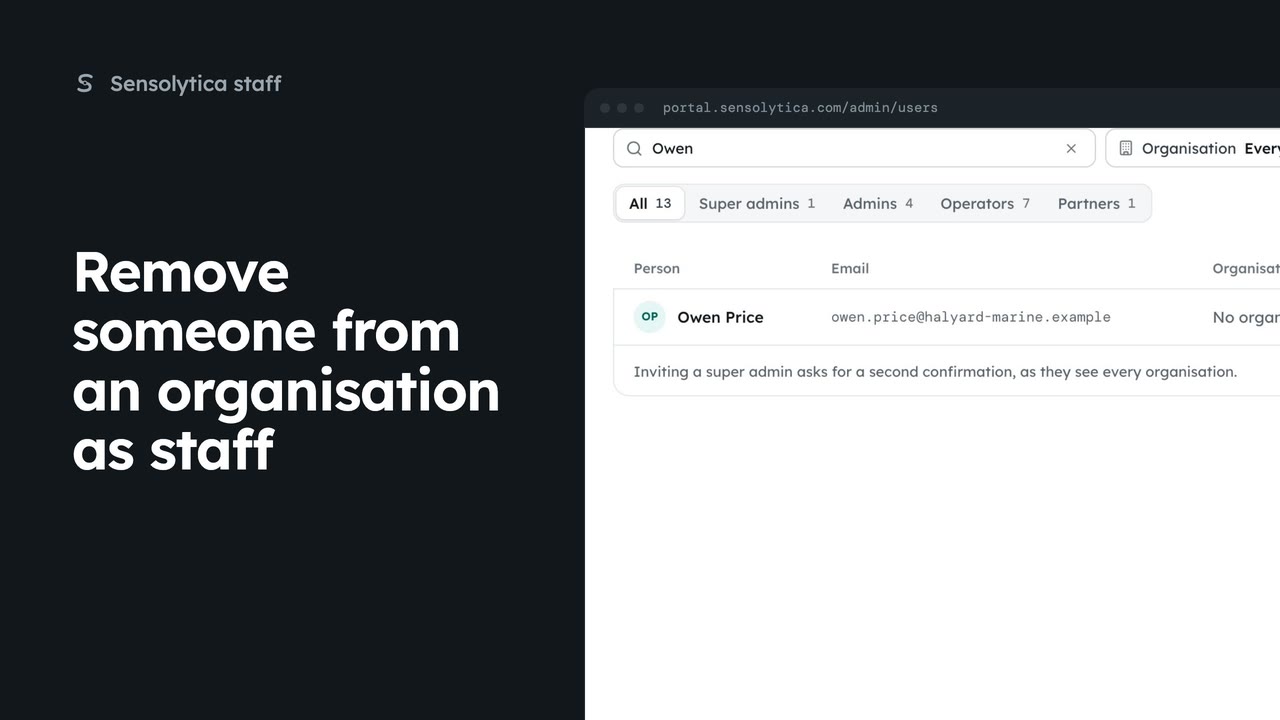 1 min
1 minTake a person's access to one organisation away from the platform users list, leaving their other organisations alone.
1 min2 stepsSensolytica staff
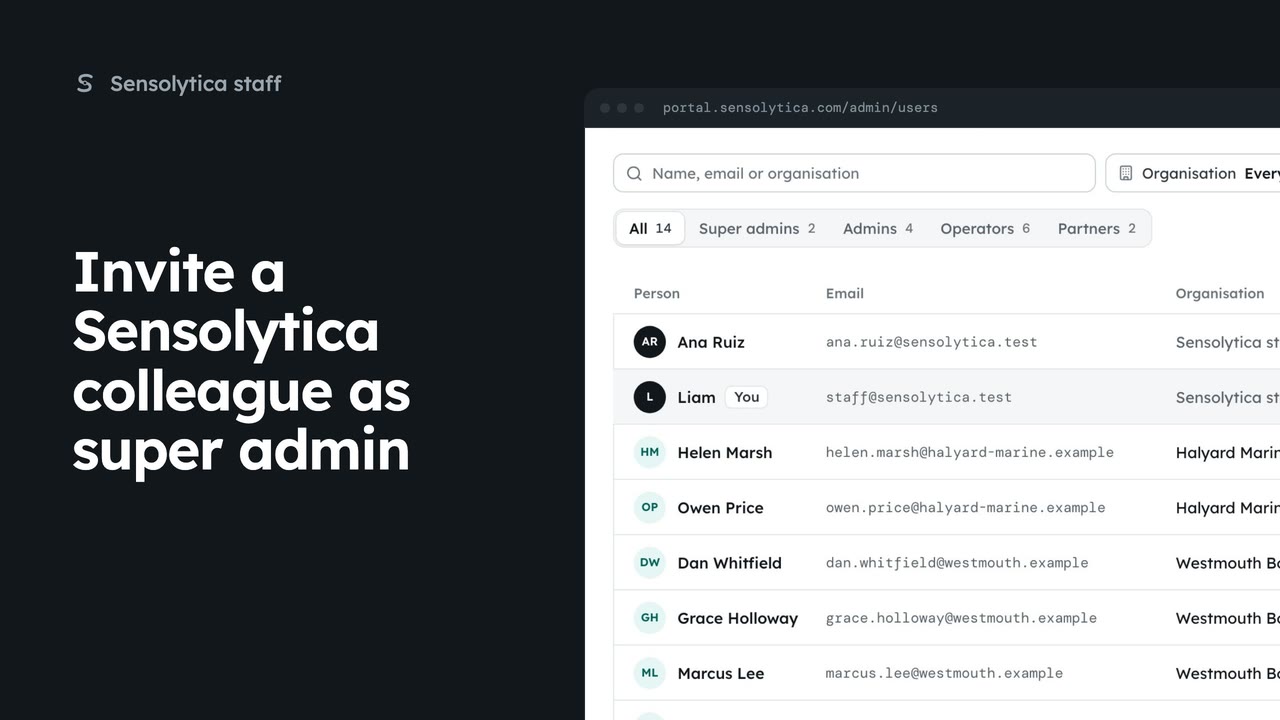 1 min
1 minGive a new Sensolytica colleague staff access, which sees and manages every organisation.
1 min2 stepsSensolytica staff
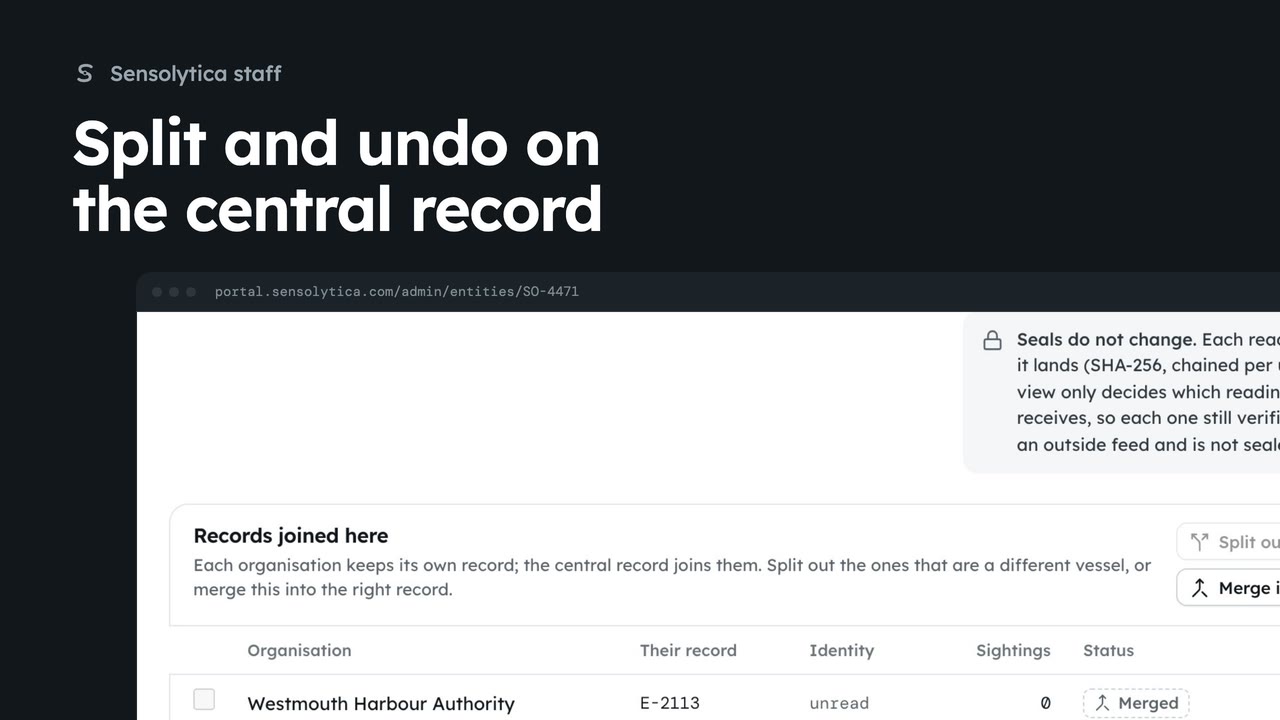 2 min
2 minSplit an organisation's record out of a central record when it is a different vessel, and undo it from the history.
2 min3 stepsSensolytica staff
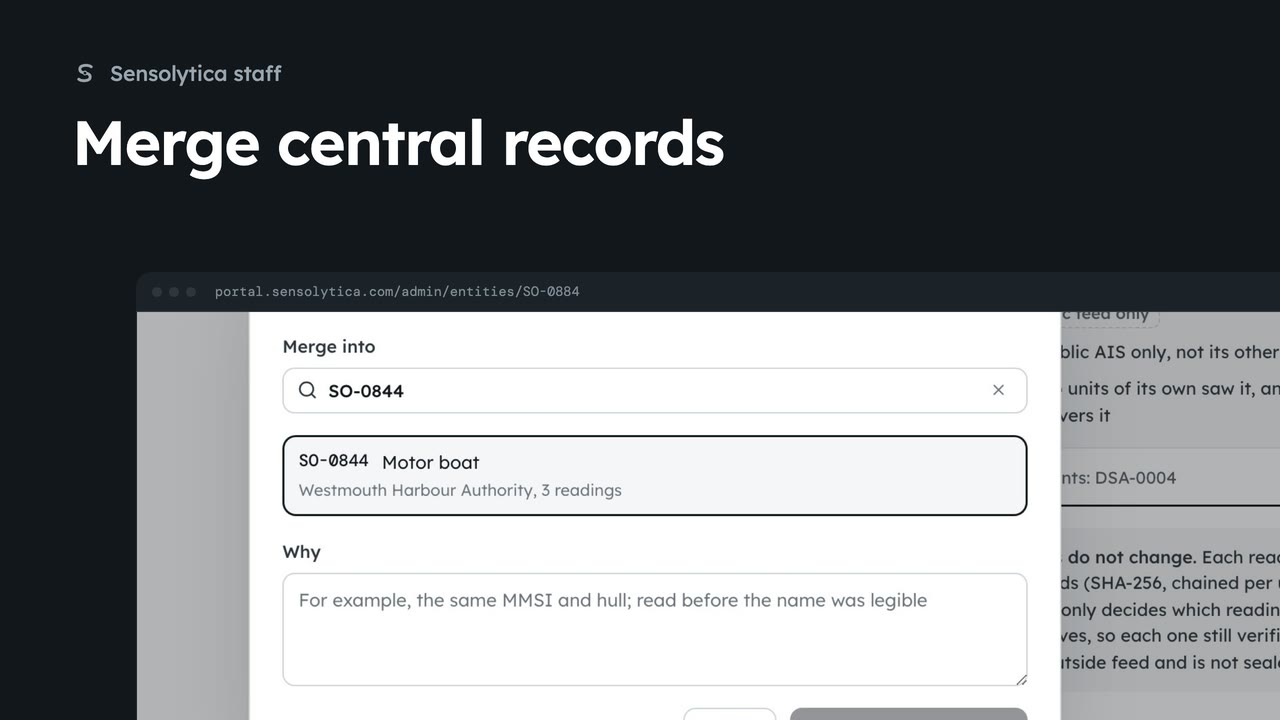 2 min
2 minJoin a central record into the one it really is, across every organisation, with a reason.
2 min3 stepsSensolytica staff
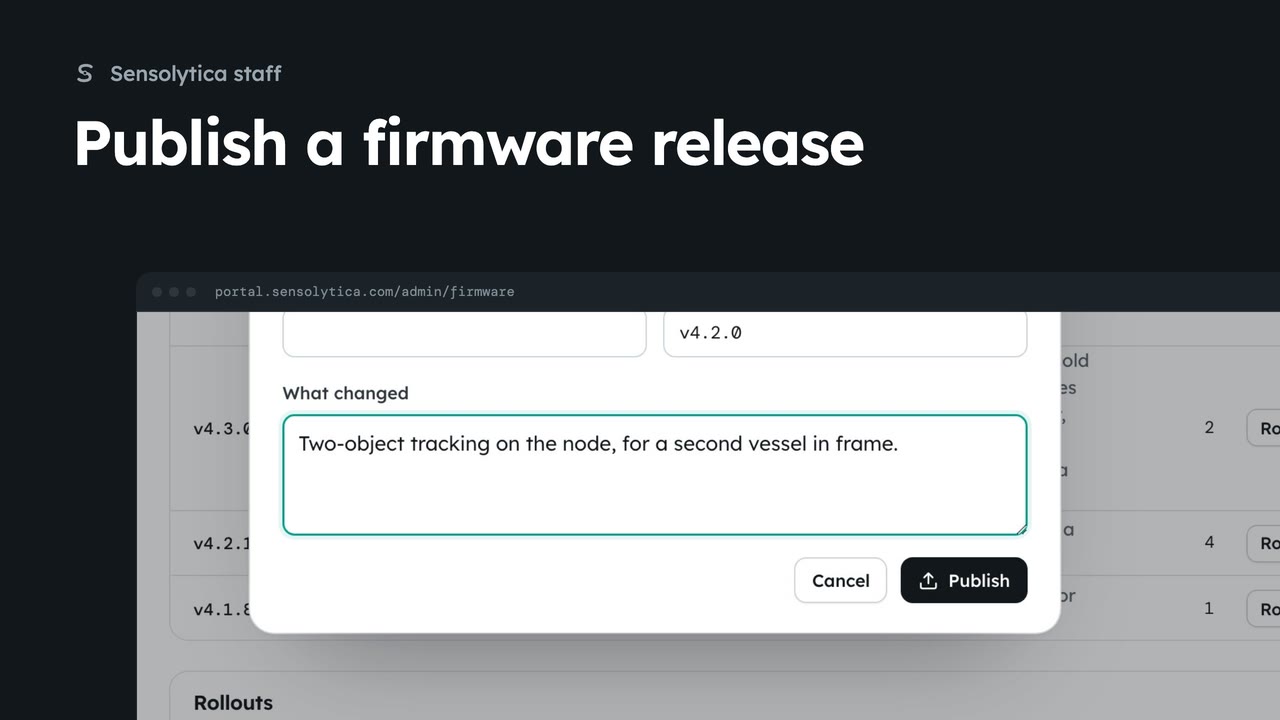 2 min
2 minAdd a shore node firmware image with its hash, ready to roll out.
2 min3 stepsSensolytica staff
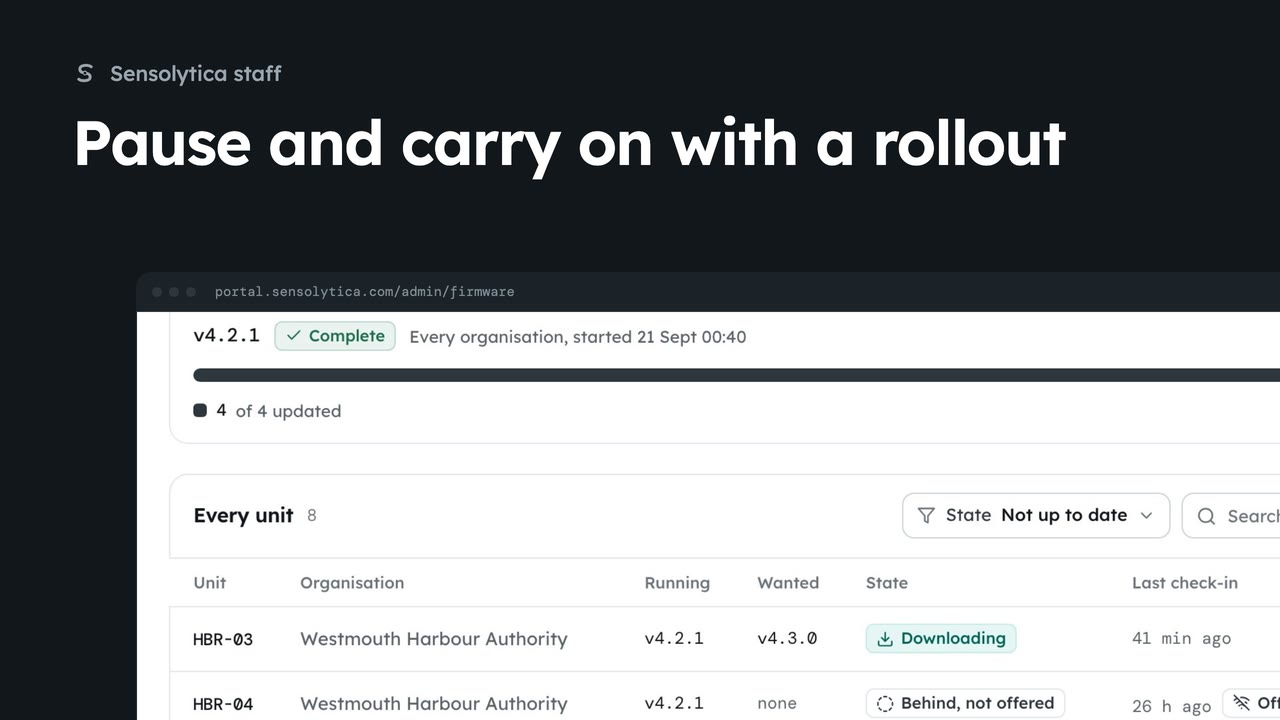 1 min
1 minStop new units starting an update while you look into a problem, then carry on.
1 min3 stepsSensolytica staff
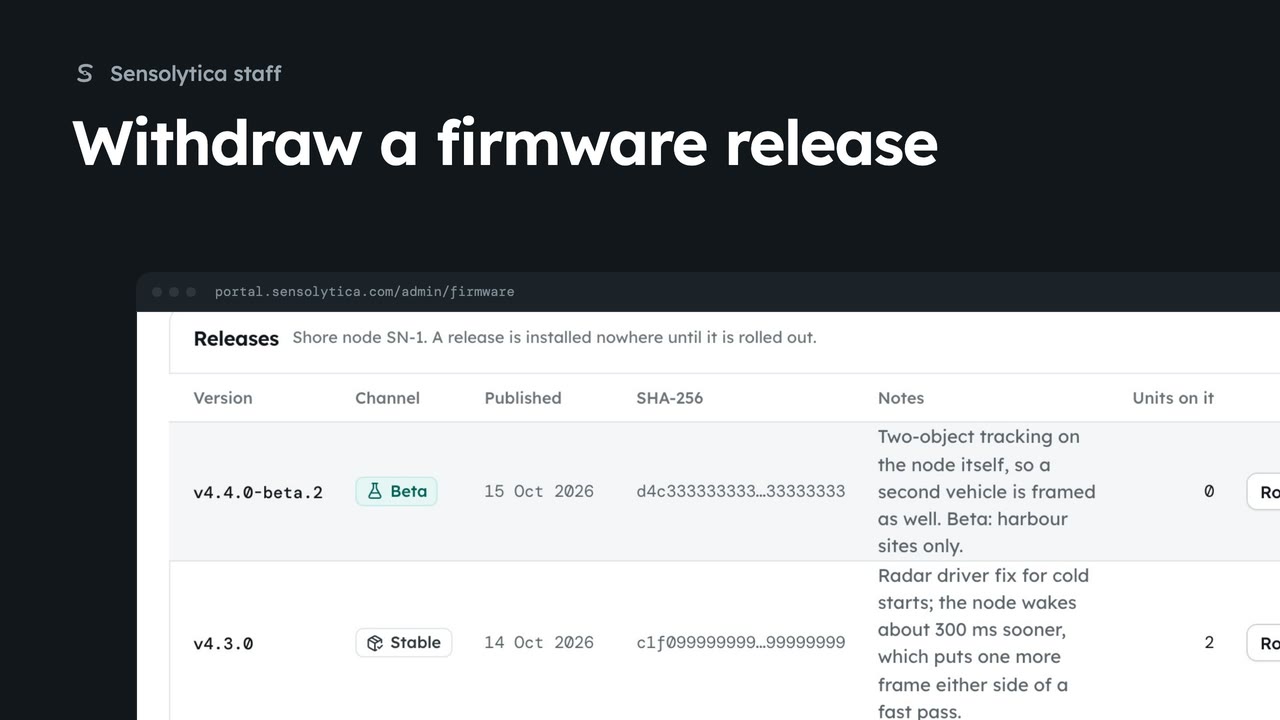 1 min
1 minStop a release being offered when it is found to be faulty, and publish it again if that was a mistake.
1 min2 stepsSensolytica staff
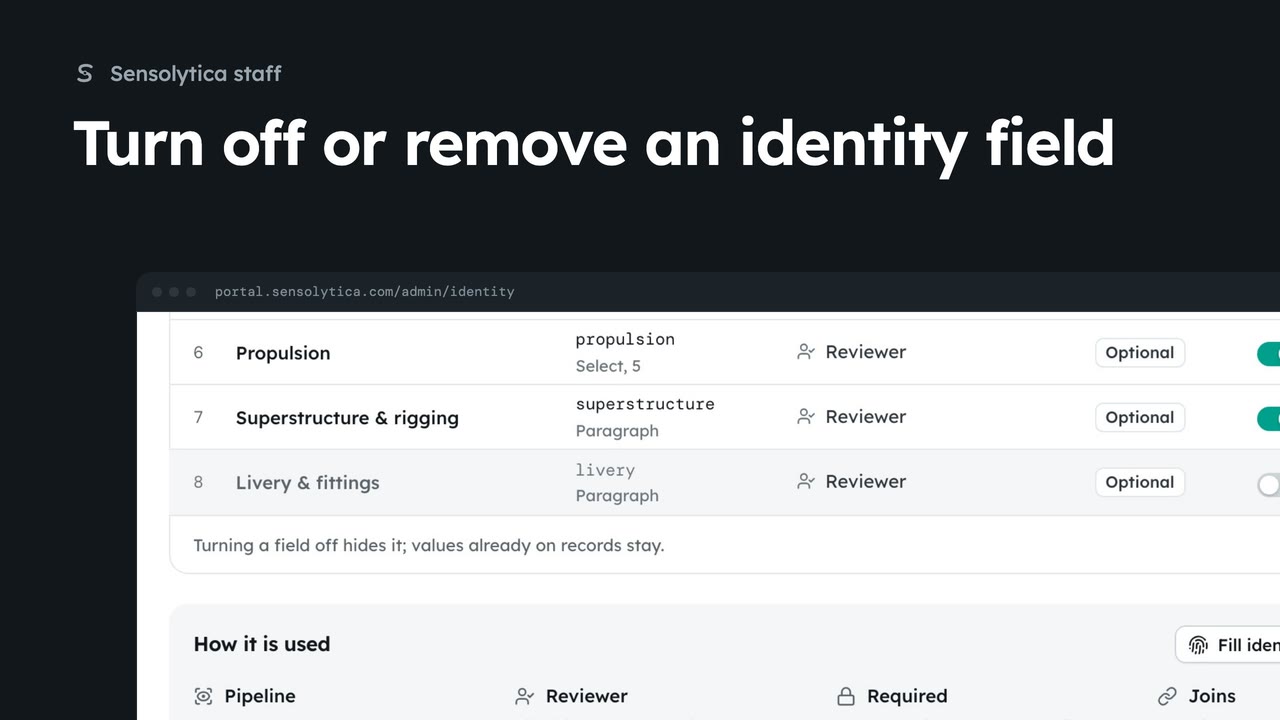 1 min
1 minStop collecting an identity field for every organisation, either for now or for good.
1 min2 stepsSensolytica staff
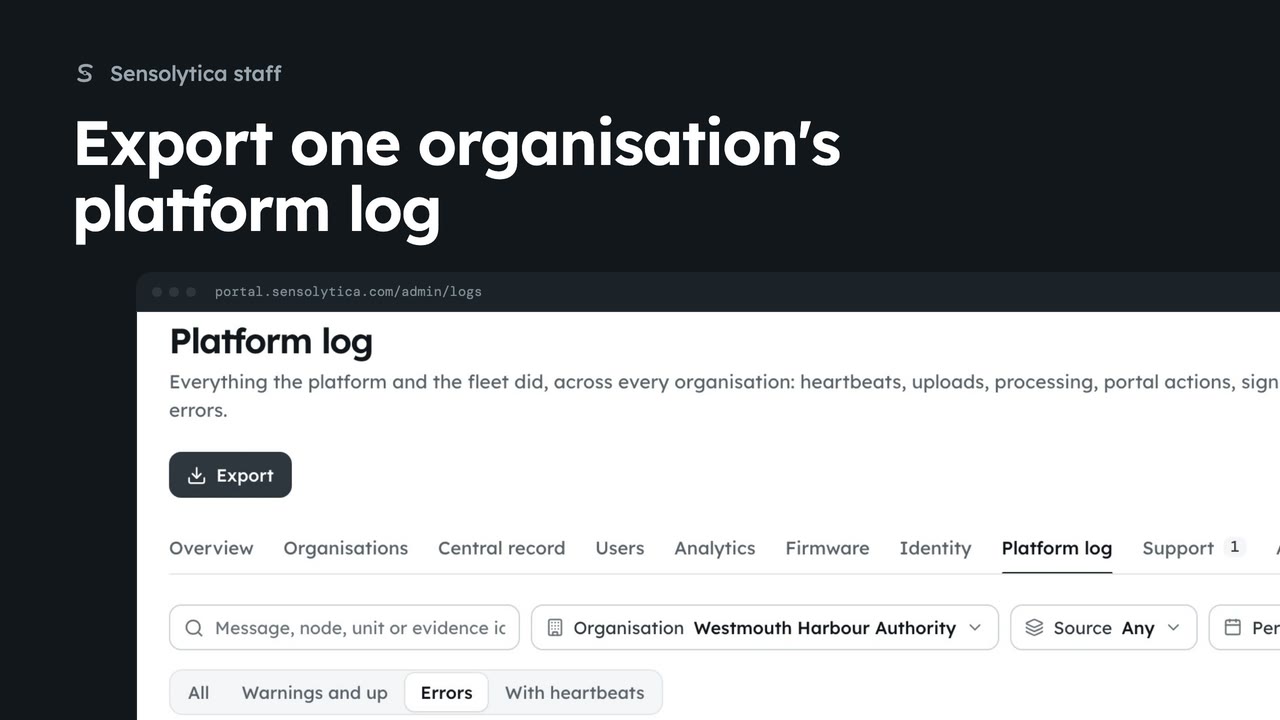 1 min
1 minOpen the platform log filtered to one organisation from its platform page, and save it as a CSV.
1 min2 stepsSensolytica staff
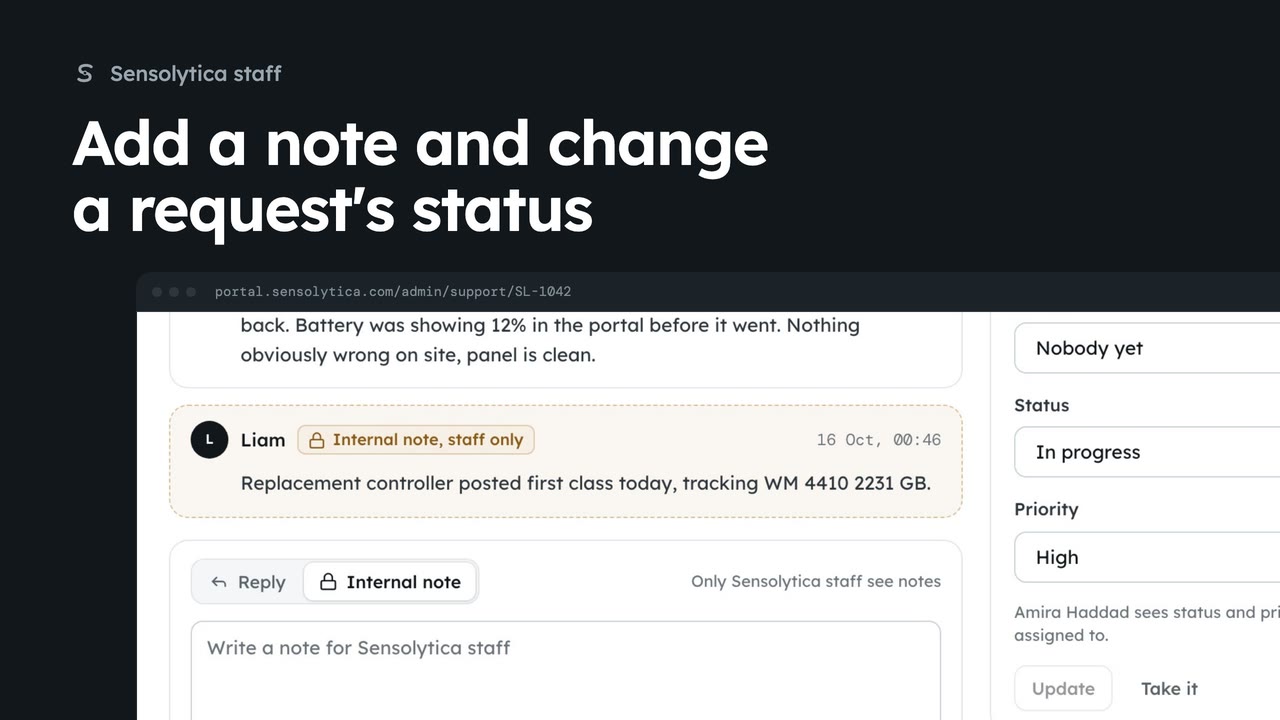 2 min
2 minLeave an internal note on a support request for other staff, and change its status and priority.
2 min3 stepsSensolytica staff
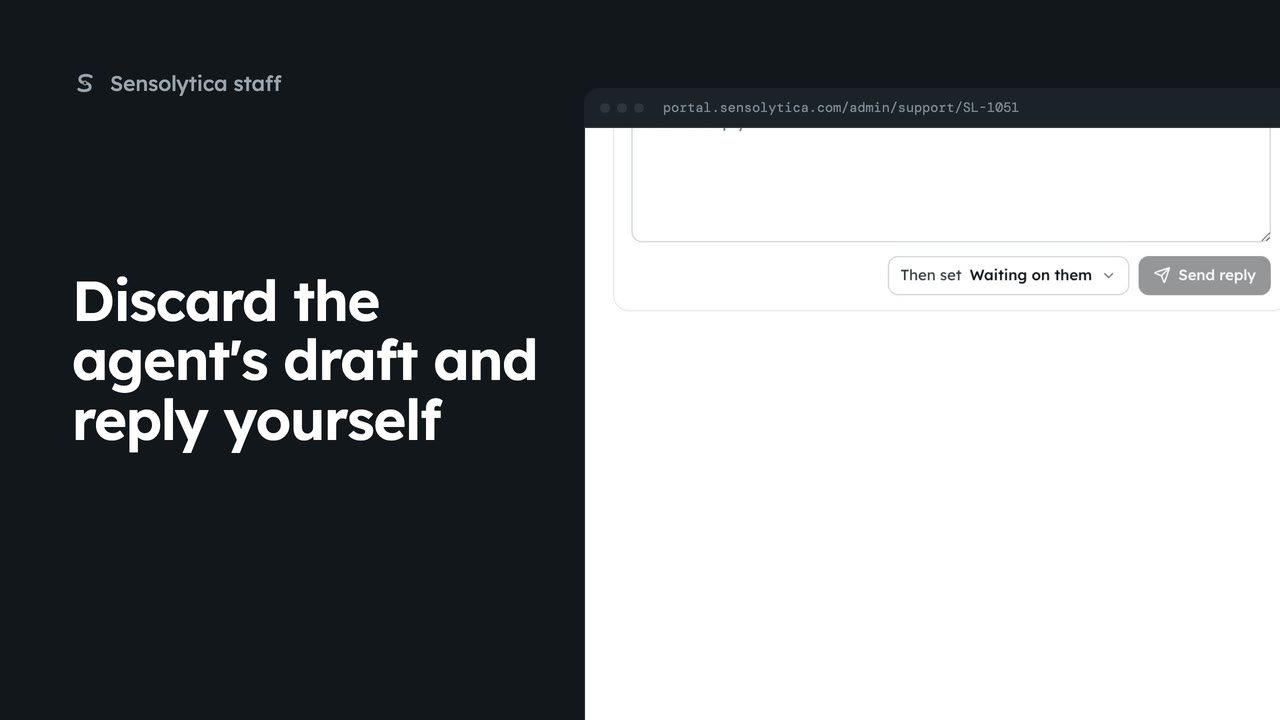 2 min
2 minThrow away a suggested reply that is wrong, write your own, and set the request resolved as you send it.
2 min3 stepsSensolytica staff
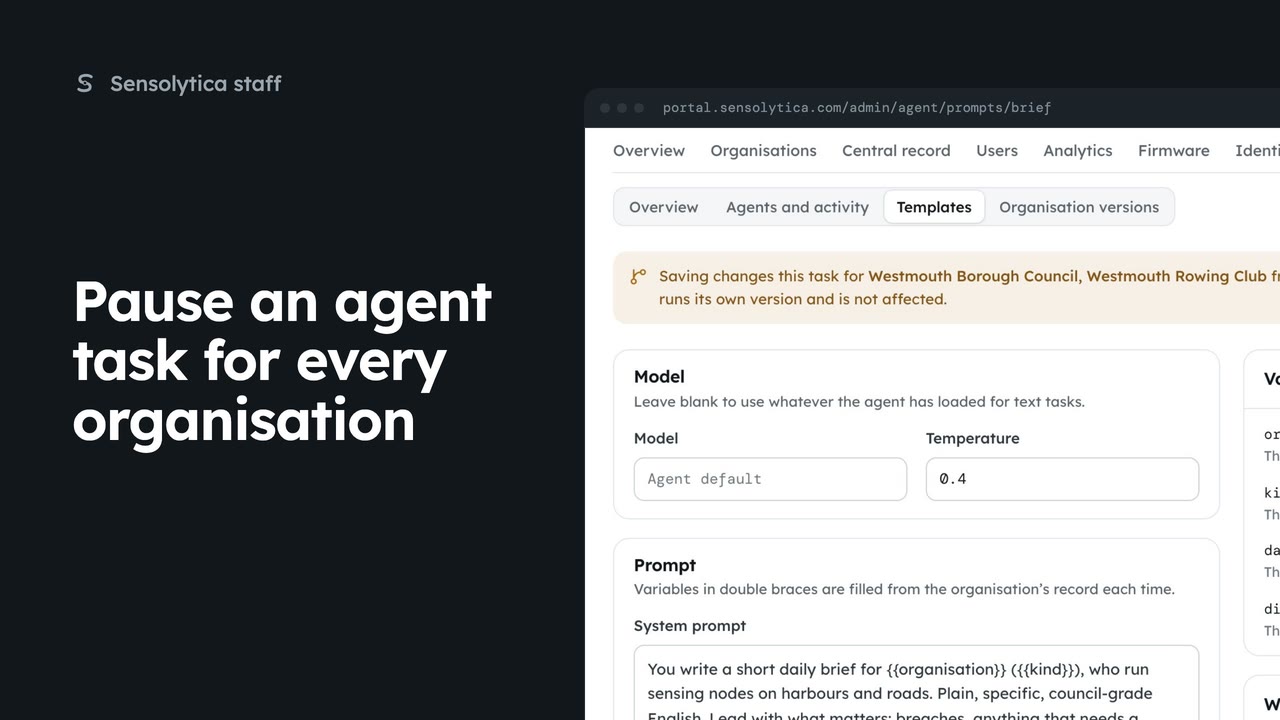 1 min
1 minStop the on-site agent running one task for every organisation, and turn it on again.
1 min2 stepsSensolytica staff
For electric outboard makers: the units fitted to your outboards and the drive data shared with you.
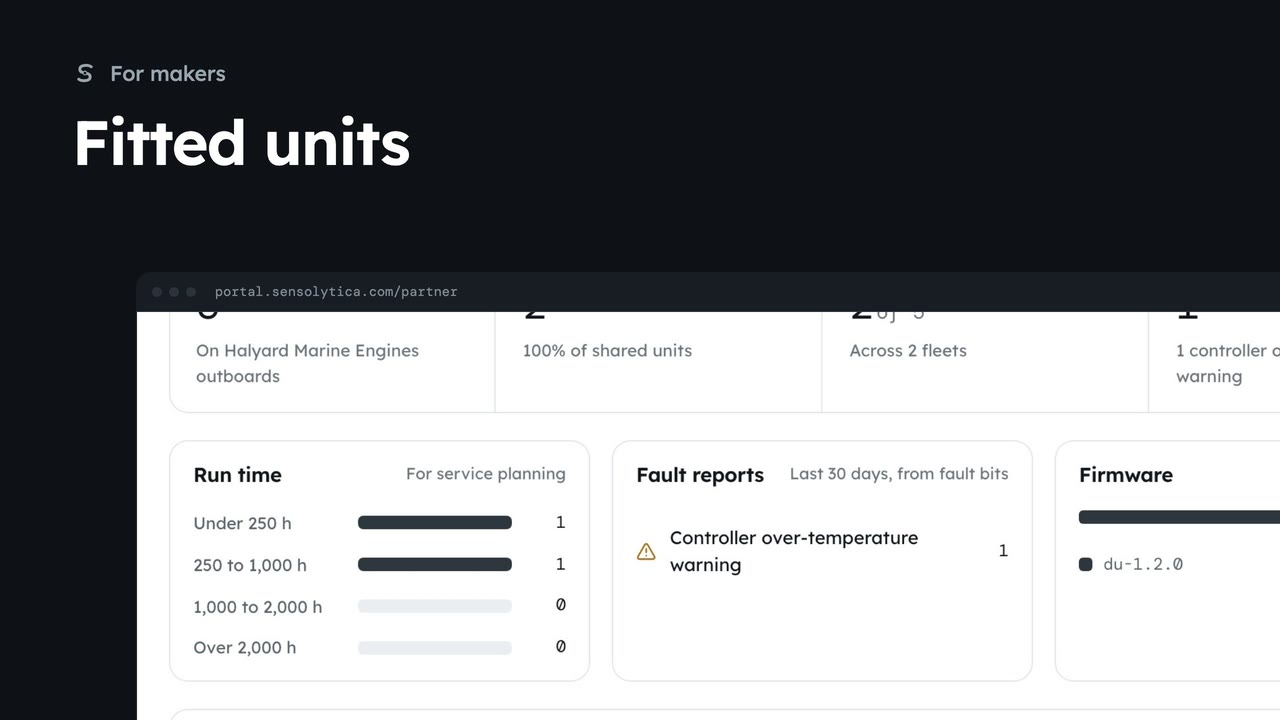 2 min
2 minSee the drive units on your electric outboards that owners have chosen to share, with run time, faults and firmware for service planning.
2 min6 stepsMaker
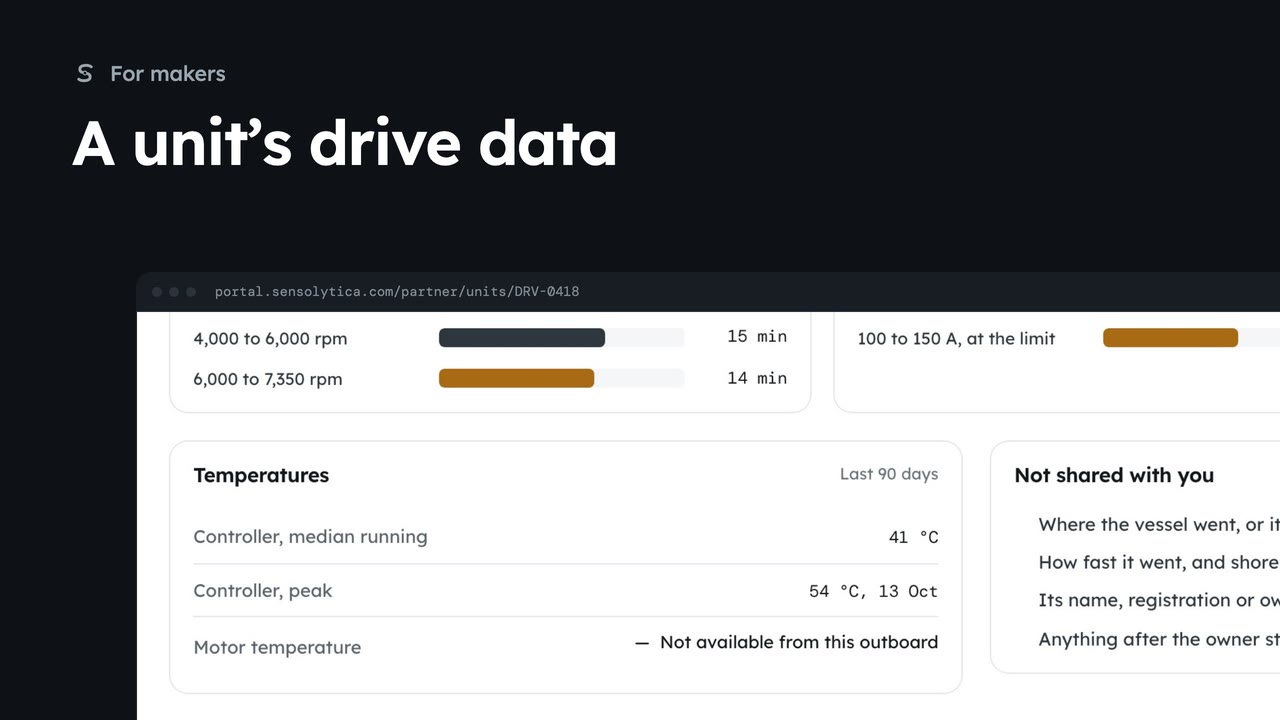 3 min
3 minOpen one shared drive unit to see its run time, time at rpm and current, controller temperatures and faults from the last 90 days.
3 min7 stepsMaker
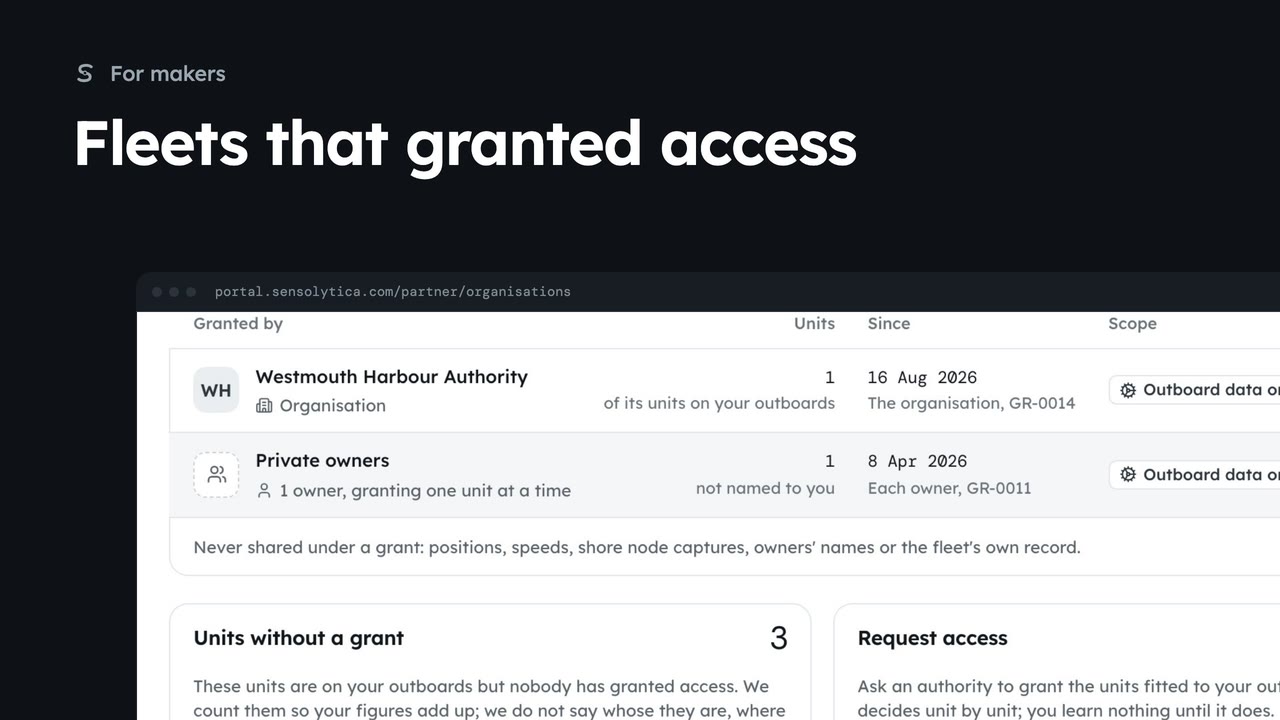 2 min
2 minSee which authorities and owners have granted you outboard data, how many units each covers, and how to ask for more.
2 min5 stepsMaker
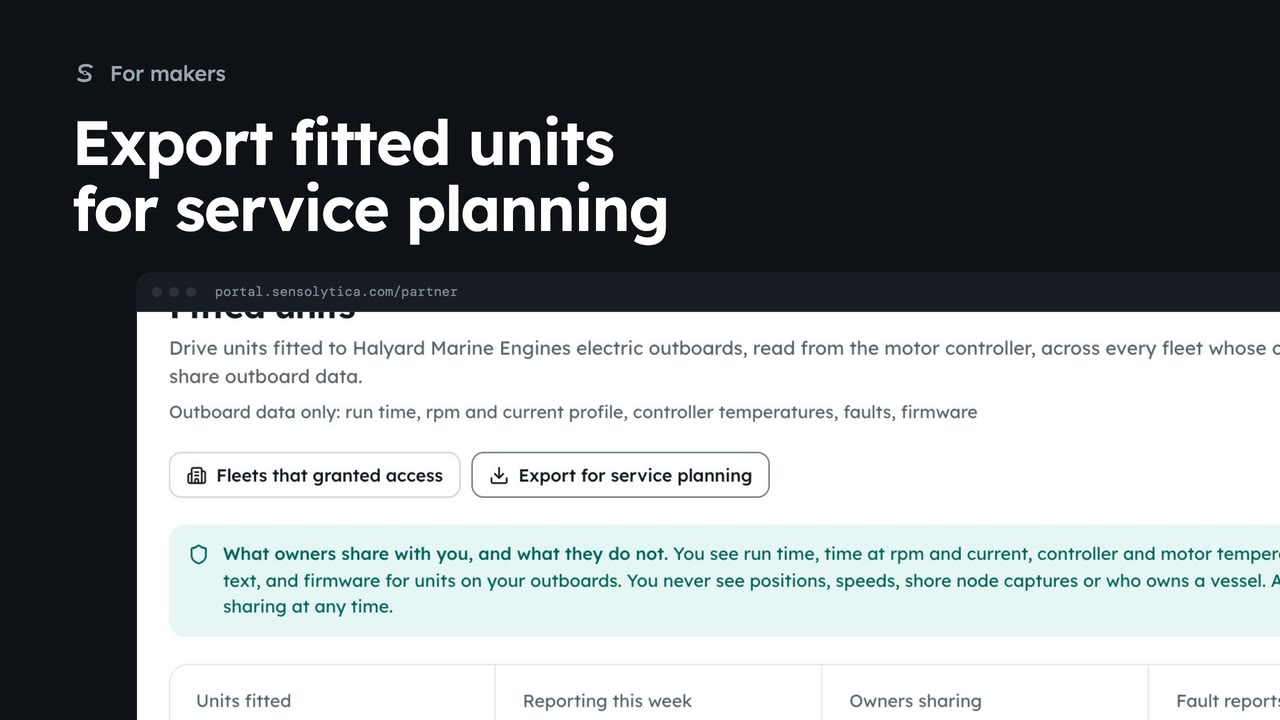 1 min
1 minSave the shared drive units on your outboards, with run time, faults and firmware, as a CSV for the service team.
1 min2 stepsMaker
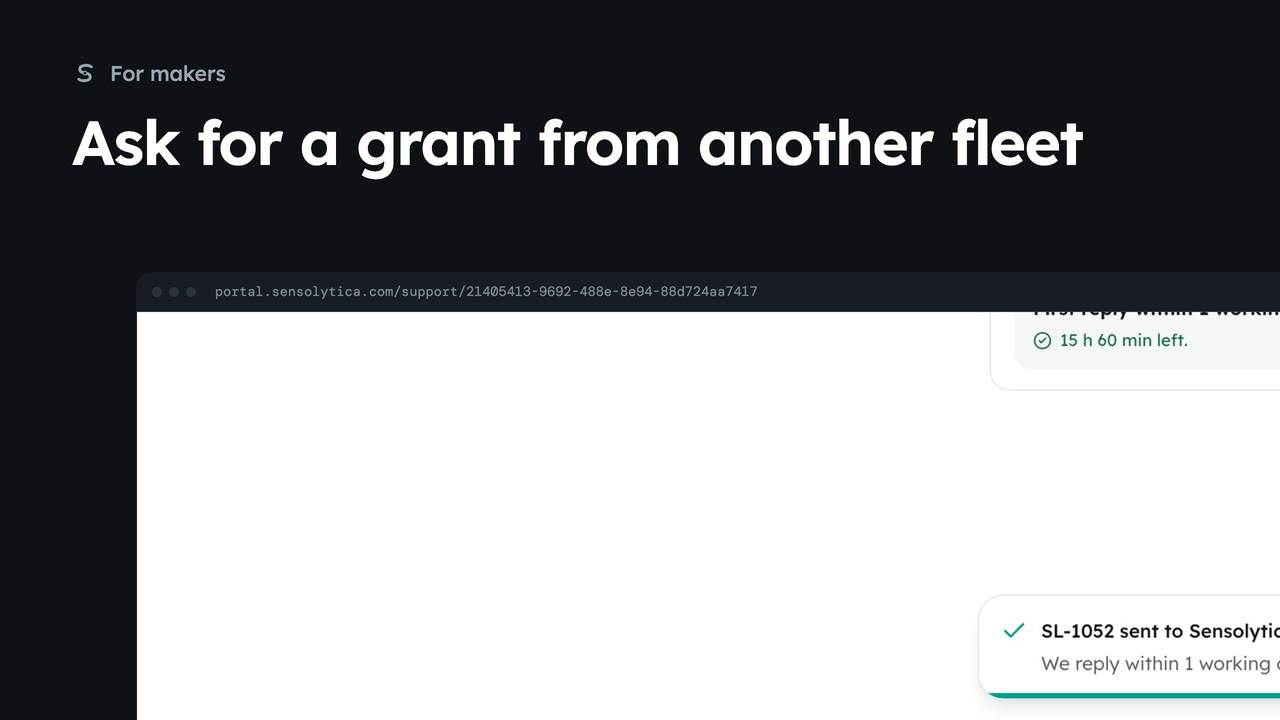 1 min
1 minAsk Sensolytica to arrange access to the drive units on your outboards in a fleet that has not granted it yet.
1 min2 stepsMaker
Sign in with the work email your organisation's admin invited. No account yet? We will set up a pilot with you.
Checked against the portal on 15 October 2026. The portal changes, so a label may move before a film is remade. Westmouth names, vessels, units and figures are illustrative. General guidance on using the portal, not legal, regulatory or financial advice.