 1 min
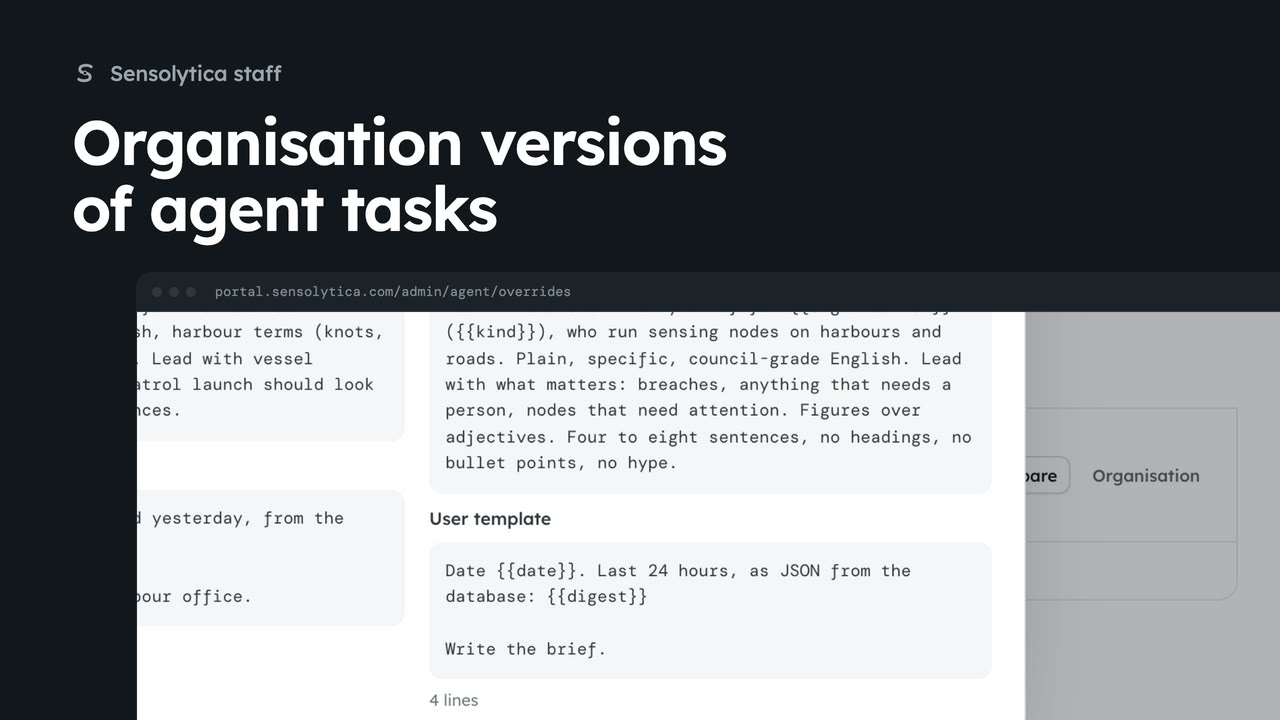
1 minOrganisation versions of agent tasks
See which organisations run their own version of an agent task and compare it with the template.
1 min4 stepsSensolytica staff
Check the agents reporting in, then change the template an agent task runs for every organisation.
The agent, platform wide
The Agent tab shows agents online, runs in 24 hours, templates on and organisation versions.
Agents and activity
Every agent, the processing queue and every run. Errors only shows runs that went wrong.
One template per task
Templates lists each task with its model, how often it runs and how many organisations use it.
Model and prompt
A template holds the model, temperature, system prompt and user template, with the variables it may use.
Save template
Change a setting, then Save template and confirm. Organisations on it pick it up at the next cycle.
Click the Agent tab. The figures show how many agents are online, how many runs they made in the last day, which templates are on, and how many organisations run their own version. The agent suggests. A person decides.
Click Agents and activity. It lists each agent with its last heartbeat, the processing queue, and every run. Click Errors only to see the runs that went wrong.
Click Templates. There is one per task, from adjudicating captures to the daily brief. Organisations without their own version run these as written.
Open Daily brief. You see the model and temperature, the system prompt and the user template. Variables in double braces are filled from each organisation's record. The note says who is affected, and who runs their own version.
Make your change, here a slightly lower temperature for steadier wording. Click Save template and confirm. Organisations on the template pick it up at the agent's next cycle. Pause task stops it for all of them.
Sign in with your work email. Your own organisation's records, nodes and units take the place of the Westmouth ones.
1 minSee which organisations run their own version of an agent task and compare it with the template.
1 min4 stepsSensolytica staff
 2 min
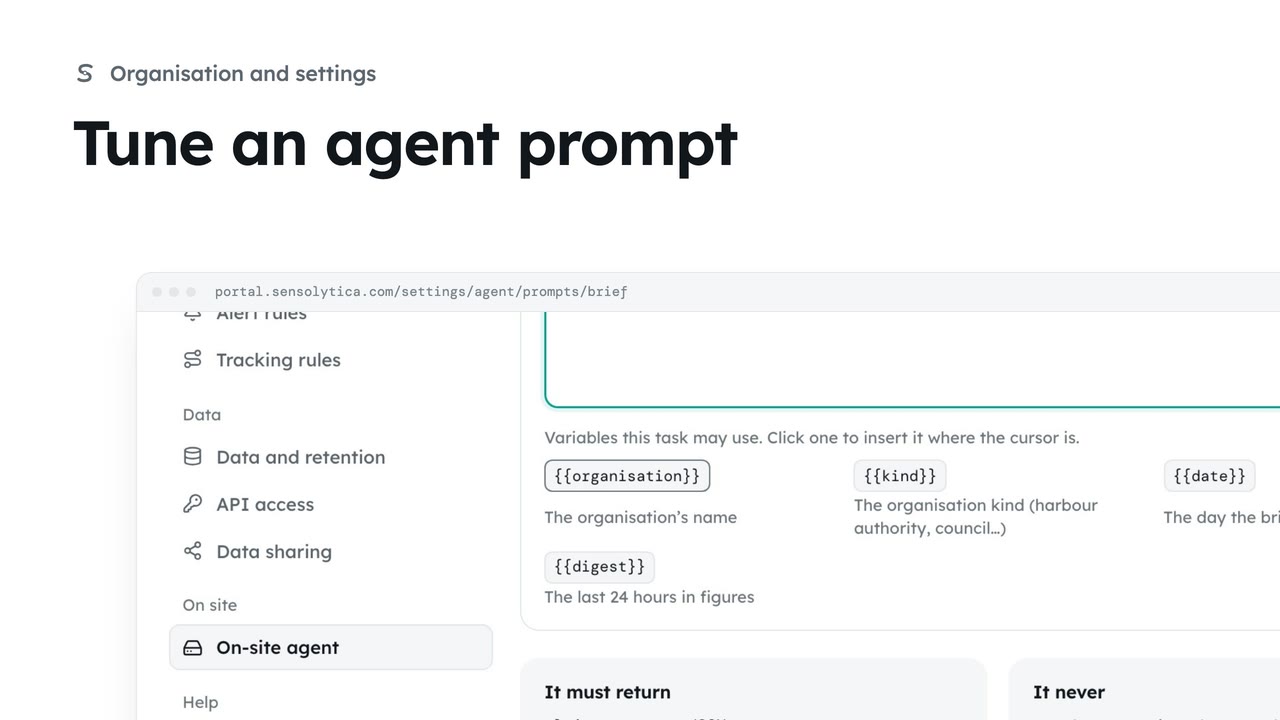
2 minChange what the on-site agent is told for one task, compare it with the platform template, and save your version.
2 min4 stepsAdmin
 2 min
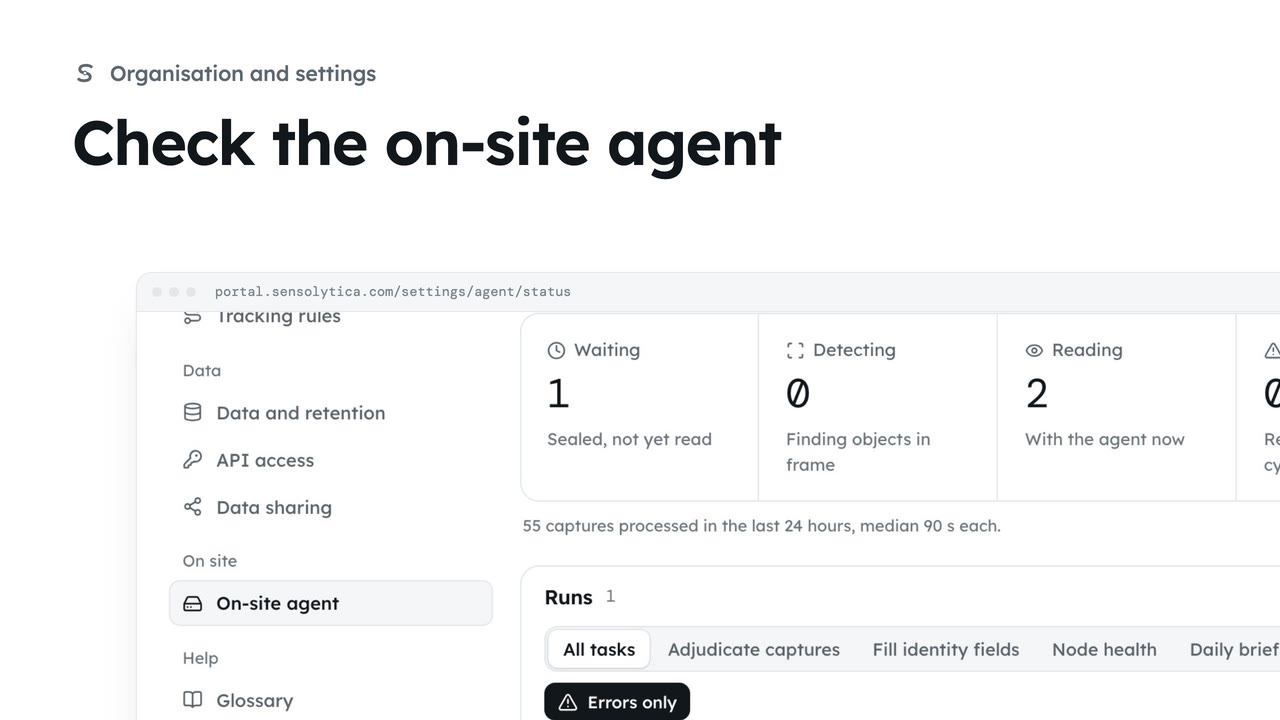
2 minSee what the on-site agent does, whether it is reporting in, its recent runs and the briefs it has written.
2 min4 stepsAdmin
Checked against the portal on 15 October 2026. Westmouth names, vessels, units and figures are illustrative. General guidance on using the portal, not legal, regulatory or financial advice.