 2 min
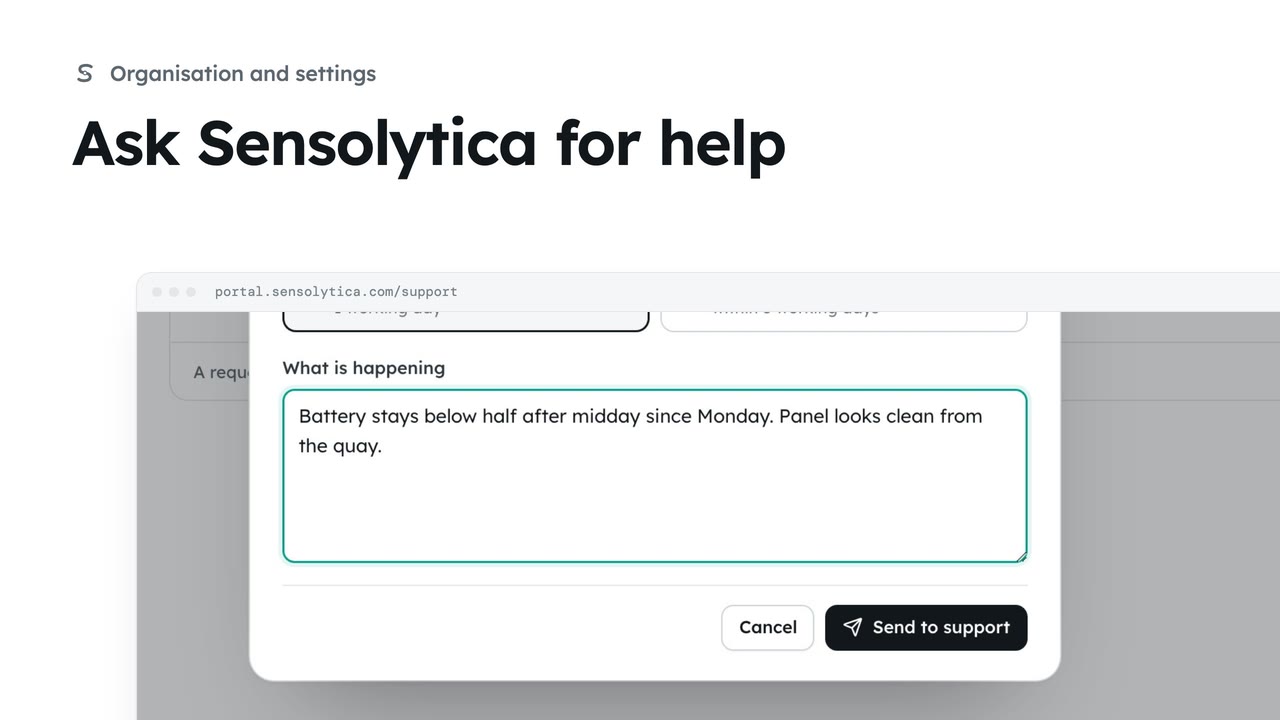
2 minAsk Sensolytica for help
Raise a support request, say how soon you need an answer, and follow it against our promise.
2 min4 stepsAdmin, Operator, Maker
Take a request from the support queue, use the agent's suggested reply, and send it under your own name.
Waiting on us first
Waiting on us, Urgent, Waiting on them and All open and recent sort the queue. Response shows the reply clock.
The thread
Open a request to read the thread, internal notes and any suggested reply.
Assign and status
Take it assigns the request to you and marks it in progress. Update saves the change.
Use and edit
Use and edit puts the draft in the reply box. Customers never see a draft.
Send reply
Then set chooses the status after sending. Send reply asks you to confirm.
Open as them
The button at the top right opens the related capture as the organisation, after asking why.
Click Support queue under Platform in the sidebar. The queue starts on Waiting on us: requests where the customer spoke last. Response shows how long is left before the reply is due for each priority.
Open the request from the council about missing frames in an evidence pack. You see the whole thread, and below it a reply the agent has drafted.
Click Take it. The request is assigned to you and marked in progress. Click Update and confirm. The customer sees the status and priority, never who it is assigned to.
Read the suggested reply. If it is right, click Use and edit. The draft moves into the reply box for you to change. Customers never see a draft. It is only sent by a person.
Leave Then set on Waiting on them, click Send reply and confirm. The customer is emailed and sees the reply signed with your name. Choose Internal note instead for anything only staff should see.
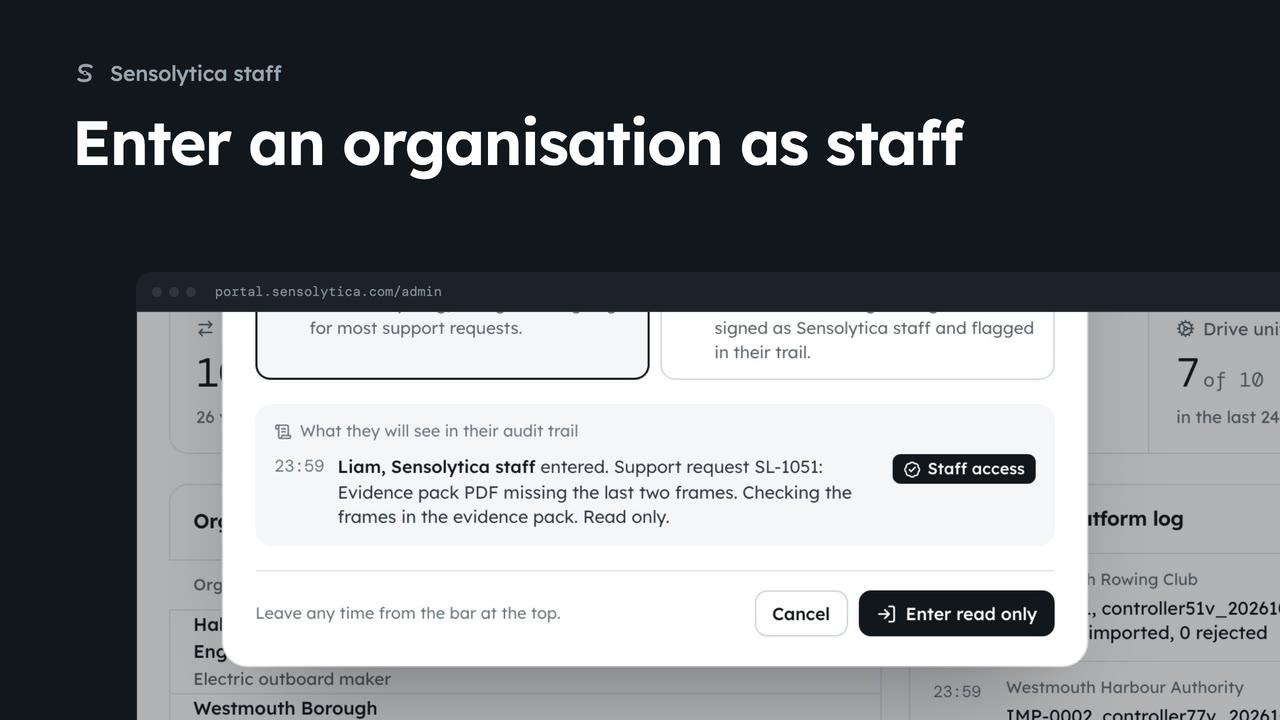
To check the capture itself, use the button at the top right. It enters their organisation with this request already given as the reason, and opens the evidence they asked about.
Sign in with your work email. Your own organisation's records, nodes and units take the place of the Westmouth ones.
2 minRaise a support request, say how soon you need an answer, and follow it against our promise.
2 min4 stepsAdmin, Operator, Maker
 2 min
2 minAct inside an organisation as Sensolytica staff with a recorded reason, then leave it again.
2 min7 stepsSensolytica staff
 2 min
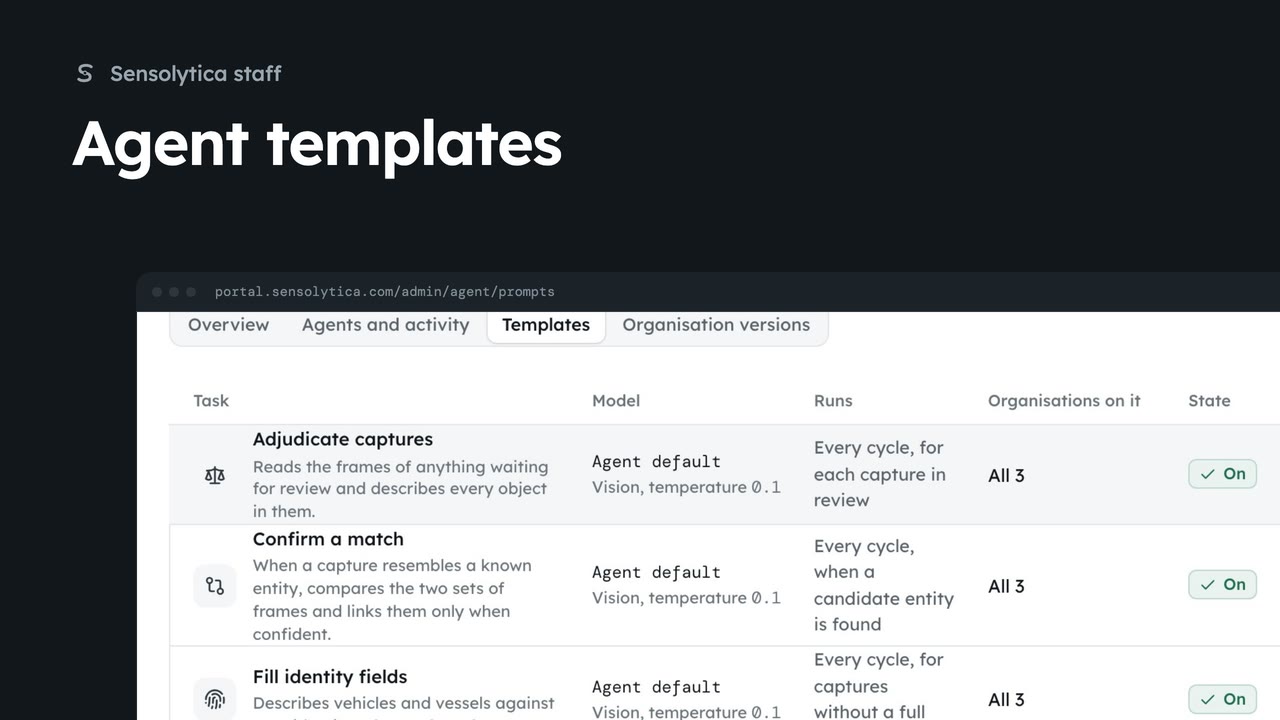
2 minCheck the agents reporting in, then change the template an agent task runs for every organisation.
2 min5 stepsSensolytica staff
Checked against the portal on 15 October 2026. Westmouth names, vessels, units and figures are illustrative. General guidance on using the portal, not legal, regulatory or financial advice.