 2 min
2 minDrive health thresholds
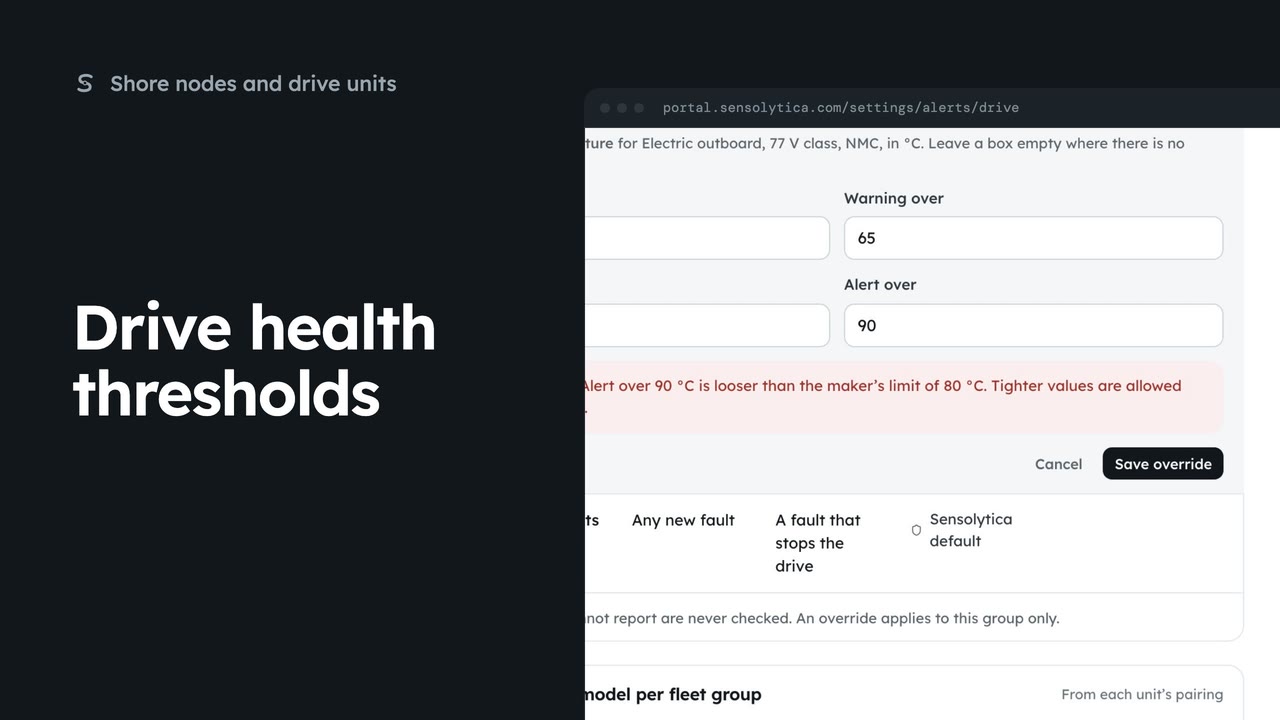
Tighten a drive health threshold for one fleet group, within the maker’s limits.
2 min5 stepsAdmin
Choose which events tell your team, who is told, and whether by email or in the portal.
Who is told about what
Settings, then Alert rules. One row per event.
On or off
Use the switch in the On column. Changed rows are marked.
Blank means every admin
Type an address in Who is told, or leave it blank for every admin.
How they hear
Tick Email, In the portal, or both, for each event.
Save rules
Choose Save rules, then confirm. Discard drops unsaved changes.
Open Settings from the sidebar and choose Alert rules. Each row is one event, such as a breach sealed or a shore node offline, with whether it is on, who is told, and how.
Turn on Shore node offline with the switch in the On column. It tells you when a node has sent no heartbeat for more than six hours. The row is marked as changed.
Leave Who is told blank and every admin hears. Or give a shared address, such as the harbour office.
Tick how each event reaches people: by email, in the portal, or both. Here the low battery warning goes by email too. A broken chain always tells every admin and Sensolytica, and cannot be turned off.
Choose Save rules, and Save rules again to confirm. The rules apply to the next event. Every alert also lands in the bell and on Notifications, whatever is set here.
Sign in with your work email. Your own organisation's records, nodes and units take the place of the Westmouth ones.
2 minTighten a drive health threshold for one fleet group, within the maker’s limits.
2 min5 stepsAdmin
 2 min
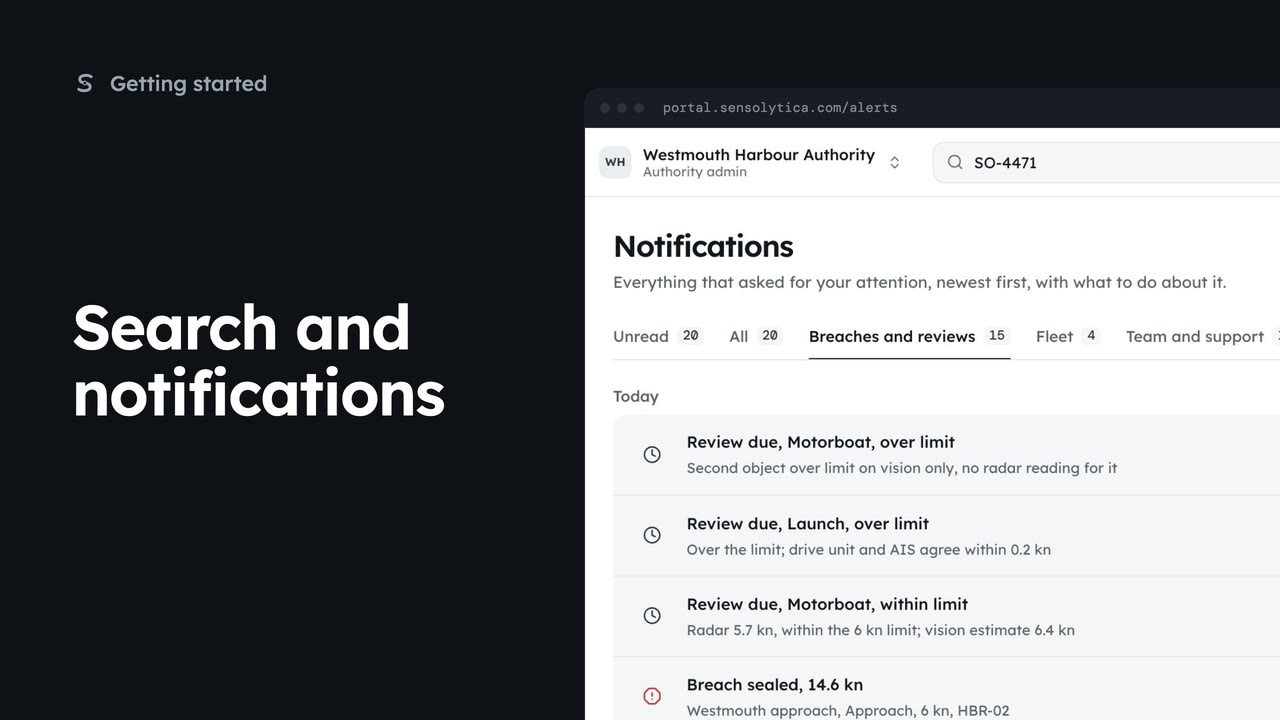
2 minFind a vessel, capture or node from the top bar, and keep up with what needs your attention.
2 min5 stepsAdmin, Operator, Sensolytica staff
 2 min
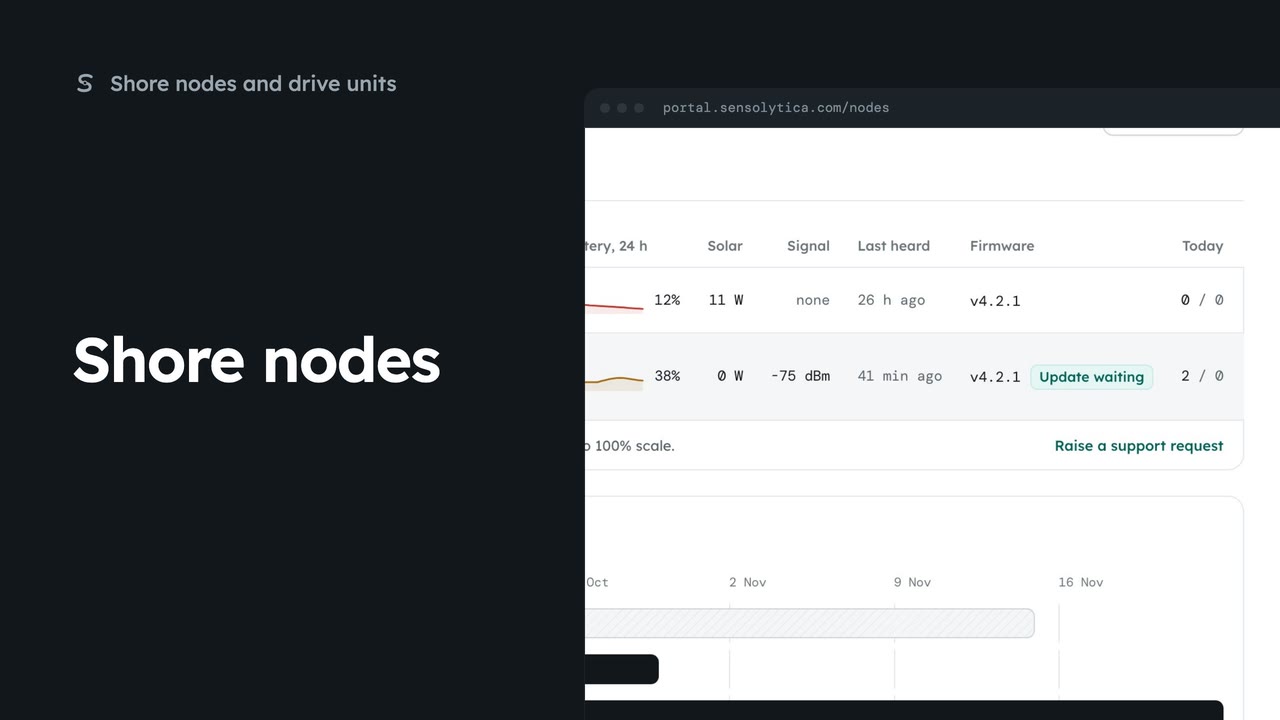
2 minSee every shore node, where it is and whether it is working, with the ones that need a visit first.
2 min5 stepsAdmin, Operator
Checked against the portal on 15 October 2026. Westmouth names, vessels, units and figures are illustrative. General guidance on using the portal, not legal, regulatory or financial advice.