 2 min
2 minRead the audit trail
See every decision a person made in your organisation, with their reason, and export it for an auditor.
2 min4 stepsAdmin
Save the decisions people made and what the platform did, filtered to what an auditor asked for, as CSV files.
Audit trail
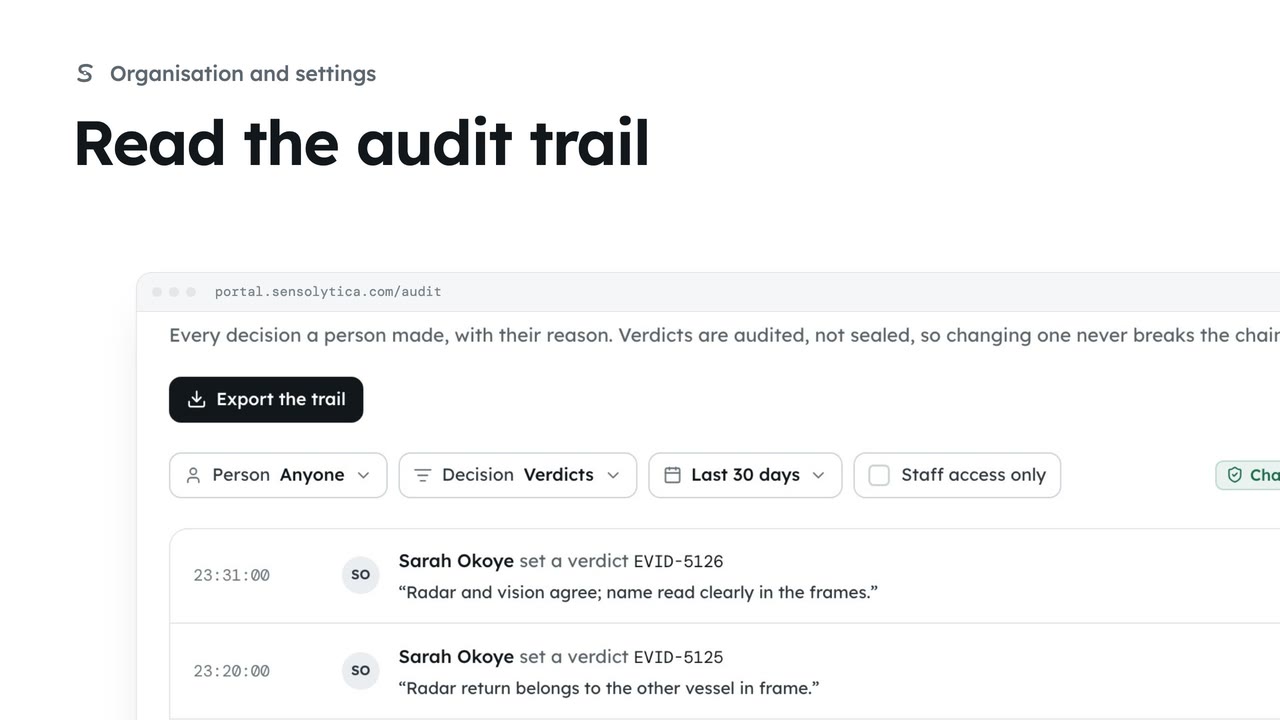
Every decision a person made, with their reason. Filter it to what was asked for.
Export the trail
Saves what you see as a CSV: when, who, what, and why.
Activity log, Export
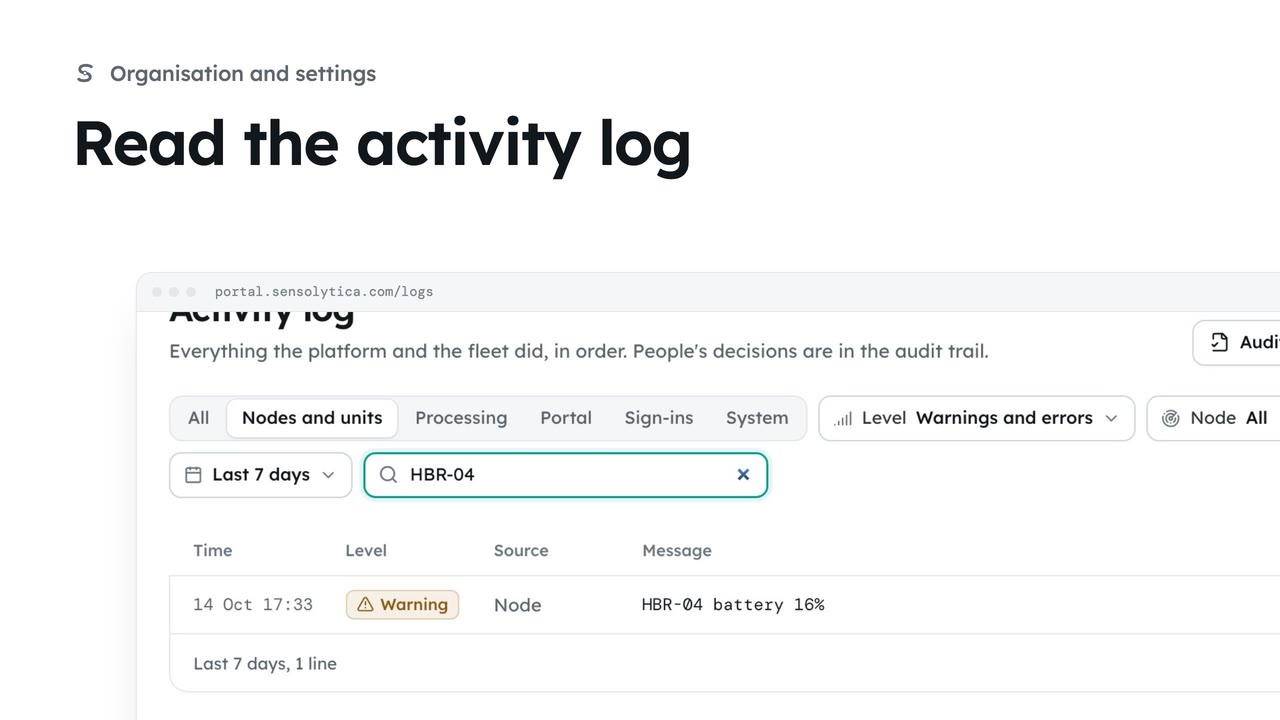
Everything the platform and the fleet did, filtered and saved the same way.
Open Audit trail. The auditor asked for verdicts over the last 30 days. Set Decision to verdicts and widen the time.
Choose Export the trail. What you see is saved as a CSV, with the time, the person, whether they were Sensolytica staff, the action and the reason.
For what the platform and the fleet did, open Activity log, filter it, here to warnings and errors, and choose Export.
Sign in with your work email. Your own organisation's records, nodes and units take the place of the Westmouth ones.
2 minSee every decision a person made in your organisation, with their reason, and export it for an auditor.
2 min4 stepsAdmin
 2 min
2 minFollow everything the platform and the fleet did, filter it to what matters and export it.
2 min4 stepsAdmin, Operator
 2 min
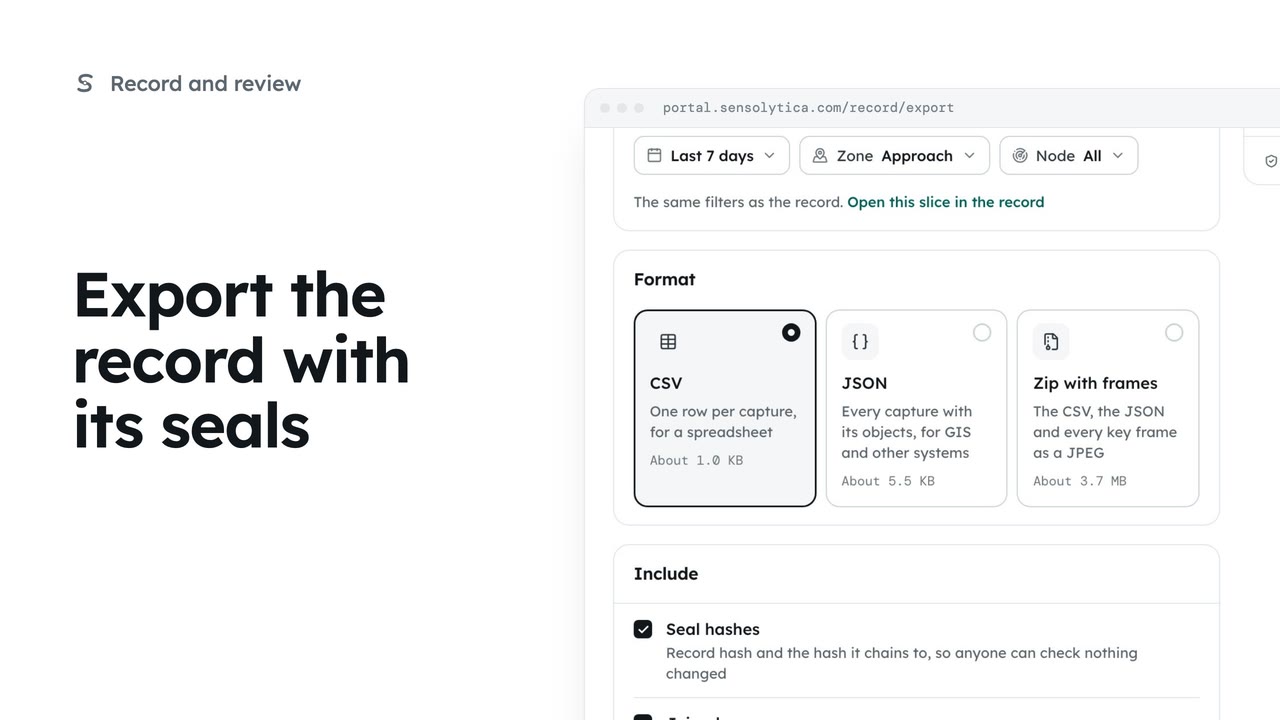
2 minTake a defined slice of the record out as CSV, JSON or a zip with frames, with the seals so whoever receives it can check it.
2 min5 stepsAdmin
Checked against the portal on 15 October 2026. Westmouth names, vessels, units and figures are illustrative. General guidance on using the portal, not legal, regulatory or financial advice.