 2 min
2 minFirmware releases and rollouts
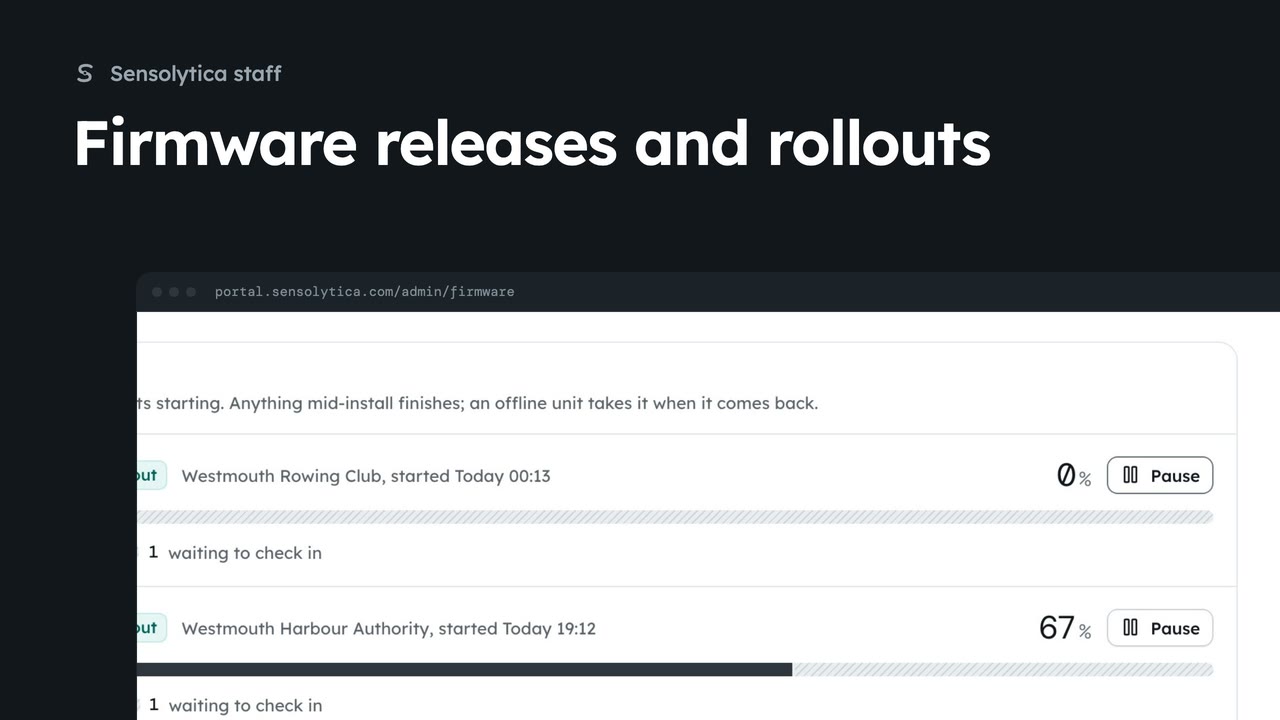
Roll a shore node release out to one organisation, follow the rollout and hold a unit while someone is on site.
2 min6 stepsSensolytica staff
Add a shore node firmware image with its hash, ready to roll out.
Publish a release
Firmware, then Publish a release. A release is installed nowhere until it is rolled out.
Version, image and hash
Units check the SHA-256 before installing and refuse a mismatch.
Publish
The portal shows the hash once more. Then it is in Releases, ready to roll out.
Open Firmware and choose Publish a release. Publishing installs nothing: a release waits until you roll it out.
Give the version and channel, the address of the image, and its SHA-256 from the build. Units check the hash before installing and refuse a mismatch, so copy it exactly.
Choose Publish. The portal shows the hash once more so you can check it. Confirm, and v4.4.0 is in Releases with Roll out beside it.
Sign in with your work email. Your own organisation's records, nodes and units take the place of the Westmouth ones.
2 minRoll a shore node release out to one organisation, follow the rollout and hold a unit while someone is on site.
2 min6 stepsSensolytica staff
 1 min
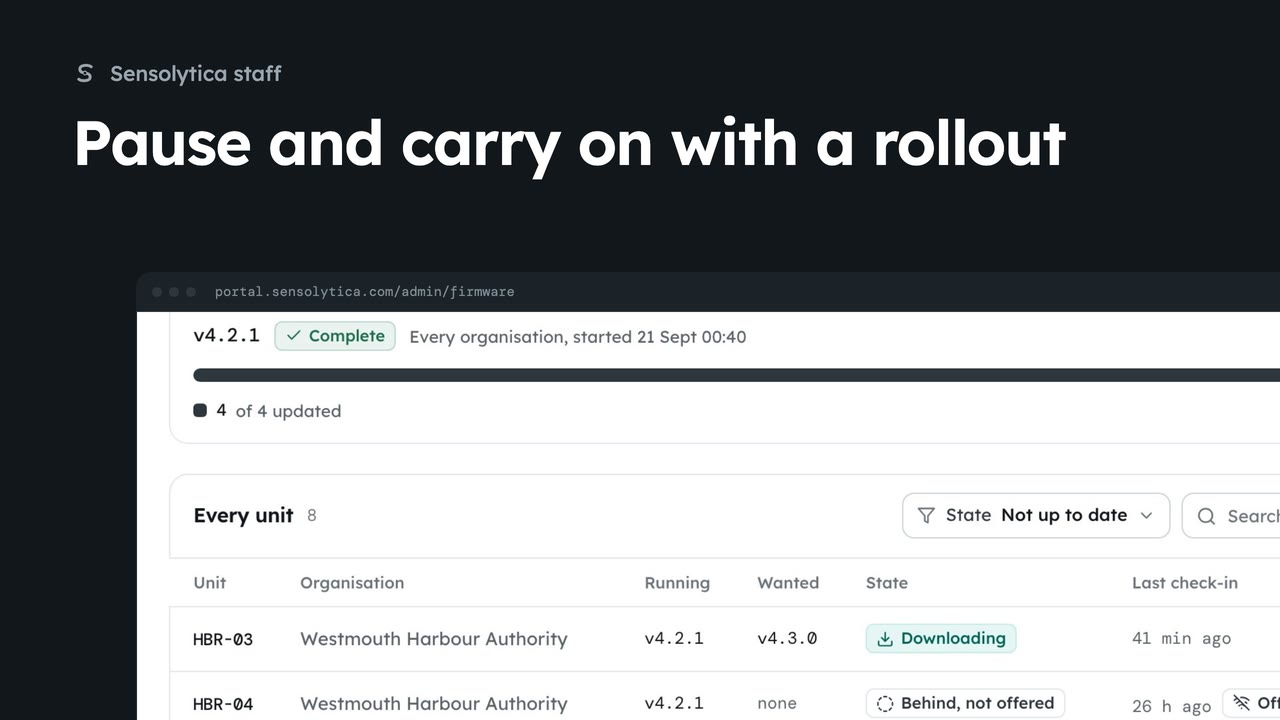
1 minStop new units starting an update while you look into a problem, then carry on.
1 min3 stepsSensolytica staff
 1 min
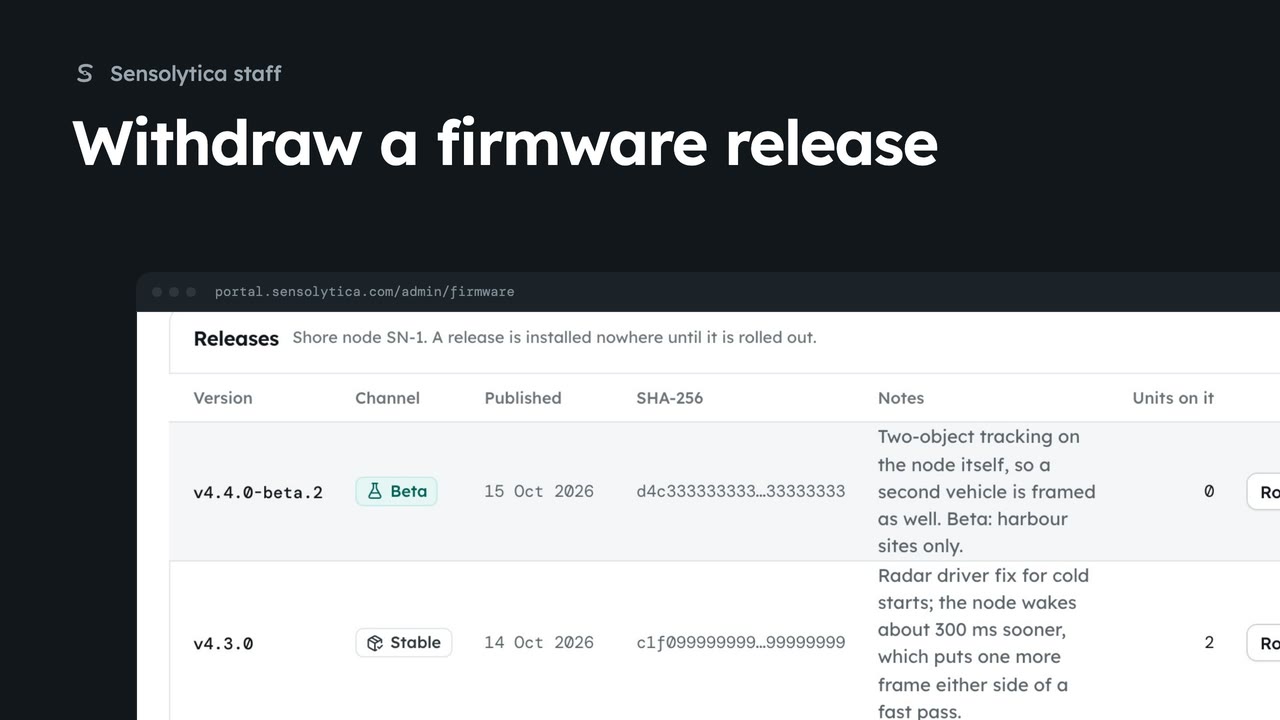
1 minStop a release being offered when it is found to be faulty, and publish it again if that was a mistake.
1 min2 stepsSensolytica staff
Checked against the portal on 15 October 2026. Westmouth names, vessels, units and figures are illustrative. General guidance on using the portal, not legal, regulatory or financial advice.