 3 min
3 minRequest a data sharing agreement
Ask another organisation to share readings, or offer yours, with the narrowest scope, a stated purpose and an end date.
3 min6 stepsAdmin
Read a request another organisation sent you, then accept it, limit it first, or decline.
A request is waiting
A waiting request shows at the top of Data sharing with a Review button.
Review the request
Choose Review. The form is filled in by the other side.
Check what they see
The preview lists what the club will see and what it will not.
Narrow it, then accept
Bring Ends a month forward and the button becomes Limit and accept. Confirm, and the agreement opens with its trail.
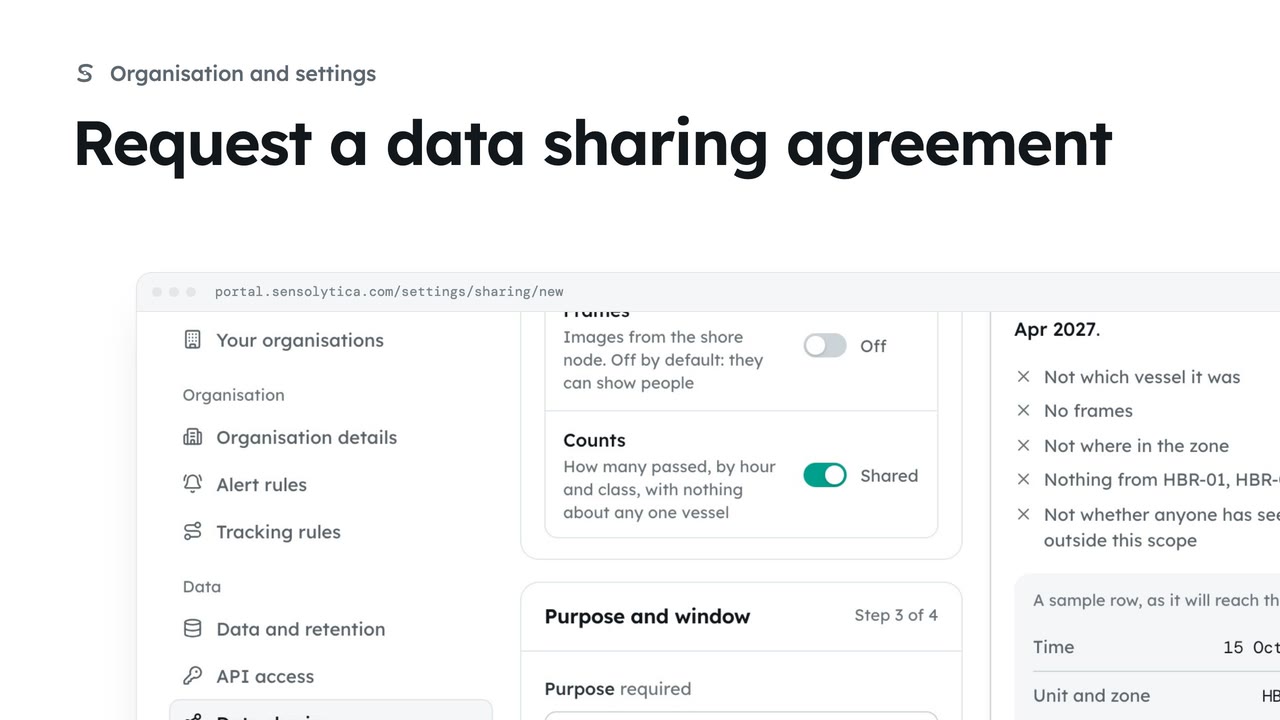
When another organisation asks for readings, the request shows at the top of Data sharing. Here the rowing club asks you to share speeds on the approach for coaching review. Nothing is shared until you accept.
Choose Review. The form is filled in by the club. You can turn off anything you do not want to share, or end it sooner, but you can never widen it.
Read the preview. It says which node and boats are covered, that only speed is shared, and that frames and identity are not.
You can accept it as it stands, or narrow it first. Bring the end date a month forward, and the button becomes Limit and accept. Choose it and confirm. The agreement opens, and every reading the club opens is listed in its trail.
Sign in with your work email. Your own organisation's records, nodes and units take the place of the Westmouth ones.
3 minAsk another organisation to share readings, or offer yours, with the narrowest scope, a stated purpose and an end date.
3 min6 stepsAdmin
 2 min
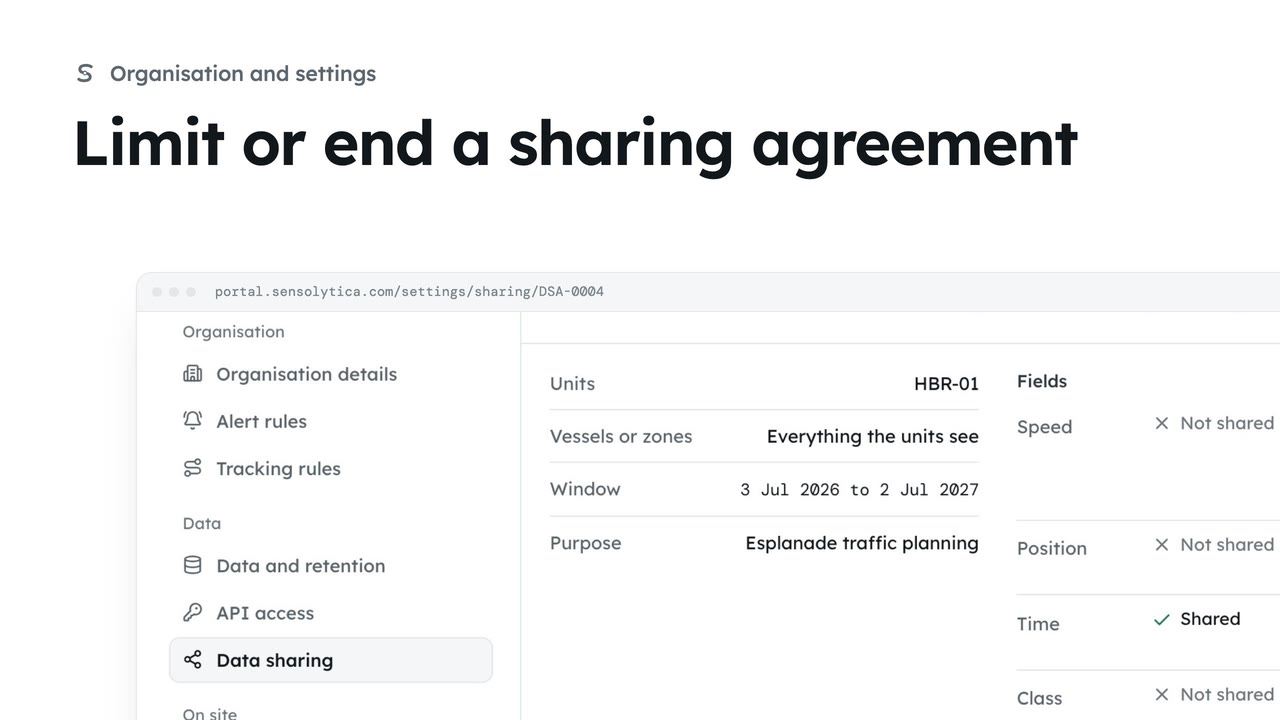
2 minNarrow a running agreement by taking fields away or ending it sooner, or end it at once.
2 min4 stepsAdmin
 2 min
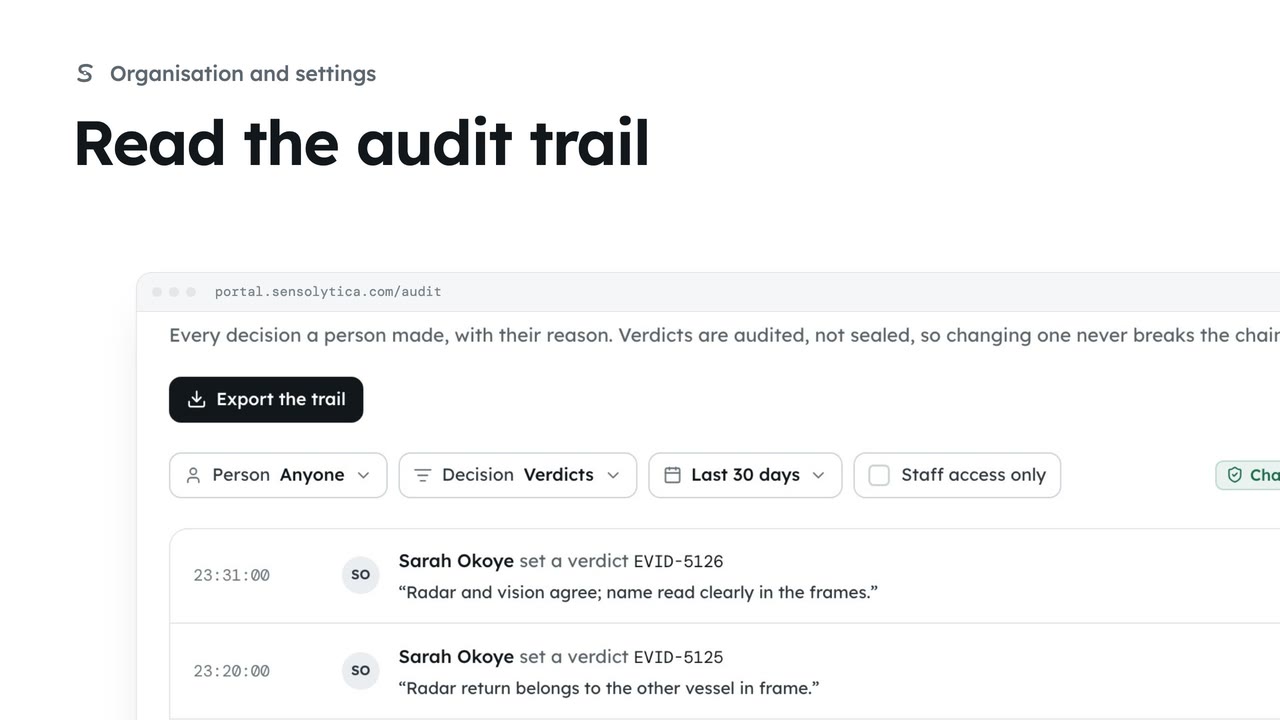
2 minSee every decision a person made in your organisation, with their reason, and export it for an auditor.
2 min4 stepsAdmin
Checked against the portal on 15 October 2026. Westmouth names, vessels, units and figures are illustrative. General guidance on using the portal, not legal, regulatory or financial advice.