 3 min
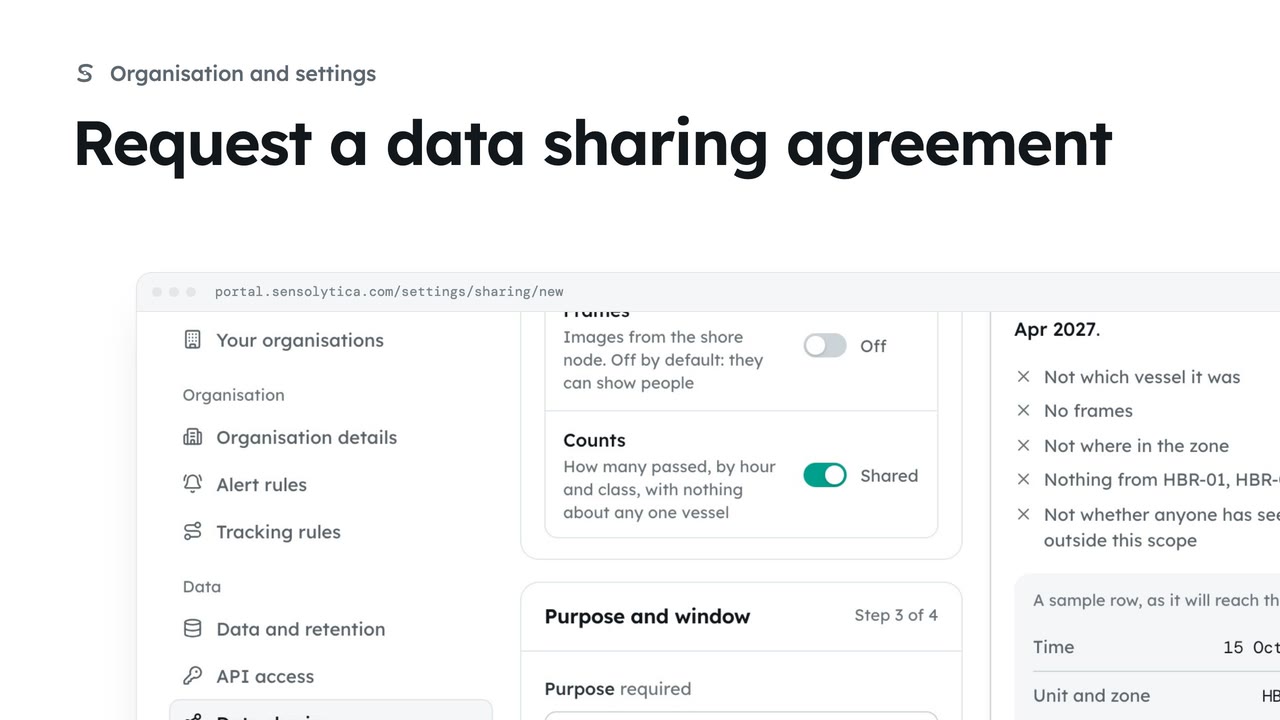
3 minRequest a data sharing agreement
Ask another organisation to share readings, or offer yours, with the narrowest scope, a stated purpose and an end date.
3 min6 stepsAdmin
Narrow a running agreement by taking fields away or ending it sooner, or end it at once.
One agreement in full
Each agreement shows its scope as a sentence, its fields, its use and its trail.
Take a field away
Choose Limit, then switch Class to Off.
It takes effect at once
Choose Limit the agreement, then confirm.
End it when it is done
End agreement asks why, then stops sharing at once. Cancel keeps it running.
Open the agreement from Data sharing. This one shares counts from a harbour node with the council for traffic planning. You see the scope in a sentence, what is not shared, how much has been opened, and the trail both sides read.
Choose Limit. A limit can only narrow what is shared. Switch Class off, so the council keeps the counts and nothing else.
Choose Limit the agreement and confirm. It takes effect at once, and both organisations see the change and its date in the trail.
To stop sharing altogether, choose End agreement and say why it ends. The other side stops seeing your readings at once, including ones already shared, and they are told why. Here we cancel and keep it running.
Sign in with your work email. Your own organisation's records, nodes and units take the place of the Westmouth ones.
3 minAsk another organisation to share readings, or offer yours, with the narrowest scope, a stated purpose and an end date.
3 min6 stepsAdmin
 2 min
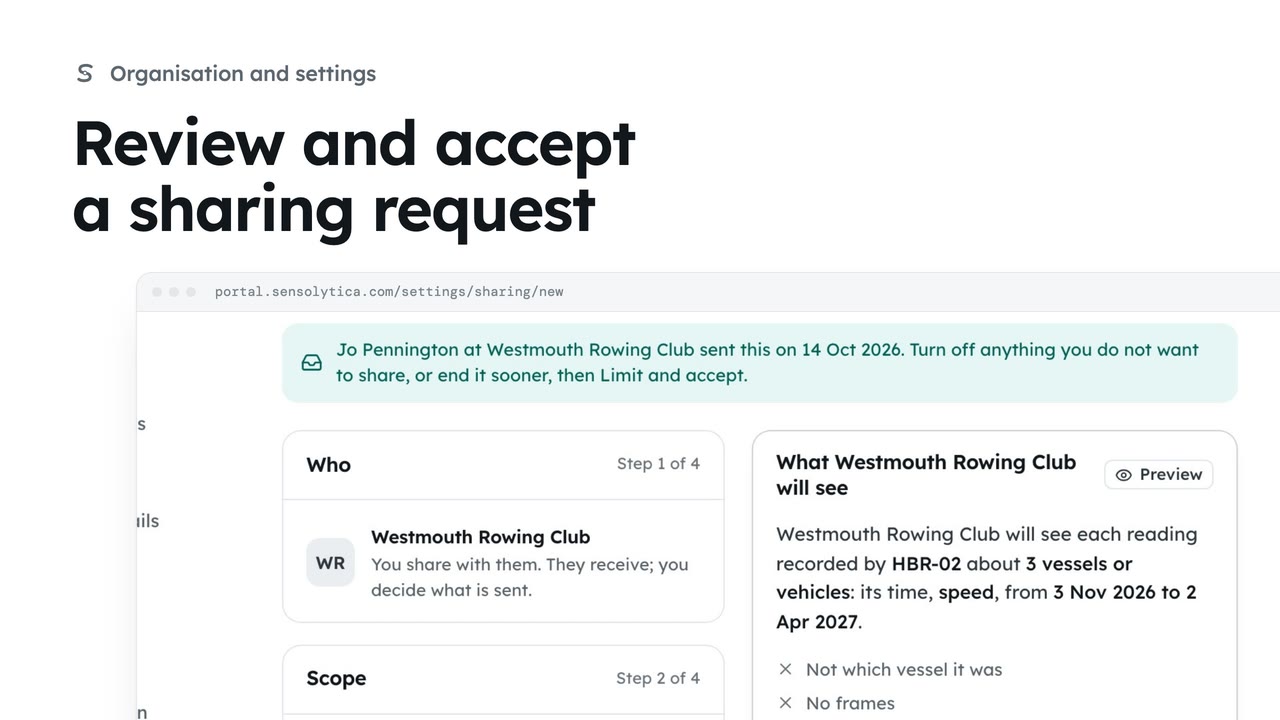
2 minRead a request another organisation sent you, then accept it, limit it first, or decline.
2 min4 stepsAdmin
 2 min
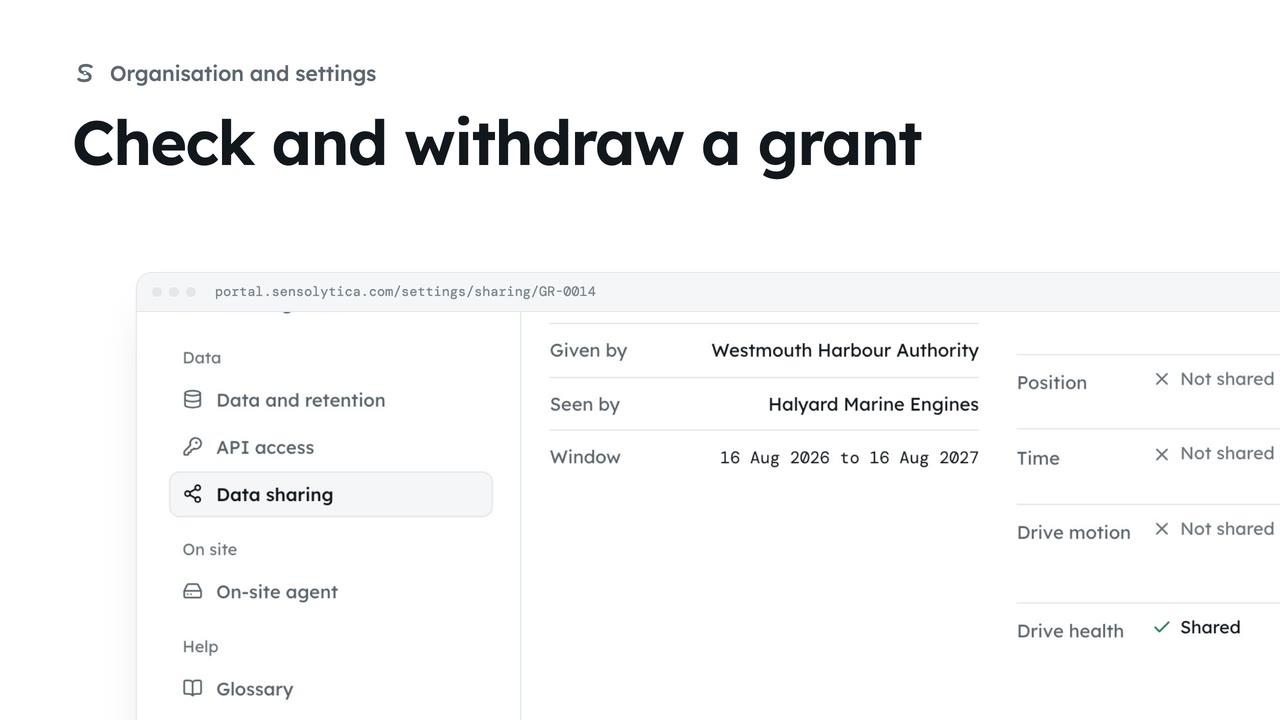
2 minSee the narrow grants that open one unit or vessel to a maker, an owner or a maintenance job, and withdraw one you gave.
2 min3 stepsAdmin
Checked against the portal on 15 October 2026. Westmouth names, vessels, units and figures are illustrative. General guidance on using the portal, not legal, regulatory or financial advice.