 2 min
2 minBuild a report
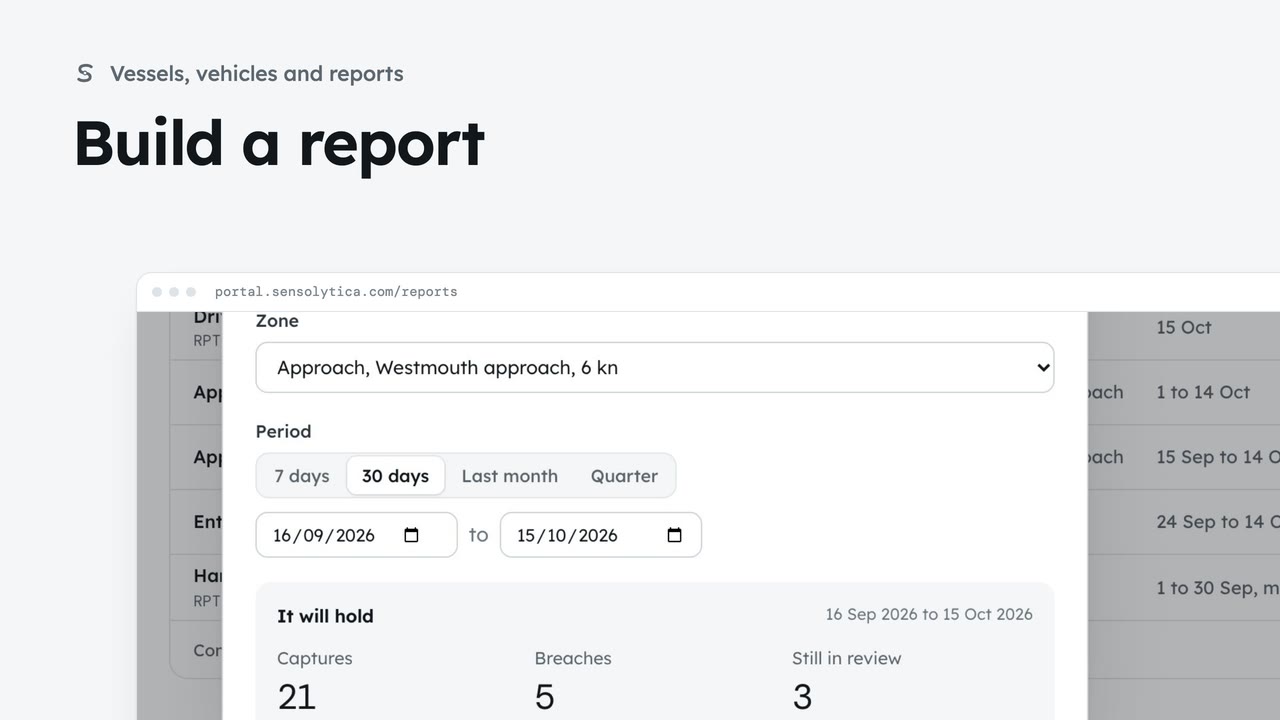
Choose a kind, a zone and a period, see what the report will hold, then make it from sealed records.
2 min5 stepsAdmin, Operator
Read how a zone kept to its limit over a period, add notes for the committee and print it.
A compliance report
Open it from Reports, or build one from a zone with Report for this zone.
In one sentence
Passes, breaches and compliance, with anything still in review when it was made.
By day
Passes per day, with breaches in the brand colour. Below, the sealed breaches and each zone.
Notes
Edit the title and notes. The figures cannot be changed.
Print or CSV
Print gives a clean copy. CSV with seals lists every capture with its hash.
Open Reports from the sidebar and choose the Approach compliance report. You can also make one from a zone page with Report for this zone.
The report opens on a sentence: how many passes, how many were breaches, and the share that kept to the limit. The tag at the top says whether anything was still in review when it was made.
By day shows passes for every day of the period, with breaches picked out. Below are the sealed breaches the report is built from, and the figures by zone.
Under Notes, choose Edit. Add context for the committee: why this period, what changed on site, what you recommend. Save, and confirm.
Choose Print for a clean copy to table at the meeting, or CSV with seals for every capture with its hash, so anyone can check the figures.
Sign in with your work email. Your own organisation's records, nodes and units take the place of the Westmouth ones.
2 minChoose a kind, a zone and a period, see what the report will hold, then make it from sealed records.
2 min5 stepsAdmin, Operator
 2 min
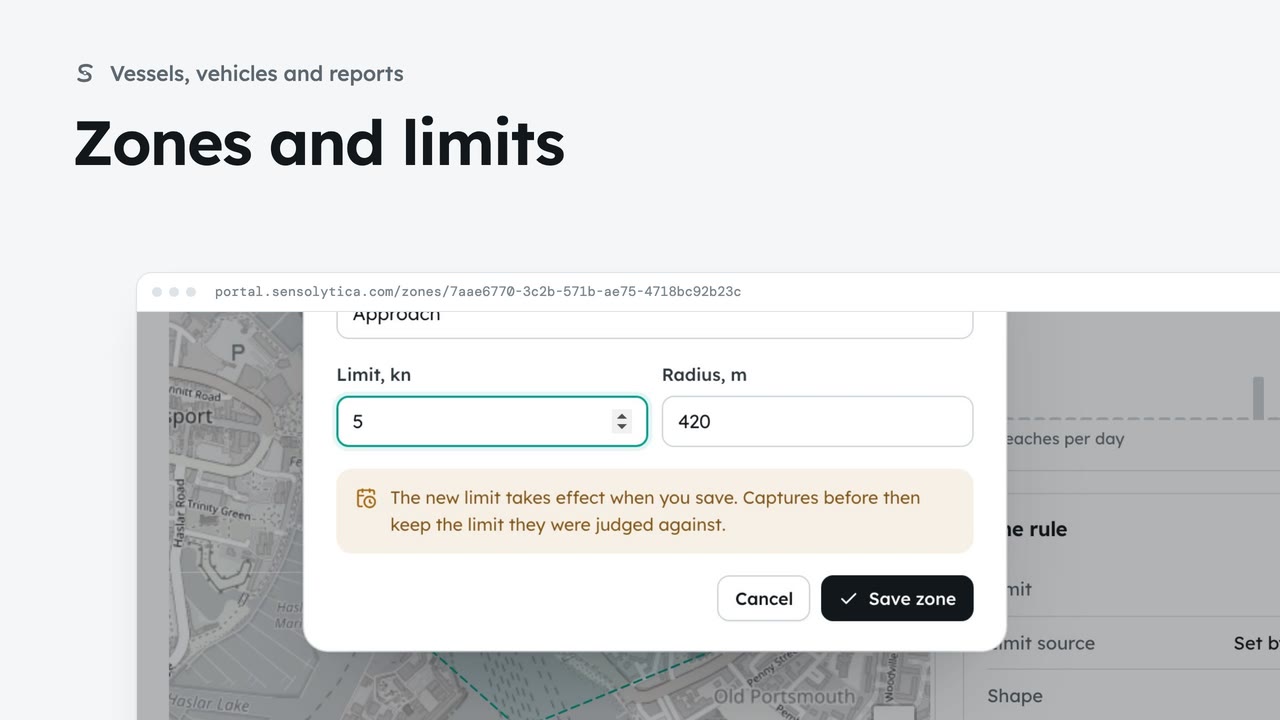
2 minSee where each limit applies and how each zone keeps to it, and change a limit with when it takes effect.
2 min6 stepsAdmin, Operator
 2 min
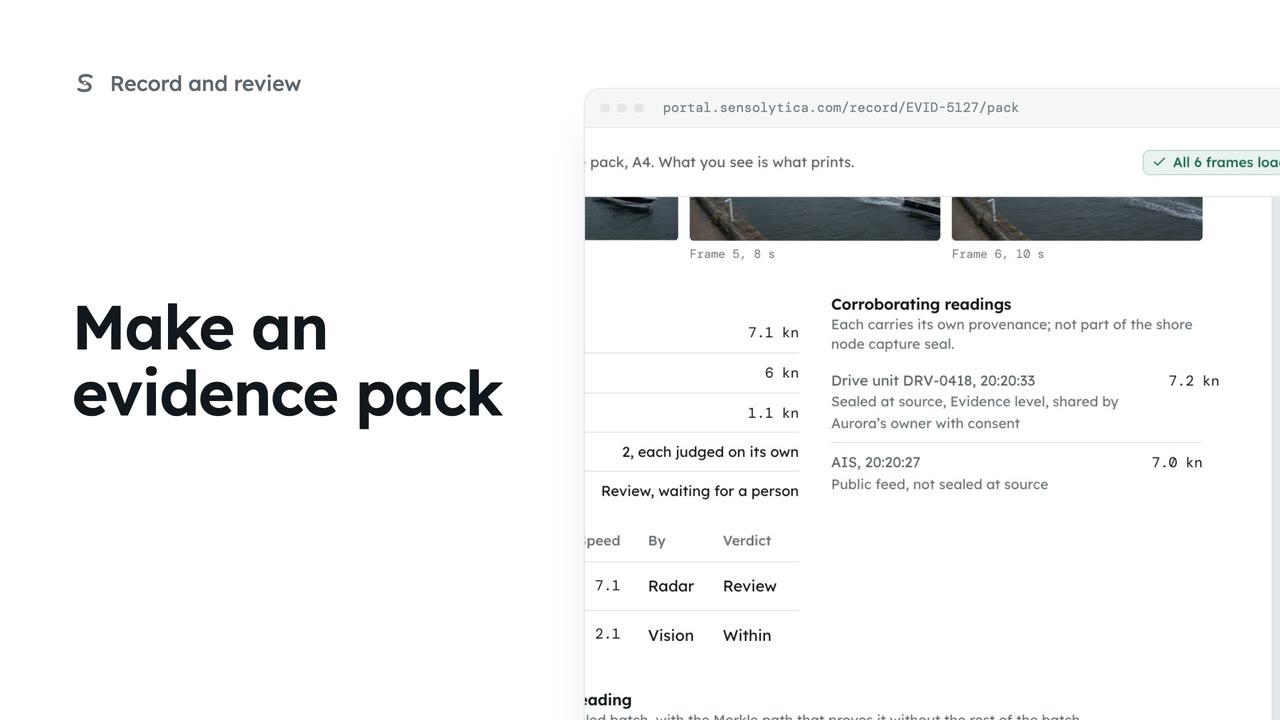
2 minLay one capture out as an A4 evidence pack with its frames, readings and seal, ready to print or save as a PDF.
2 min5 stepsOperator, Admin
Checked against the portal on 15 October 2026. Westmouth names, vessels, units and figures are illustrative. General guidance on using the portal, not legal, regulatory or financial advice.