 2 min
2 minInvite a colleague
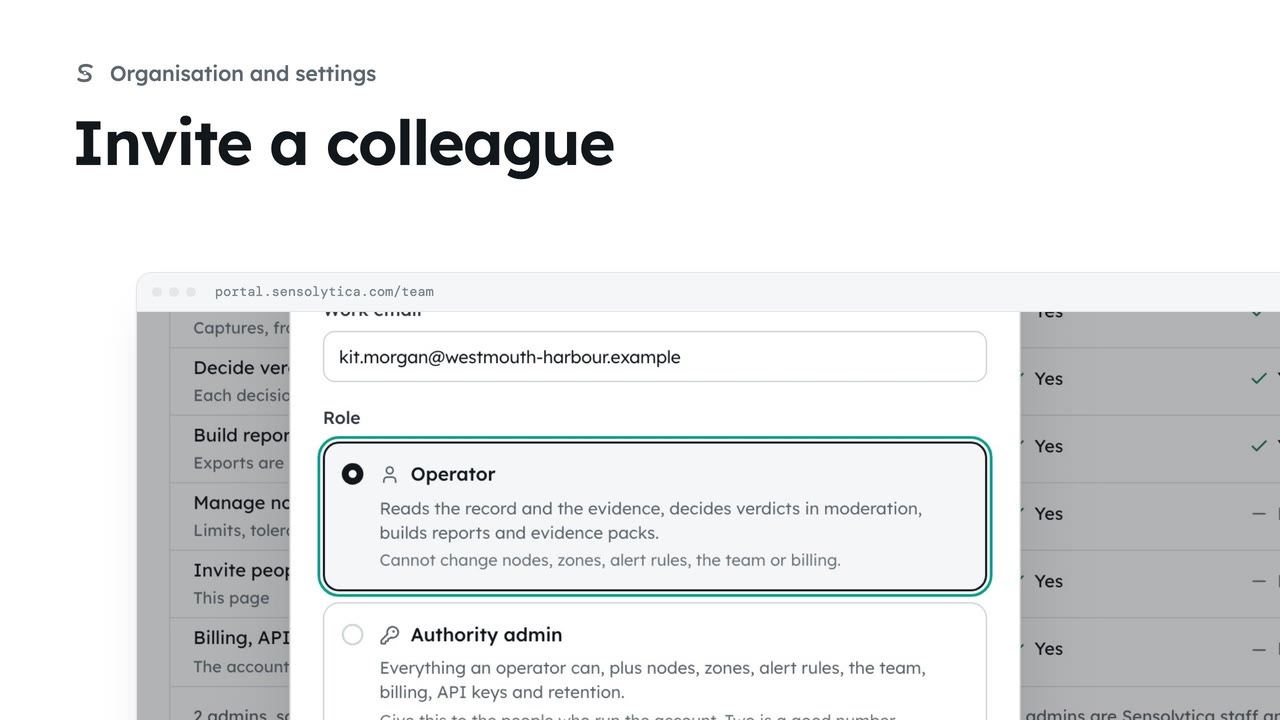
Invite someone to your organisation with the smallest role that lets them do their job.
2 min5 stepsAdmin
Send an invitation again when it has gone astray, or withdraw one that should not be used.
Pending invitations
Team lists who has not accepted yet, when it was sent and when it expires.
Resend
A fresh email. Its seven days start over.
Withdraw
The link stops working. You can invite them again at any time.
Open Team from the sidebar. Pending invitations lists everyone who has not accepted yet, who sent it, and how long it has left. Links work once and expire after 7 days.
Dan says the email never came. Choose Resend: a fresh email goes, and its seven days start over.
If the invitation should not be used, choose Withdraw and confirm. The link stops working at once, and you can invite them again at any time.
Sign in with your work email. Your own organisation's records, nodes and units take the place of the Westmouth ones.
2 minInvite someone to your organisation with the smallest role that lets them do their job.
2 min5 stepsAdmin
 2 min
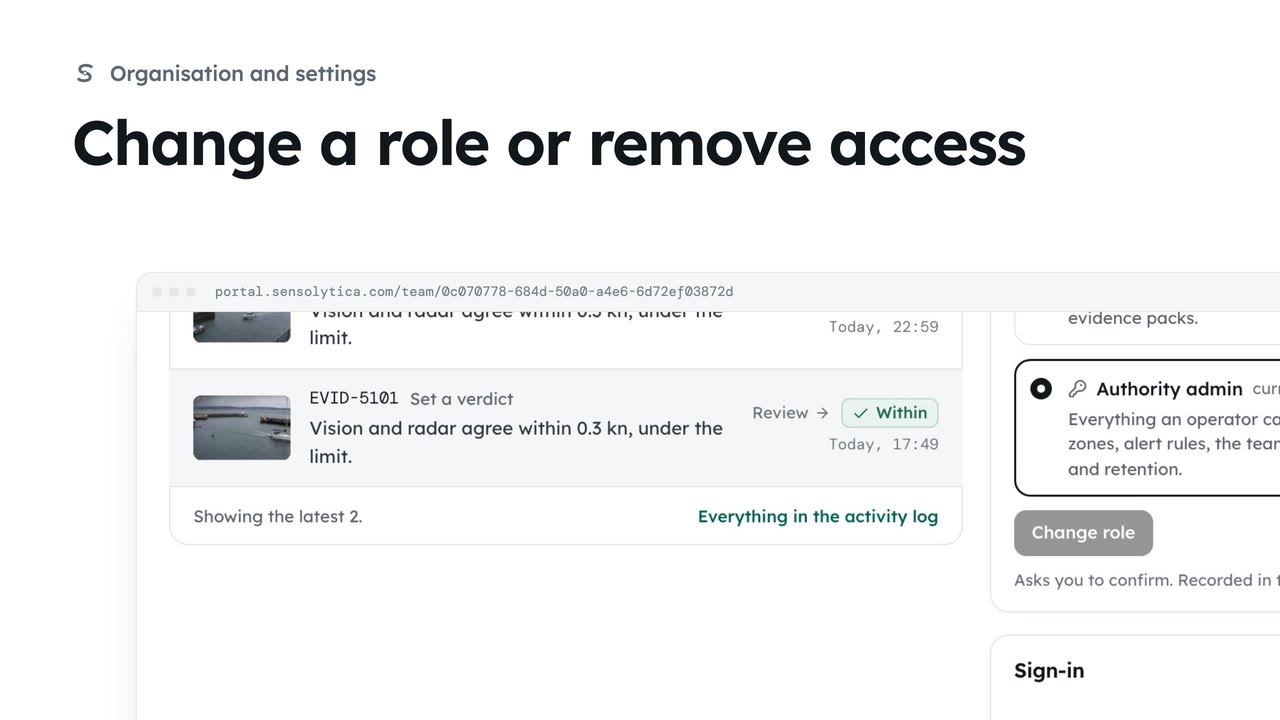
2 minSee what each role can do, change a person’s role, and remove someone who no longer needs access.
2 min4 stepsAdmin
 2 min
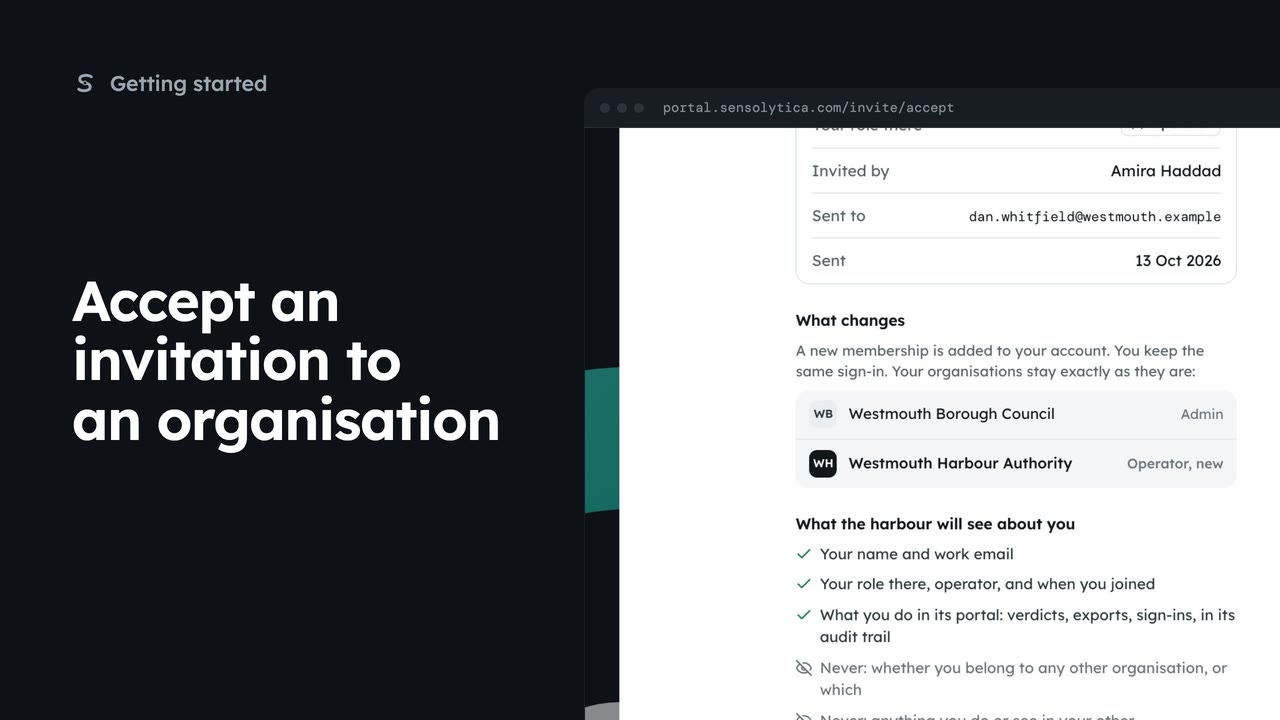
2 minReview an invitation to another organisation, see what it will know about you, and accept or decline it.
2 min5 stepsAdmin, Operator, Maker
Checked against the portal on 15 October 2026. Westmouth names, vessels, units and figures are illustrative. General guidance on using the portal, not legal, regulatory or financial advice.