 2 min
2 minInvite a colleague
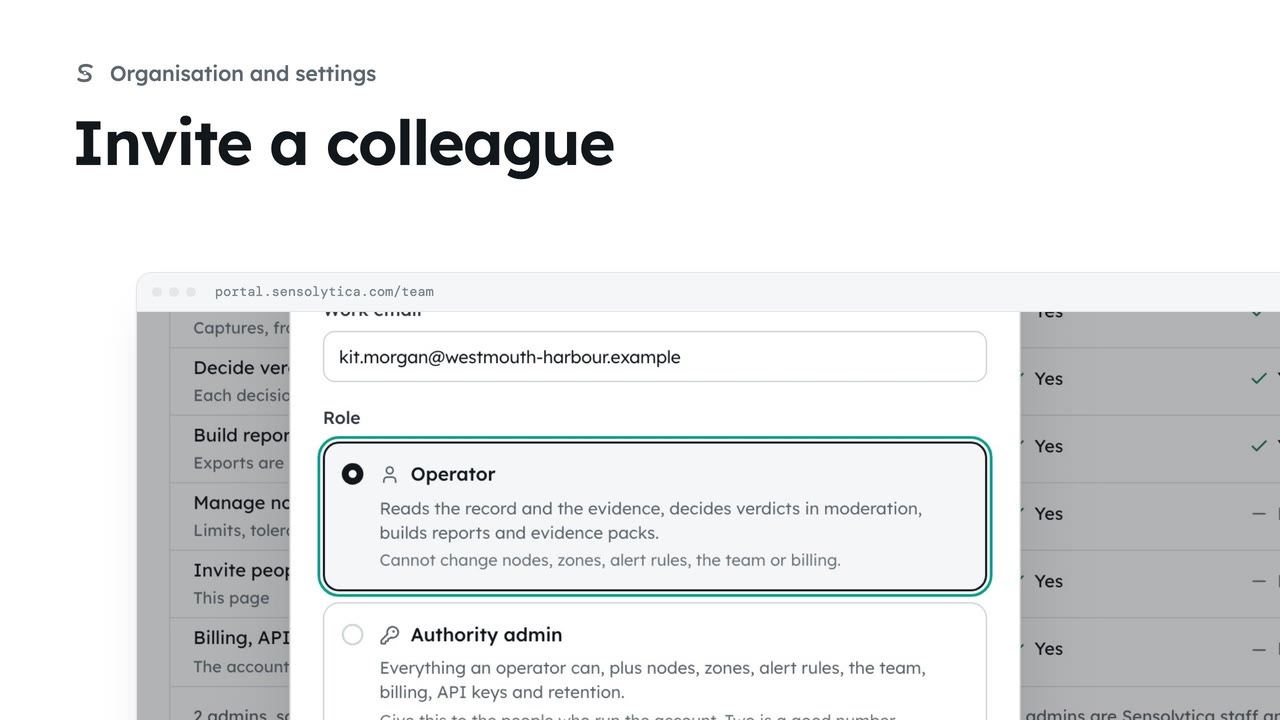
Invite someone to your organisation with the smallest role that lets them do their job.
2 min5 stepsAdmin
Find anyone with access across every organisation, change a person's role, and invite someone to the right organisation.
Everyone with access
The Users tab lists every person on the platform, with organisation, role and last seen.
By role and organisation
Pick a role above the table, or choose one organisation in Organisation. Search finds a name or email.
Change role or remove
The person button on a row opens their role in that organisation, and Remove.
Save role
Save role asks you to confirm. The change goes in their audit trail, signed as Sensolytica staff.
Invite a person
Invite opens a form for role, organisation, full name and work email.
Confirm and send
Send invite asks you to confirm. A super admin invite asks again, as they see every organisation.
Click the Users tab. It lists everyone with access, across every organisation. Roles belong to each organisation. Super admins are Sensolytica staff and sit at the top.
Pick a role, such as Admins, to see only those. Or choose one organisation from the Organisation menu, here the borough council. You can also search by name or email.
To change what someone can do, click the person button at the end of their row, here Marcus Lee. Choose the new role, here Authority admin. Remove takes away their access to this organisation instead.
Click Save role, then Change role to confirm. Marcus is now an authority admin in the council, and the change goes in their audit trail, signed as Sensolytica staff.
Click Invite. Choose the role, check the organisation, and give their full name and work email. They get an email with a link to set a password, and land in the right place.
Click Send invite and confirm. Inviting a super admin asks for a second confirmation, because they see every organisation, so only invite Sensolytica staff that way.
Sign in with your work email. Your own organisation's records, nodes and units take the place of the Westmouth ones.
2 minInvite someone to your organisation with the smallest role that lets them do their job.
2 min5 stepsAdmin
 2 min
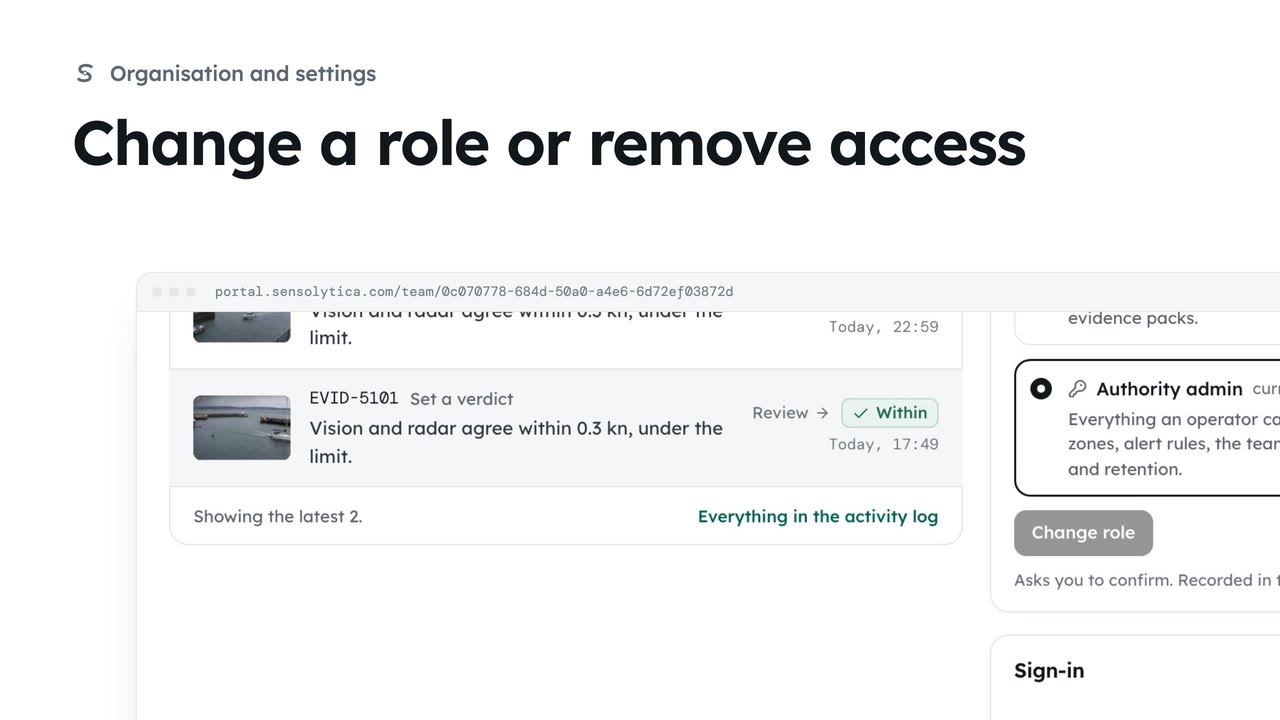
2 minSee what each role can do, change a person’s role, and remove someone who no longer needs access.
2 min4 stepsAdmin
 2 min
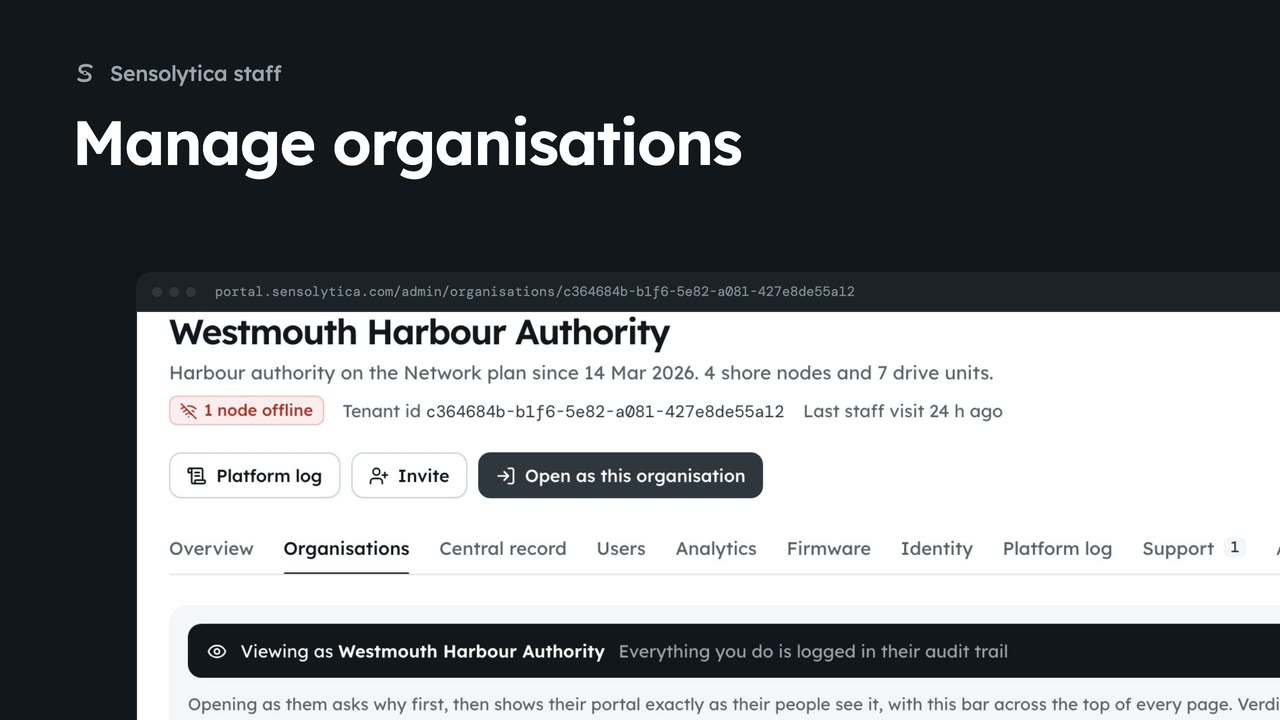
2 minFind an organisation, check its health and fleet on its platform page, and create a new one.
2 min6 stepsSensolytica staff
Checked against the portal on 15 October 2026. Westmouth names, vessels, units and figures are illustrative. General guidance on using the portal, not legal, regulatory or financial advice.