 2 min
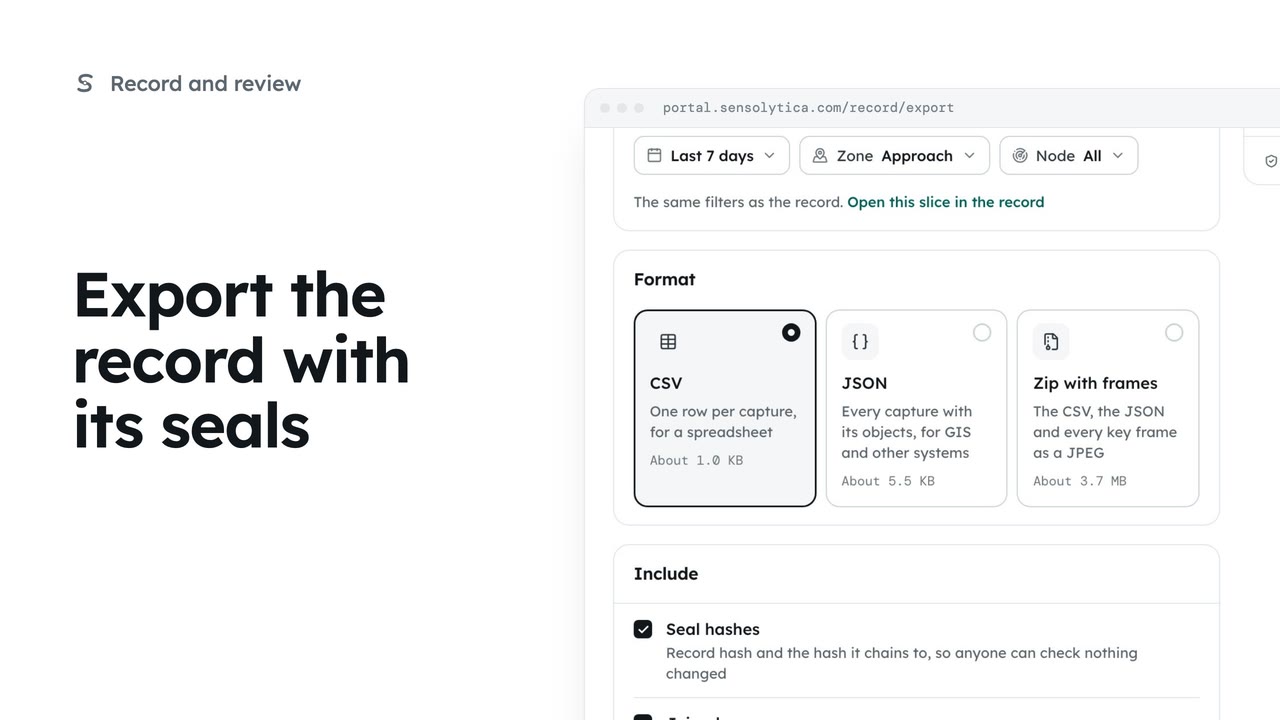
2 minExport the record with its seals
Take a defined slice of the record out as CSV, JSON or a zip with frames, with the seals so whoever receives it can check it.
2 min5 stepsAdmin
Give another system read-only access to your record with a key you can revoke at any time.
Read-only keys
Settings, API access. A key can read the record, zones and nodes, and nothing else.
Name it after its use
Choose Create a key, enter a Label, then Create key.
Shown only once
Choose Copy, store it safely, tick the box, then Done.
Revoke stops it at once
Revoke on a key’s row stops it on its next request. Cancel keeps it.
Open Settings and choose API access. A key lets a system such as a map layer or a reporting tool read your record, zones and nodes. It can never change a verdict or download frames.
Choose Create a key. Name it after what will use it, so you know what breaks if you revoke it. Then choose Create key.
The key is shown once. Copy it into your password manager or secrets store now. Sensolytica keeps only its fingerprint, so it cannot be shown again. Tick the box to say it is stored, then choose Done.
To stop a key, choose Revoke on its row. Anything using it is refused on its next request, and this cannot be undone. Here we cancel.
Sign in with your work email. Your own organisation's records, nodes and units take the place of the Westmouth ones.
2 minTake a defined slice of the record out as CSV, JSON or a zip with frames, with the seals so whoever receives it can check it.
2 min5 stepsAdmin
 2 min
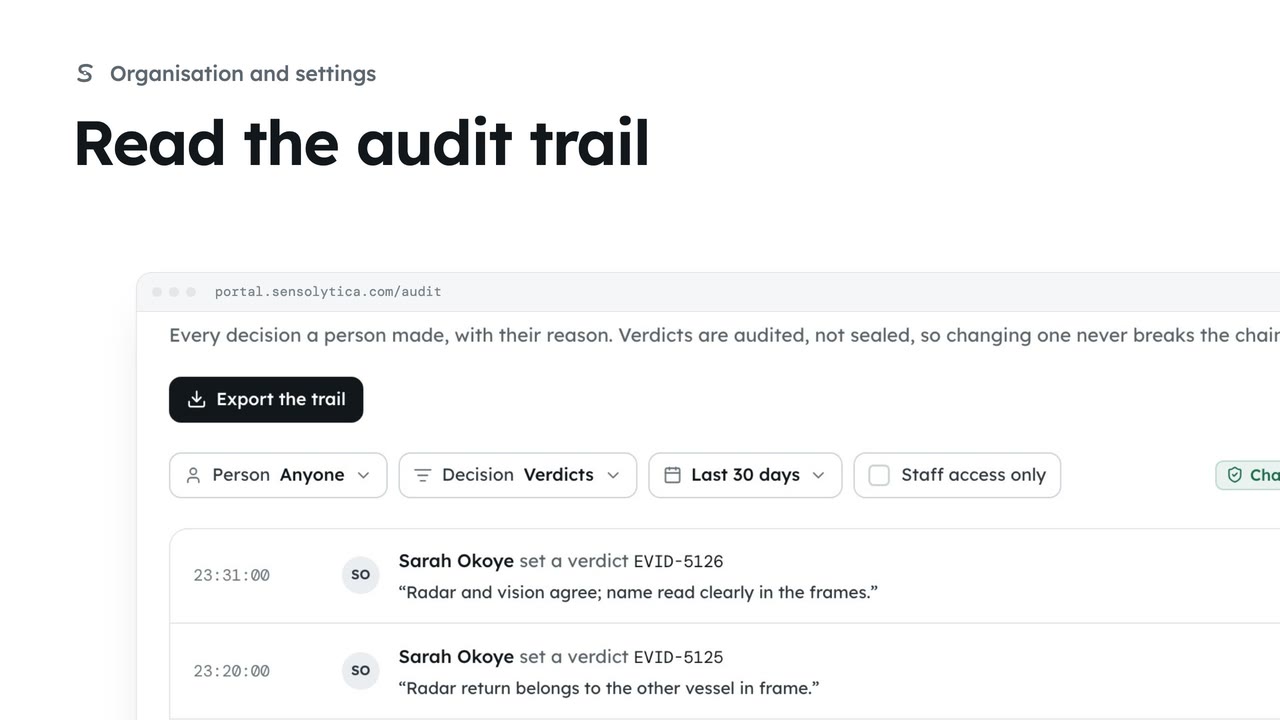
2 minSee every decision a person made in your organisation, with their reason, and export it for an auditor.
2 min4 stepsAdmin
 2 min
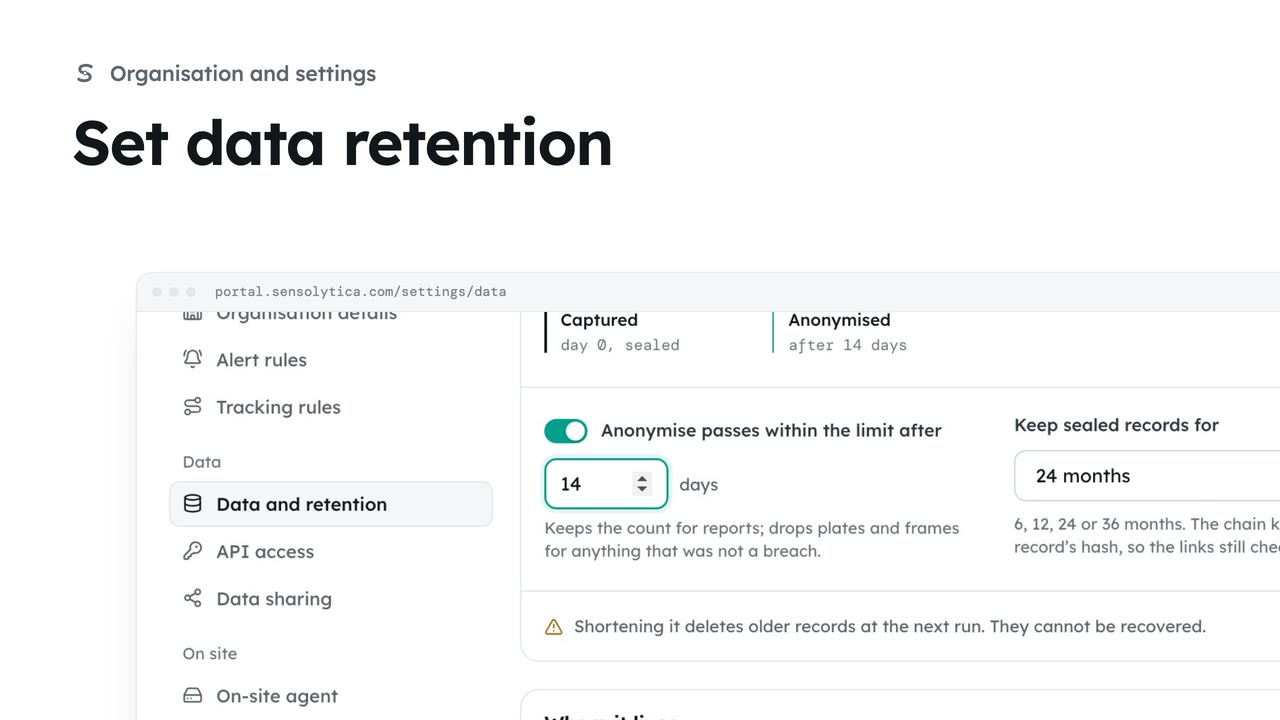
2 minChoose how long sealed records are kept and when passes within the limit lose what identifies them.
2 min4 stepsAdmin
Checked against the portal on 15 October 2026. Westmouth names, vessels, units and figures are illustrative. General guidance on using the portal, not legal, regulatory or financial advice.