 2 min
2 minShore nodes
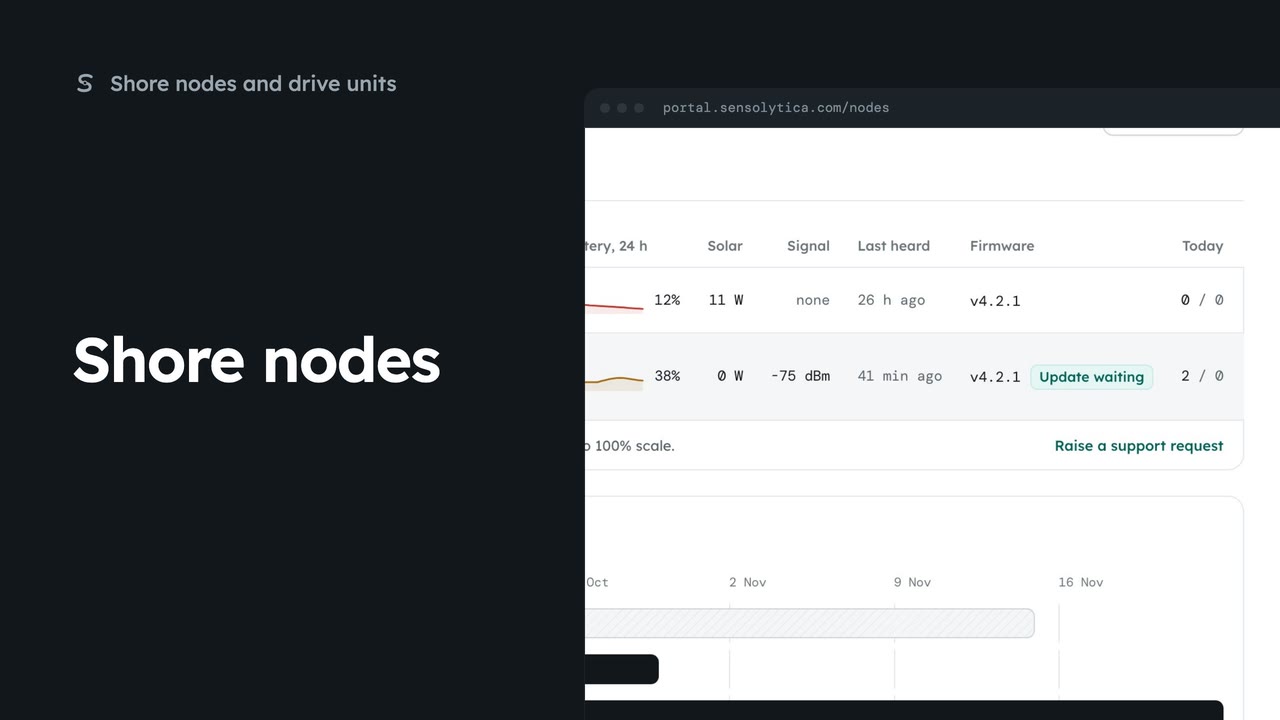
See every shore node, where it is and whether it is working, with the ones that need a visit first.
2 min5 stepsAdmin, Operator
Register a new shore node, save its key and watch it connect, in four steps.
Add node
Open Shore nodes from the sidebar and choose Add node at the top right.
What goes on the pole
Tick each part on the bench, or choose I have everything. Only the label stock is optional.
Code, serial and mount
Node code is filled with the next in sequence. Add the serial from the enclosure and the mount.
Register node
Choose Register node, then Register node again in the dialog.
Shown once
Copy the key or choose Download node.env. Then tick that you have saved it.
Six stages, each proven
Each stage ticks only when the node proves it, from power up to its first upload.
Connected and reporting
Open HBR-05 appears once all six stages pass. Finish later leaves it reporting.
Open Shore nodes from the sidebar and choose Add node. The rail on the left shows the four steps: check the hardware, register it, provision its key, and prove it is connected.
First, tick the parts on the bench, or choose I have everything when it is all there. Only the label stock is optional. Then choose Register it.
Say where it works, on the water or on the road. The node code is already the next one in your sequence. Type the serial from the enclosure and a short line about the mount, so the next engineer can find it.
Choose Register node, then Register node again in the dialog. The node is added to your organisation, its ingest key is made, and the next step opens.
The ingest key is shown once, and only its hash is kept. Copy it, or download node dot env, and put it on the node before you leave the bench. Then tick that you have saved the key, and choose Prove it is connected.
Power the node on the pole. Each stage ticks only when the node proves it: power, uplink, key accepted, position fixed, sensors live and its first upload. Nothing here is assumed.
When all six pass, choose Open HBR-05. The new node now appears on Shore nodes with everything else. If you are short of time, choose Finish later; the node keeps reporting.
Sign in with your work email. Your own organisation's records, nodes and units take the place of the Westmouth ones.
2 minSee every shore node, where it is and whether it is working, with the ones that need a visit first.
2 min5 stepsAdmin, Operator
 1 min
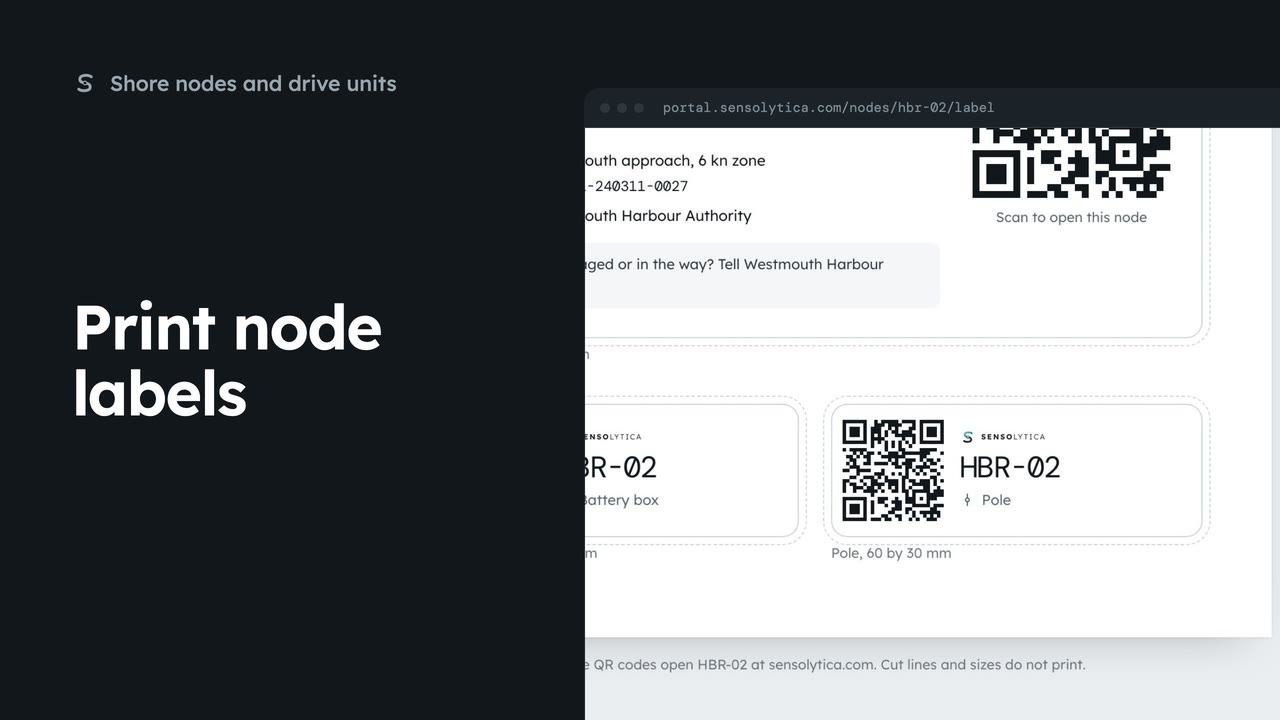
1 minPrint the enclosure, battery box and pole labels for a shore node on one weatherproof sheet.
1 min3 stepsAdmin, Operator
 2 min
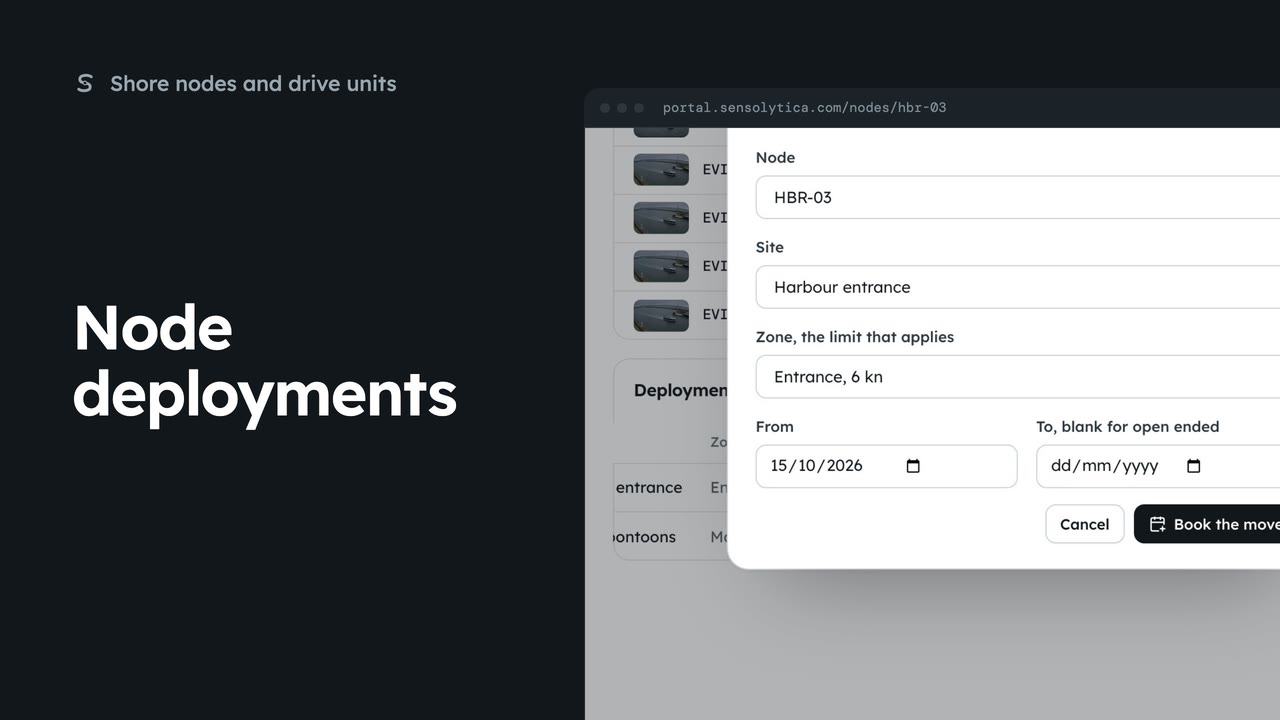
2 minEnd a node’s deployment at one site and book it at another, so its captures are judged against the right limit.
2 min4 stepsAdmin
Checked against the portal on 15 October 2026. Westmouth names, vessels, units and figures are illustrative. General guidance on using the portal, not legal, regulatory or financial advice.