 2 min
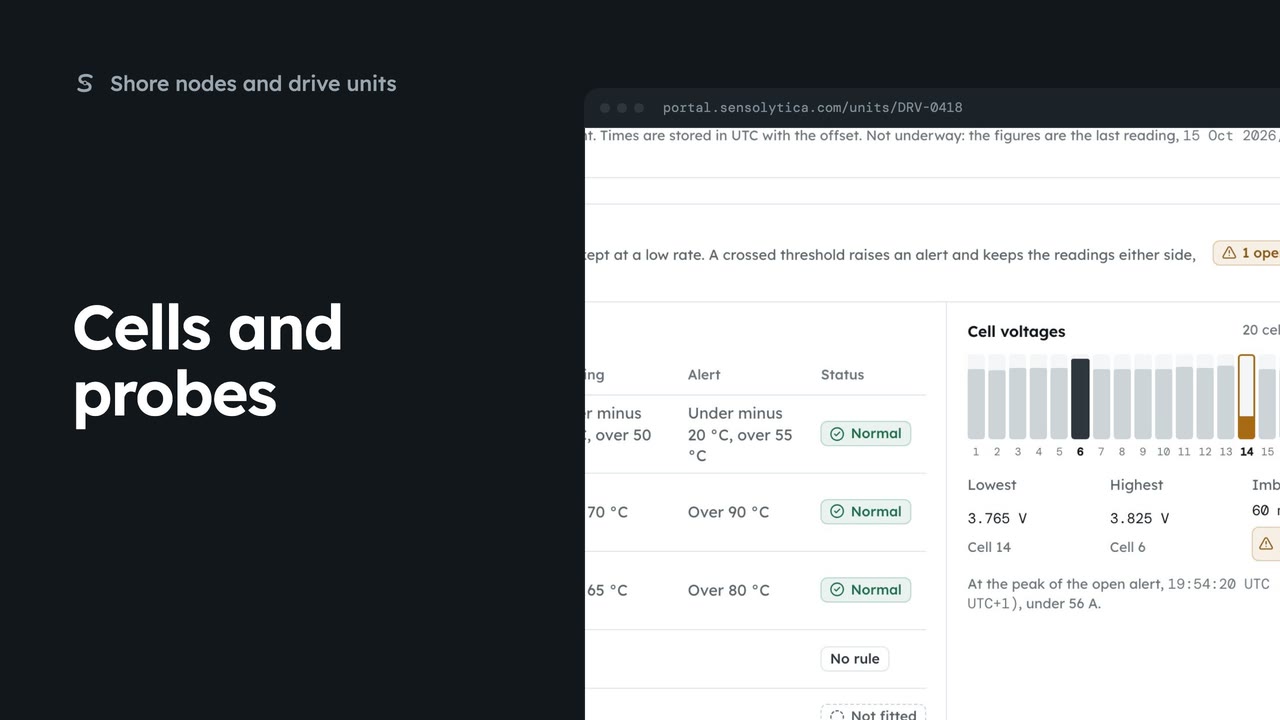
2 minCells and probes
Check a drive’s temperature probes and battery cells against the thresholds that apply to it.
2 min5 stepsAdmin, Operator
Read what a drive unit reports now, how good its readings are, and its faults and limits.
Drive units
Drive units lists every unit, its vessel and status. Open one by its id.
What it reports now
The top strip shows rpm, speed, battery, current, power, temperatures and run time.
Open alerts first
Health shows a tag for open alerts. Recent alerts lists each one, linked to its page.
Evidence to unusable
Data quality counts the last day’s readings at each level, from their position accuracy.
Faults and controller limits
The latest fault bits and the controller’s own limits, where the outboard reports them.
Who fitted it
Fitting shows the vessel, outboard and pairing. Firmware says whether an update is waiting.
Open Drive units from the sidebar. Each unit reads the motor controller of an electric outboard, and is joined to its vessel’s record. Choose DRV-0418 to open the unit on Aurora.
The top strip is the latest reading: prop rpm, speed over ground, battery, current, power and temperatures. A field the outboard does not provide is never shown as zero.
Under Health, a tag says whether any alerts are open. Recent alerts lists them with their status. Open one to see the readings either side.
Data quality grades every reading from the last day by its position accuracy: Evidence, Tracking, Low or Unusable. Readings are always kept; only the label changes. Speed is never shown from readings taken at rest.
Faults and controller limits shows the latest fault bits, and the limits the controller reports, such as maximum rpm and line current.
At the foot, Fitting shows the vessel, the outboard, how it was paired, and whether the unit is yours or shared with you by its owner. Firmware says whether an update is waiting.
Sign in with your work email. Your own organisation's records, nodes and units take the place of the Westmouth ones.
2 minCheck a drive’s temperature probes and battery cells against the thresholds that apply to it.
2 min5 stepsAdmin, Operator
 2 min
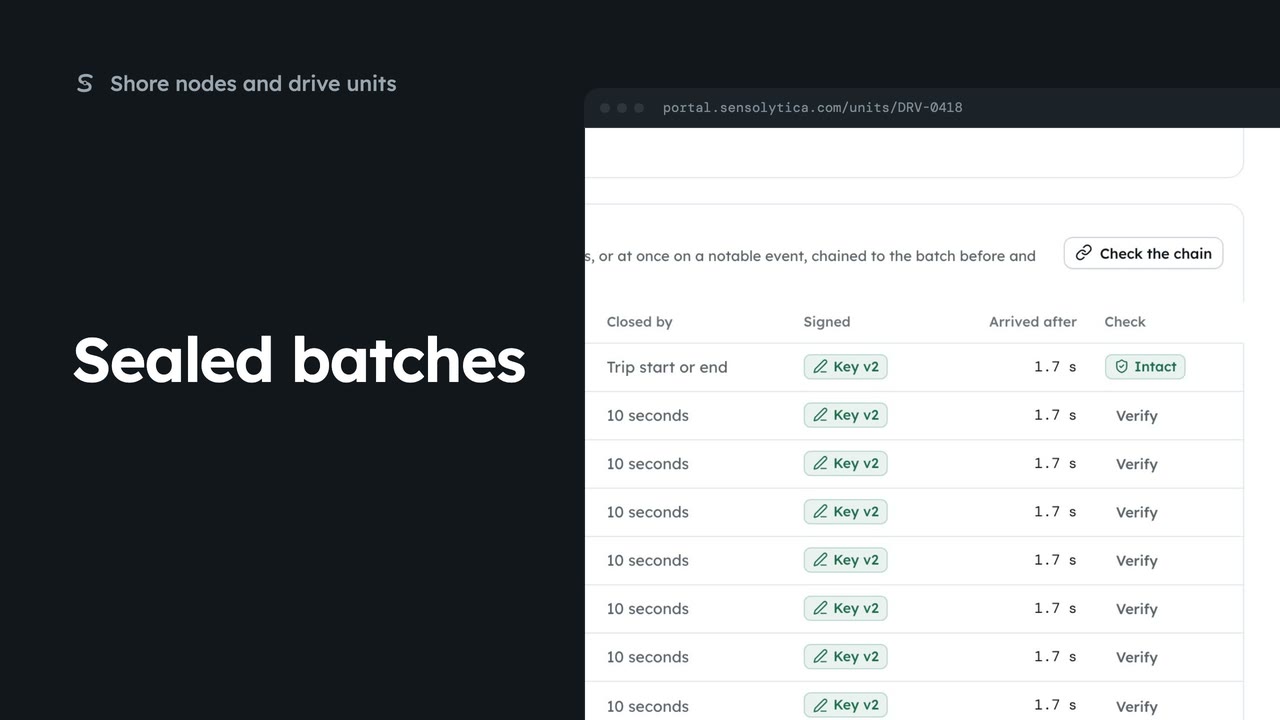
2 minCheck that a drive unit’s readings have not changed since they were sealed at source.
2 min5 stepsAdmin, Operator
 2 min
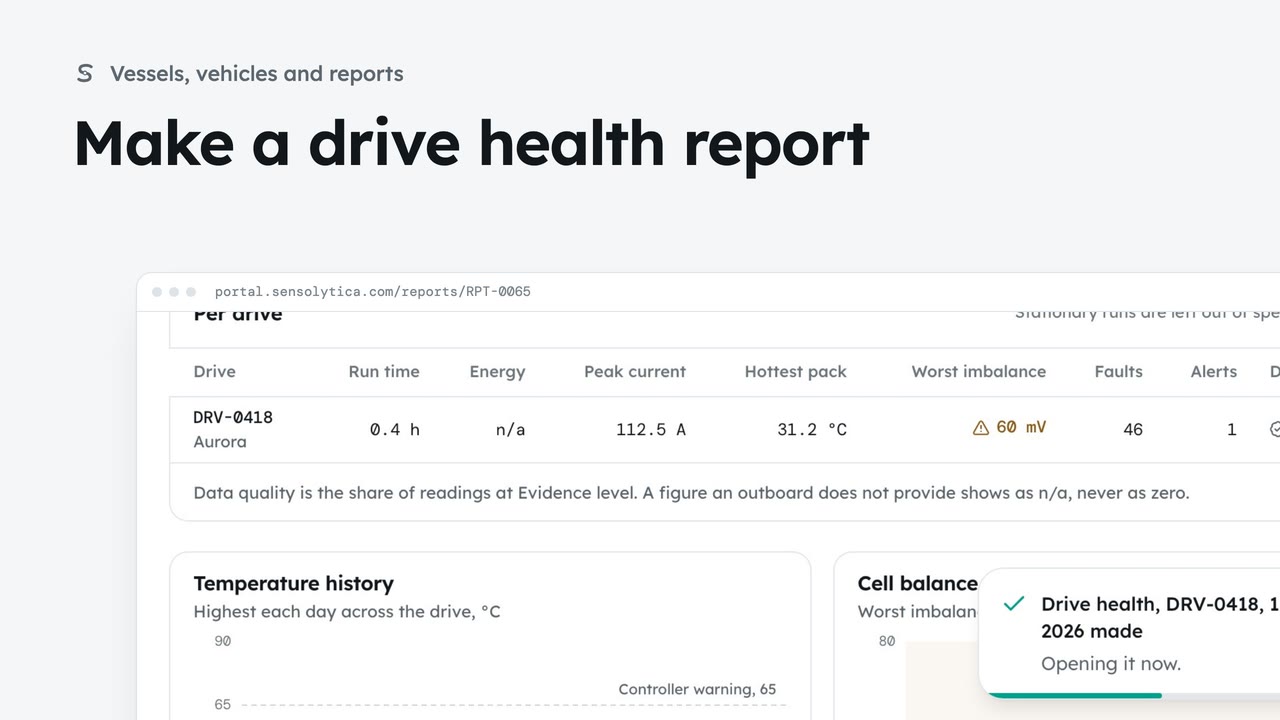
2 minReport on one drive, your fleet or a drive shared with you: run time, energy, current, temperatures, cell balance, alerts and data quality.
2 min6 stepsAdmin, Operator
Checked against the portal on 15 October 2026. Westmouth names, vessels, units and figures are illustrative. General guidance on using the portal, not legal, regulatory or financial advice.