 2 min
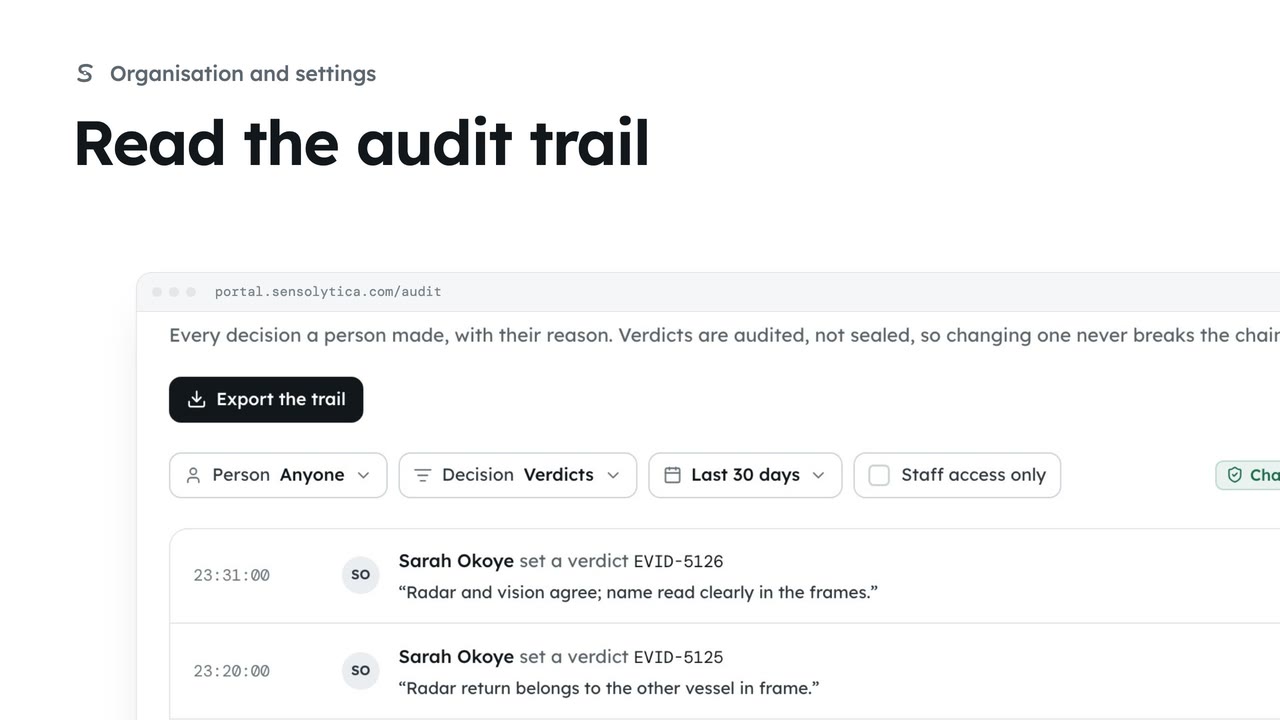
2 minRead the audit trail
See every decision a person made in your organisation, with their reason, and export it for an auditor.
2 min4 stepsAdmin
Follow everything the platform and the fleet did, filter it to what matters and export it.
The machine record
Activity log lists what the platform and the fleet did, newest first.
Narrow it down
Choose Nodes and units, then Warnings and errors under Level.
Search by node
Widen the time menu to Last 7 days and search for a node code.
Export
Export saves the lines shown as a CSV file.
Open Activity log from the sidebar. It is the machine record: every upload, processing step, sign-in and node event, newest first. People’s decisions are in the audit trail.
Choose Nodes and units to see only the fleet, then set the level to warnings and errors.
Widen the time to the last seven days and search for a node code. Choose a line to open the node or capture it is about.
Choose Export to save the lines shown as a spreadsheet file. New lines arrive while you read and wait at the top until you choose Show.
Sign in with your work email. Your own organisation's records, nodes and units take the place of the Westmouth ones.
2 minSee every decision a person made in your organisation, with their reason, and export it for an auditor.
2 min4 stepsAdmin
 2 min
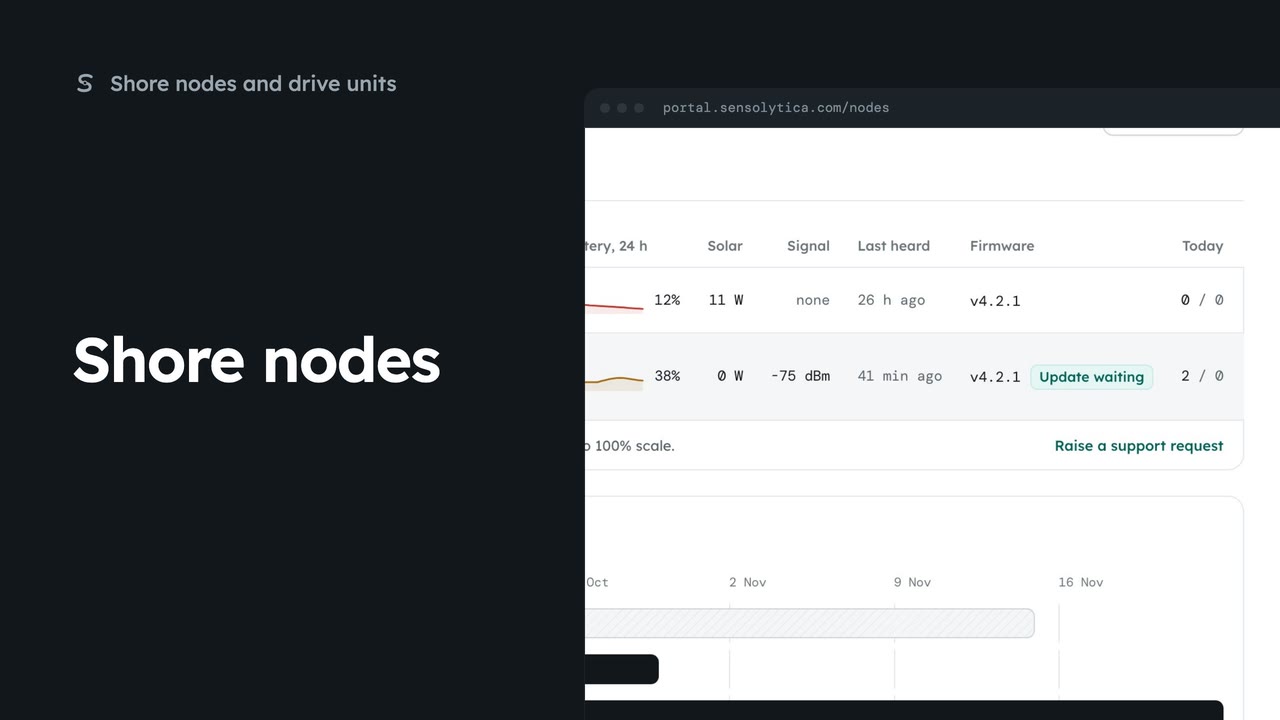
2 minSee every shore node, where it is and whether it is working, with the ones that need a visit first.
2 min5 stepsAdmin, Operator
 2 min
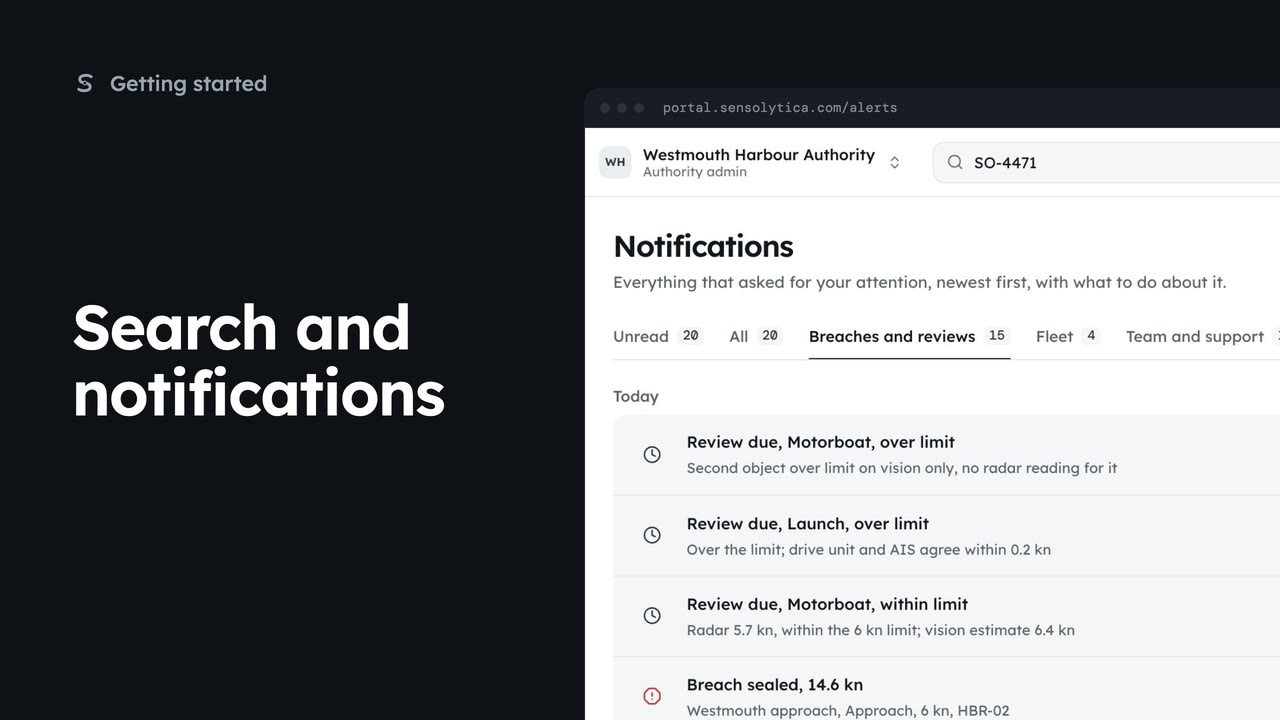
2 minFind a vessel, capture or node from the top bar, and keep up with what needs your attention.
2 min5 stepsAdmin, Operator, Sensolytica staff
Checked against the portal on 15 October 2026. Westmouth names, vessels, units and figures are illustrative. General guidance on using the portal, not legal, regulatory or financial advice.