 2 min
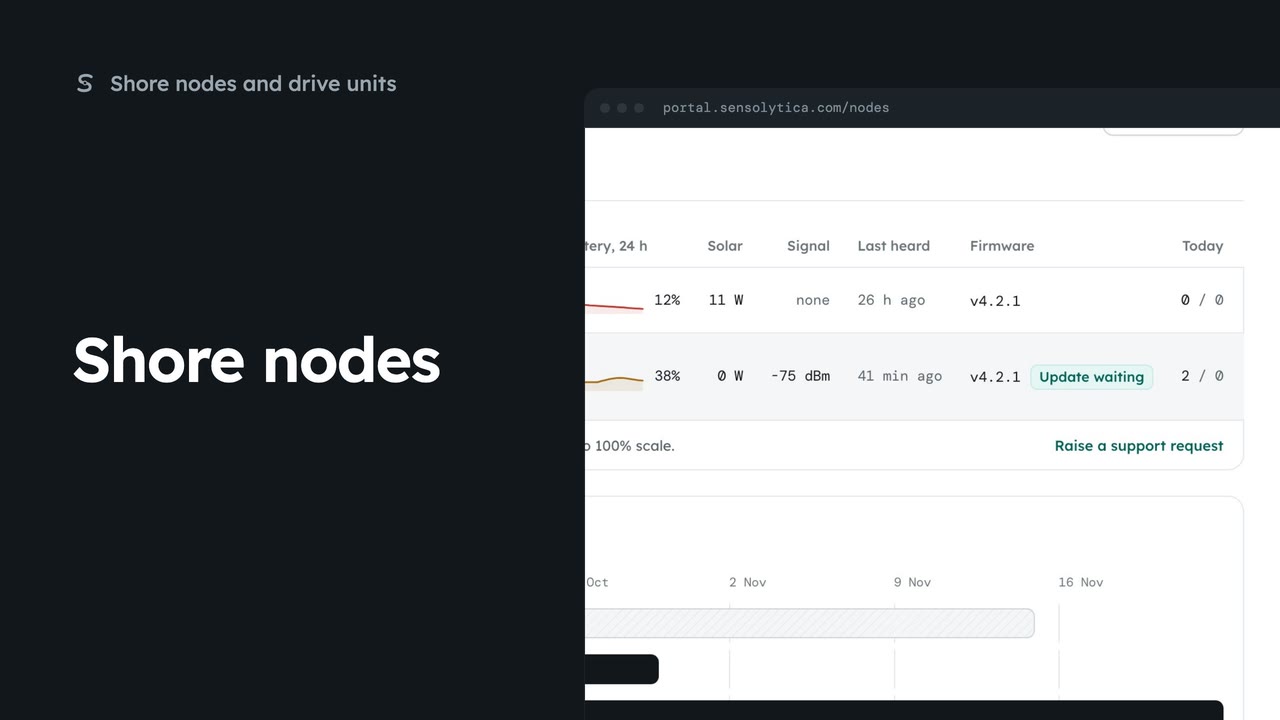
2 minShore nodes
See every shore node, where it is and whether it is working, with the ones that need a visit first.
2 min5 stepsAdmin, Operator
Roll a shore node release out to one organisation, follow the rollout and hold a unit while someone is on site.
Nothing is pushed
Units ask for updates at their next check-in, check the SHA-256, install and report back.
Releases for SN-1
Each release shows its channel, hash and how many units run it. Publish a release adds a new one.
Roll out
Roll out asks where. Choose one organisation in To, then Start rollout and confirm.
Follow each rollout
Each rollout shows how many units are updated, waiting or failed. Pause stops new units starting.
Hold while on site
In Every unit, Hold keeps a node on what it runs until the next rollout.
DU-1 drive unit
Switch to DU-1 drive unit to see the versions units report in the field.
Click Firmware under Platform in the sidebar. Nothing is pushed to a unit. Each one asks at its next check-in, checks the SHA-256 of the image, installs it and reports back.
Releases lists each shore node image with its channel, hash, notes and how many units run it. A release is installed nowhere until you roll it out. New images are added with Publish a release.
Click Roll out on the latest stable release. If you are unsure, start with one organisation, here the rowing club. Click Start rollout and confirm. Its nodes are told at their next check-in.
Rollouts shows how far each one has got: updated, waiting to check in, or failed. Pause stops new units starting. Anything mid install finishes, and an offline unit takes it when it comes back.
Every unit lists the nodes not yet up to date. When someone is working on site, click Hold on that node and confirm. It stays on what it runs until the next rollout. A failed install shows Retry instead.
Switch to DU-1 drive unit to see which versions the drive units report in the field. Drive unit images are not published from the portal yet.
Sign in with your work email. Your own organisation's records, nodes and units take the place of the Westmouth ones.
2 minSee every shore node, where it is and whether it is working, with the ones that need a visit first.
2 min5 stepsAdmin, Operator
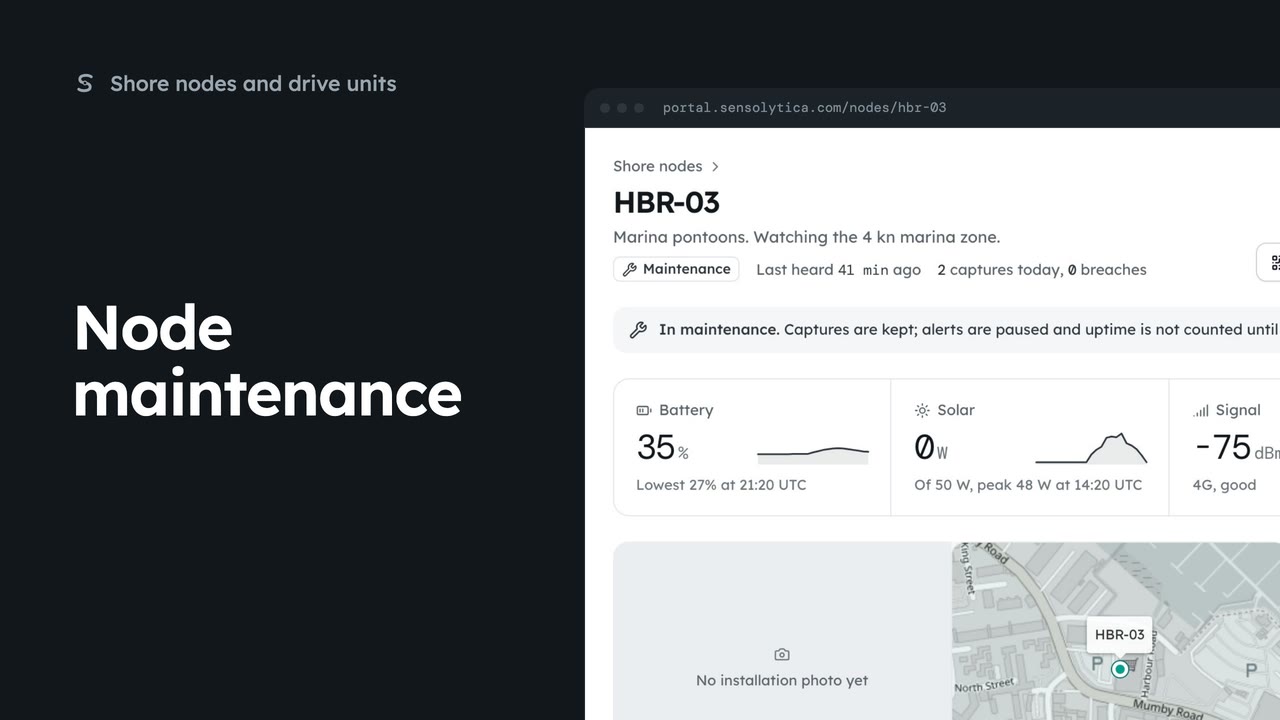 2 min
2 minRead a node’s next visit note, put it into maintenance while you work on it, and return it to service.
2 min5 stepsAdmin
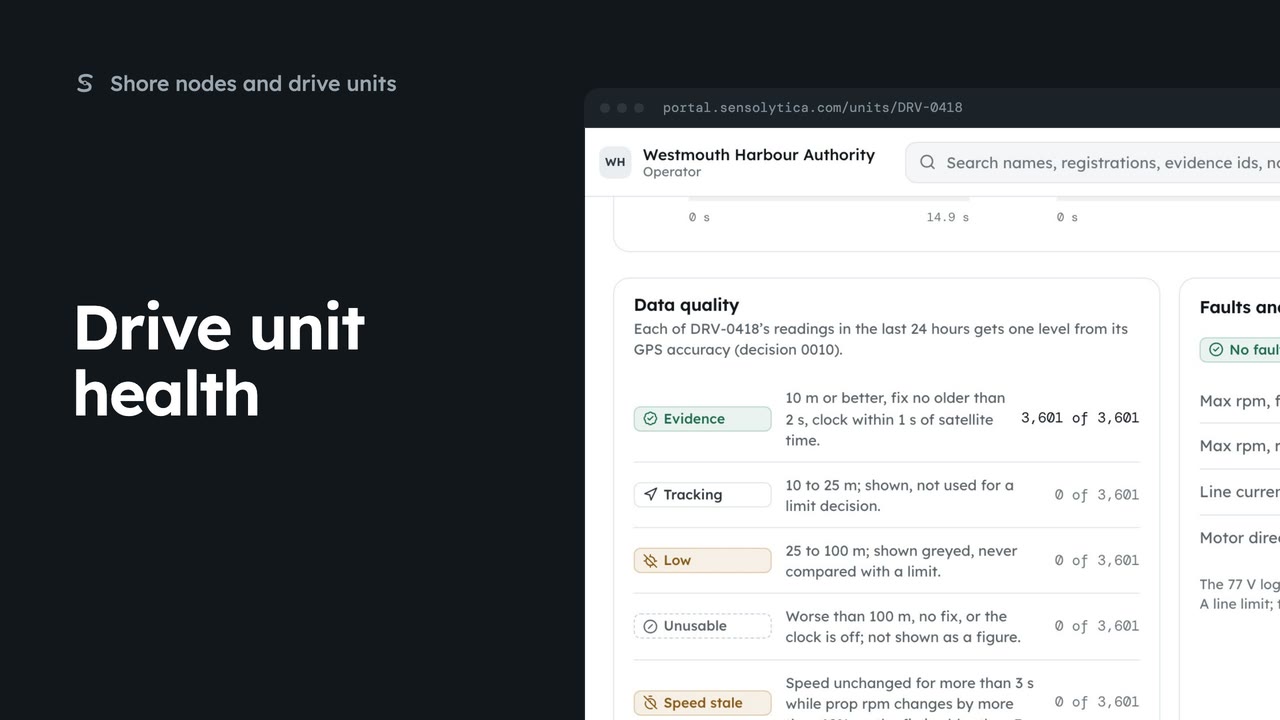 2 min
2 minRead what a drive unit reports now, how good its readings are, and its faults and limits.
2 min6 stepsAdmin, Operator
Checked against the portal on 15 October 2026. Westmouth names, vessels, units and figures are illustrative. General guidance on using the portal, not legal, regulatory or financial advice.