 2 min
2 minRead the activity log
Follow everything the platform and the fleet did, filter it to what matters and export it.
2 min4 stepsAdmin, Operator
Search everything the platform and the fleet did across every organisation in the platform log, and export what you find.
Everything, every organisation
The Platform log tab shows heartbeats, uploads, processing, portal actions, sign-ins, firmware and errors.
Narrow it down
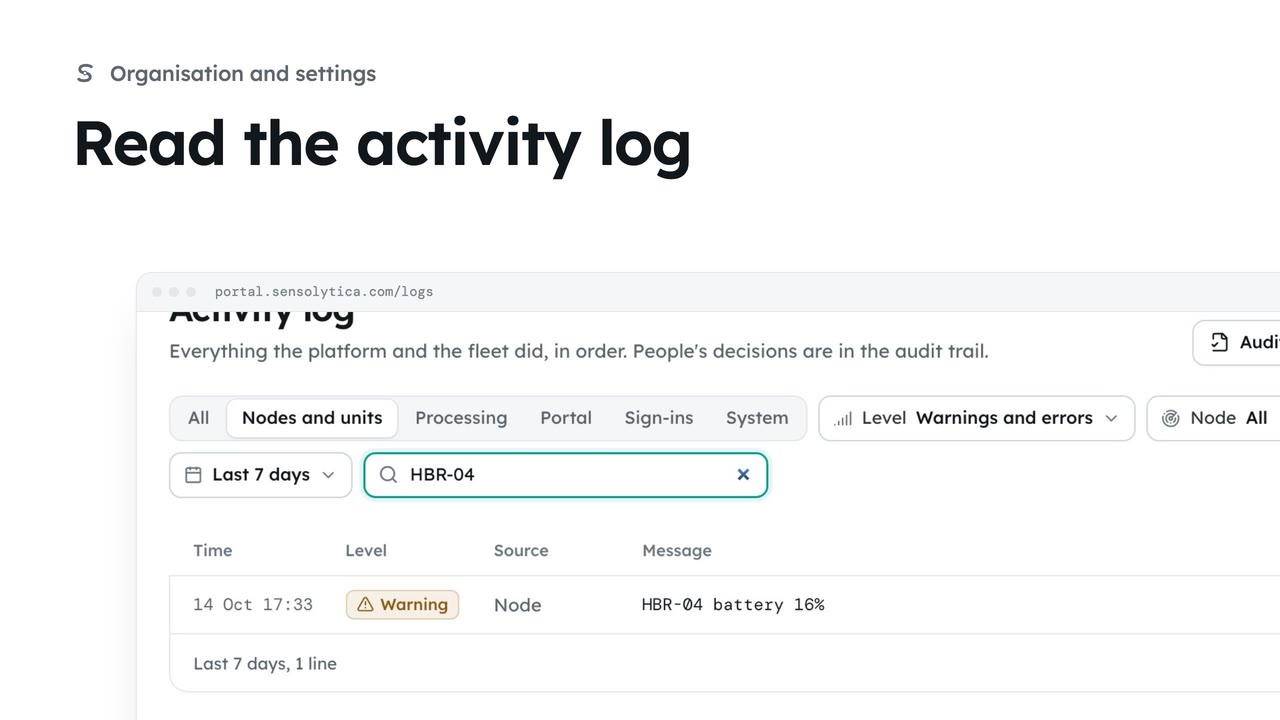
Search a node, unit or evidence id. Organisation, Source and Period narrow it further.
Click a line
Click any line to see its kind, time, unit and data.
Export to CSV
Export downloads the lines that match your filters as a CSV file.
Click the Platform log tab. It shows everything the platform and the fleet did, across every organisation: uploads, processing, portal actions, sign-ins, firmware and errors. It opens on the last 24 hours.
Search for a node, unit or evidence id, here the harbour node that went offline. Widen Period to the last 7 days, and choose Errors to see only what went wrong.
Click a line to open its detail: the kind of event, the exact time, the unit, and any data that came with it.
Export downloads the lines that match your filters as a CSV file, ready to attach to a support request or a fault report.
Sign in with your work email. Your own organisation's records, nodes and units take the place of the Westmouth ones.
2 minFollow everything the platform and the fleet did, filter it to what matters and export it.
2 min4 stepsAdmin, Operator
 2 min
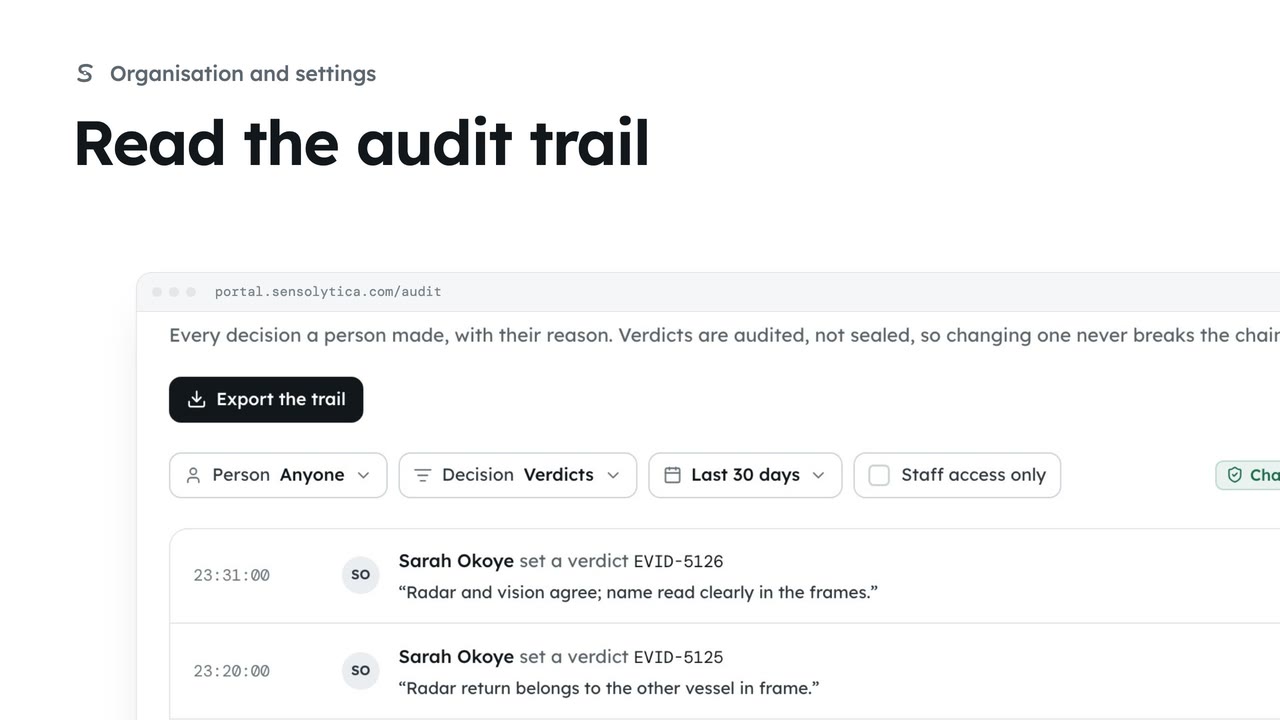
2 minSee every decision a person made in your organisation, with their reason, and export it for an auditor.
2 min4 stepsAdmin
 2 min
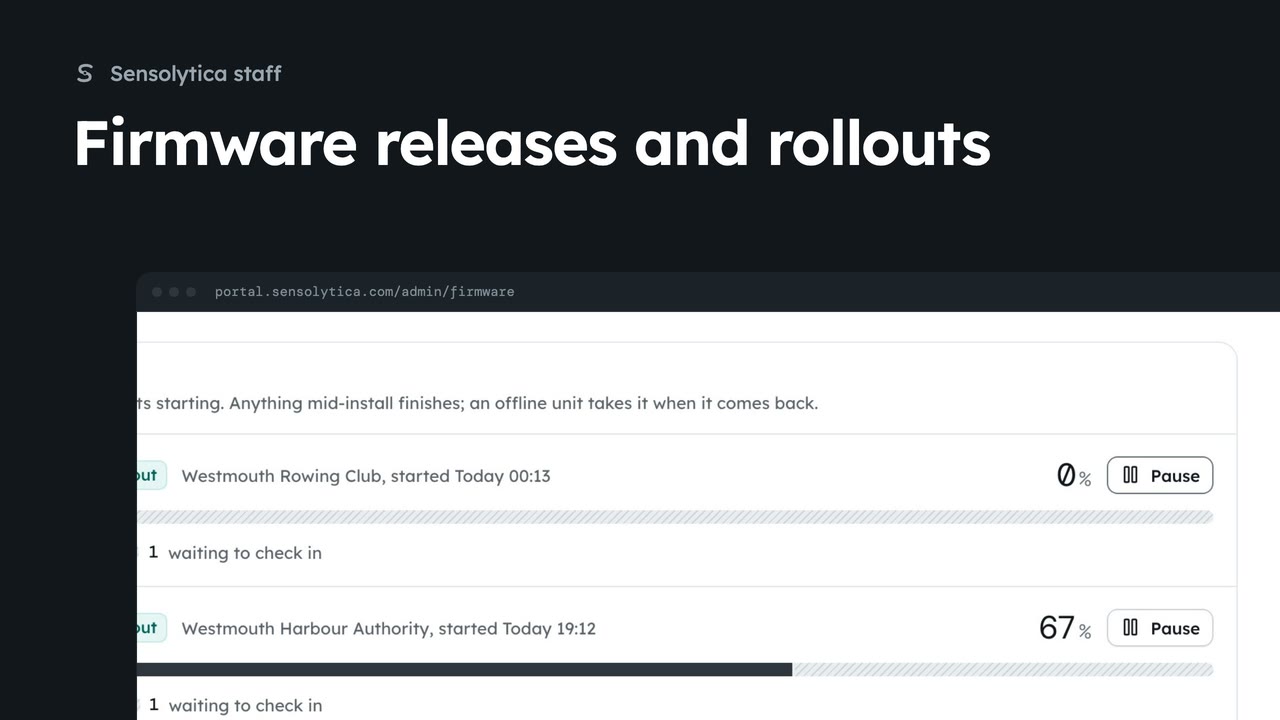
2 minRoll a shore node release out to one organisation, follow the rollout and hold a unit while someone is on site.
2 min6 stepsSensolytica staff
Checked against the portal on 15 October 2026. Westmouth names, vessels, units and figures are illustrative. General guidance on using the portal, not legal, regulatory or financial advice.