 2 min
2 minCheck and withdraw a grant
See the narrow grants that open one unit or vessel to a maker, an owner or a maintenance job, and withdraw one you gave.
2 min3 stepsAdmin
Stop a maker seeing a unit's drive health, straight from the list of grants.
Grants
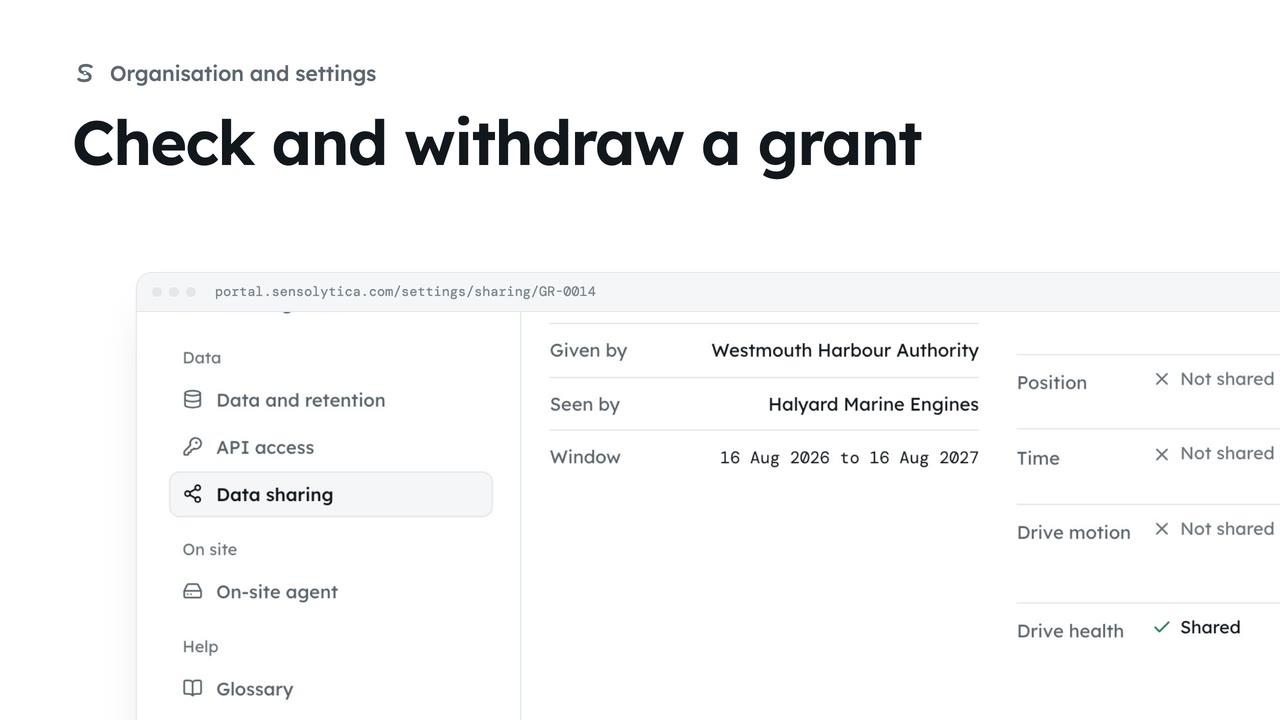
Settings, Data sharing, then Grants. GR-0014 opens DRV-0402 to Halyard Marine Engines.
Withdraw grant
They stop seeing it at once. What they already saw stays in their audit trail.
Open Settings, then Data sharing, and go to Grants. GR-0014 opens one drive unit's health to Halyard Marine Engines, the maker of its outboard.
The warranty work is done. Choose Withdraw on its row, then Withdraw grant. The maker stops seeing it at once; what they already saw stays in their audit trail.
Sign in with your work email. Your own organisation's records, nodes and units take the place of the Westmouth ones.
2 minSee the narrow grants that open one unit or vessel to a maker, an owner or a maintenance job, and withdraw one you gave.
2 min3 stepsAdmin
 2 min
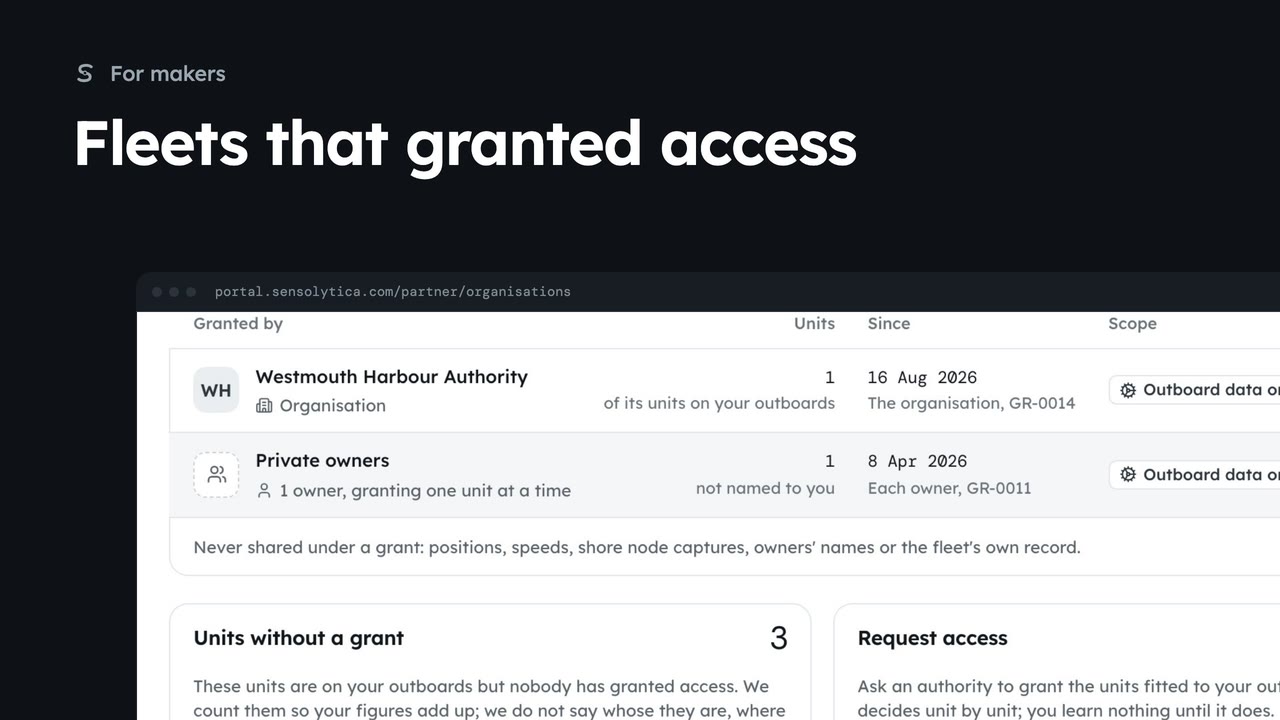
2 minSee which authorities and owners have granted you outboard data, how many units each covers, and how to ask for more.
2 min5 stepsMaker
 1 min
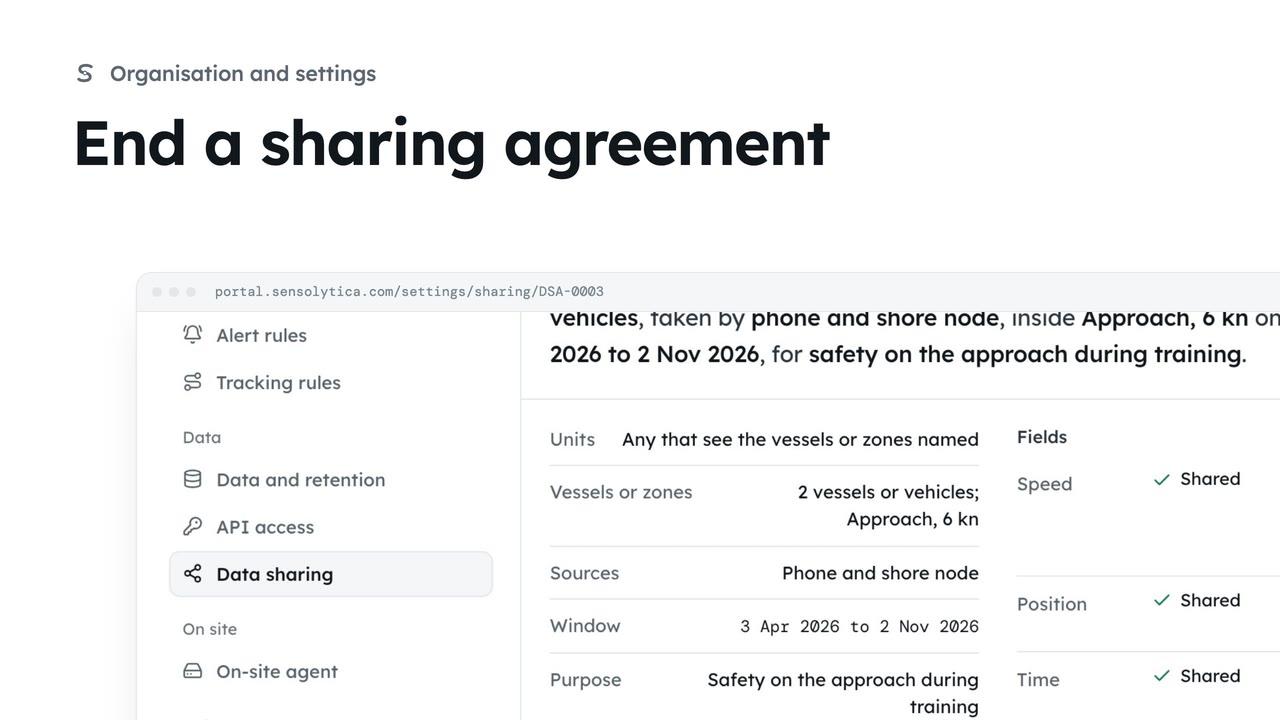
1 minStop a running agreement at once, so the other organisation no longer sees your readings.
1 min2 stepsAdmin
Checked against the portal on 15 October 2026. Westmouth names, vessels, units and figures are illustrative. General guidance on using the portal, not legal, regulatory or financial advice.