 2 min
2 minVessel and vehicle records
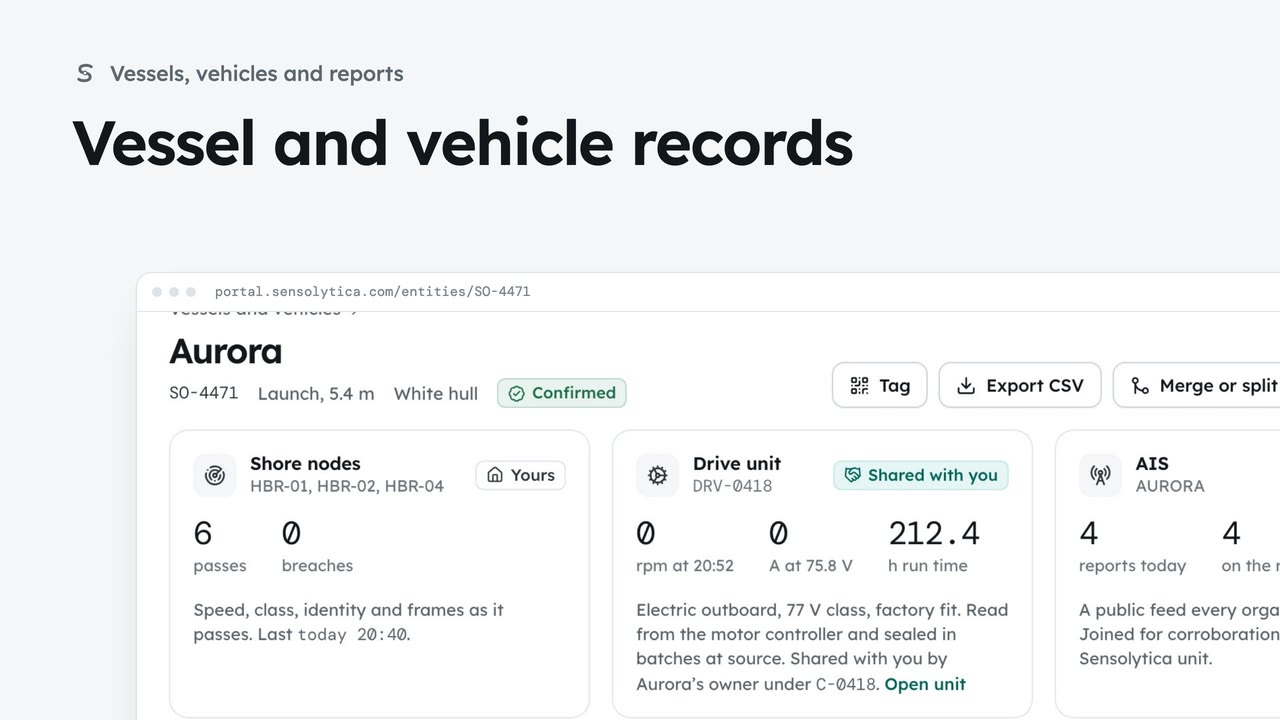
Find a vessel or vehicle and read its one record, joining every shore node pass, its drive unit and AIS.
2 min6 stepsAdmin, Operator
Print weatherproof tags with a code that opens the record for people at your organisation.
Tag
On a vessel or vehicle record, Tag opens a printable sheet of tags.
Large and small tags
A large tag for the case file or hull, and small ones for the berth board and tender.
Print tags
Choose Copies, then Print tags. The toolbar and cut notes do not print.
Open Vessels and vehicles from the sidebar and choose Aurora. At the top of the record, choose Tag. Vehicle records have the same button.
Each A4 sheet holds a large tag for the case file or the hull, and two small ones for the berth board and the tender. A vehicle’s sheet has a windscreen tag and a key fob tag instead. Scanning the code opens the record, but only for signed in people at your organisation.
Choose how many sheets under Copies, then Print tags. What you see is what prints, without the toolbar or the cut lines.
Sign in with your work email. Your own organisation's records, nodes and units take the place of the Westmouth ones.
2 minFind a vessel or vehicle and read its one record, joining every shore node pass, its drive unit and AIS.
2 min6 stepsAdmin, Operator
 1 min
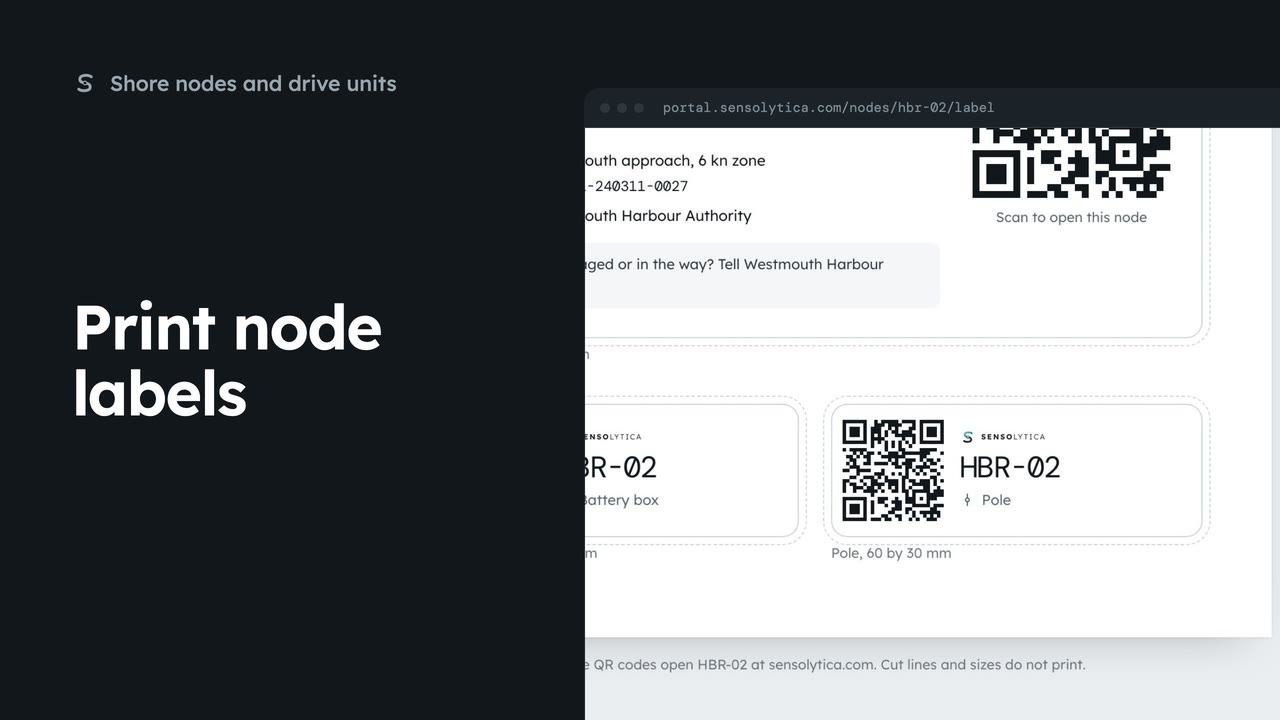
1 minPrint the enclosure, battery box and pole labels for a shore node on one weatherproof sheet.
1 min3 stepsAdmin, Operator
 2 min
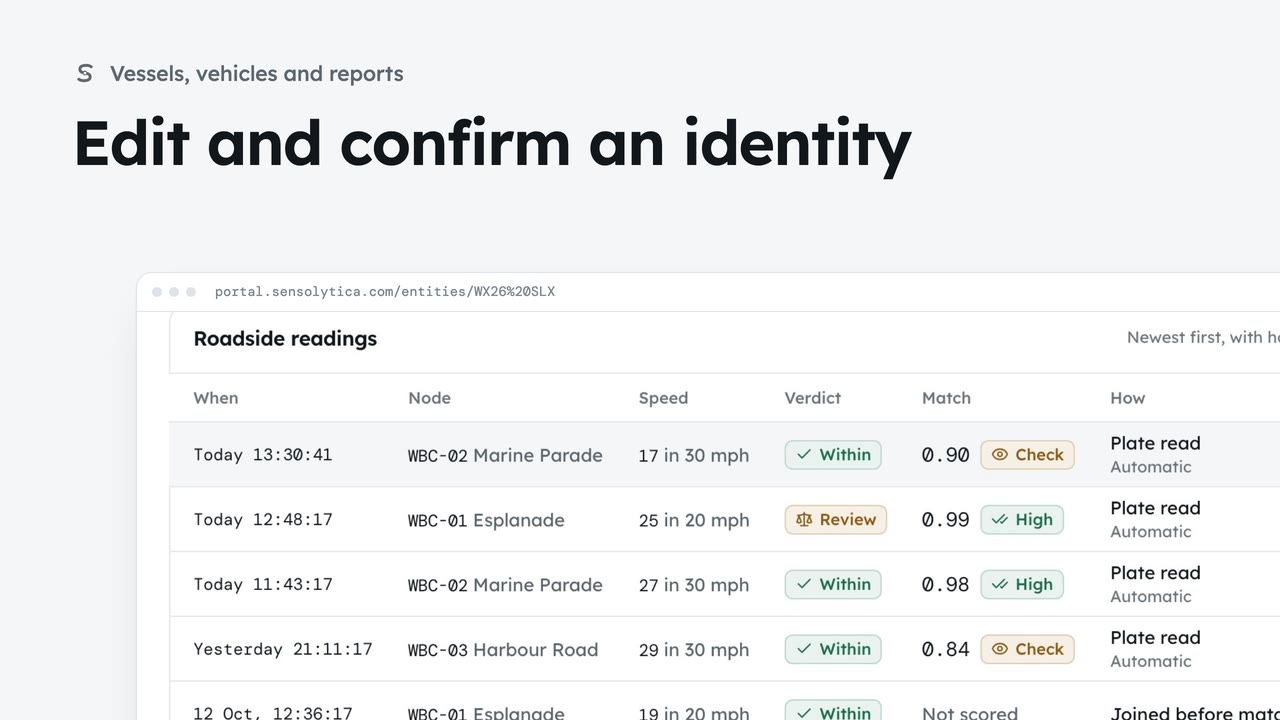
2 minDescribe a vehicle or vessel so a colleague could pick it out, and confirm a provisional identity.
2 min7 stepsAdmin, Operator
Checked against the portal on 15 October 2026. Westmouth names, vessels, units and figures are illustrative. General guidance on using the portal, not legal, regulatory or financial advice.