 2 min
2 minThe identity schema
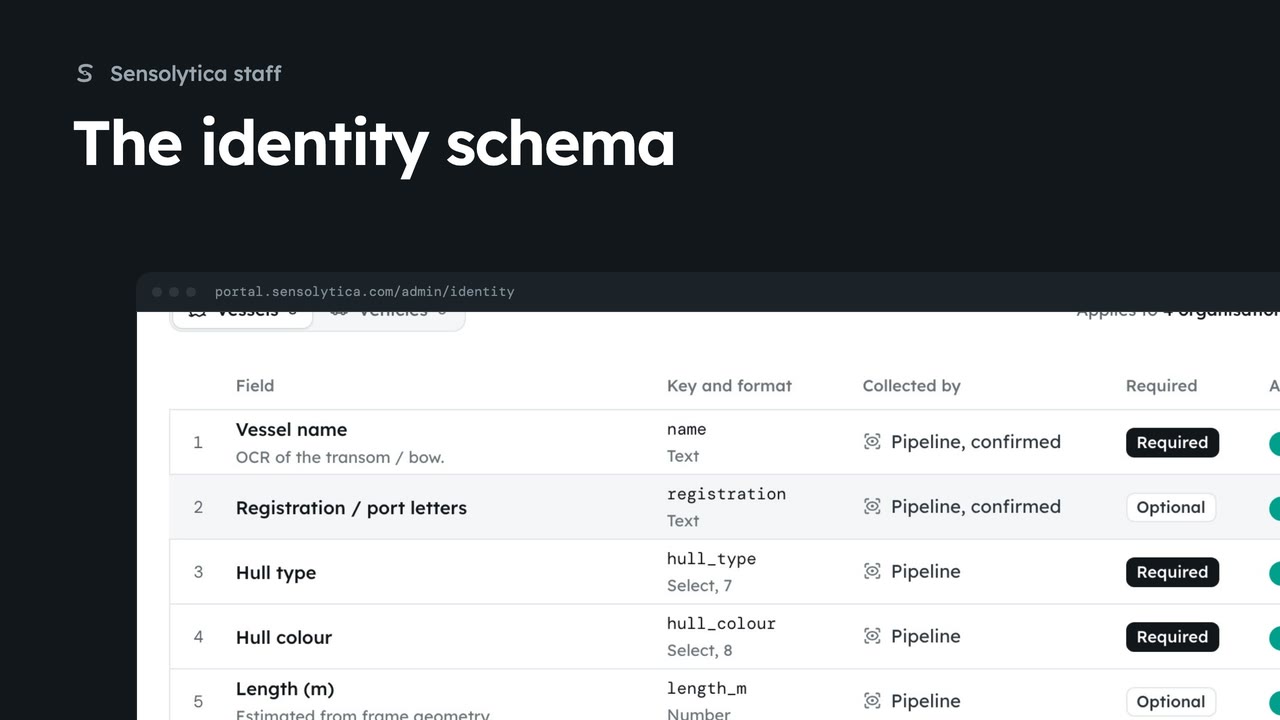
Choose the fields that identify a vessel or a vehicle for every organisation, and who fills each one in.
2 min5 stepsSensolytica staff
Stop collecting an identity field for every organisation, either for now or for good.
Active
Off hides it and stops collecting it. Values already on records stay.
Edit, then Remove
For good. Values already on records stay.
Open Identity from the platform tabs. To stop collecting Livery and fittings for now, switch it off and confirm. It is hidden and no longer collected; values already on records stay, and it can be turned on again.
To remove one for good, choose Edit on its row, then Remove, and confirm. Here, Length in metres goes. Values already on records stay, but it is no longer collected or shown.
Sign in with your work email. Your own organisation's records, nodes and units take the place of the Westmouth ones.
2 minChoose the fields that identify a vessel or a vehicle for every organisation, and who fills each one in.
2 min5 stepsSensolytica staff
 2 min
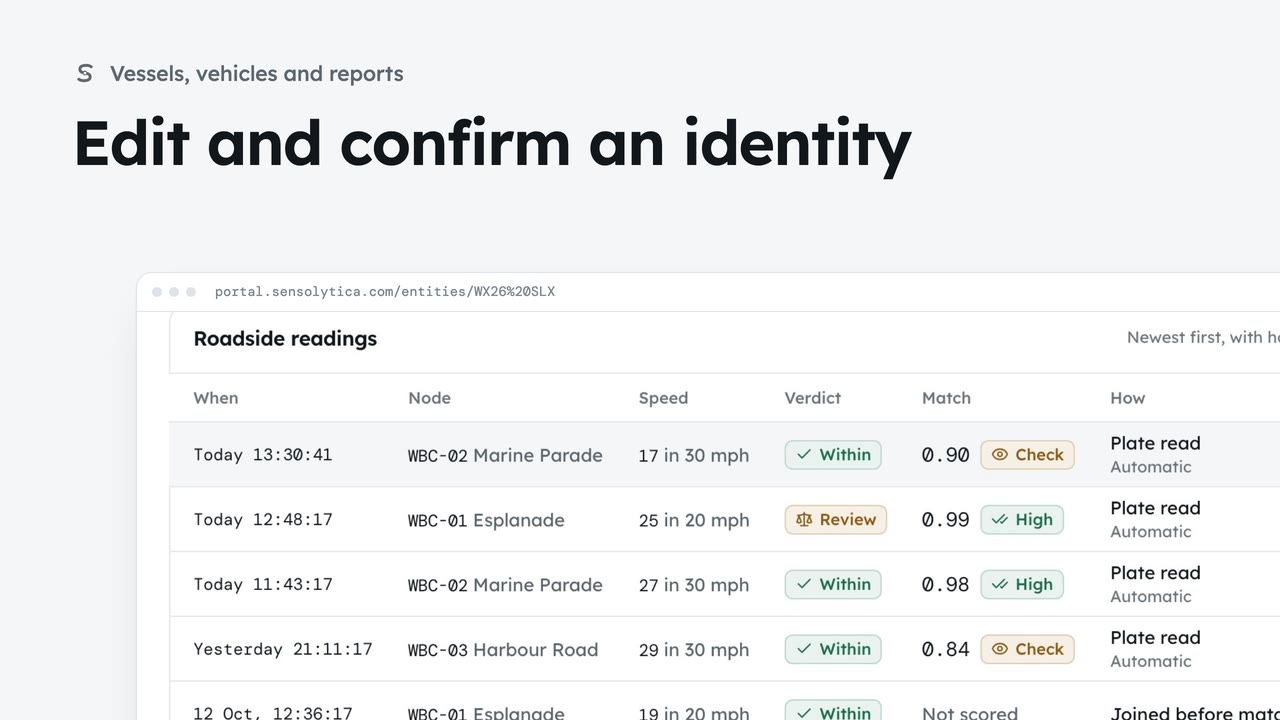
2 minDescribe a vehicle or vessel so a colleague could pick it out, and confirm a provisional identity.
2 min7 stepsAdmin, Operator
 2 min
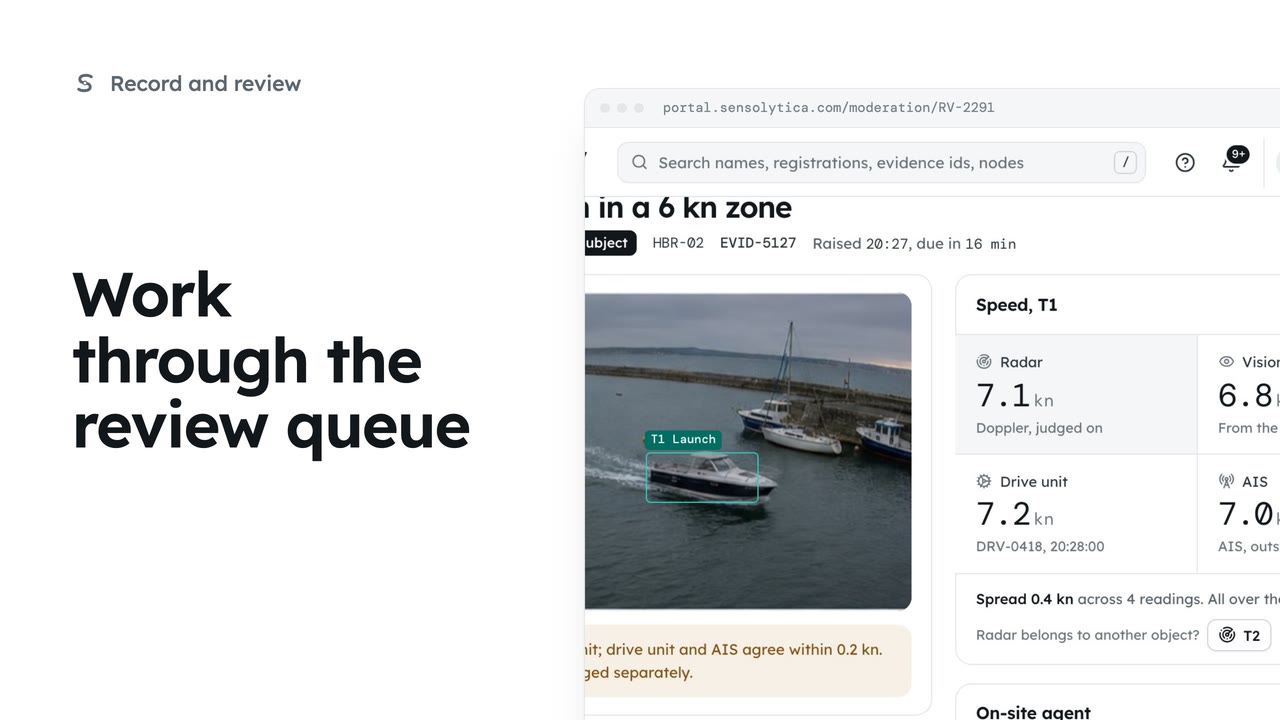
2 minDecide each object waiting in Moderation, in the order it is due, with every source's speed side by side.
2 min6 stepsOperator, Admin
Checked against the portal on 15 October 2026. Westmouth names, vessels, units and figures are illustrative. General guidance on using the portal, not legal, regulatory or financial advice.