 2 min
2 minRead the dashboard
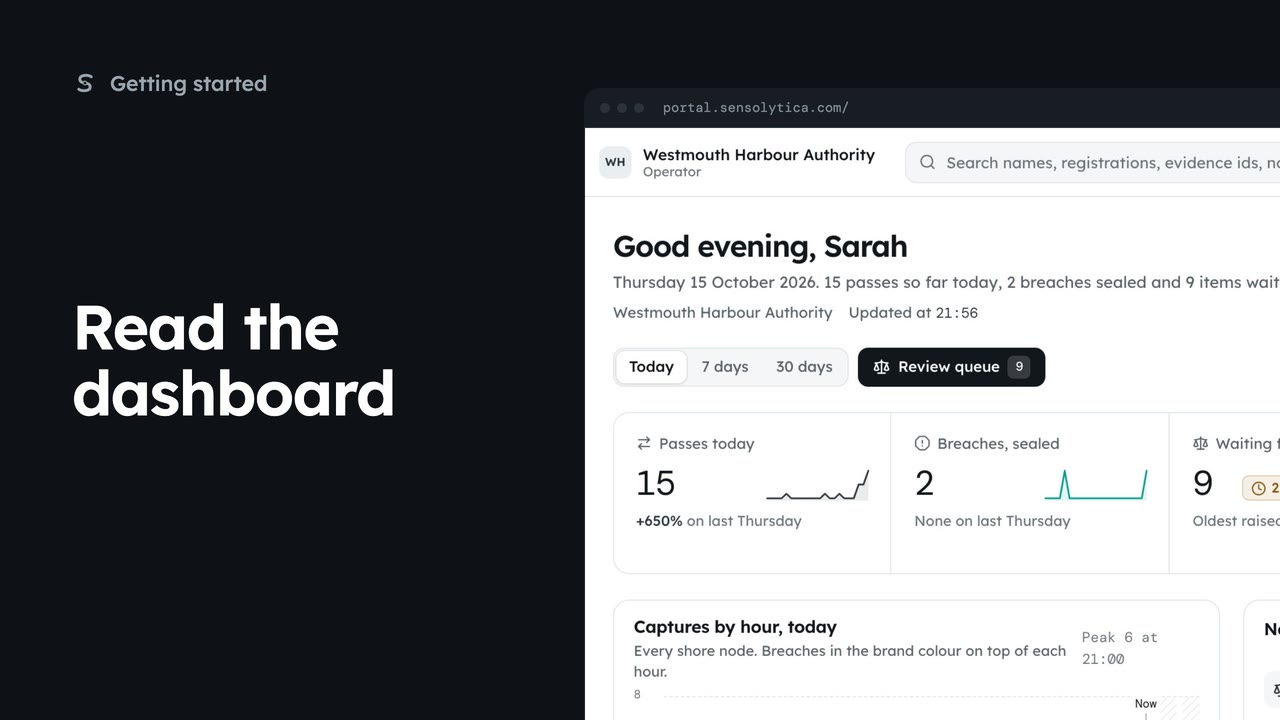
See what happened today, what needs a person and whether every unit is working, in a few seconds.
2 min5 stepsAdmin, Operator, Sensolytica staff
Find a vessel, capture or node from the top bar, and keep up with what needs your attention.
Search the record
Type a registration, evidence id or node code. Results open as you type.
The search page
Press Enter for the full results, with the best match first.
Notifications
The bell shows the last five, unread first, marked New.
See all notifications
Filter by Unread, Breaches and reviews, Fleet, or Team and support.
Mark all read
Clears New in this browser. Alert rules sets what you hear about.
The search box sits in the top bar on every page. Press the slash key to jump to it. Type a registration, and matches appear as you type: captures on the record first, then vessels and vehicles.
Press Enter for the full search page. The best match comes first, here the launch Aurora, and Open record takes you to it. Below are its captures, its drive unit and any shore nodes that match. A vessel's name works here too.
The bell in the top bar holds your notifications: breaches, reviews due, nodes and drives that need a visit, and replies from support. Unread ones are marked New.
Choose See all notifications for the full list, grouped by day. Filter to Breaches and reviews, Fleet, or Team and support. Each one has a button for what to do next, such as Open capture.
When you have caught up, choose Mark all read. To change what reaches you, and how, open Alert rules.
Sign in with your work email. Your own organisation's records, nodes and units take the place of the Westmouth ones.
2 minSee what happened today, what needs a person and whether every unit is working, in a few seconds.
2 min5 stepsAdmin, Operator, Sensolytica staff
 2 min
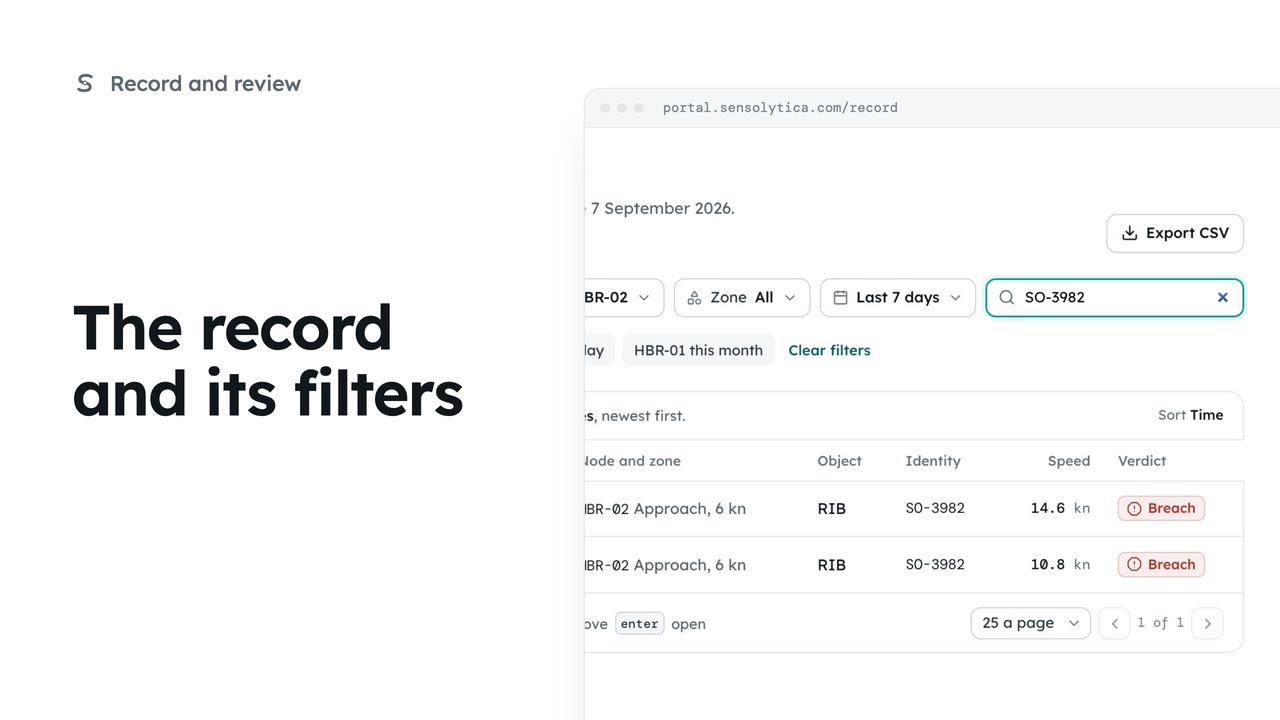
2 minFind any capture on the record by verdict, node, date or registration, and share the view as a link.
2 min6 stepsOperator, Admin
 2 min
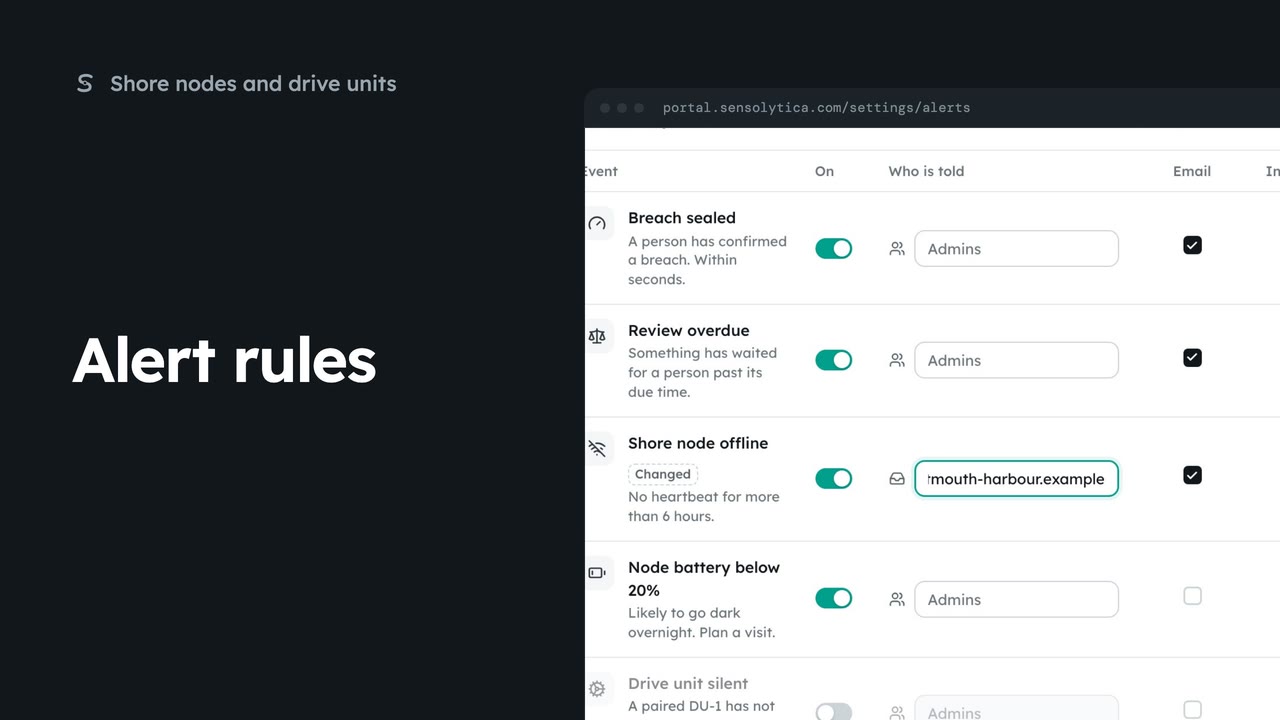
2 minChoose which events tell your team, who is told, and whether by email or in the portal.
2 min5 stepsAdmin
Checked against the portal on 15 October 2026. Westmouth names, vessels, units and figures are illustrative. General guidance on using the portal, not legal, regulatory or financial advice.