 2 min
2 minTune an agent prompt
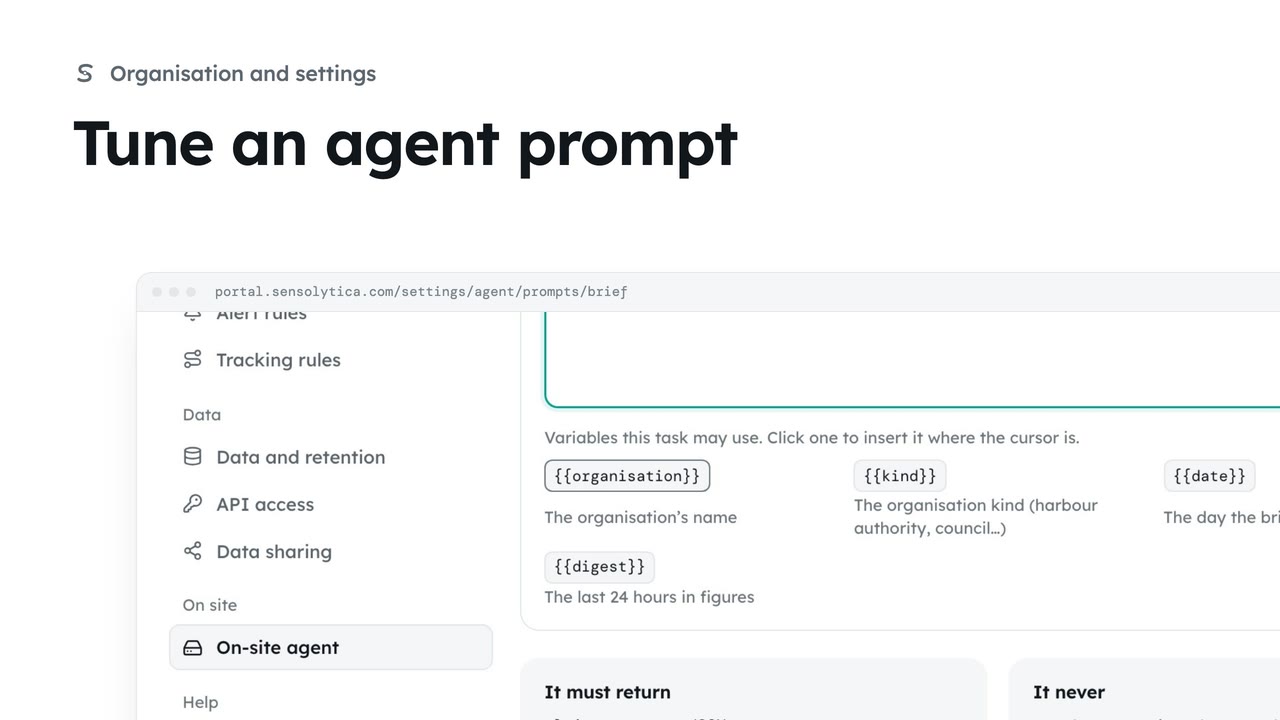
Change what the on-site agent is told for one task, compare it with the platform template, and save your version.
2 min4 stepsAdmin
See what the on-site agent does, whether it is reporting in, its recent runs and the briefs it has written.
It advises, never decides
Settings, On-site agent. The overview lists what it does and what it never does.
Status and models
The Status panel shows the machine, its last heartbeat and the models it runs.
Runs and the queue
The Activity tab shows the heartbeat by hour, the processing queue and every run.
What it has written
The Briefs tab lists daily briefs, node health notes and compliance notes.
Open Settings and choose On-site agent. It is a program on the Mac mini in your office. It reads your record and leaves notes for a person to check. It never makes a verdict or changes the record.
The Status panel shows whether the agent is online, its last heartbeat, and the models it uses.
Open the Activity tab. You see runs by hour, how the processing queue is moving, and every run. Choose Errors only to see the runs that hit a problem and were retried.
Open the Briefs tab and choose Node health. Each note lists the nodes as healthy, watch or visit, with the finding, and links to the node.
Sign in with your work email. Your own organisation's records, nodes and units take the place of the Westmouth ones.
2 minChange what the on-site agent is told for one task, compare it with the platform template, and save your version.
2 min4 stepsAdmin
 2 min
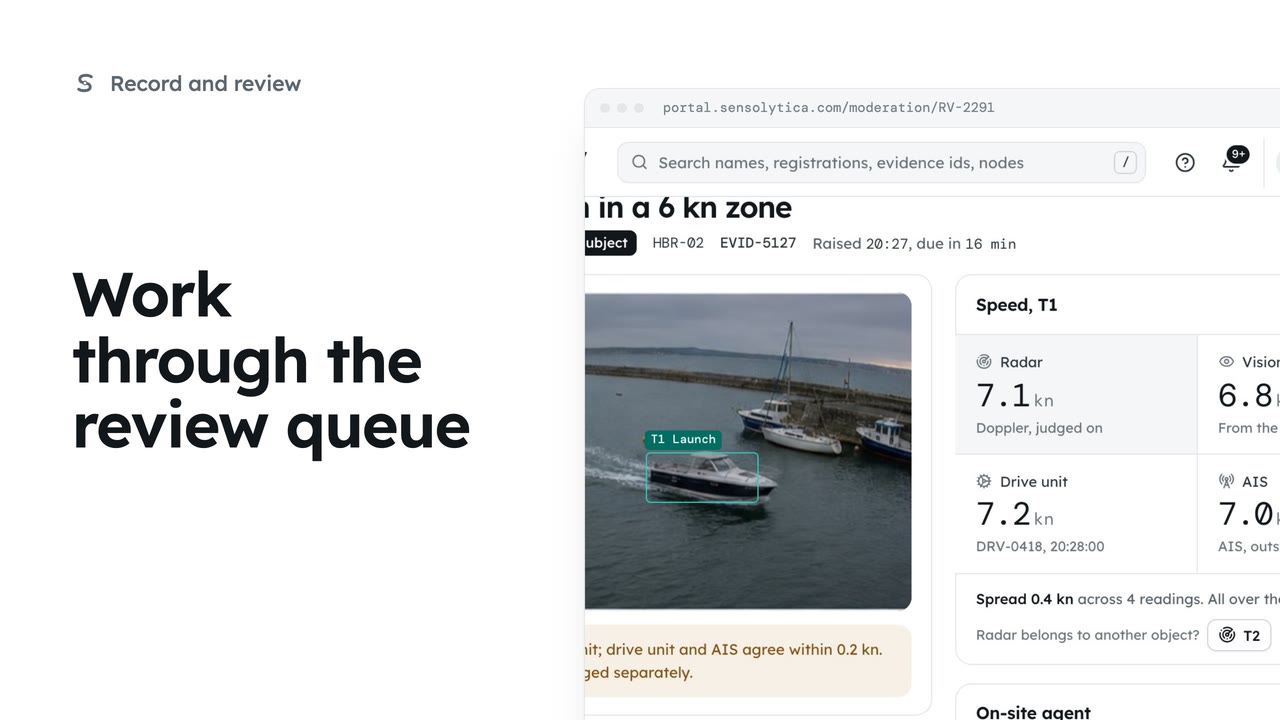
2 minDecide each object waiting in Moderation, in the order it is due, with every source's speed side by side.
2 min6 stepsOperator, Admin
 2 min
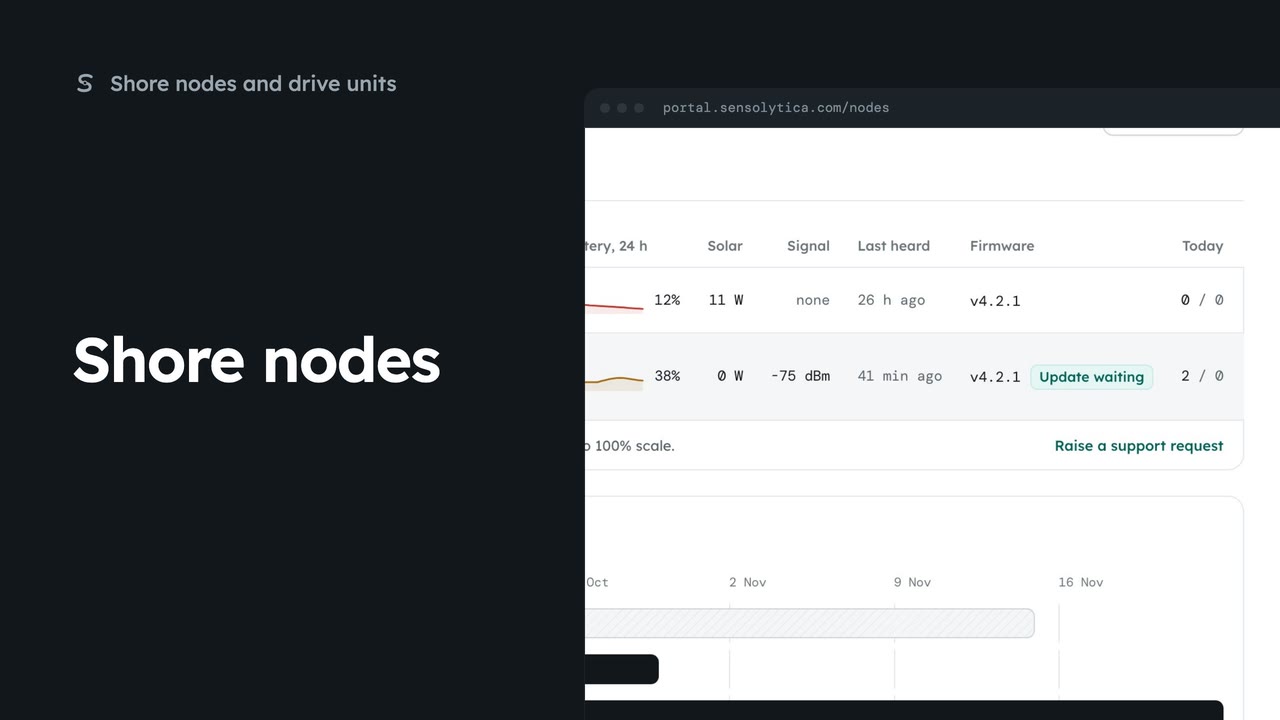
2 minSee every shore node, where it is and whether it is working, with the ones that need a visit first.
2 min5 stepsAdmin, Operator
Checked against the portal on 15 October 2026. Westmouth names, vessels, units and figures are illustrative. General guidance on using the portal, not legal, regulatory or financial advice.