 2 min
2 minWork through the getting started checklist
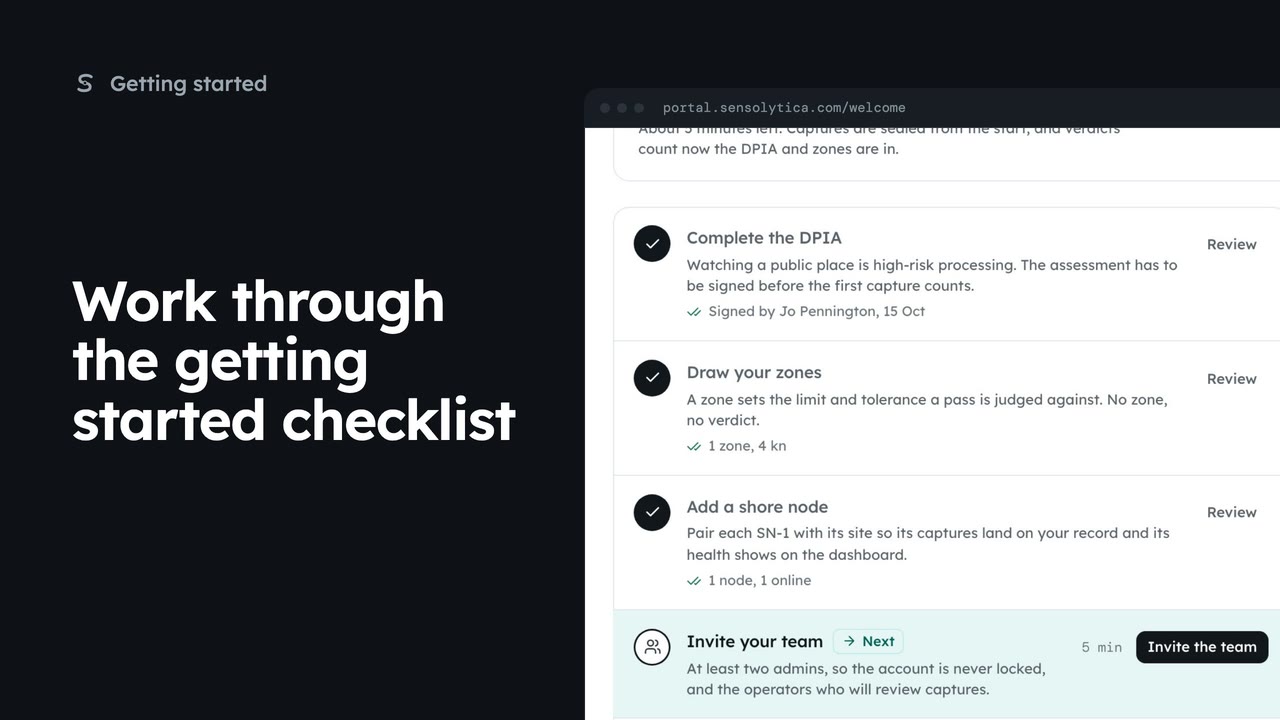
Use the getting started checklist to set up a new organisation before the first capture counts.
2 min5 stepsAdmin, Sensolytica staff
Take the getting started checklist off the dashboard, and bring it back from Settings.
Getting started
Settings, then Getting started.
Hide this checklist
The dashboard opens without it. The steps you did stay done.
Show it on the dashboard
Settings, Getting started, then Show it on the dashboard.
Open Settings from the sidebar, then Getting started.
Choose Hide this checklist. The dashboard opens without it, and every step you did stays done.
To bring it back, open Settings. Getting started now says Hidden from the dashboard. Open it and choose Show it on the dashboard.
Sign in with your work email. Your own organisation's records, nodes and units take the place of the Westmouth ones.
2 minUse the getting started checklist to set up a new organisation before the first capture counts.
2 min5 stepsAdmin, Sensolytica staff
 2 min
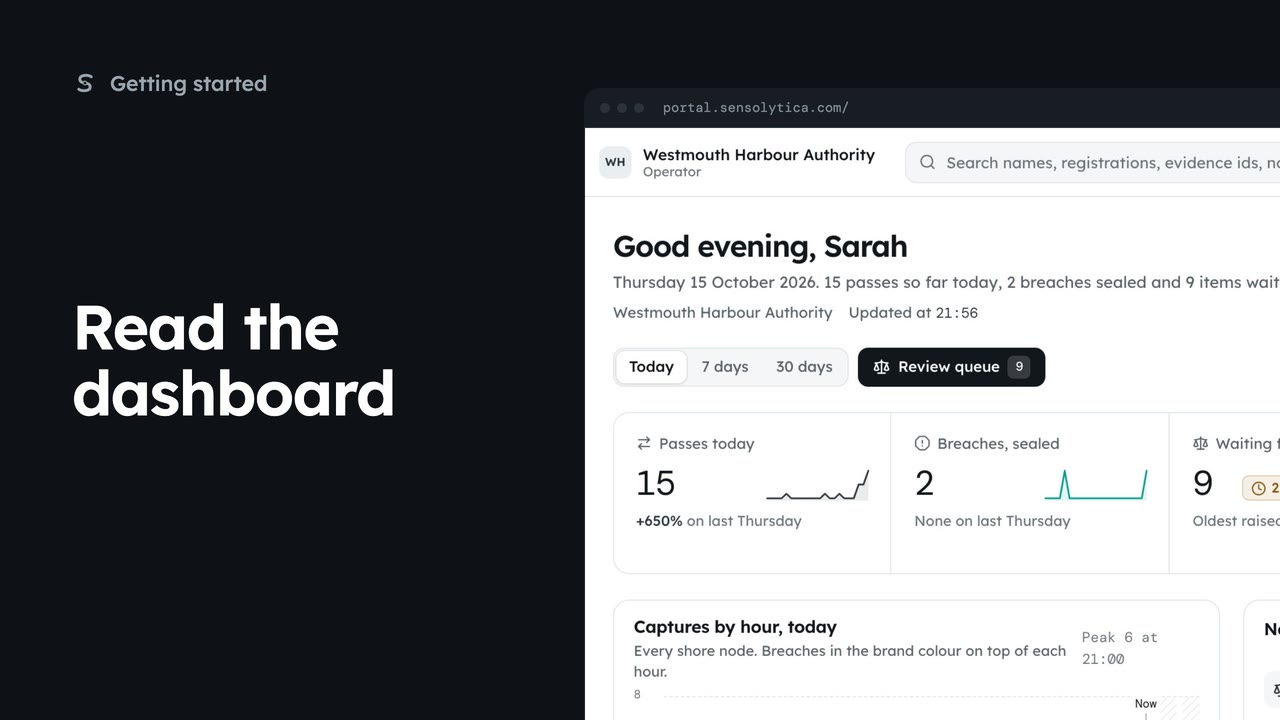
2 minSee what happened today, what needs a person and whether every unit is working, in a few seconds.
2 min5 stepsAdmin, Operator, Sensolytica staff
Checked against the portal on 15 October 2026. Westmouth names, vessels, units and figures are illustrative. General guidance on using the portal, not legal, regulatory or financial advice.