 2 min
2 minFitted units
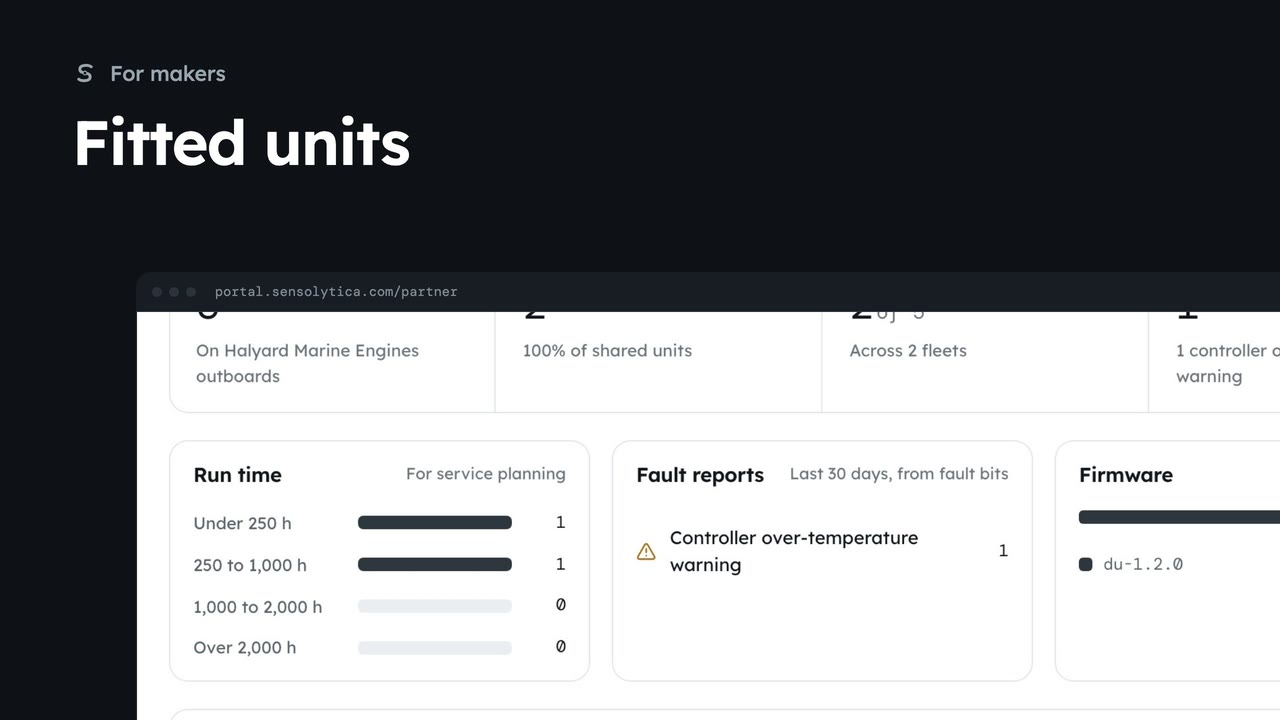
See the drive units on your electric outboards that owners have chosen to share, with run time, faults and firmware for service planning.
2 min6 stepsMaker
See the narrow grants that open one unit or vessel to a maker, an owner or a maintenance job, and withdraw one you gave.
Narrower than an agreement
In Data sharing, the Grants table lists each grant, its kind, what it covers and who sees it.
What it covers
Choose a grant to see its basis, who gave it, who sees it and the fields shared.
Withdraw grant
Withdraw grant stops the grantee seeing it at once. Cancel keeps it.
In Data sharing, scroll to Grants. A grant is narrower than an agreement: one unit or one vessel, for a maker’s service, an owner’s consent or a maintenance job.
Open the partner grant you gave the outboard maker for the harbour launch fleet. It shows the drive health of one unit only, on the basis of the service agreement, and nothing about where the launch went or how fast.
If the service agreement ends, choose Withdraw grant. The maker stops seeing it at once; what they already saw stays in their audit trail. Here we cancel and keep it.
Sign in with your work email. Your own organisation's records, nodes and units take the place of the Westmouth ones.
2 minSee the drive units on your electric outboards that owners have chosen to share, with run time, faults and firmware for service planning.
2 min6 stepsMaker
 2 min
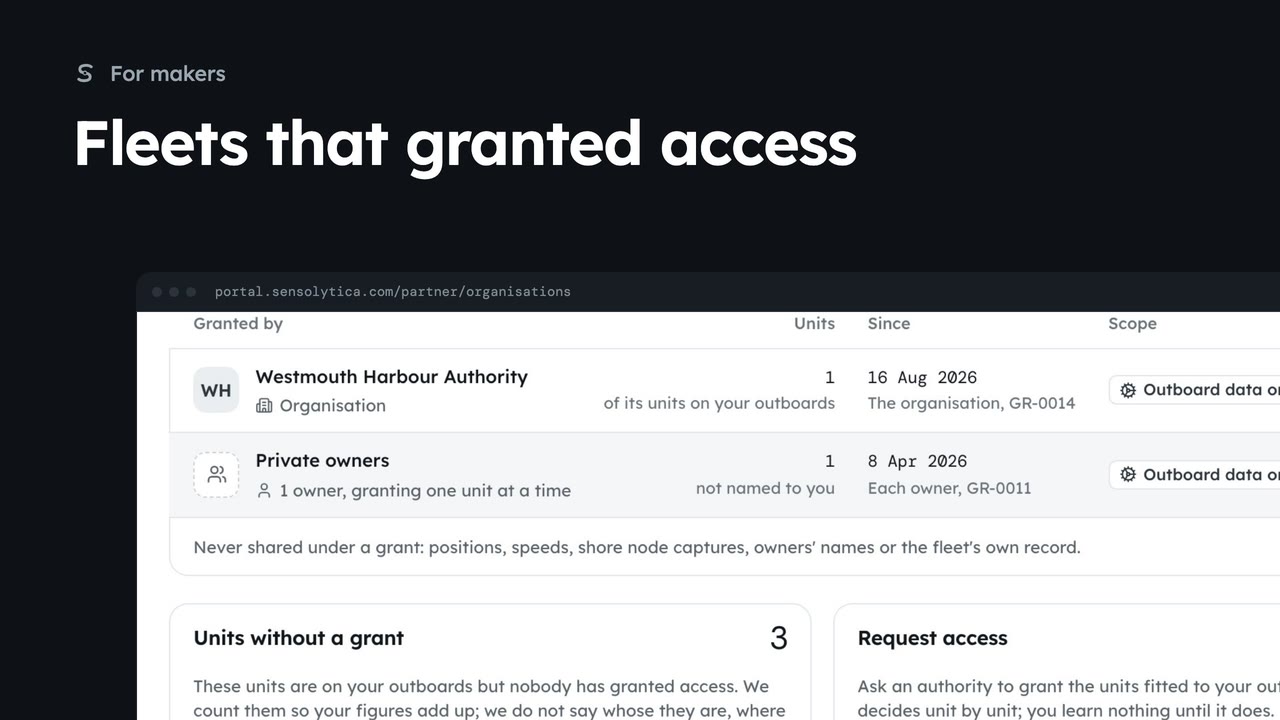
2 minSee which authorities and owners have granted you outboard data, how many units each covers, and how to ask for more.
2 min5 stepsMaker
 2 min
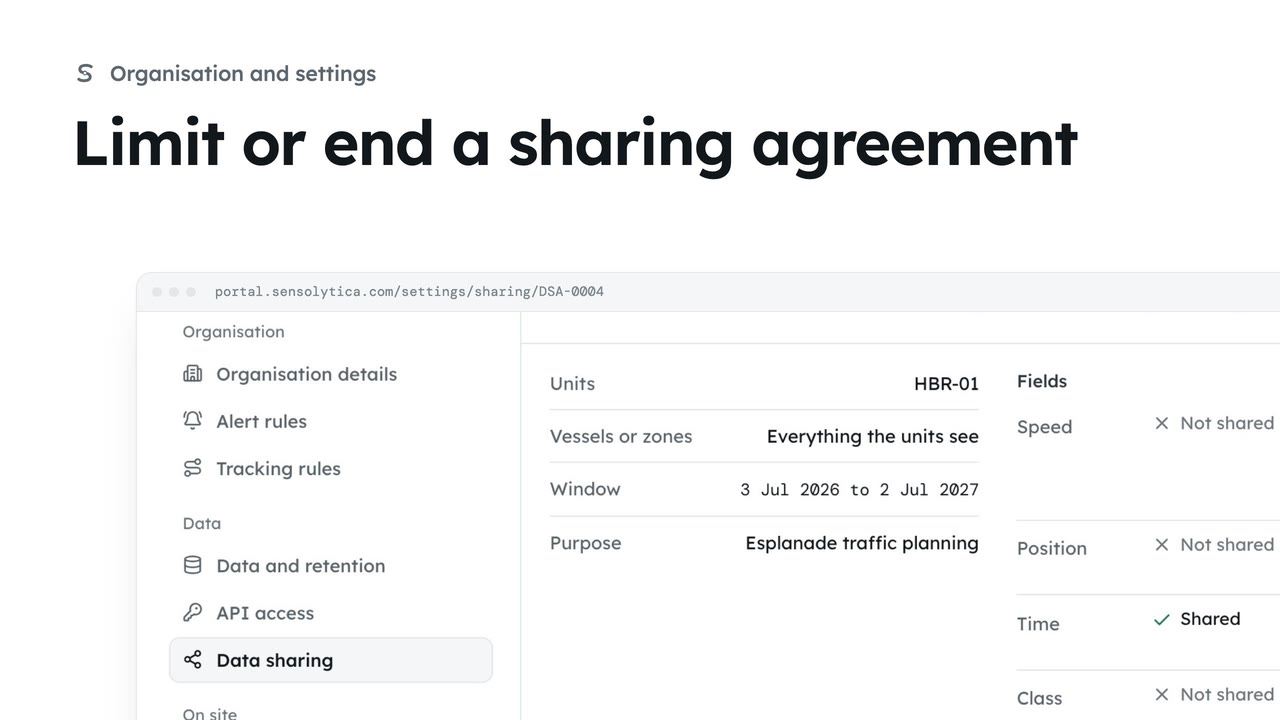
2 minNarrow a running agreement by taking fields away or ending it sooner, or end it at once.
2 min4 stepsAdmin
Checked against the portal on 15 October 2026. Westmouth names, vessels, units and figures are illustrative. General guidance on using the portal, not legal, regulatory or financial advice.