 2 min
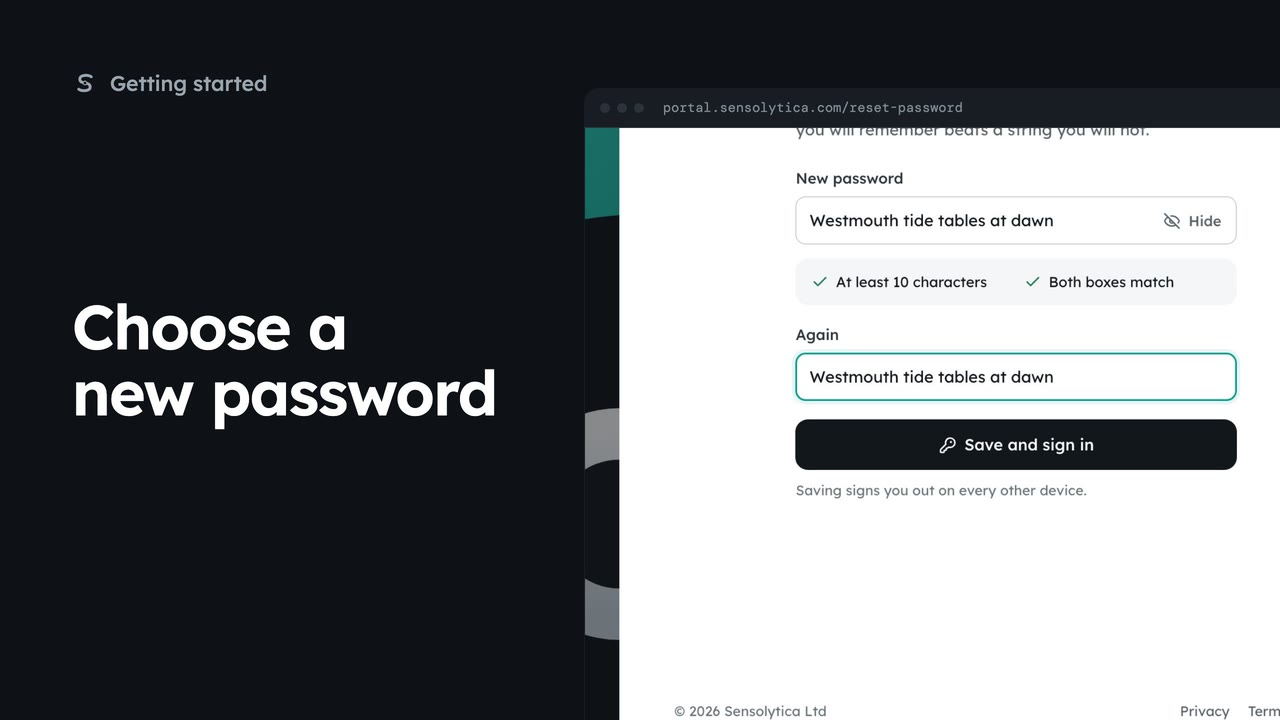
2 minChoose a new password
Set a new password on the page the reset link or an invitation opens, with its two rules checked as you type.
2 min4 stepsSensolytica staff, Admin, Operator, Maker
Ask for a reset link from the sign-in page, then find it in your inbox or send it again.
Forgotten it?
On the sign-in page, Forgotten it? sits beside Password.
Send reset link
Type your work email and choose Send reset link. Your record and settings are not touched.
Check your inbox
The link works once and expires in an hour. The page says the same whether or not the address has an account.
Send it again
Check spam for an email from Sensolytica, or send it again. Only the newest link works.
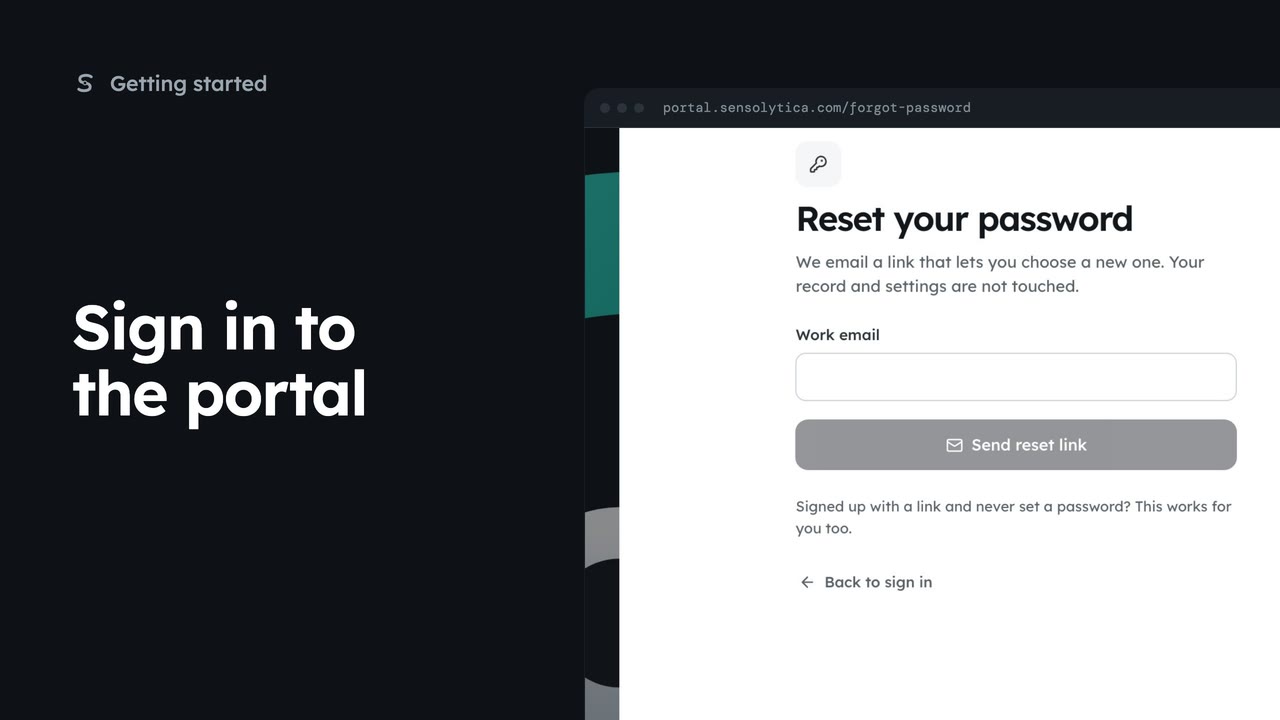
Forgotten your password? On the sign-in page, choose Forgotten it, beside the Password label. Reset your password opens.
Type your work email and choose Send reset link. It works for an account that signed up with an emailed link and never had a password, too.
Check your inbox. The link works once and expires in an hour. The page reads the same whether or not the address has an account, so nobody can use it to find out who has one.
Nothing after a few minutes? Look in spam for an email from Sensolytica, or choose send it again. Only the newest link works. Back to sign in returns you to the sign-in page.
Sign in with your work email. Your own organisation's records, nodes and units take the place of the Westmouth ones.
2 minSet a new password on the page the reset link or an invitation opens, with its two rules checked as you type.
2 min4 stepsSensolytica staff, Admin, Operator, Maker
 1 min
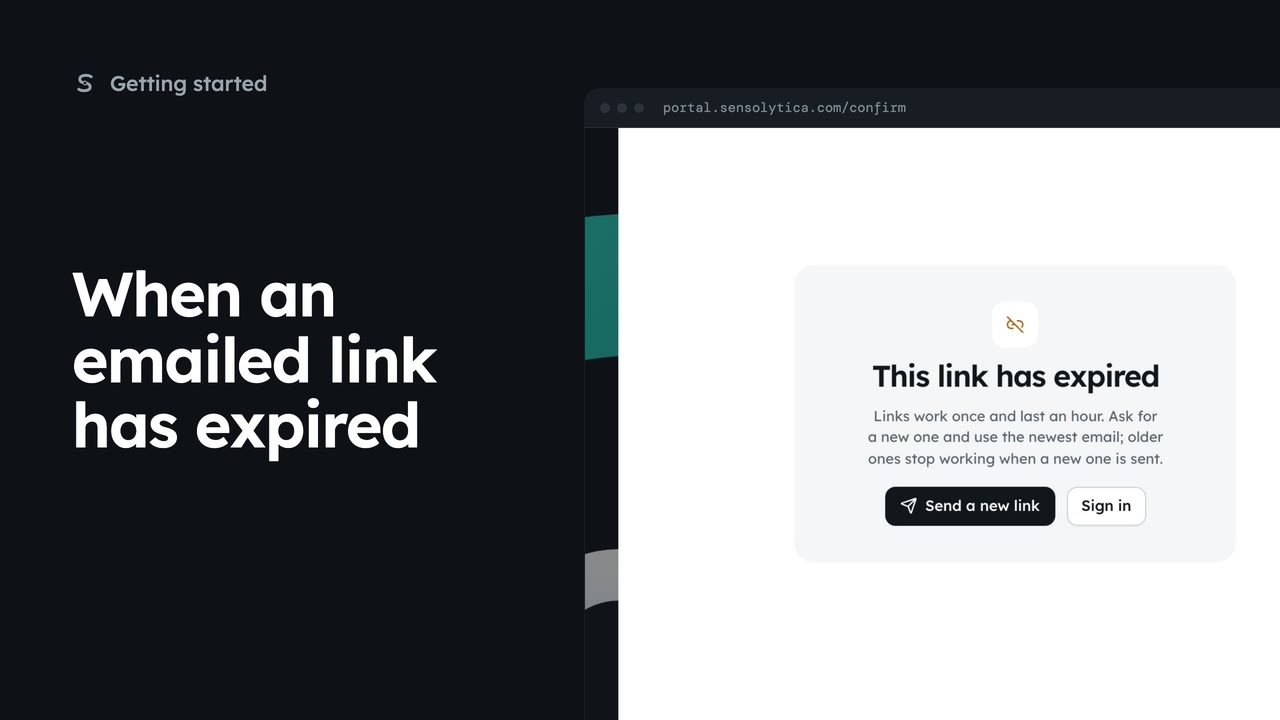
1 minWhat the portal shows when a sign-in, reset or invitation link has been used or has expired, and how to get a new one.
1 min3 stepsSensolytica staff, Admin, Operator, Maker
 3 min
3 minSign in with your work email and a password or an emailed link, enter your two-factor code, and get back in if you forget your password.
3 min7 stepsSensolytica staff, Admin, Operator, Maker
Checked against the portal on 15 October 2026. Westmouth names, vessels, units and figures are illustrative. General guidance on using the portal, not legal, regulatory or financial advice.