 2 min
2 minWork through the getting started checklist
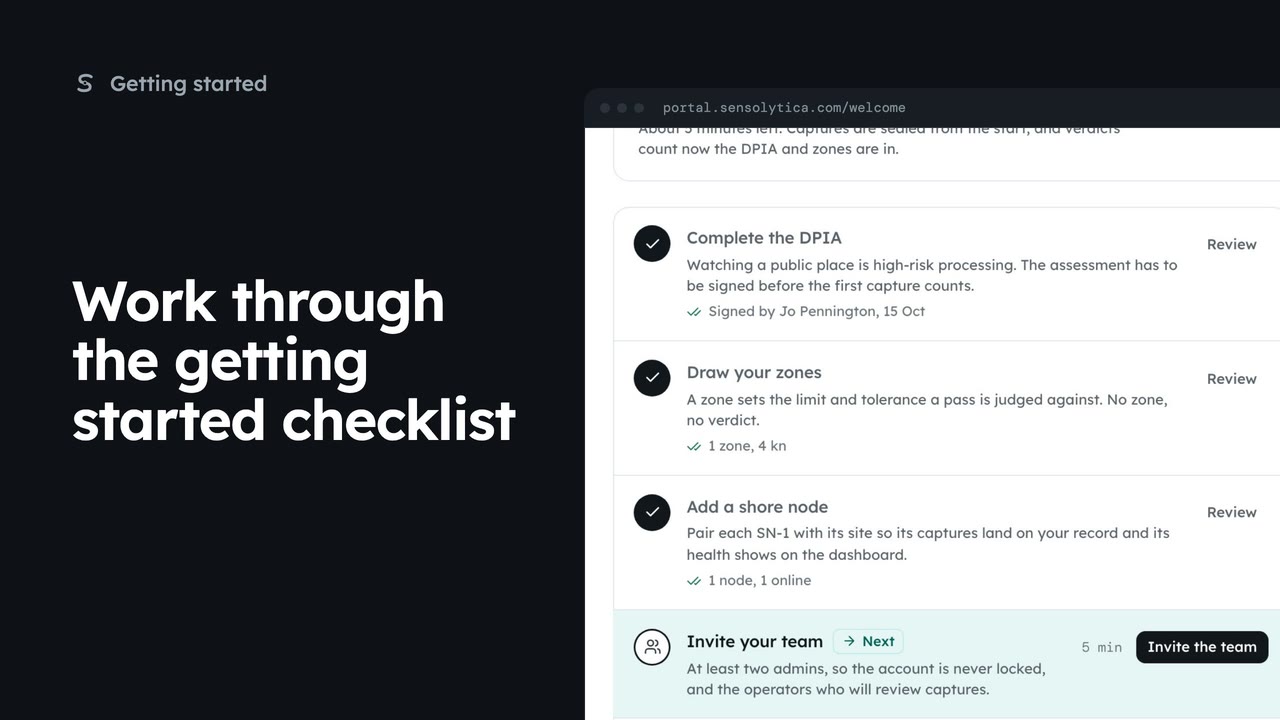
Use the getting started checklist to set up a new organisation before the first capture counts.
2 min5 stepsAdmin, Sensolytica staff
Open the data protection impact assessment template, see what Sensolytica has filled in and what your authority judges, and take it into your own documents.
Data and retention
Settings, then Data and retention. Open the DPIA sits under retention.
Facts and judgements
Sensolytica fills in the facts about the product. Your authority judges the rest.
Sections
A tick beside a section means it is filled in. The rest wait for your judgement.
Copy or print
Copy as Markdown pastes into your own document system. Print or save as PDF for signing.
A data protection impact assessment is needed before the first node goes live. Open Settings, then Data and retention, and choose Open the DPIA.
It is a starting point, not a finished assessment. The figures say how many facts Sensolytica has filled in about the product as built, and how many answers only your authority can give. Your data protection officer decides those and signs it.
The sections run from who is completing it to the sign-off. A tick means Sensolytica has filled it in. Choose Risks: three risks that apply to every deployment come with what the product does about them, and the scores are yours.
Copy as Markdown puts the whole template on your clipboard to paste into your own document system, or Print or save as PDF for signing. Once it is signed, record it on the getting started checklist.
Sign in with your work email. Your own organisation's records, nodes and units take the place of the Westmouth ones.
2 minUse the getting started checklist to set up a new organisation before the first capture counts.
2 min5 stepsAdmin, Sensolytica staff
 2 min
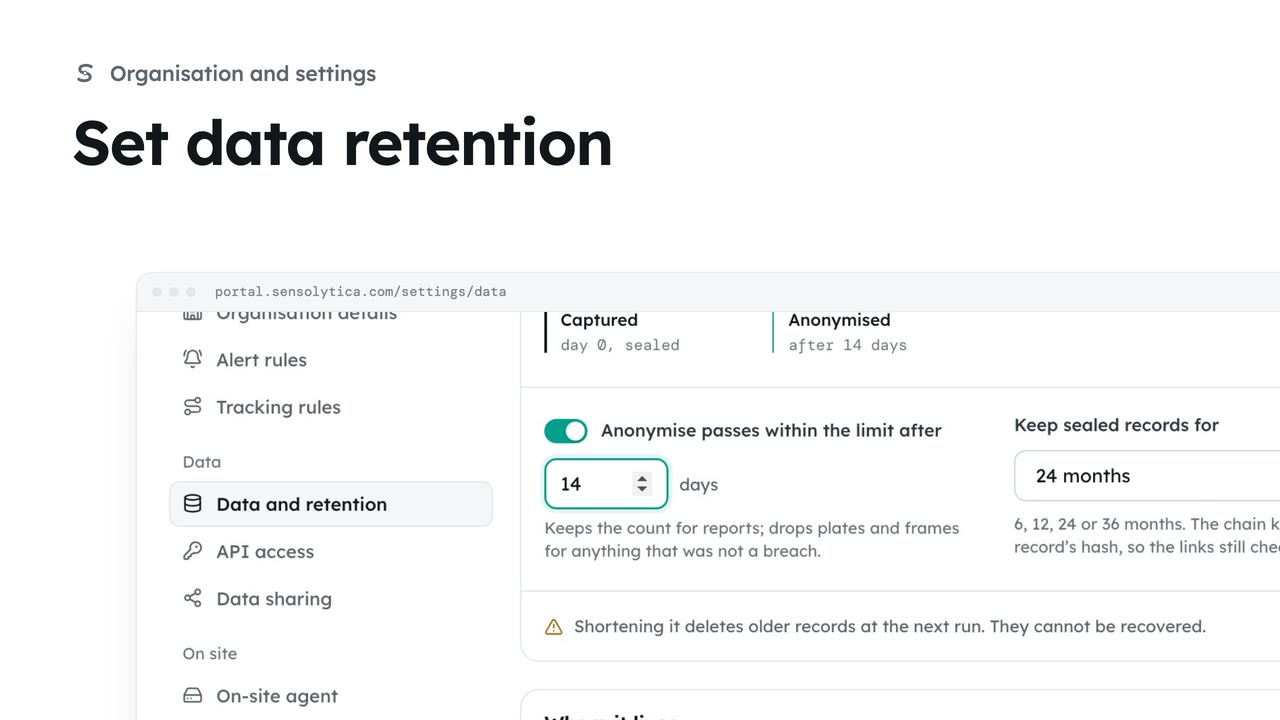
2 minChoose how long sealed records are kept and when passes within the limit lose what identifies them.
2 min4 stepsAdmin
 1 min
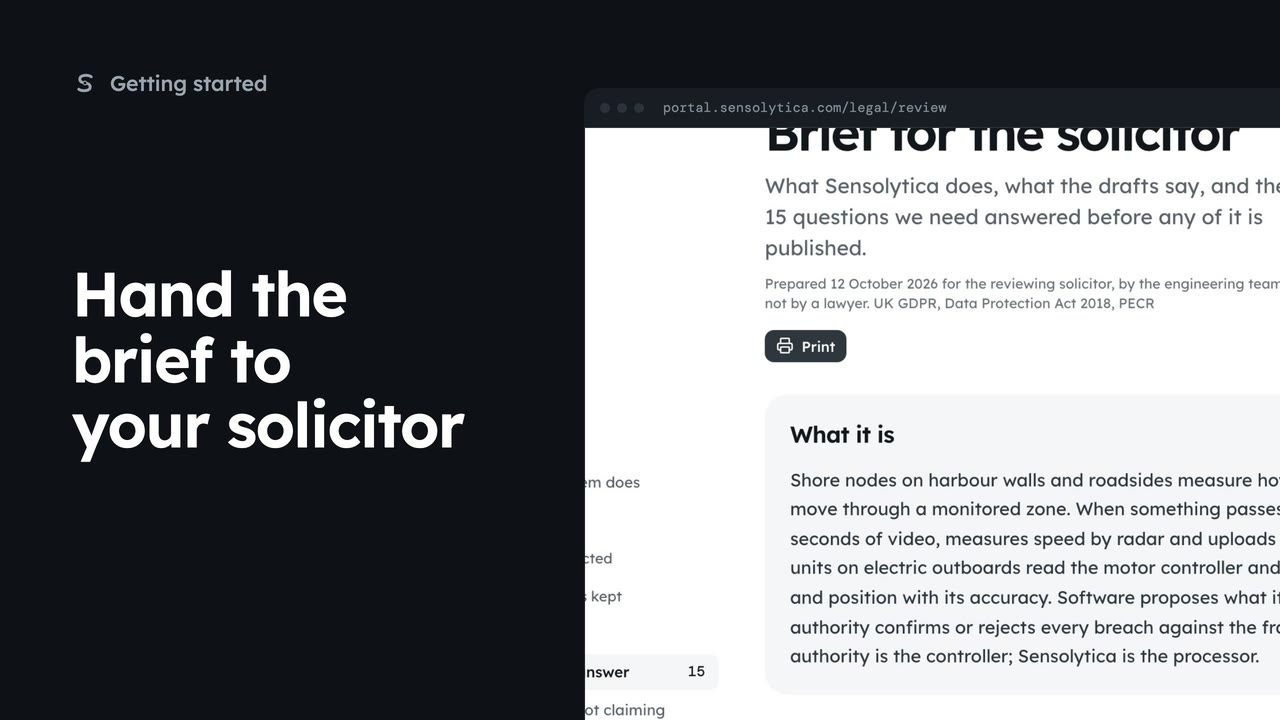
1 minRead the brief that tells a solicitor what the system does, which documents exist and the questions to settle before go-live.
1 min3 stepsAdmin, Sensolytica staff
Checked against the portal on 15 October 2026. Westmouth names, vessels, units and figures are illustrative. General guidance on using the portal, not legal, regulatory or financial advice.