 2 min
2 minExport the record with its seals
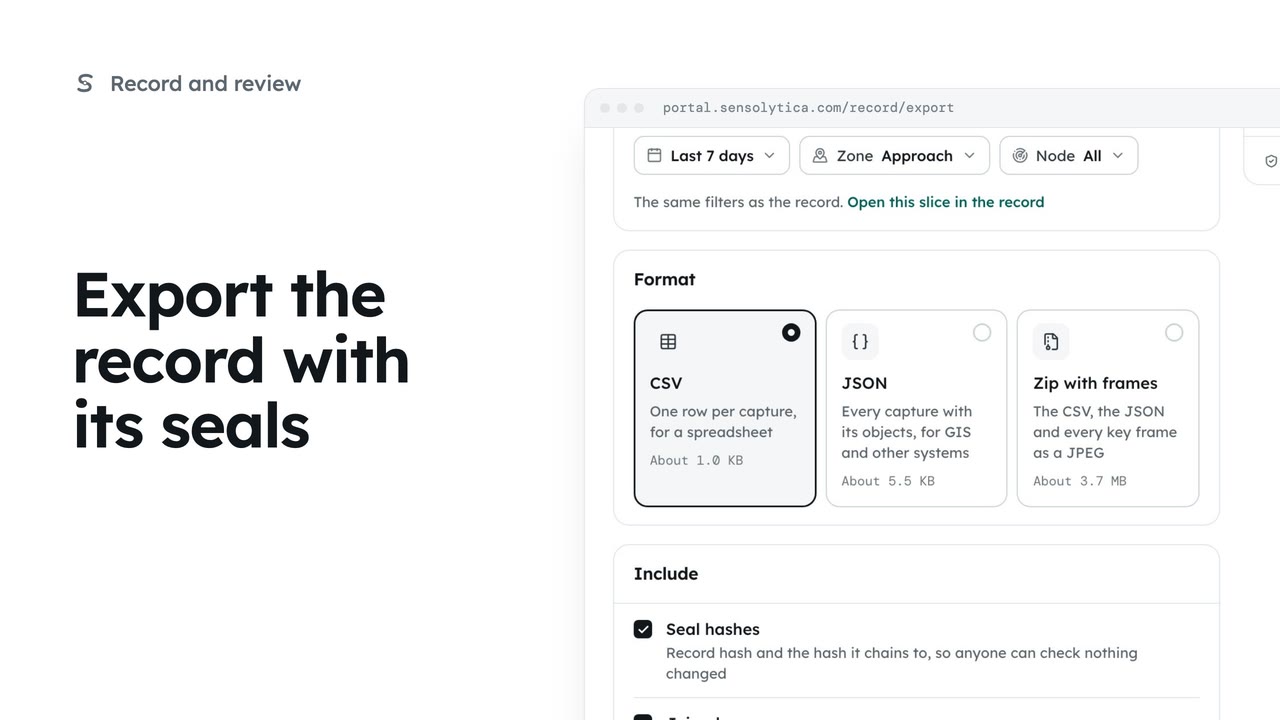
Take a defined slice of the record out as CSV, JSON or a zip with frames, with the seals so whoever receives it can check it.
2 min5 stepsAdmin
Take a slice of the record out as JSON for another system, or as a zip with every key frame, with its seals.
Export data
The record, then Export data.
Breaches, last 7 days
The same filters as the record.
JSON
Every capture with its objects, for GIS and other systems.
Zip with frames
The CSV, the JSON and every key frame. The size is shown before you start.
Open The record, then Export data.
Choose the slice with the same filters as the record: breaches, over the last 7 days.
Choose JSON: every capture with each of its objects, for a GIS or another system. Keep Seal hashes ticked so whoever receives it can check nothing changed, and export.
For a solicitor or the police, choose Zip with frames: the CSV, the JSON and every key frame as a picture, with a note on how to check the seals. The size shows before you start. Every export is logged in the audit trail.
Sign in with your work email. Your own organisation's records, nodes and units take the place of the Westmouth ones.
2 minTake a defined slice of the record out as CSV, JSON or a zip with frames, with the seals so whoever receives it can check it.
2 min5 stepsAdmin
 1 min
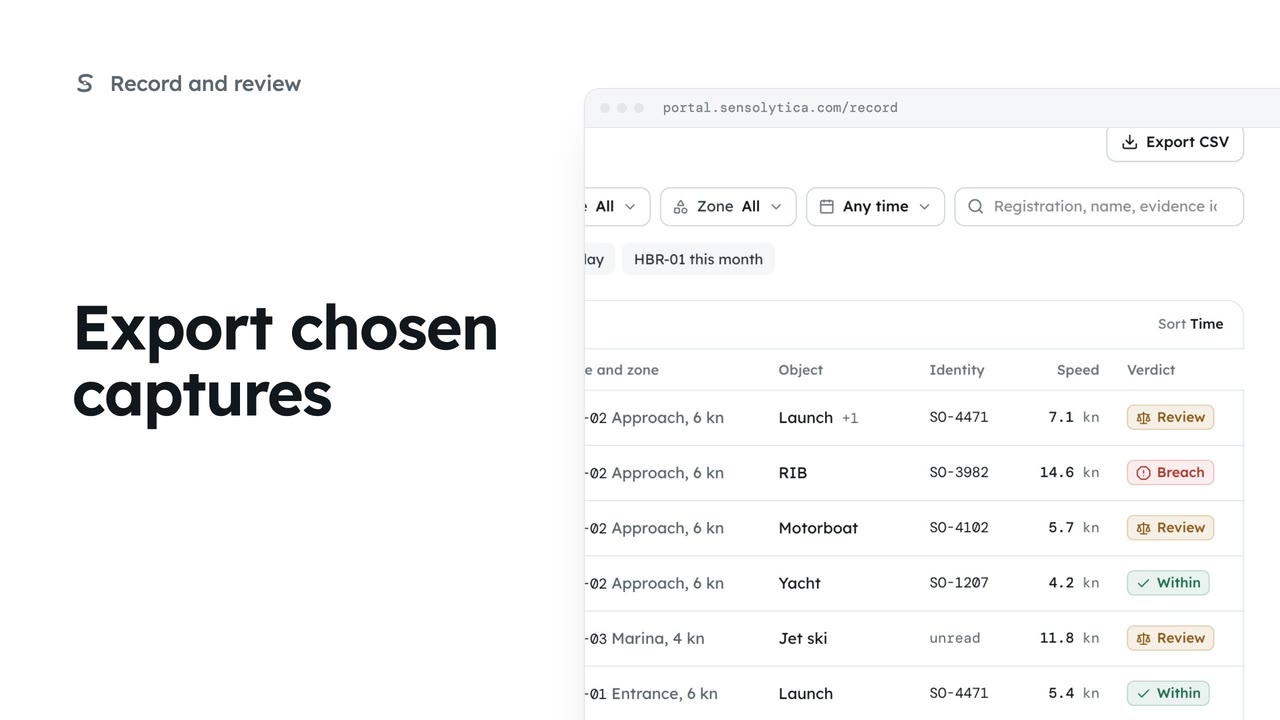
1 minTick the captures you want on the record and save just those as a CSV, or save the whole filtered view.
1 min3 stepsOperator, Admin
 2 min
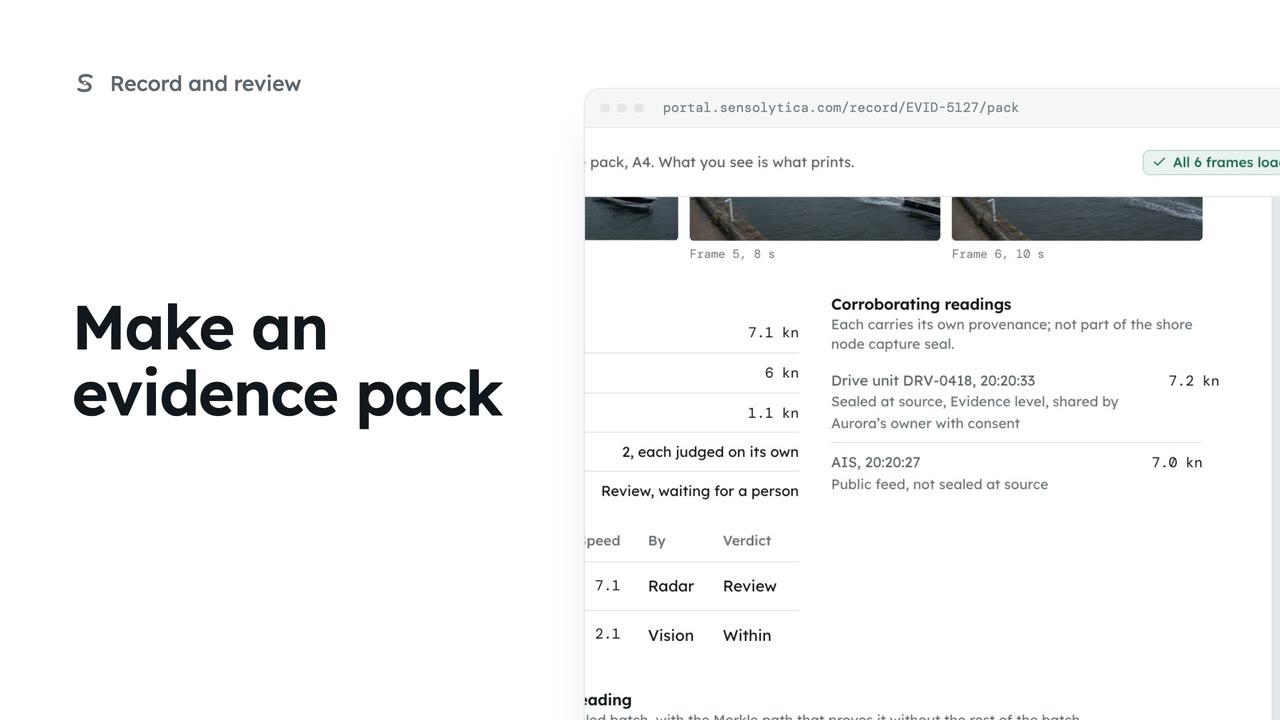
2 minLay one capture out as an A4 evidence pack with its frames, readings and seal, ready to print or save as a PDF.
2 min5 stepsOperator, Admin
Checked against the portal on 15 October 2026. Westmouth names, vessels, units and figures are illustrative. General guidance on using the portal, not legal, regulatory or financial advice.