 2 min
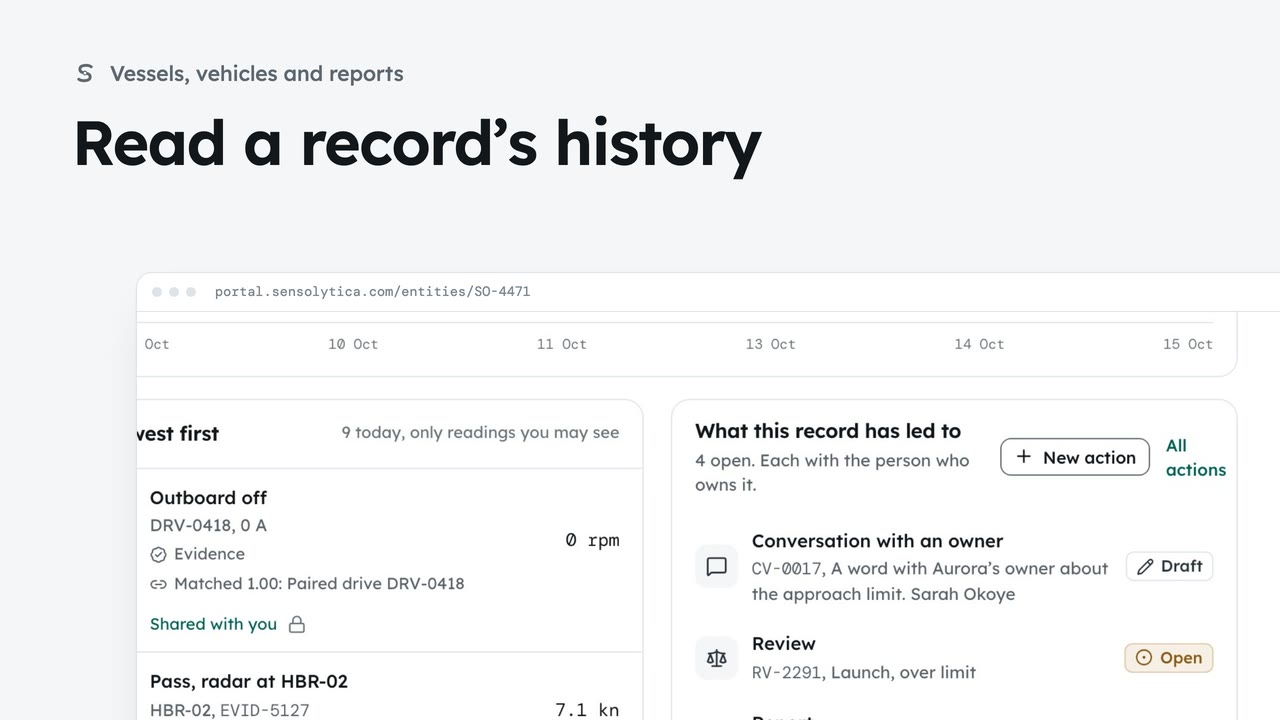
2 minRead a record’s history
Follow every reading on a vessel’s record and every change to which readings belong to it.
2 min5 stepsAdmin, Operator
Join two records of the same vessel or vehicle, undo it if needed, and split off readings that belong to another.
Possibly the same one
A provisional record with a close lookalike. Merge or split opens its history.
Merge into another record
Search, pick the surviving record and give a reason for the audit trail.
Every reading moves
Merge asks first. The old record stays as a pointer so old links still work.
Undo restores both
Undo on the history line puts both records and every reading back.
Split readings off
Tick the readings that belong to another vessel and choose where they go.
A reason for the record
The figures show what each record would hold. Split stays off until there is a reason.
Split asks first
Split 1 reading opens a confirm. A split can be undone from the history.
Open Vessels and vehicles, choose Provisional, and open the motorboat SO-0884. It looks very like SO-0844, one digit apart in the registration. When the same vessel was recorded twice, merge them. Choose Merge or split; vehicle records have it too.
Choose Merge into. Search for the other record, pick it as the one that survives, and say why. The reason goes in the audit trail.
Choose Merge, and confirm. Every reading moves to the surviving record, and the old one stays as a pointer so links still work. You land on the surviving record’s history.
Changed your mind? Choose Undo on the merge, and confirm. Both records and every reading go back to where they were, and the line is kept, marked Undone.
To split, open the record holding readings that are not its own, here Aurora, choose Merge or split, then Split readings. Tick each reading that belongs to another vessel.
The figures show what each record would hold after. Under Move them to, choose a new provisional record or another record you hold. Then write a reason; the Split button stays off until there is one.
Choose Split 1 reading. The confirm says where the readings go and how many stay. Confirm to move them, and like a merge, it can be undone here. For this film, choose Cancel.
Sign in with your work email. Your own organisation's records, nodes and units take the place of the Westmouth ones.
2 minFollow every reading on a vessel’s record and every change to which readings belong to it.
2 min5 stepsAdmin, Operator
 2 min
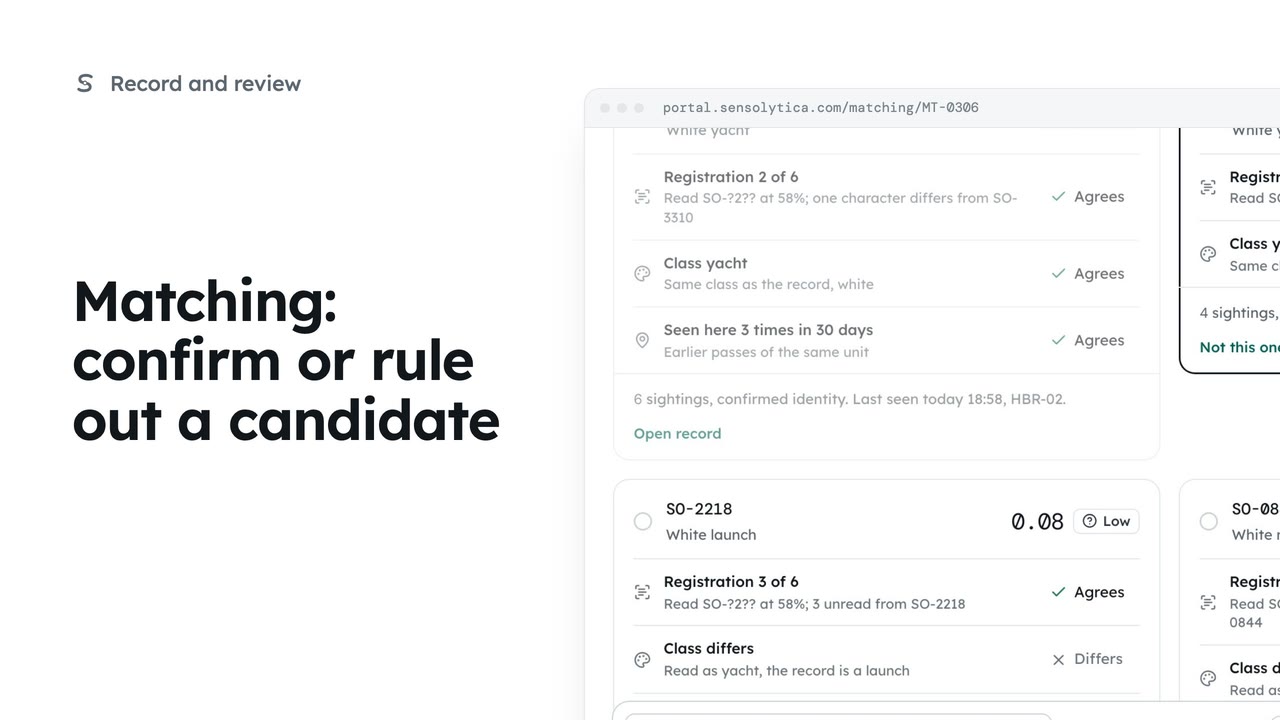
2 minJoin an uncertain reading to the right vessel, ruling out the candidates that do not fit.
2 min5 stepsOperator, Admin
 2 min
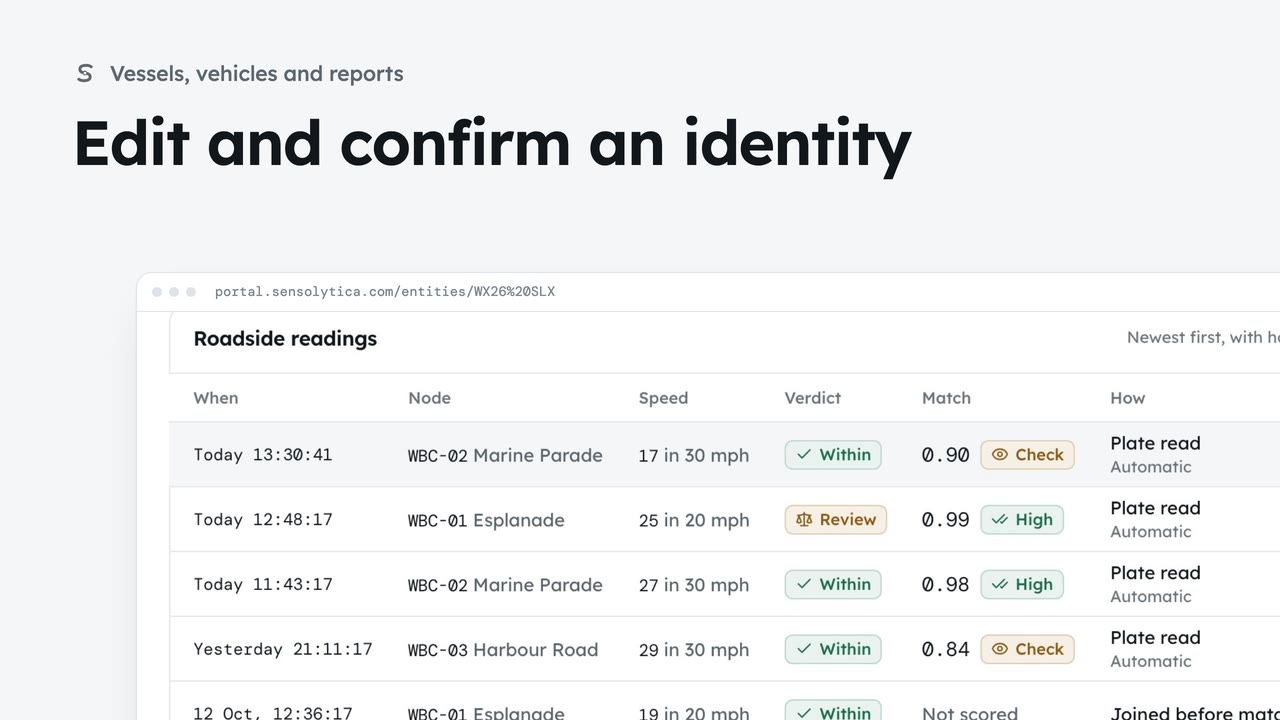
2 minDescribe a vehicle or vessel so a colleague could pick it out, and confirm a provisional identity.
2 min7 stepsAdmin, Operator
Checked against the portal on 15 October 2026. Westmouth names, vessels, units and figures are illustrative. General guidance on using the portal, not legal, regulatory or financial advice.