 2 min
2 minThe platform overview
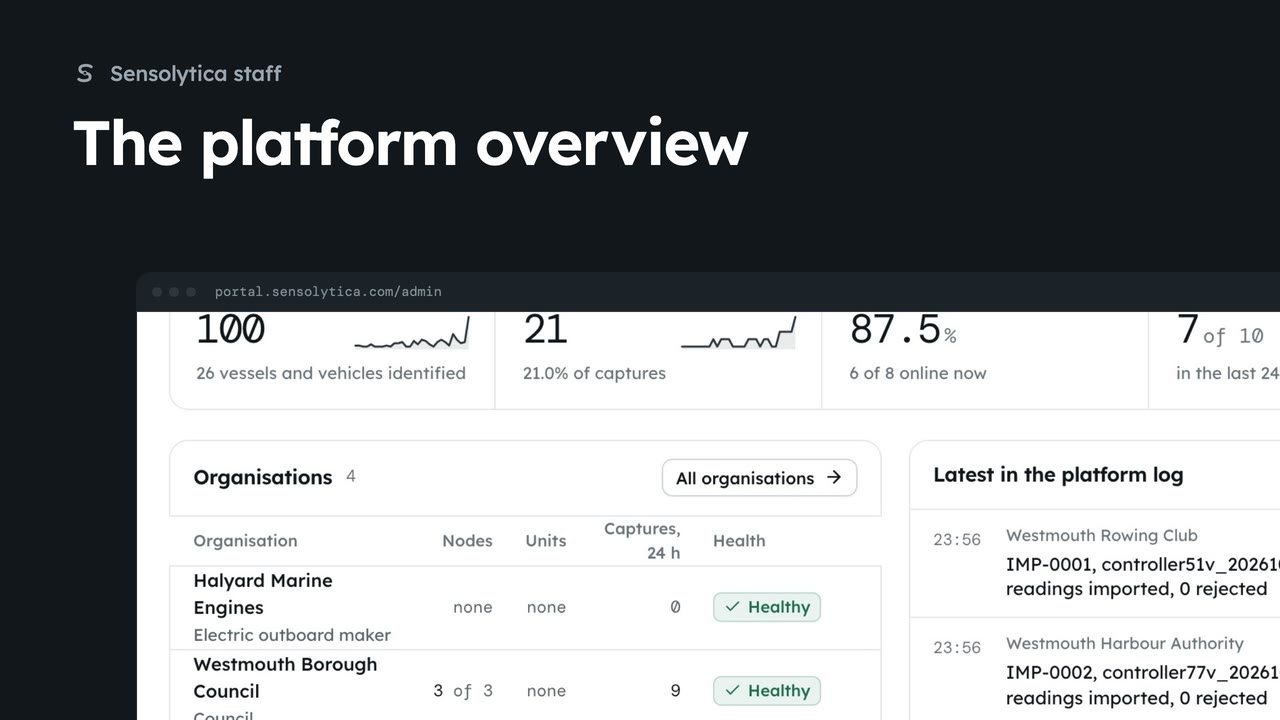
See what needs Sensolytica staff across every organisation, how the platform did over 30 days, and where to go next.
2 min6 stepsSensolytica staff
Make the owner account on a new Sensolytica platform: the first account becomes the super admin and the page then closes for good.
Set up Sensolytica
A new platform has no owner. The first account becomes the super admin.
Your name and work email
The owner account's name and the email you sign in with.
At least 10 characters
Type it twice. Add an authenticator app under Settings once you are in.
Create the owner account
You are signed in and the platform overview opens. From now on everyone arrives by invitation.
The first time a new platform is opened there is nobody to sign in as. Set up Sensolytica makes the owner's account. That first account becomes the super admin, who sees every organisation and invites everyone else.
Type your name and your work email. The email is how you sign in from now on.
Choose a password of at least ten characters and type it again. Once you are in, add an authenticator app under Your account.
Choose Create the owner account. You are signed in and the platform overview opens. The set-up page closes for good: from now on everyone arrives by invitation.
Sign in with your work email. Your own organisation's records, nodes and units take the place of the Westmouth ones.
2 minSee what needs Sensolytica staff across every organisation, how the platform did over 30 days, and where to go next.
2 min6 stepsSensolytica staff
 2 min
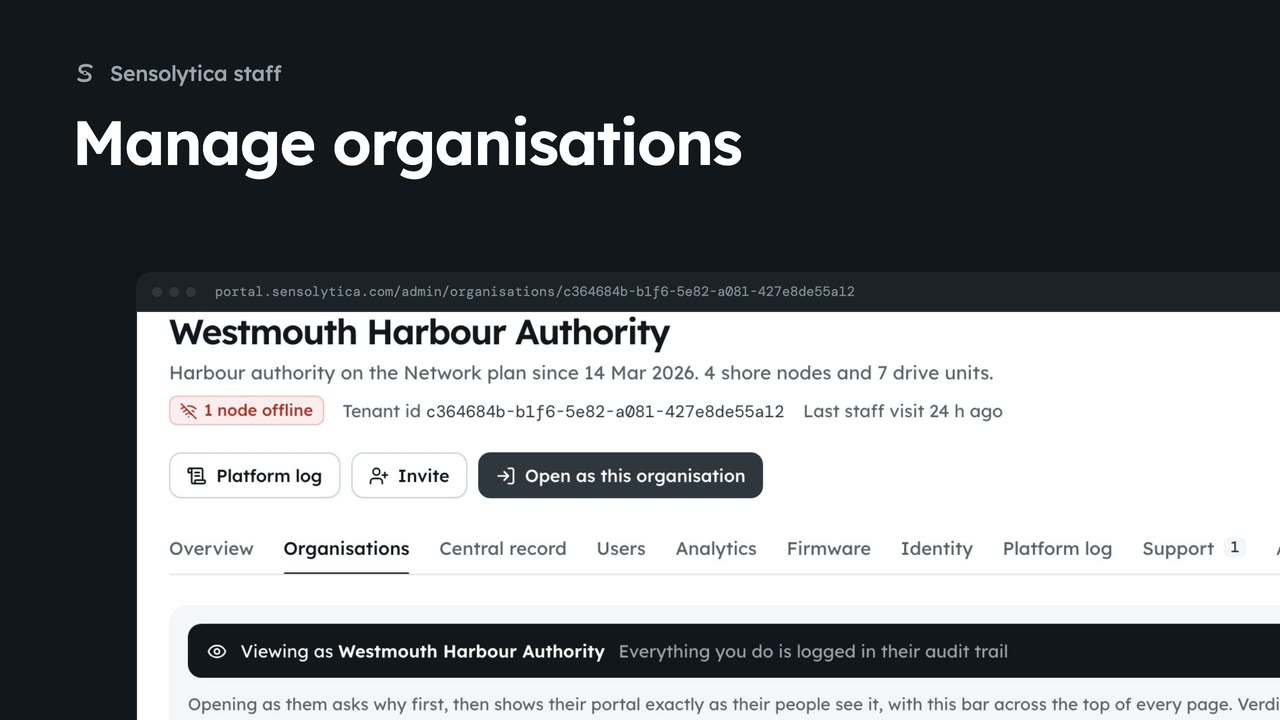
2 minFind an organisation, check its health and fleet on its platform page, and create a new one.
2 min6 stepsSensolytica staff
 3 min
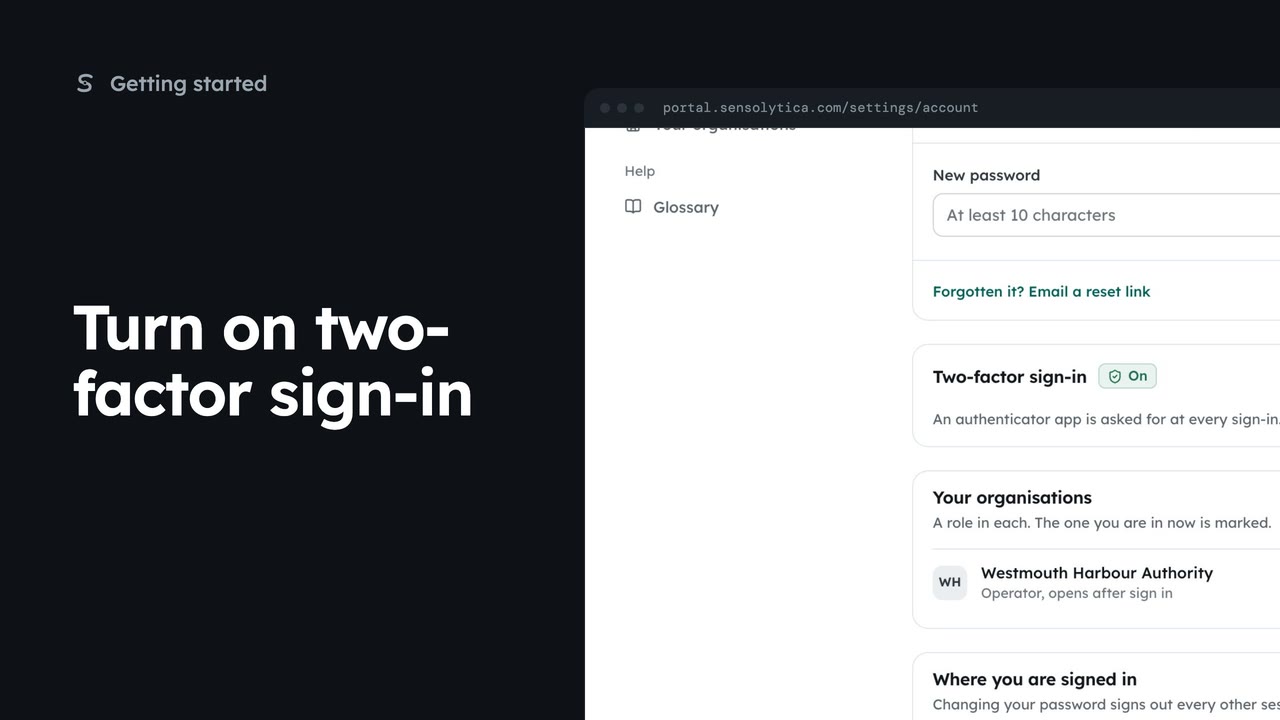
3 minPair an authenticator app with your account so a stolen password is not enough to sign in as you, then sign in with a code.
3 min5 stepsSensolytica staff, Admin, Operator, Maker
Checked against the portal on 15 October 2026. Westmouth names, vessels, units and figures are illustrative. General guidance on using the portal, not legal, regulatory or financial advice.