 2 min
2 minRead a compliance report
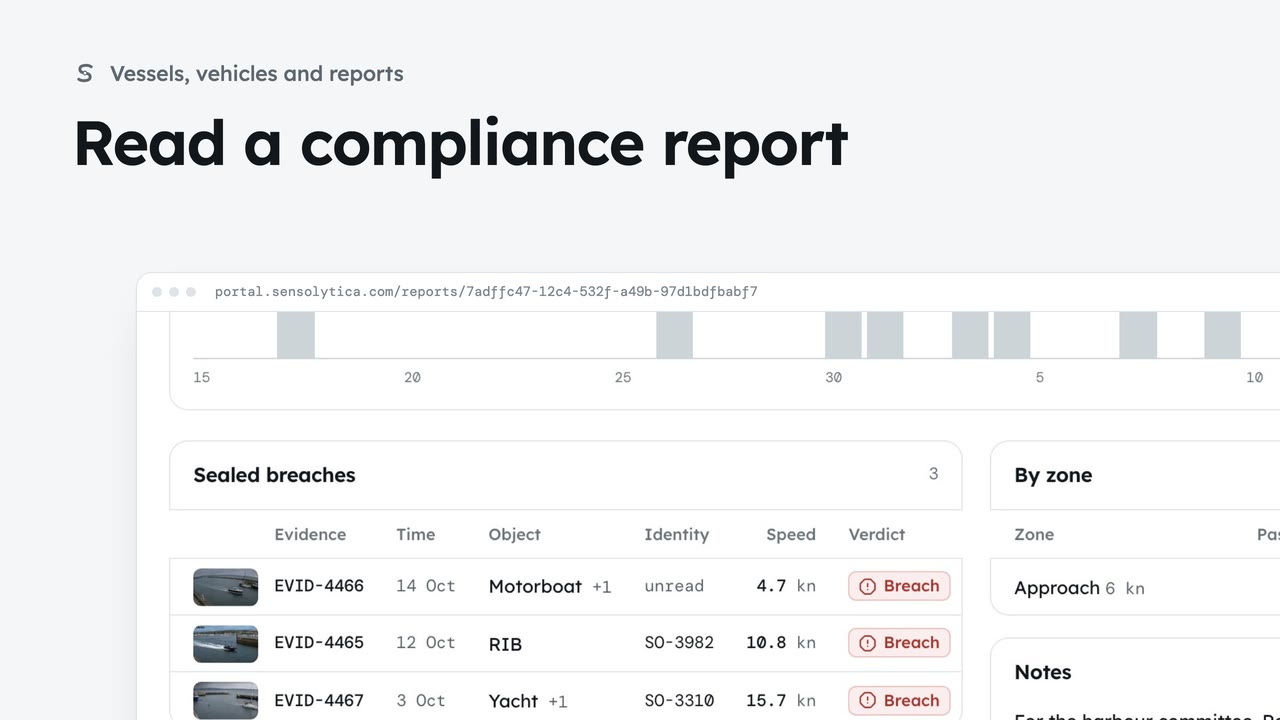
Read how a zone kept to its limit over a period, add notes for the committee and print it.
2 min5 stepsAdmin, Operator
Choose a kind, a zone and a period, see what the report will hold, then make it from sealed records.
Four kinds
Evidence, Compliance, Drive health and Site, each explained above the list.
Build a report
Choose Build a report, then the kind.
Zone and period
Pick a zone, or all zones, and a period such as 30 days or your own dates.
It will hold
Captures, breaches and anything still in review, counted before the report is made.
Make report
The report is made and opens. Only the title and notes can be edited afterwards.
Open Reports from the sidebar. There are four kinds: evidence for a prosecution or an insurer, compliance for a committee, drive health for a fleet, and site for planning. Every report is made from sealed records.
Choose Build a report, then Evidence: the sealed breaches, each with its frames and hash.
Pick the zone, here the Approach, and the period. 30 days is quick; you can also type your own dates.
It will hold counts the captures and breaches first, so you never make an empty report by accident. If anything is still in review, it says so, with a link to clear it first.
Choose Make report. It opens straight away and is kept under Reports. The figures come from sealed records, so only the title and notes can be edited afterwards.
Sign in with your work email. Your own organisation's records, nodes and units take the place of the Westmouth ones.
2 minRead how a zone kept to its limit over a period, add notes for the committee and print it.
2 min5 stepsAdmin, Operator
 2 min
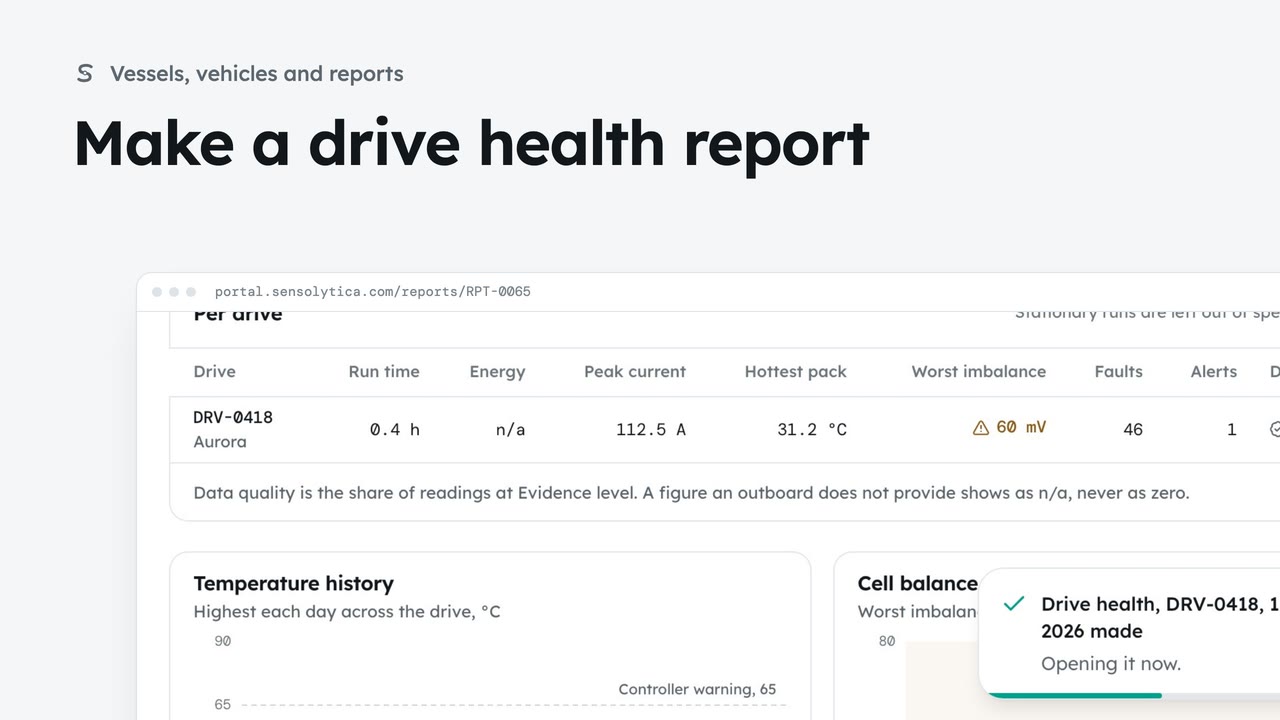
2 minReport on one drive, your fleet or a drive shared with you: run time, energy, current, temperatures, cell balance, alerts and data quality.
2 min6 stepsAdmin, Operator
 2 min
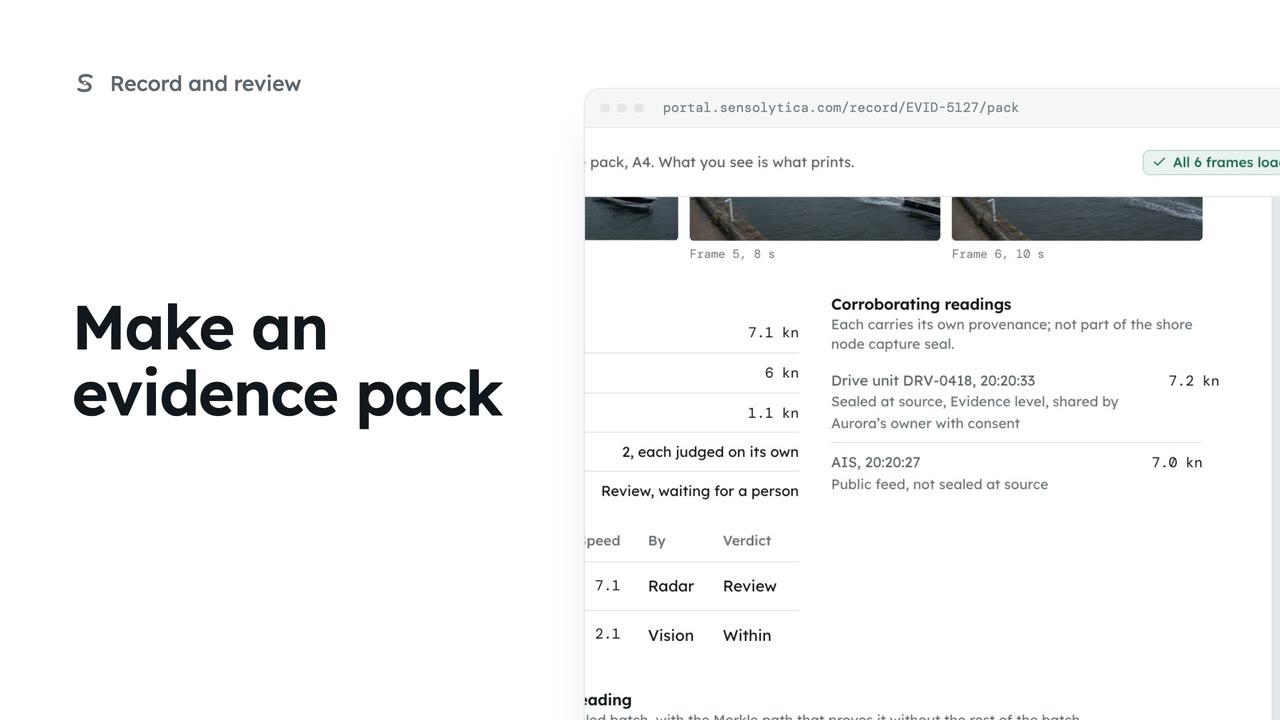
2 minLay one capture out as an A4 evidence pack with its frames, readings and seal, ready to print or save as a PDF.
2 min5 stepsOperator, Admin
Checked against the portal on 15 October 2026. Westmouth names, vessels, units and figures are illustrative. General guidance on using the portal, not legal, regulatory or financial advice.