 2 min
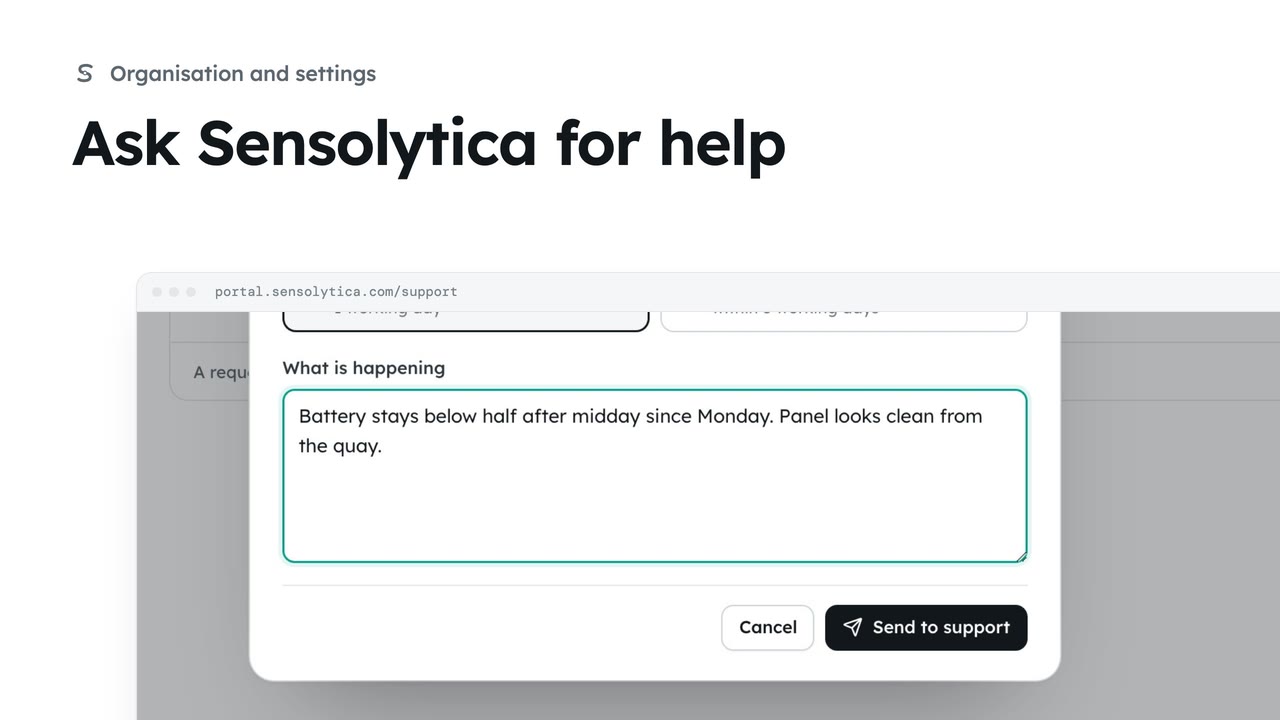
2 minAsk Sensolytica for help
Raise a support request, say how soon you need an answer, and follow it against our promise.
2 min4 stepsAdmin, Operator, Maker
Follow a request you raised, read our replies and answer them.
Your requests
Support lists your organisation's requests, open first.
The conversation
Our replies, who is looking after it and our promise.
Send reply
The person handling it is emailed and it lands in their queue.
Open Support from the sidebar and choose the request: HBR-04 has been offline since Tuesday.
The conversation shows every reply. Details shows who at Sensolytica has it, its priority, and our promise for a first reply.
Write your reply and choose Send reply. The person handling it is emailed and it lands in their queue.
Sign in with your work email. Your own organisation's records, nodes and units take the place of the Westmouth ones.
2 minRaise a support request, say how soon you need an answer, and follow it against our promise.
2 min4 stepsAdmin, Operator, Maker
 1 min
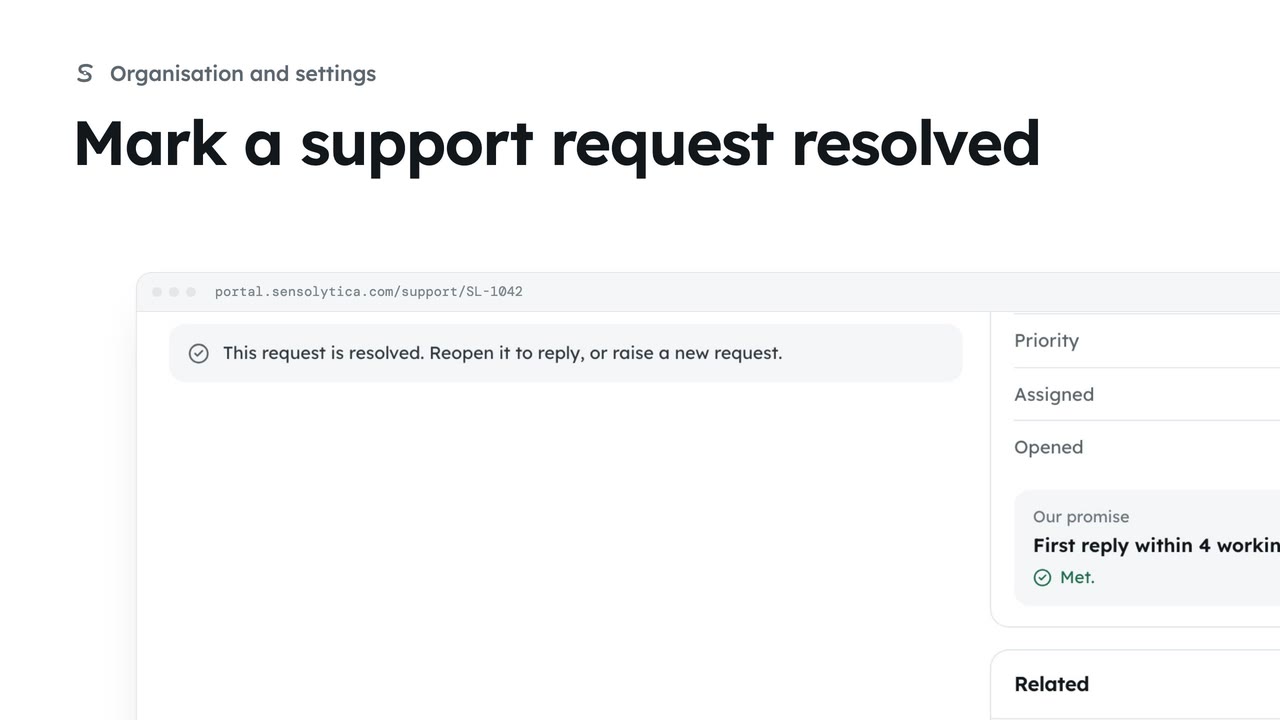
1 minClose a request once the problem is fixed, and reopen it if it comes back.
1 min3 stepsAdmin, Operator, Maker
 2 min
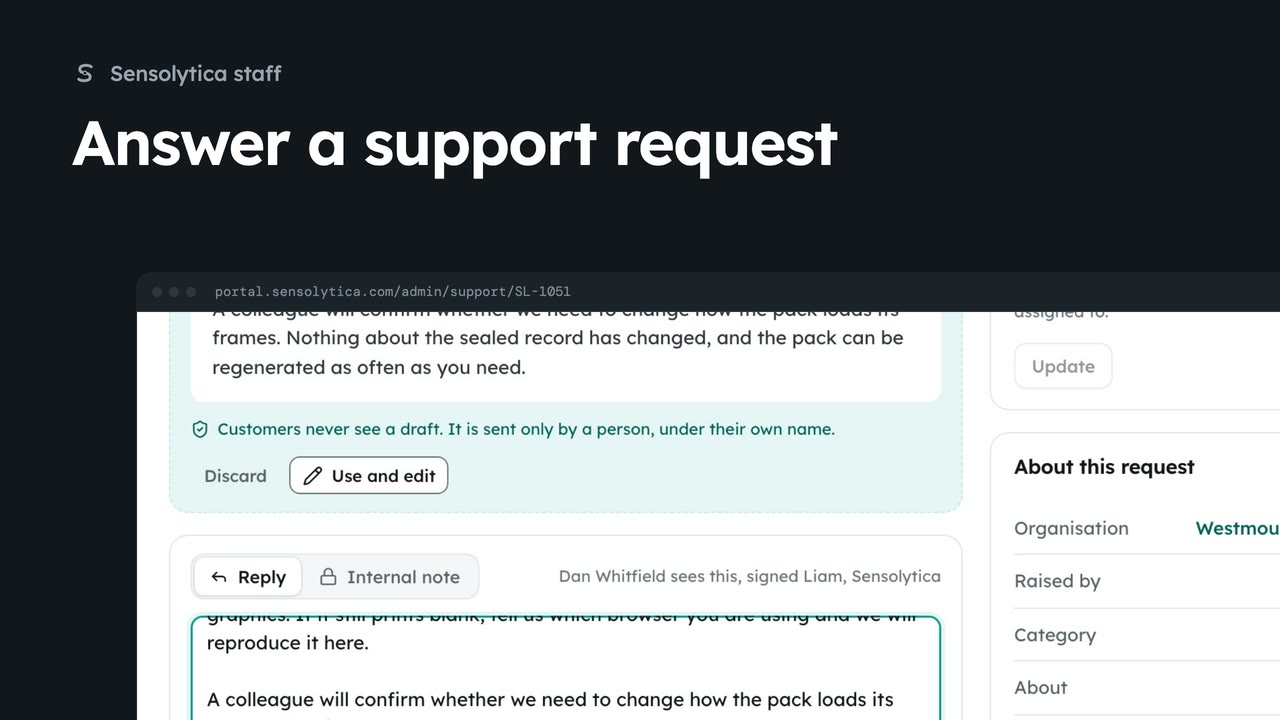
2 minTake a request from the support queue, use the agent's suggested reply, and send it under your own name.
2 min6 stepsSensolytica staff
Checked against the portal on 15 October 2026. Westmouth names, vessels, units and figures are illustrative. General guidance on using the portal, not legal, regulatory or financial advice.