 2 min
2 minChange a role or remove access
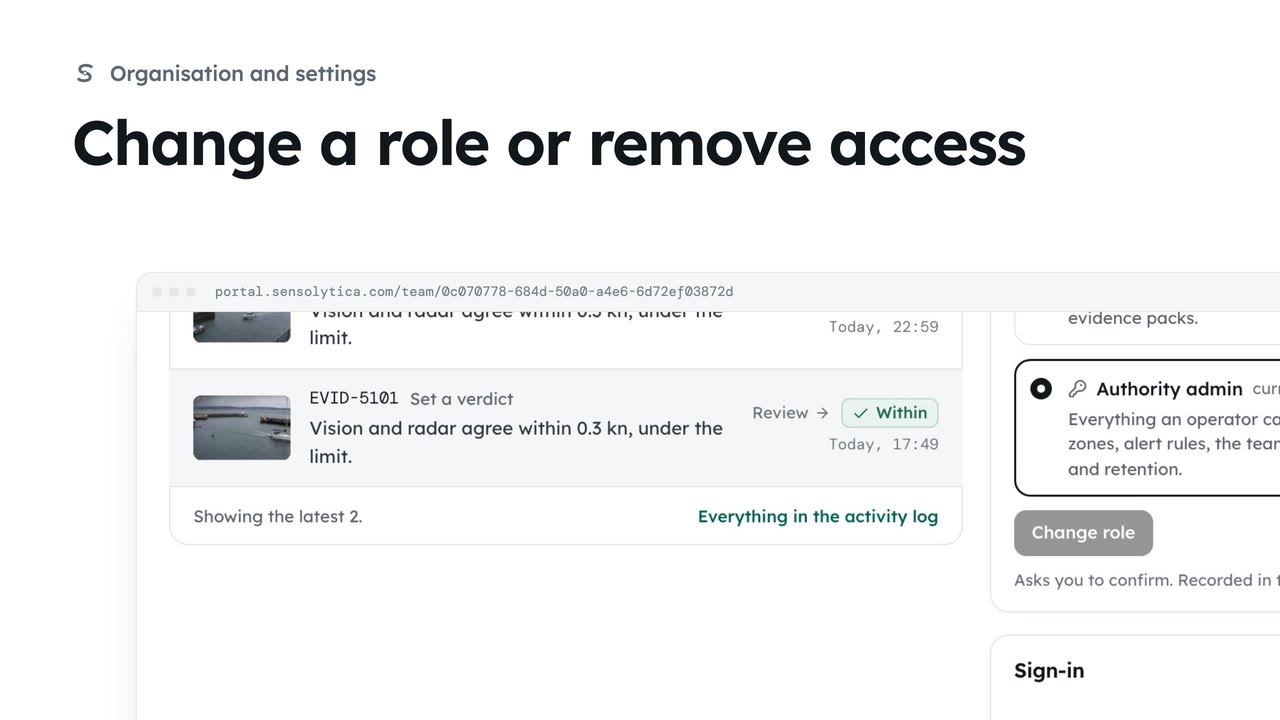
See what each role can do, change a person’s role, and remove someone who no longer needs access.
2 min4 stepsAdmin
Invite someone to your organisation with the smallest role that lets them do their job.
Who can see the record
Team lists the people in your organisation, their role and whether two-factor is on.
Name and work email
Choose Invite a colleague, then fill in Full name and Work email.
Pick the smallest role
Each role says what the person will be able to do. Choose Operator.
A link for seven days
Choose Send invite. They get a link that works once, for 7 days.
Pending invitations
Each invitation shows when it was sent and when it expires, with Resend and Withdraw.
Open Team from the sidebar. It lists everyone who can see the record, their role, and whether they sign in with two-factor.
Choose Invite a colleague. Enter their full name and work email.
Choose a role. Each one says what the person will be able to do. An operator reads the record and decides verdicts, but cannot change nodes, zones, the team or billing.
Choose Send invite. They get an email with a link to set a password and join. The link works once, for seven days.
Invitations wait under Pending invitations until they are accepted. Choose Resend to start the seven days again, or Withdraw to stop the link working.
Sign in with your work email. Your own organisation's records, nodes and units take the place of the Westmouth ones.
2 minSee what each role can do, change a person’s role, and remove someone who no longer needs access.
2 min4 stepsAdmin
 2 min
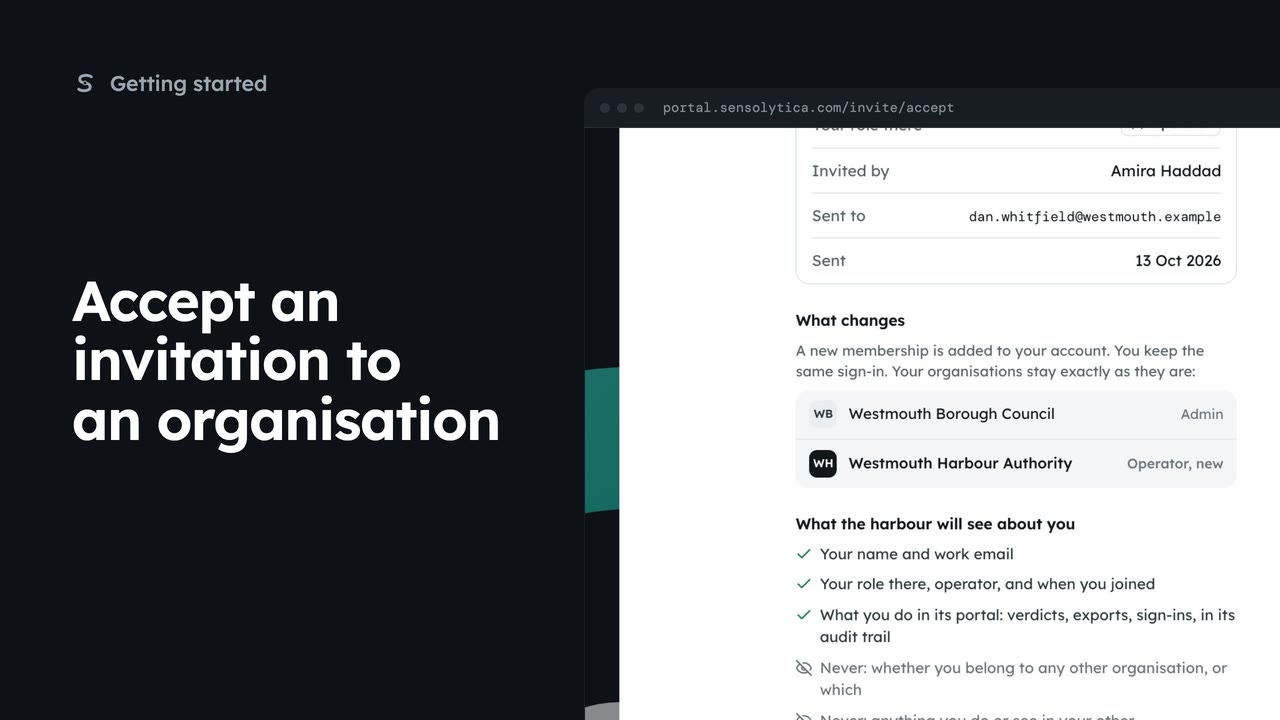
2 minReview an invitation to another organisation, see what it will know about you, and accept or decline it.
2 min5 stepsAdmin, Operator, Maker
 3 min
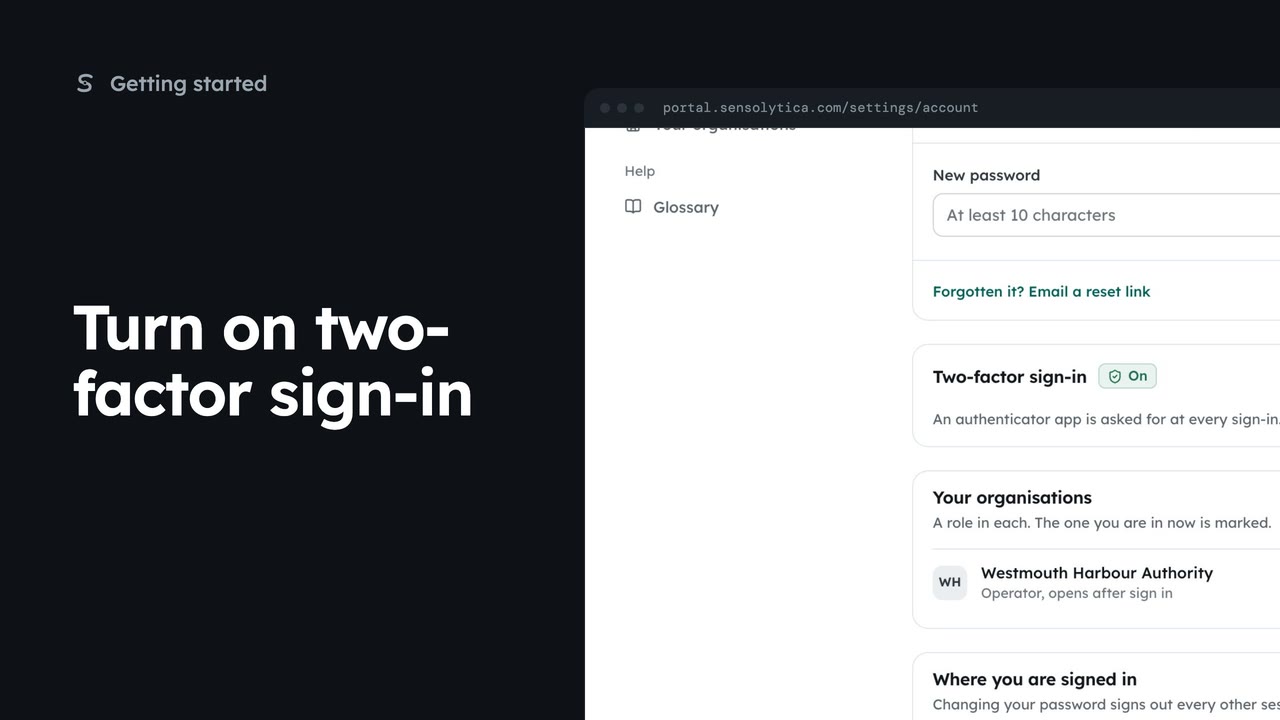
3 minPair an authenticator app with your account so a stolen password is not enough to sign in as you, then sign in with a code.
3 min5 stepsSensolytica staff, Admin, Operator, Maker
Checked against the portal on 15 October 2026. Westmouth names, vessels, units and figures are illustrative. General guidance on using the portal, not legal, regulatory or financial advice.