 2 min
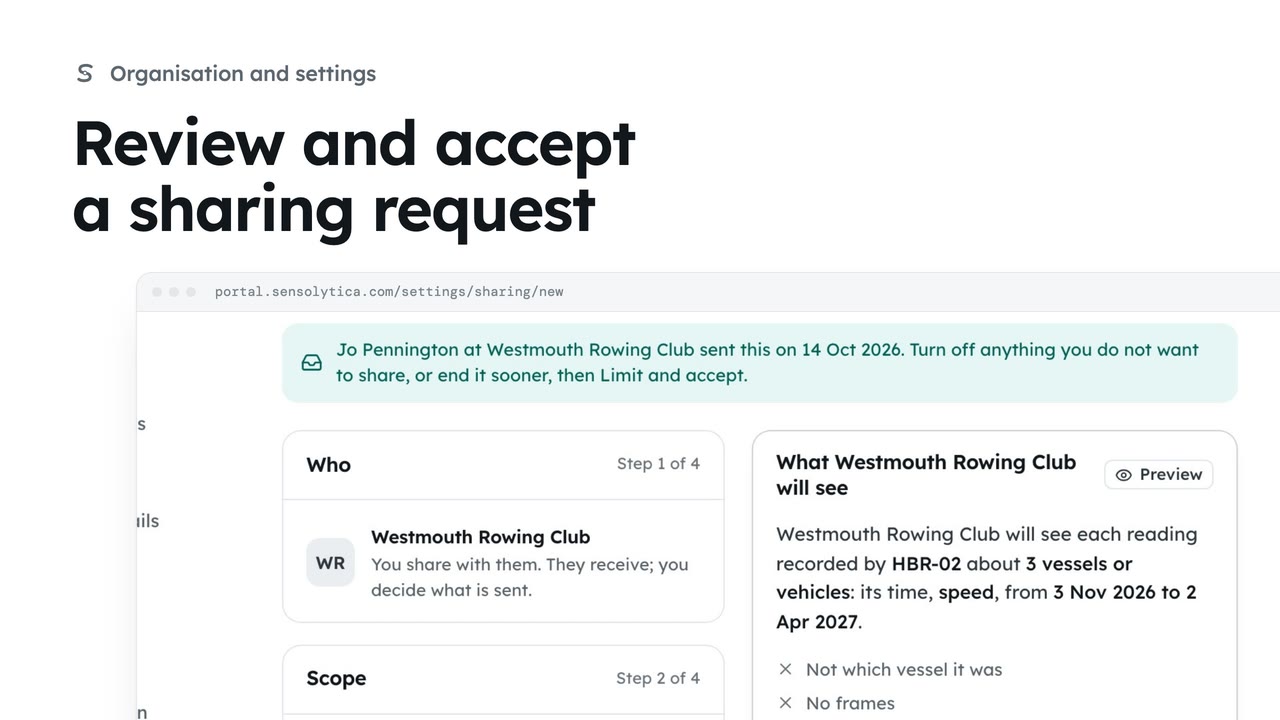
2 minReview and accept a sharing request
Read a request another organisation sent you, then accept it, limit it first, or decline.
2 min4 stepsAdmin
Ask another organisation to share readings, or offer yours, with the narrowest scope, a stated purpose and an end date.
What you see by default
Settings, Data sharing. By default you see only your own units and members, plus public feeds.
Who and which way
Choose Request an agreement, pick the other organisation and the direction.
Units, zones and fields
Tick the unit, choose the zone, and switch each field to Shared or Off.
Purpose is required
Fill in Purpose. Starts and Ends default to six months from tomorrow.
What they will see
The preview on the right says, in words, exactly what the other side receives.
Nothing is shared yet
Choose Send request, then Send request in the confirm window.
Open Settings and choose Data sharing. By default you see only your own units and members, plus public feeds. Anything more comes through an agreement, and only within its scope and window.
Choose Request an agreement. Pick the other organisation, here the borough council, and choose You share with them.
Share the least that does the job. Tick the marina node, choose the Marina zone, turn Speed off and turn Counts on. Identity and frames stay off unless the purpose truly needs them.
Say what it is for. The purpose is shown to the other side, and readings may be used for that purpose only. Every agreement has an end date, at most twelve months away.
Read the preview. It says in plain words what the council will see, what it will never see, and shows a sample row as it will reach them.
Choose Send request and confirm. Nothing is shared until they accept. The request waits under Sent until they decide.
Sign in with your work email. Your own organisation's records, nodes and units take the place of the Westmouth ones.
2 minRead a request another organisation sent you, then accept it, limit it first, or decline.
2 min4 stepsAdmin
 2 min
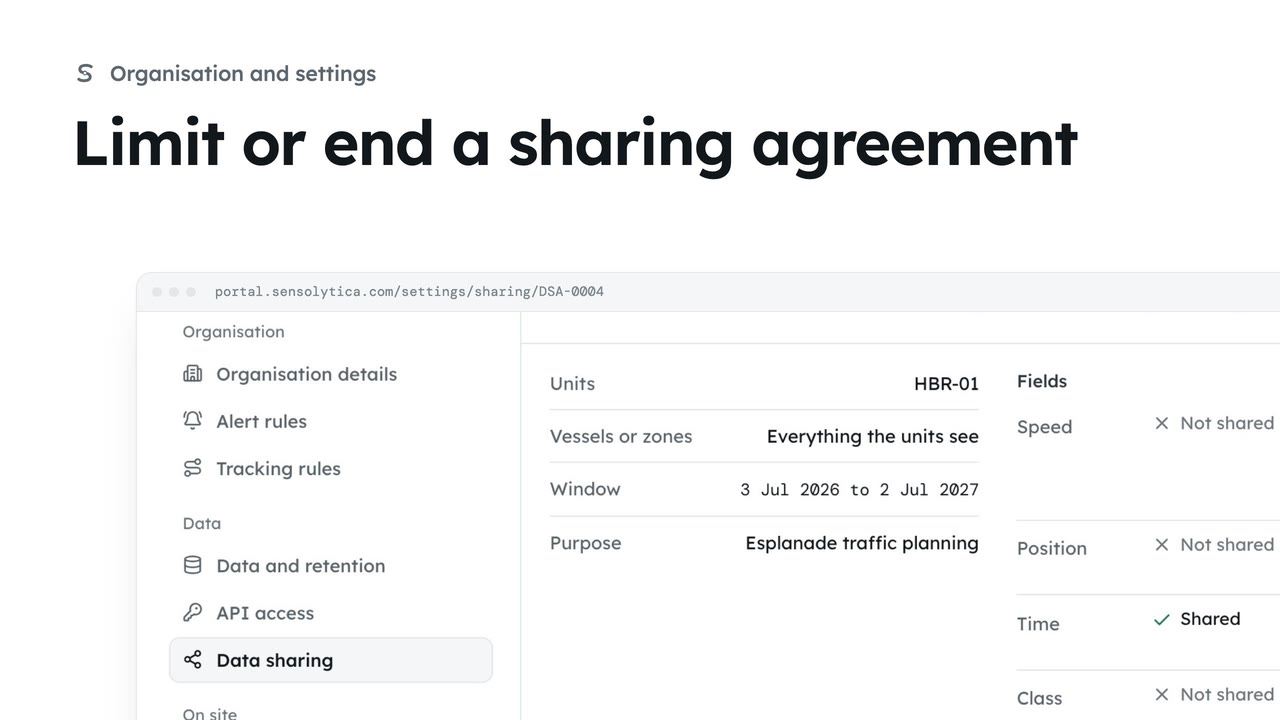
2 minNarrow a running agreement by taking fields away or ending it sooner, or end it at once.
2 min4 stepsAdmin
 2 min
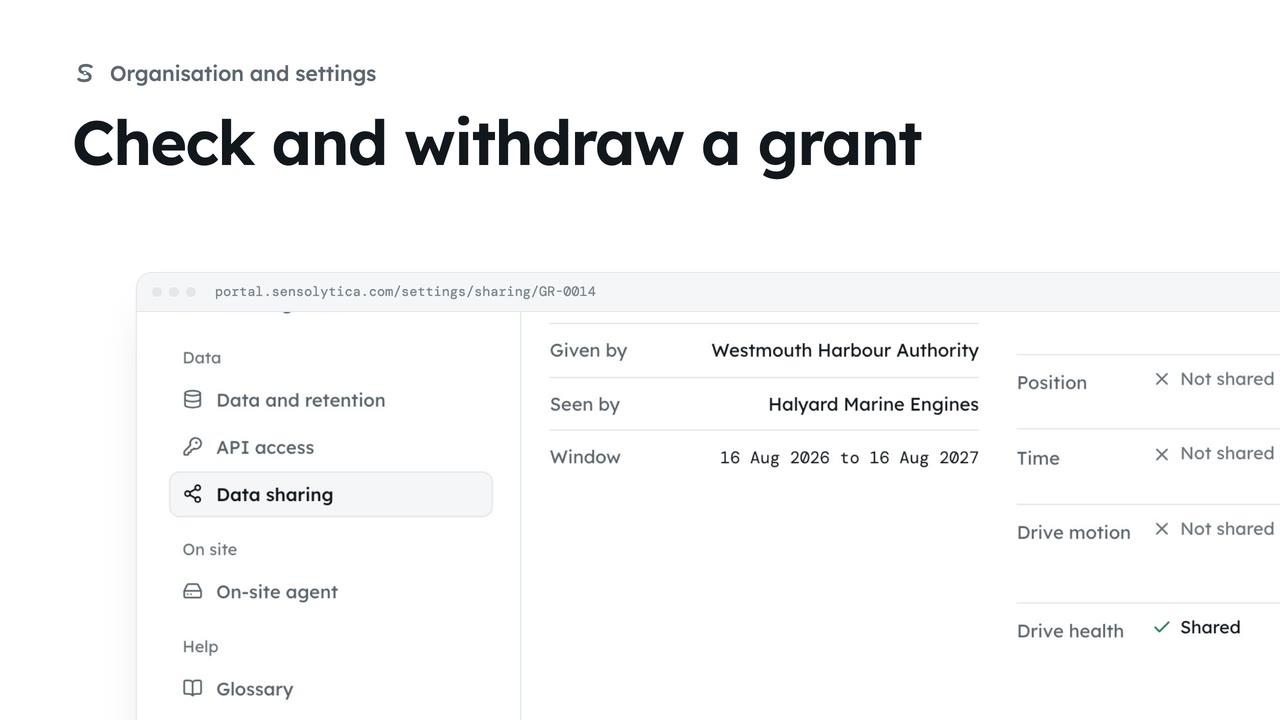
2 minSee the narrow grants that open one unit or vessel to a maker, an owner or a maintenance job, and withdraw one you gave.
2 min3 stepsAdmin
Checked against the portal on 15 October 2026. Westmouth names, vessels, units and figures are illustrative. General guidance on using the portal, not legal, regulatory or financial advice.