 2 min
2 minEdit and confirm an identity
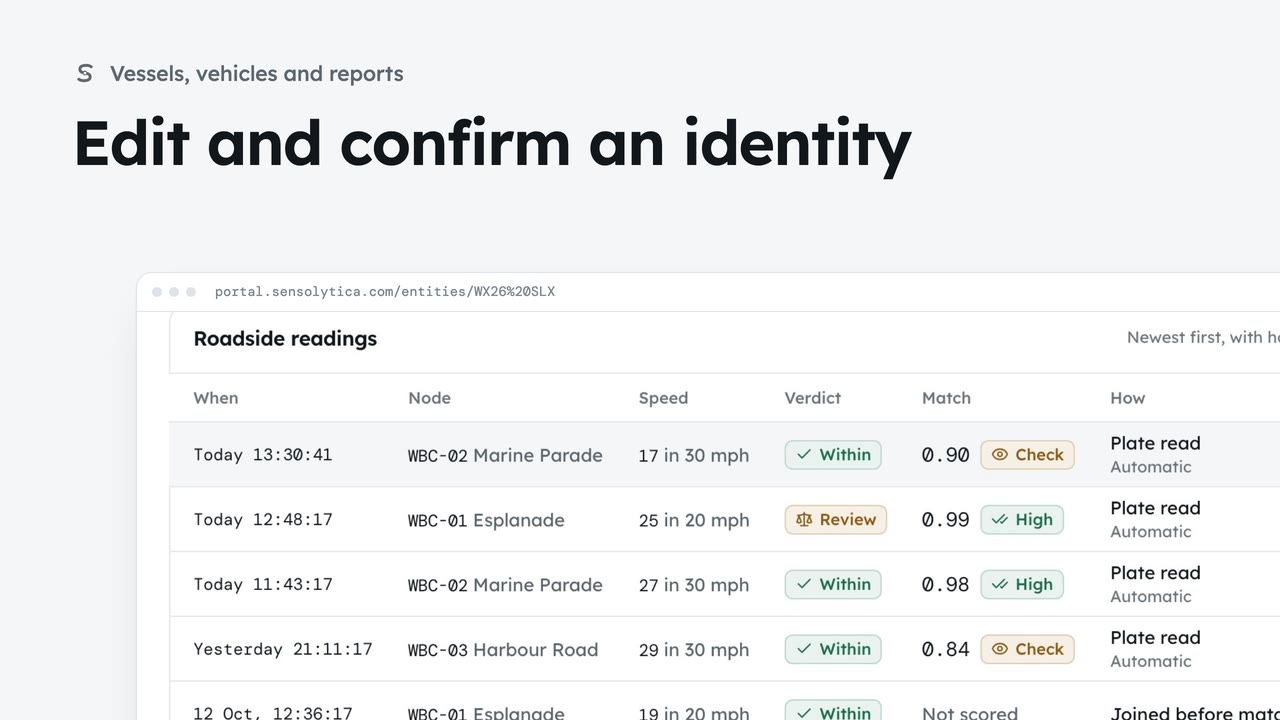
Describe a vehicle or vessel so a colleague could pick it out, and confirm a provisional identity.
2 min7 stepsAdmin, Operator
Choose the fields that identify a vessel or a vehicle for every organisation, and who fills each one in.
One schema, every organisation
The Identity tab lists the fields for Vessels and Vehicles. Changes apply from the next capture.
Pipeline or reviewer
Collected by says whether the pipeline reads it from the frames or a reviewer fills it in.
Edit a field
Edit opens the field. Change its help for reviewers, then Save and confirm with Save field.
Add a field
Add a field asks for a label, format, who collects it and help for reviewers.
Off, not gone
The switch in Active hides a field. Values already on records stay.
Click the Identity tab. These are the fields that identify a vessel or a vehicle, for every organisation. Switch between Vessels and Vehicles above the table. Any change applies from the next capture.
Collected by says who fills each field. The pipeline reads some from the frames. A reviewer fills in the rest during moderation. Required fields must be filled before a capture is sealed, so keep that list short.
Click Edit on a field to change it. Here, add help for reviewers on propulsion, so they know what to look for. Click Save and confirm.
To collect something new, click Add a field. Give it a label, choose the format, and say who collects it. Click Add field and confirm.
If a field is no longer useful, turn it off with its switch. It is hidden and no longer collected, but values already on records stay, and you can turn it back on.
Sign in with your work email. Your own organisation's records, nodes and units take the place of the Westmouth ones.
2 minDescribe a vehicle or vessel so a colleague could pick it out, and confirm a provisional identity.
2 min7 stepsAdmin, Operator
 2 min
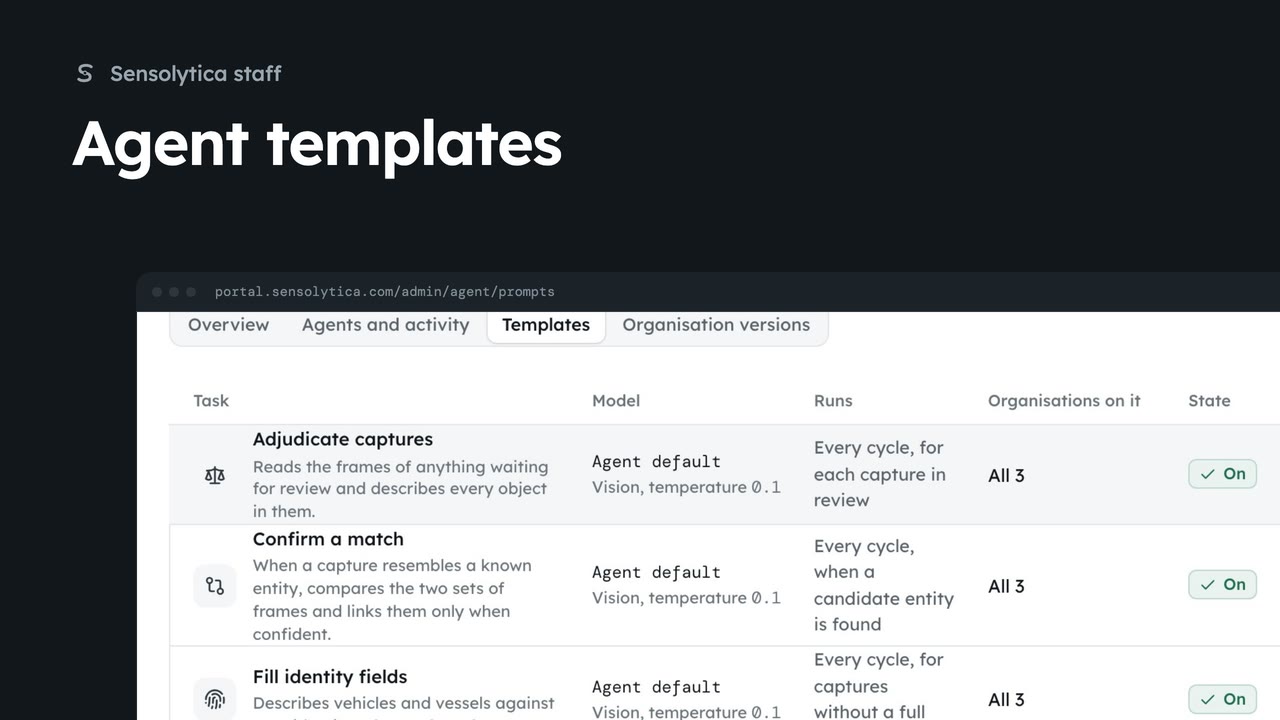
2 minCheck the agents reporting in, then change the template an agent task runs for every organisation.
2 min5 stepsSensolytica staff
 2 min
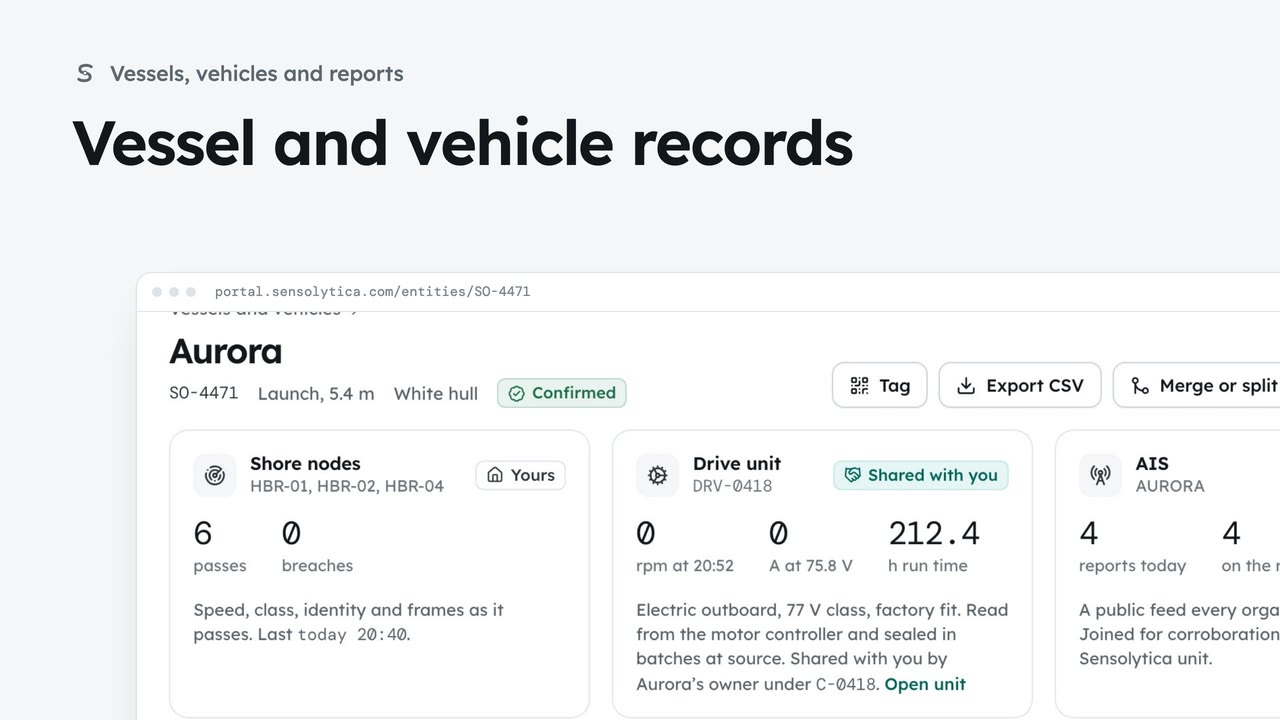
2 minFind a vessel or vehicle and read its one record, joining every shore node pass, its drive unit and AIS.
2 min6 stepsAdmin, Operator
Checked against the portal on 15 October 2026. Westmouth names, vessels, units and figures are illustrative. General guidance on using the portal, not legal, regulatory or financial advice.