 2 min
2 minDrive health thresholds
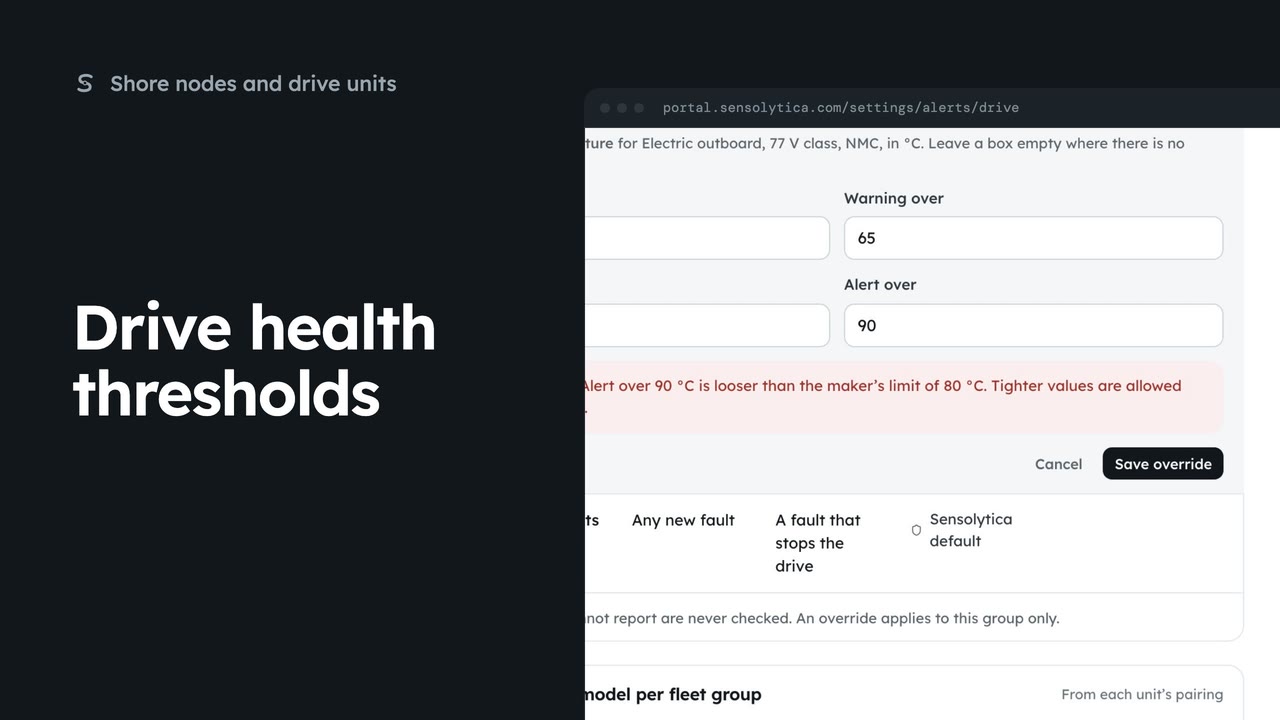
Tighten a drive health threshold for one fleet group, within the maker’s limits.
2 min5 stepsAdmin
Go back from your own drive health threshold to the maker's limit or the Sensolytica default.
Your override
Drive health thresholds mark your own values as Overridden, with Reset.
Reset
Your override is removed and the maker's limit or the default applies again.
From Alert rules, open Drive health. In the 77 volt group, Motor temperature carries your own override, marked Overridden, with Reset beside it.
Choose Reset and confirm. Your override is removed, and the value underneath applies again: the maker's limit where there is one, or the Sensolytica default.
Sign in with your work email. Your own organisation's records, nodes and units take the place of the Westmouth ones.
2 minTighten a drive health threshold for one fleet group, within the maker’s limits.
2 min5 stepsAdmin
 2 min
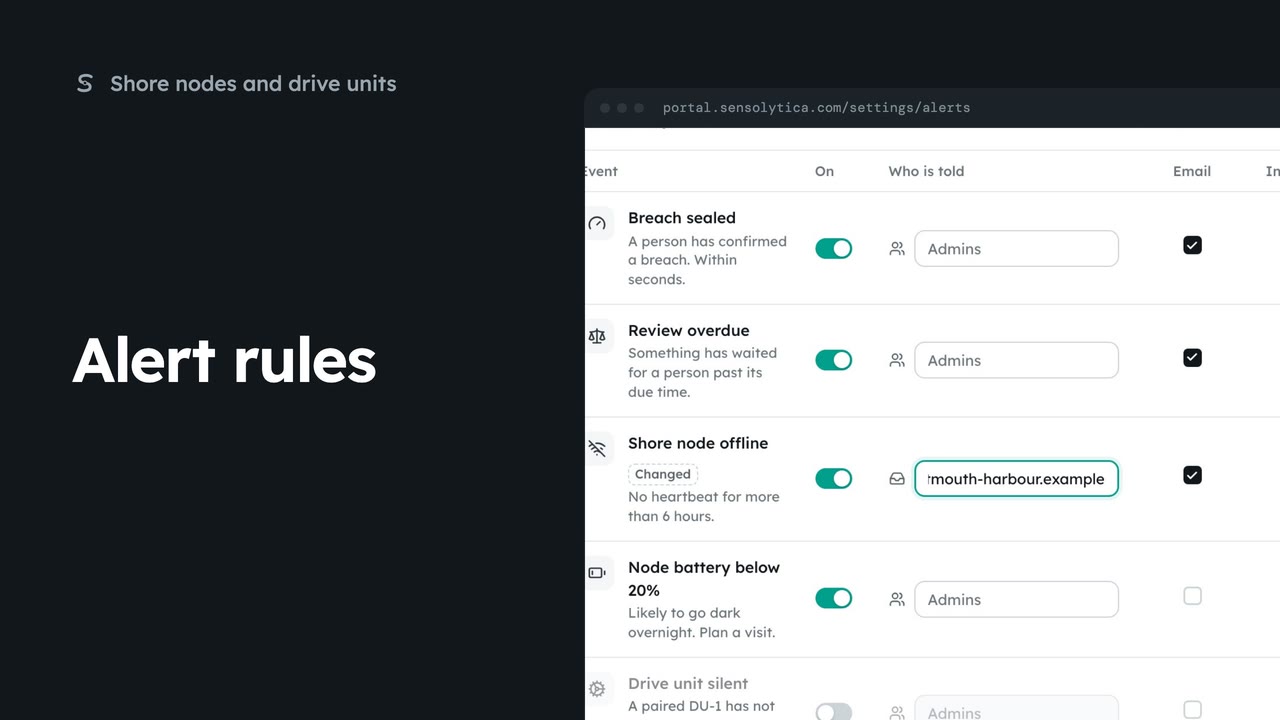
2 minChoose which events tell your team, who is told, and whether by email or in the portal.
2 min5 stepsAdmin
 2 min
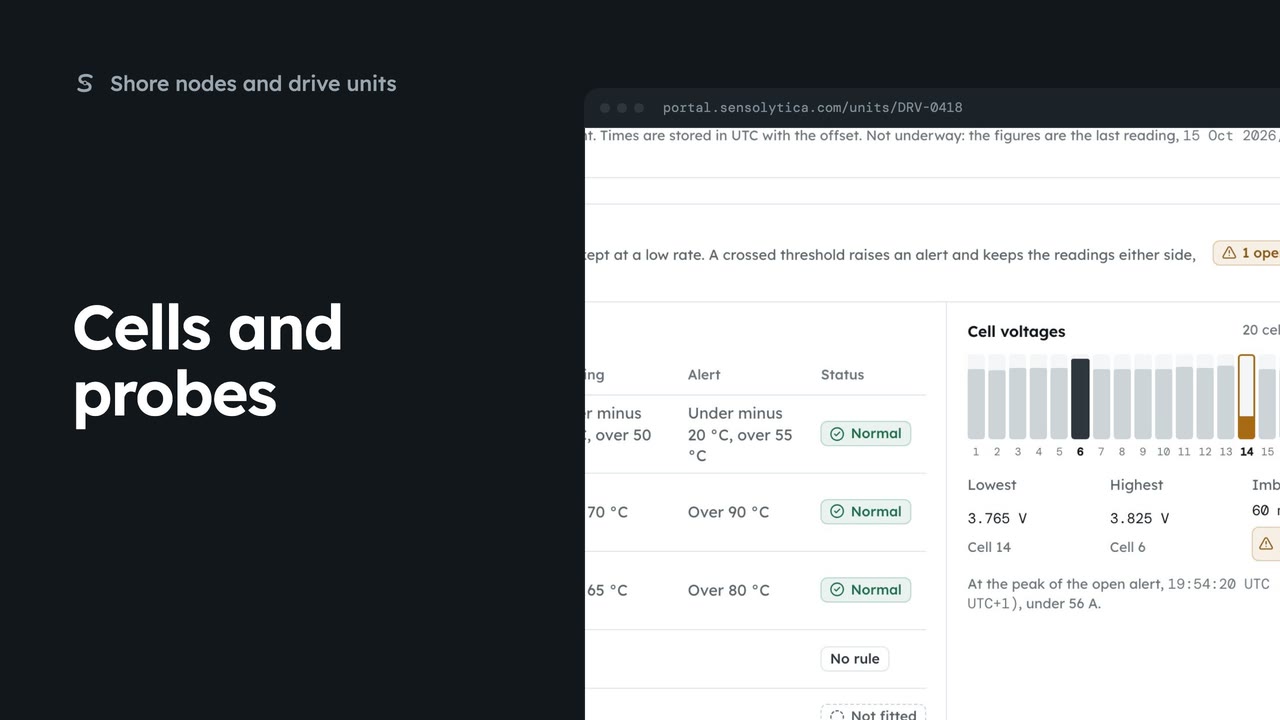
2 minCheck a drive’s temperature probes and battery cells against the thresholds that apply to it.
2 min5 stepsAdmin, Operator
Checked against the portal on 15 October 2026. Westmouth names, vessels, units and figures are illustrative. General guidance on using the portal, not legal, regulatory or financial advice.