 3 min
3 minA capture and its objects
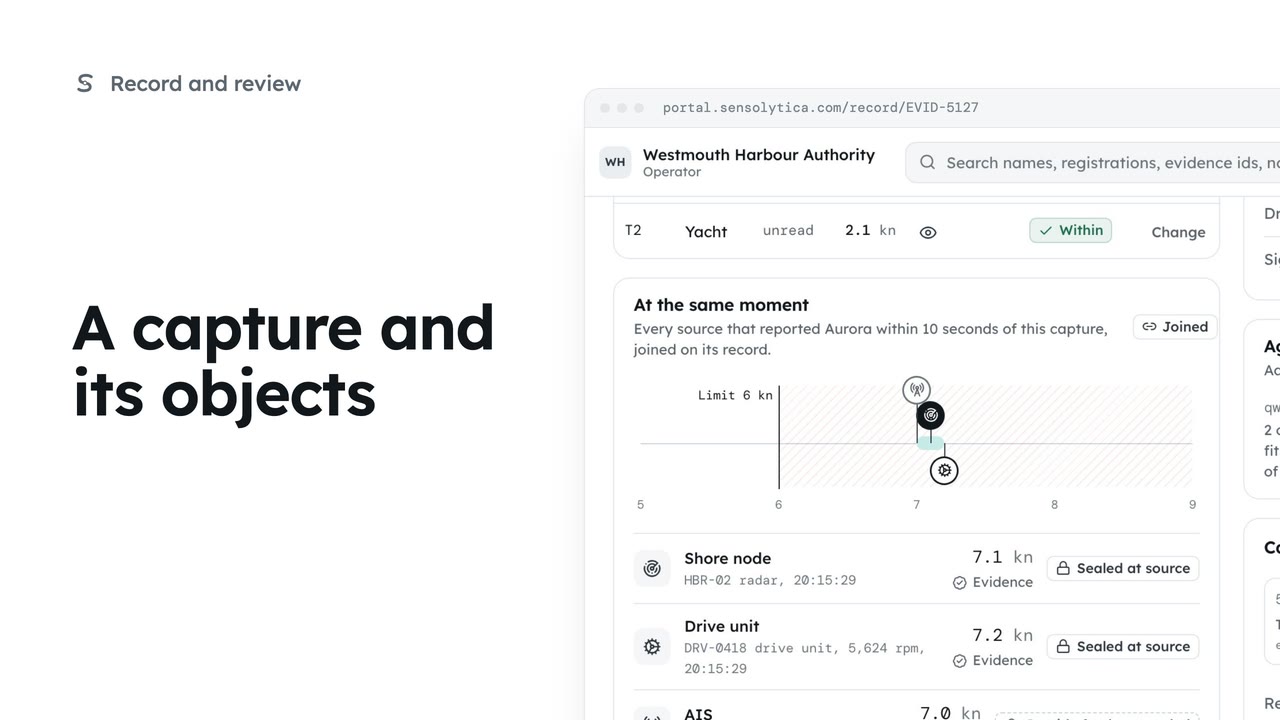
Read one capture: its frames, every object in frame with its own verdict, the other sources at that moment and the seal.
3 min6 stepsOperator, Admin
Change one object's verdict on purpose, with a reason that goes into the audit trail and leaves the seal untouched.
A breach on the record
On the record, select the evidence id of the capture whose verdict you want to change.
Change the verdict
Select Change verdict. With several objects in frame, choose which one first.
Breach, within or review
Choose Review to send it back to the queue for someone else.
A reason is required
Write what you saw in Reason. It goes in the audit trail with your name.
The seal is not affected
Select Set T1 to review. The previous verdict stays in the trail.
On the record, open the capture by its evidence id. Here is a rigid inflatable on the harbour approach, recorded as a breach at fourteen point six knots in a six knot zone. Say you want a second opinion before anyone writes to the owner.
Select Change verdict. When a capture holds several objects, the dialog asks which one you mean, because each has its own verdict. This one has a single object.
Choose the new verdict. Breach puts it on the record as a breach, Within clears it, and Review sends it back to the queue for someone else. Choose Review.
A reason is required. Write what you saw in a sentence, or start from one of the suggestions under the box. It goes in the audit trail with your name and the time.
Select Set T1 to review. The seal is not affected, because the seal covers what the node measured, not the decision. The previous verdict stays in the history, the capture goes back into Moderation, and you can change it again at any time.
Sign in with your work email. Your own organisation's records, nodes and units take the place of the Westmouth ones.
3 minRead one capture: its frames, every object in frame with its own verdict, the other sources at that moment and the seal.
3 min6 stepsOperator, Admin
 2 min
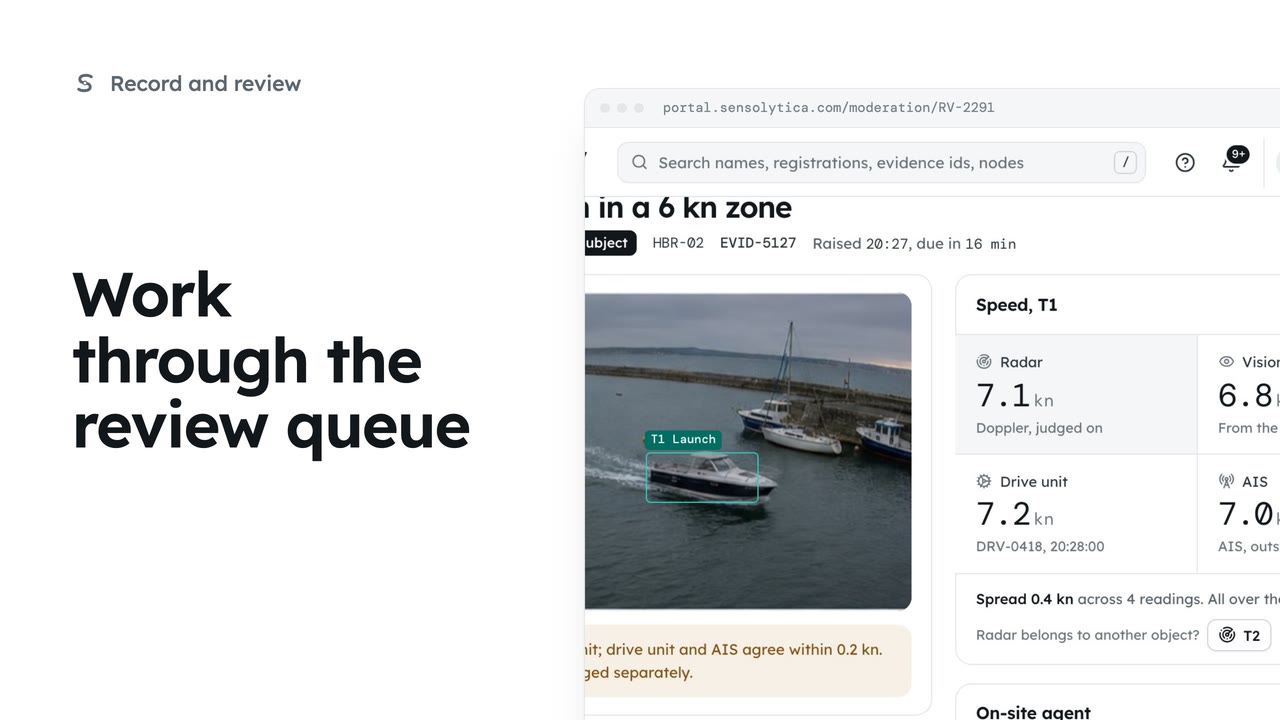
2 minDecide each object waiting in Moderation, in the order it is due, with every source's speed side by side.
2 min6 stepsOperator, Admin
 2 min
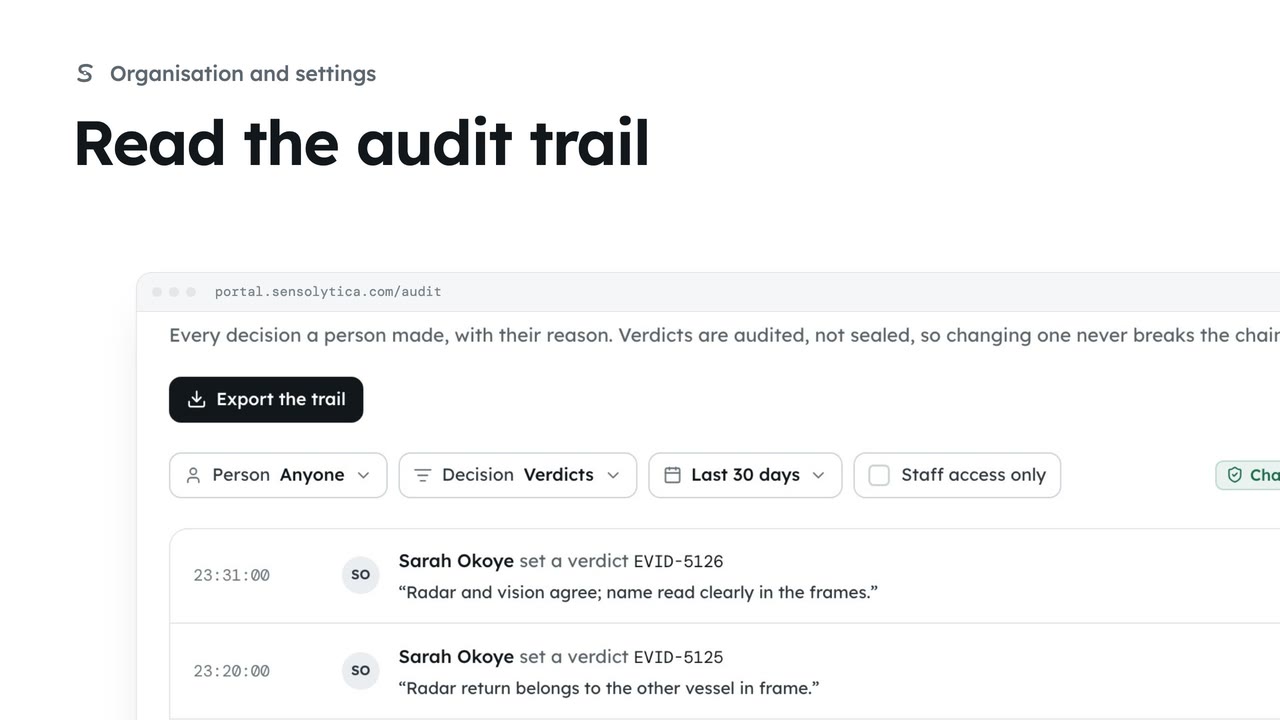
2 minSee every decision a person made in your organisation, with their reason, and export it for an auditor.
2 min4 stepsAdmin
Checked against the portal on 15 October 2026. Westmouth names, vessels, units and figures are illustrative. General guidance on using the portal, not legal, regulatory or financial advice.