 3 min
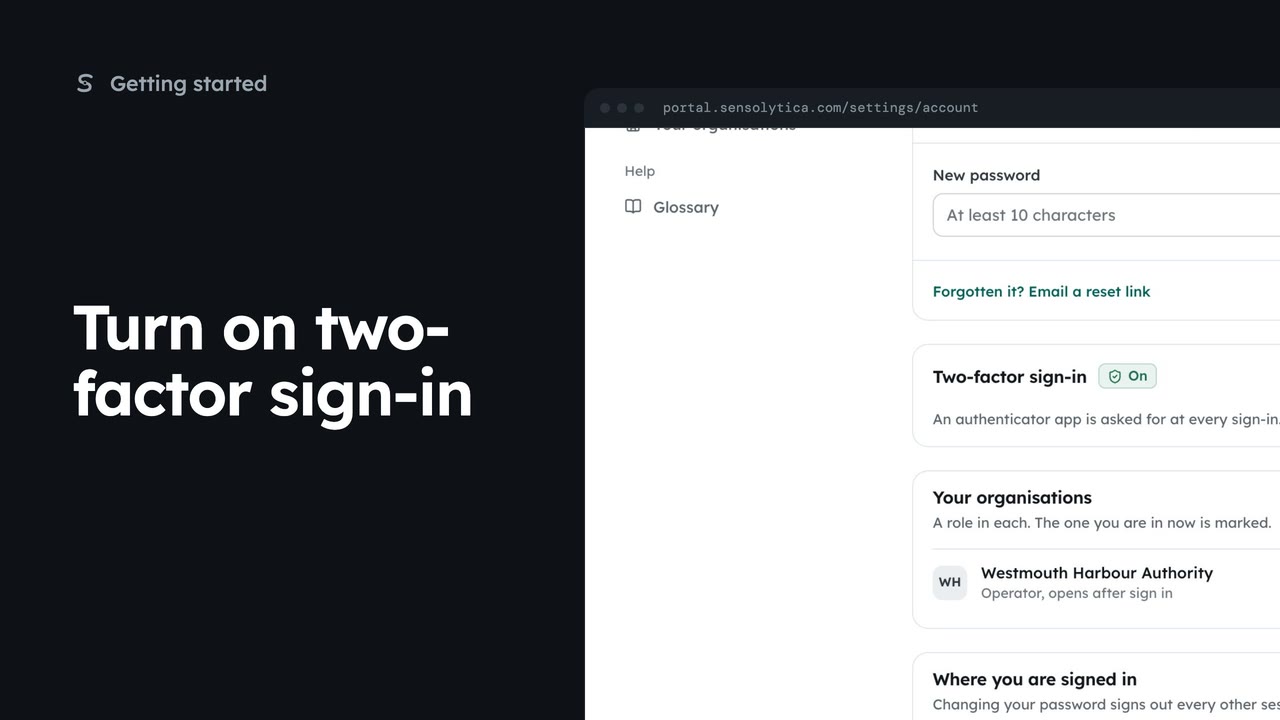
3 minTurn on two-factor sign-in
Pair an authenticator app with your account so a stolen password is not enough to sign in as you, then sign in with a code.
3 min5 stepsSensolytica staff, Admin, Operator, Maker
Sign in with your work email and a password or an emailed link, enter your two-factor code, and get back in if you forget your password.
Open the sign-in page
Go to your portal address. The Sign in page asks for your work email.
Your work email
Type the address your admin invited. It is your sign-in name.
Then your password
Show reveals what you typed. Keep me signed in lasts 30 days on this device.
Email me a link
Choose Email me a link and the portal sends a link that signs you in once.
Forgotten your password
Forgotten it? opens Reset your password, which emails you a link to choose a new one.
Enter your code
Sign in with your email and password. With two-factor on, the next step asks for the code from your authenticator app.
Verify and sign in
Type the code and choose Verify and sign in. The dashboard opens.
Open the Sensolytica portal in your browser. The Sign in page is the front door to your organisation's record, nodes and evidence.
Type your work email, the same address your admin used to invite you. Your account belongs to that address.
With Password chosen, type your password. Show reveals it if you want to check it. Leave Keep me signed in ticked on your own computer, and untick it on a shared one. Then choose Sign in.
No password to hand? Choose Email me a link at the top. The button becomes Email me a sign-in link, and we send a link to your inbox that signs you in once and expires in an hour.
If you forget your password, choose Password again, then Forgotten it. Reset your password emails a link to your work email, and the link takes you to a page where you choose a new one.
Back on Sign in, enter your email and password and choose Sign in. If two-factor is on for your account, there is one more step: Enter your code asks for the six digit code your authenticator app shows for Sensolytica.
Type the code and choose Verify and sign in. Codes change every thirty seconds, so use the one showing now. The portal opens on your dashboard. Lost your phone? Your admin or support can reset two-factor.
Sign in with your work email. Your own organisation's records, nodes and units take the place of the Westmouth ones.
3 minPair an authenticator app with your account so a stolen password is not enough to sign in as you, then sign in with a code.
3 min5 stepsSensolytica staff, Admin, Operator, Maker
 2 min
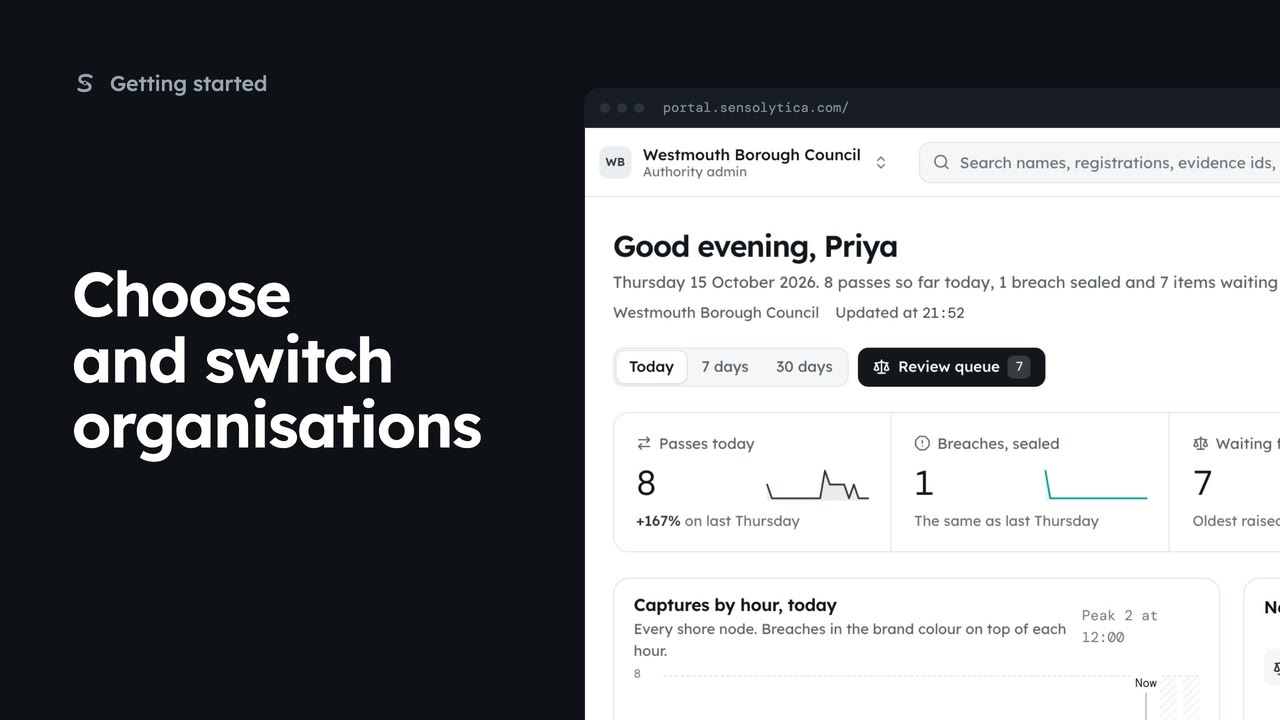
2 minPick where to start after sign in, switch organisation from the top bar, and set your default.
2 min5 stepsAdmin, Operator
 2 min
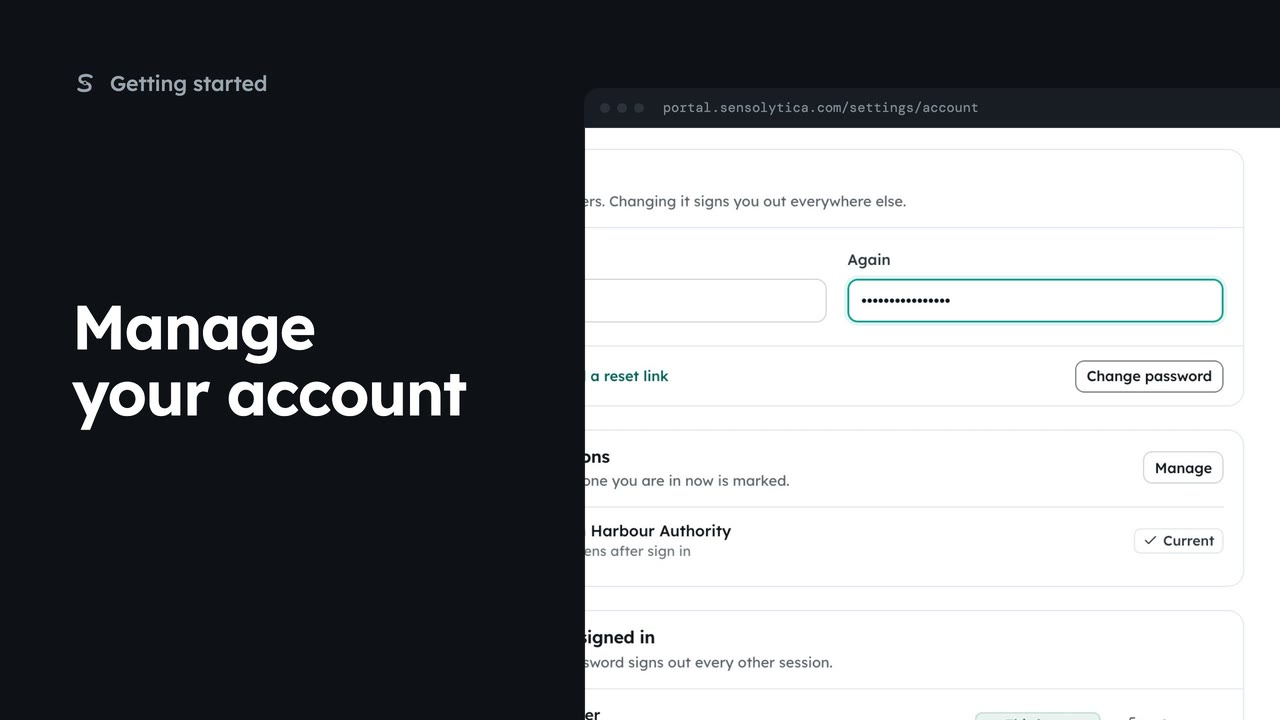
2 minSet your name and picture, change your password and see where you are signed in.
2 min4 stepsSensolytica staff, Admin, Operator, Maker
Checked against the portal on 15 October 2026. Westmouth names, vessels, units and figures are illustrative. General guidance on using the portal, not legal, regulatory or financial advice.