 2 min
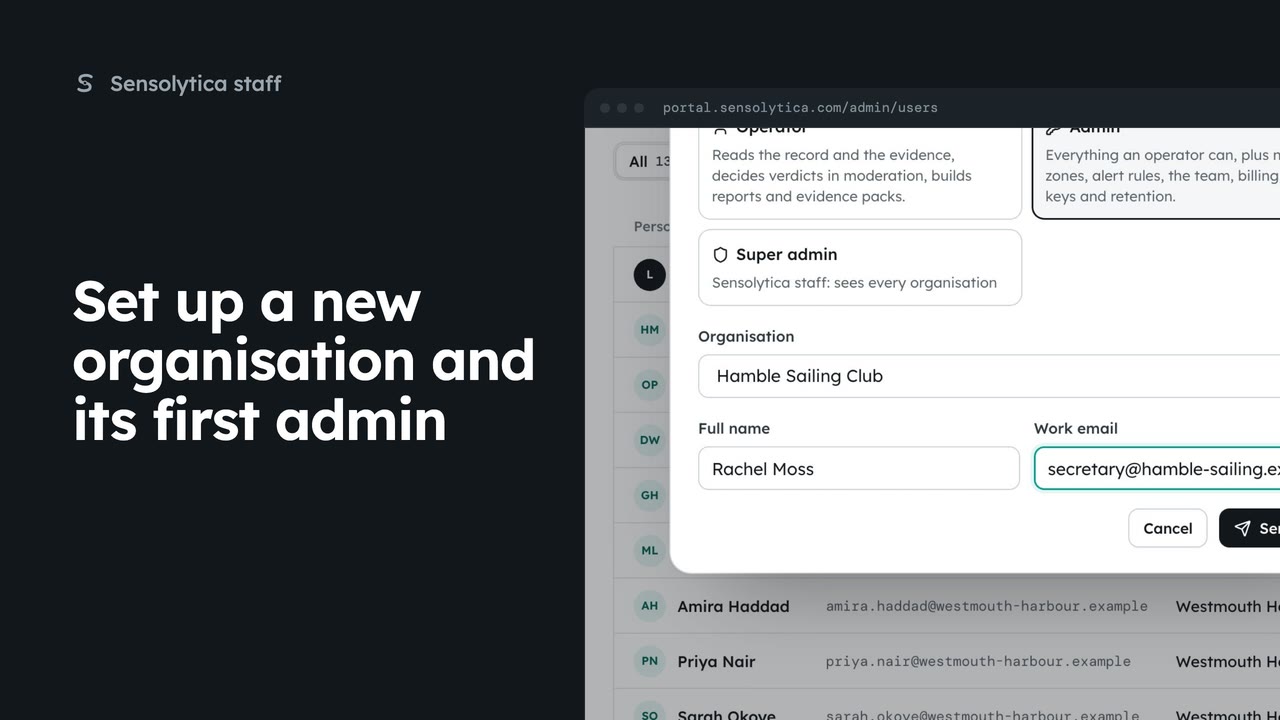
2 minSet up a new organisation and its first admin
Create a new customer organisation from the platform overview, with yourself as its admin, the admin who will run it invited, or both.
2 min4 stepsSensolytica staff
From an organisation's platform page, add someone by email, change a role, remove someone, and resend or withdraw an invitation.
Members
On its platform page: who belongs, their role, and who is invited.
Add by email
An email, a name for someone new, and a role. They get an invitation.
Role
Pick the new role on their row and confirm. In their audit trail too.
Remove
They lose access at once. Their decisions stay under their name.
Invitations
Resend starts its seven days again. Withdraw stops the link working.
Open Organisations, choose Detail on Westmouth Harbour Authority, then Members at the top. It lists who belongs, their role, and who is invited, without entering the organisation.
Under Add by email, give their work email and, for someone new, their name. Pick a role, here Operator, and choose Add. They get an invitation that works for seven days.
To change what someone can do, pick a new role on their row, here Authority admin for Tom Reid, and confirm with Change role. It applies in this organisation only.
Remove on a row takes someone out of this organisation, here Sarah Okoye. They lose access at once, their decisions stay in its audit trail under their name, and any other organisation they belong to is untouched.
An invitation shows when it was sent and when it expires. Resend sends it again and its seven days start over. Withdraw stops the link working: here Grace Holloway's, after confirming.
Sign in with your work email. Your own organisation's records, nodes and units take the place of the Westmouth ones.
2 minCreate a new customer organisation from the platform overview, with yourself as its admin, the admin who will run it invited, or both.
2 min4 stepsSensolytica staff
 2 min
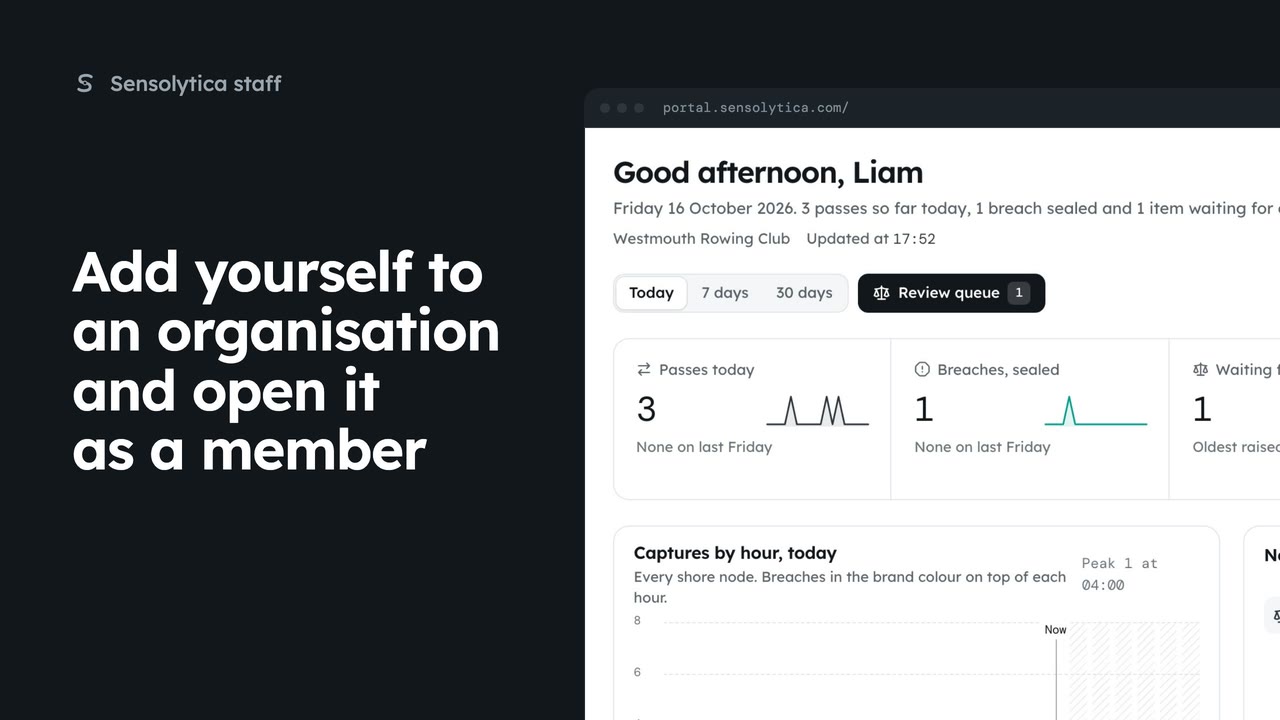
2 minJoin an organisation as its admin from its platform page, then open it from the switcher as a member, with no staff visit.
2 min4 stepsSensolytica staff
 1 min
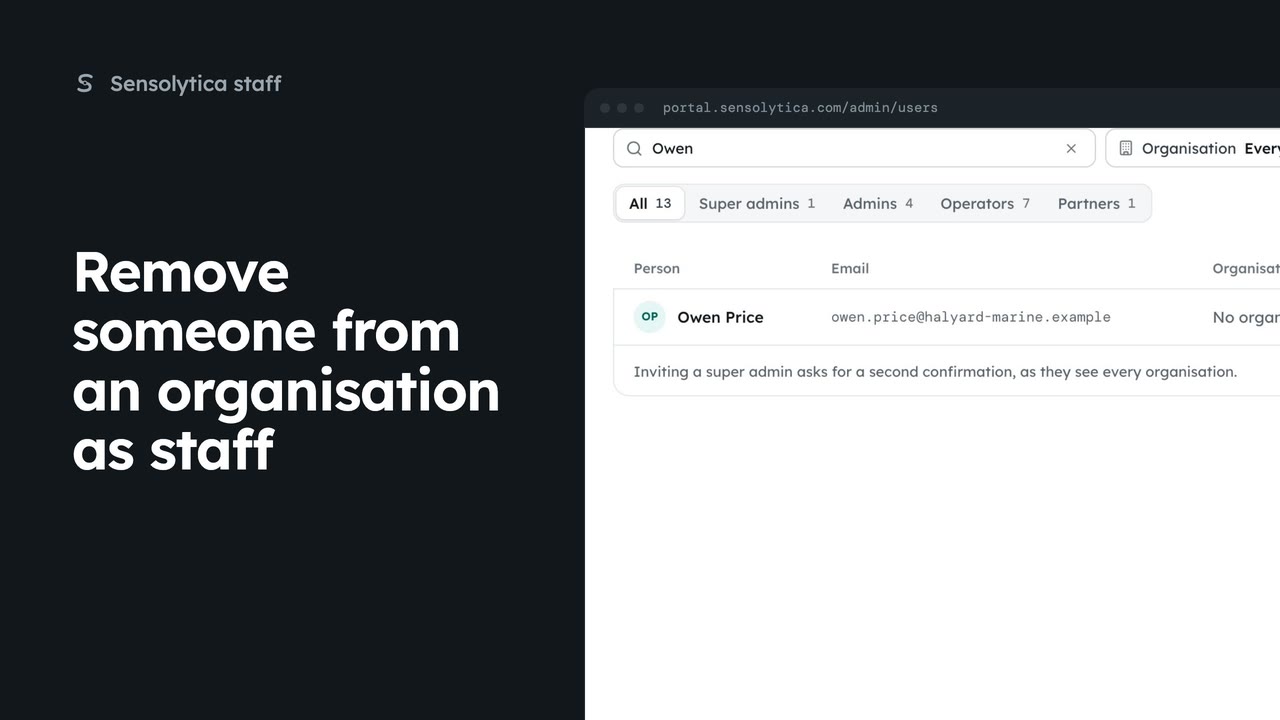
1 minTake a person's access to one organisation away from the platform users list, leaving their other organisations alone.
1 min2 stepsSensolytica staff
Checked against the portal on 15 October 2026. Westmouth names, vessels, units and figures are illustrative. General guidance on using the portal, not legal, regulatory or financial advice.