 2 min
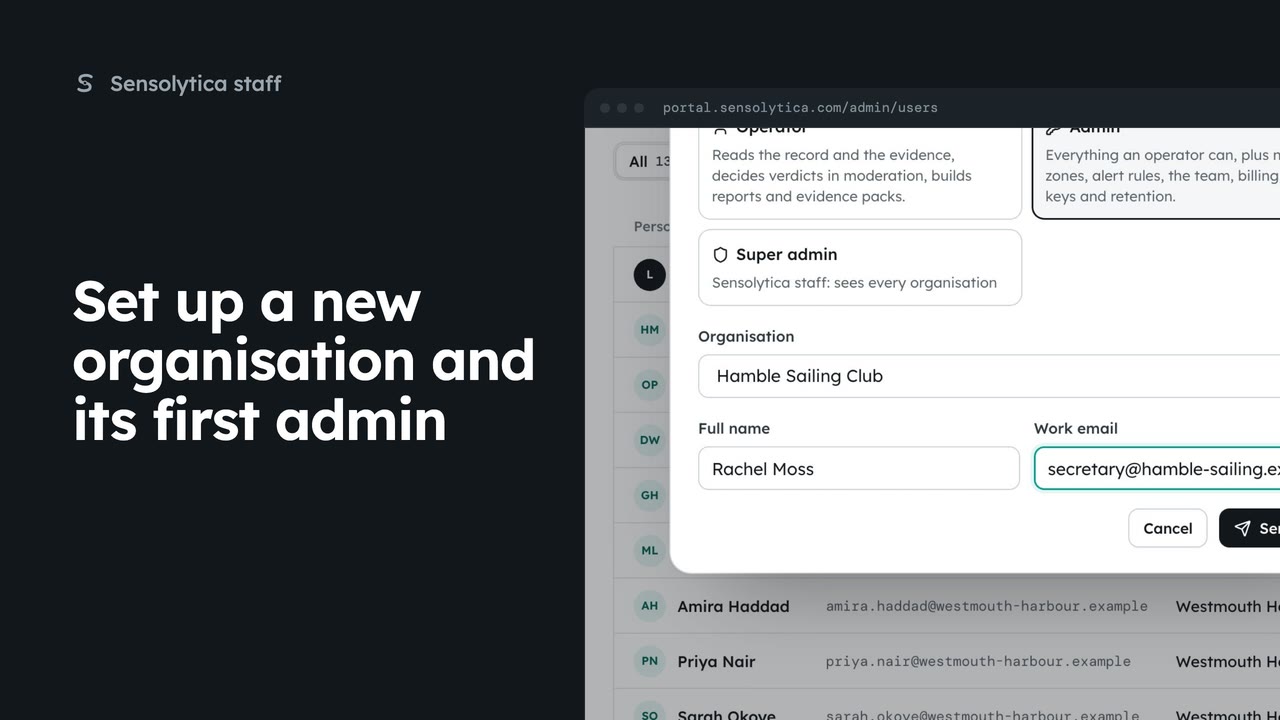
2 minSet up a new organisation and its first admin
Create a new customer organisation from the platform overview, with yourself as its admin, the admin who will run it invited, or both.
2 min4 stepsSensolytica staff
Create a Demo organisation, fill it with the Westmouth world to show a prospect, and clear it when the demo is over.
Kind: Demo
Add me is ticked for you, so you can open it as its admin.
Create organisation
Its platform page has a Demo data panel, empty for now.
Fill with demo data
The Westmouth harbour, every row marked as demo and kept inside it.
Clear demo data
Deletes only what the fill made. Fill it again at any time.
Open Organisations and choose New organisation. Give it a name and set its kind to Demo. Add me as its admin is ticked for you, so you can open it as a member later.
Choose Create organisation and confirm. Its platform page opens with a Demo data panel, empty for now.
Choose Fill with demo data and confirm. It copies the Westmouth harbour in: shore nodes, drive units, records and about sixty captures. Every row is marked as demo, stays inside this organisation, and is never shared or emailed.
When the demo is over, choose Clear demo data and confirm. It deletes every row the fill marked as demo. The organisation, its settings and its people stay, and you can fill it again at any time.
Sign in with your work email. Your own organisation's records, nodes and units take the place of the Westmouth ones.
2 minCreate a new customer organisation from the platform overview, with yourself as its admin, the admin who will run it invited, or both.
2 min4 stepsSensolytica staff
 2 min
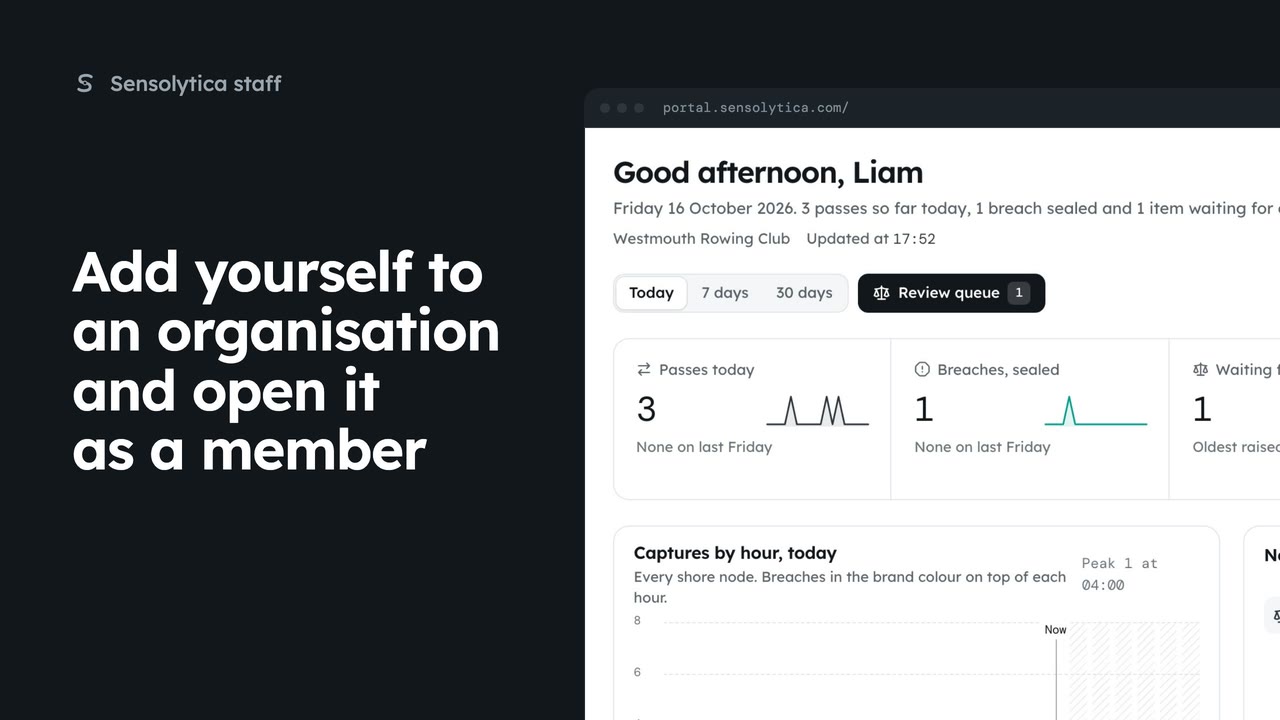
2 minJoin an organisation as its admin from its platform page, then open it from the switcher as a member, with no staff visit.
2 min4 stepsSensolytica staff
 2 min
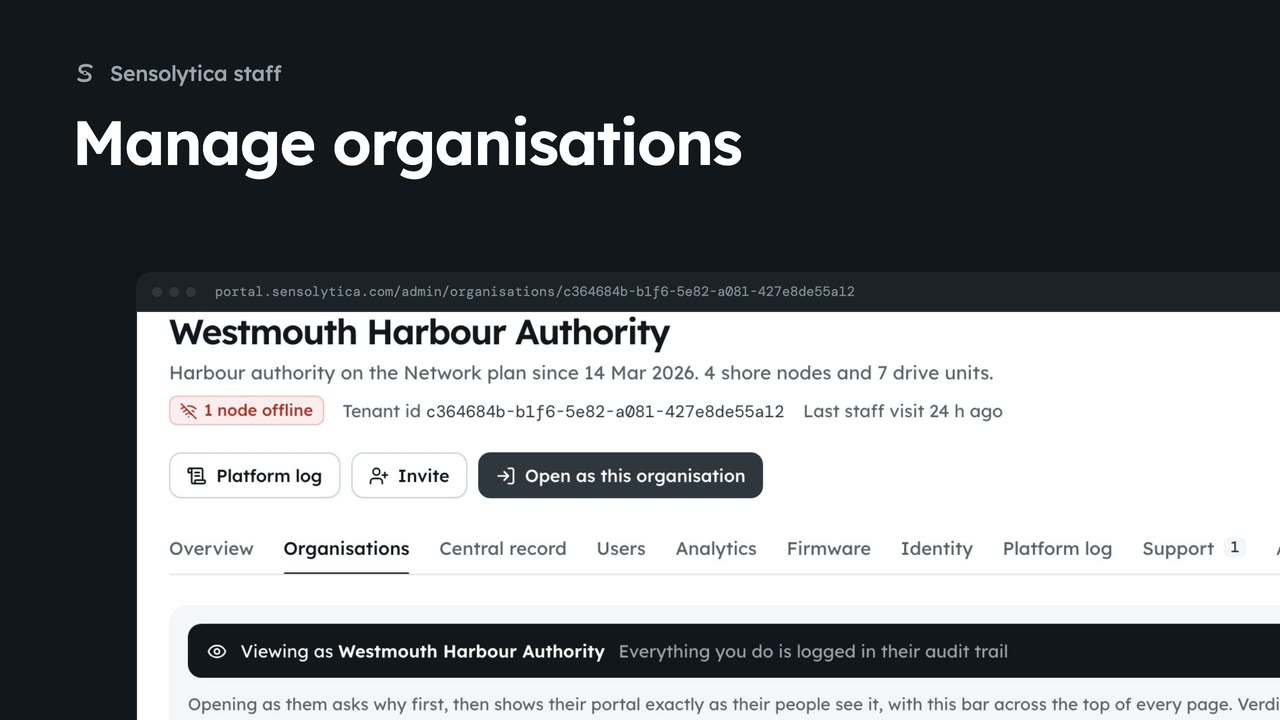
2 minFind an organisation, check its health, fleet and members on its platform page, and create a new one.
2 min6 stepsSensolytica staff
Checked against the portal on 15 October 2026. Westmouth names, vessels, units and figures are illustrative. General guidance on using the portal, not legal, regulatory or financial advice.