 3 min
3 minManage an organisation's members
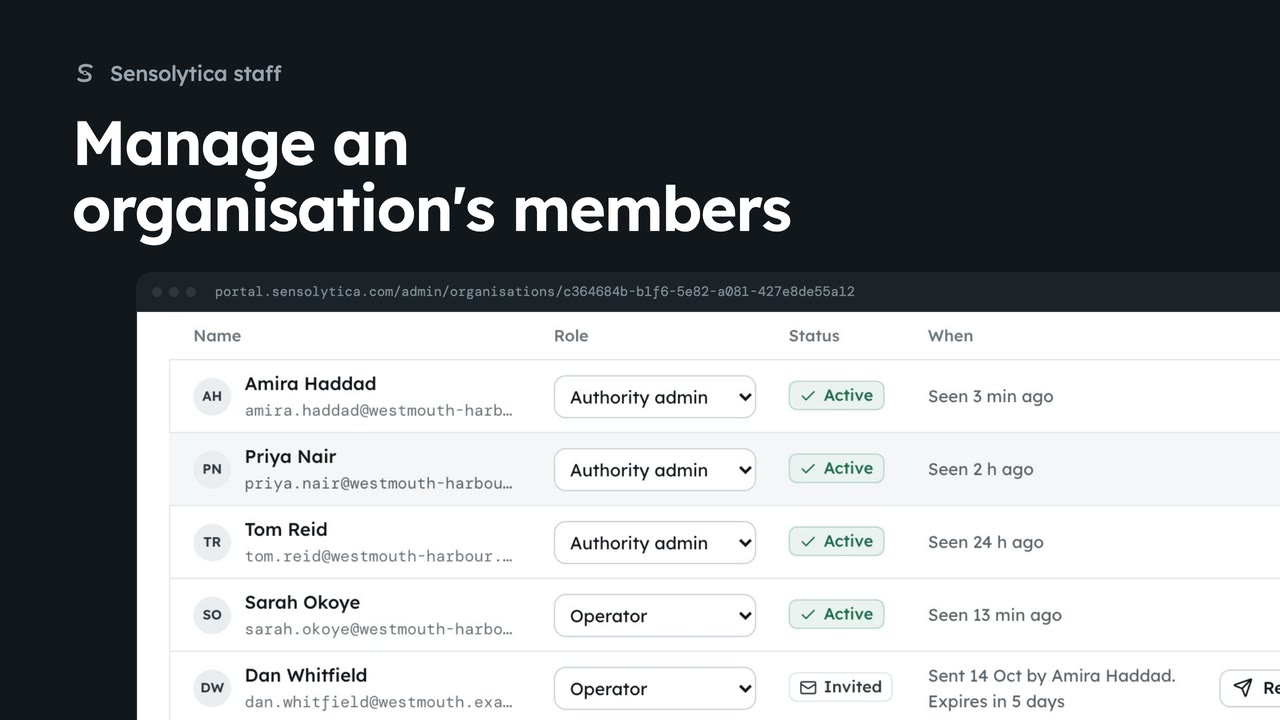
From an organisation's platform page, add someone by email, change a role, remove someone, and resend or withdraw an invitation.
3 min5 stepsSensolytica staff
Join an organisation as its admin from its platform page, then open it from the switcher as a member, with no staff visit.
Its platform page
Organisations, then Detail on the organisation.
Add me
You join it as its admin at once. Its audit trail says you joined.
Open as a member
No reason asked and no staff bar: you are in as its admin.
Your membership
The switcher lists it first, with your role there.
Open Organisations from the platform tabs, and choose Detail on Westmouth Rowing Club.
In Members, choose Add me. You join the club as its admin at once, with Sensolytica staff beside your name, and its audit trail says you joined.
Choose Open as a member. No reason is asked and there is no staff bar: you are in the club as its admin, as its own people are.
Next time, open it from the organisation switcher. The organisations you belong to come first, with your role there. Leave it from its Members panel when you no longer need it.
Sign in with your work email. Your own organisation's records, nodes and units take the place of the Westmouth ones.
3 minFrom an organisation's platform page, add someone by email, change a role, remove someone, and resend or withdraw an invitation.
3 min5 stepsSensolytica staff
 3 min
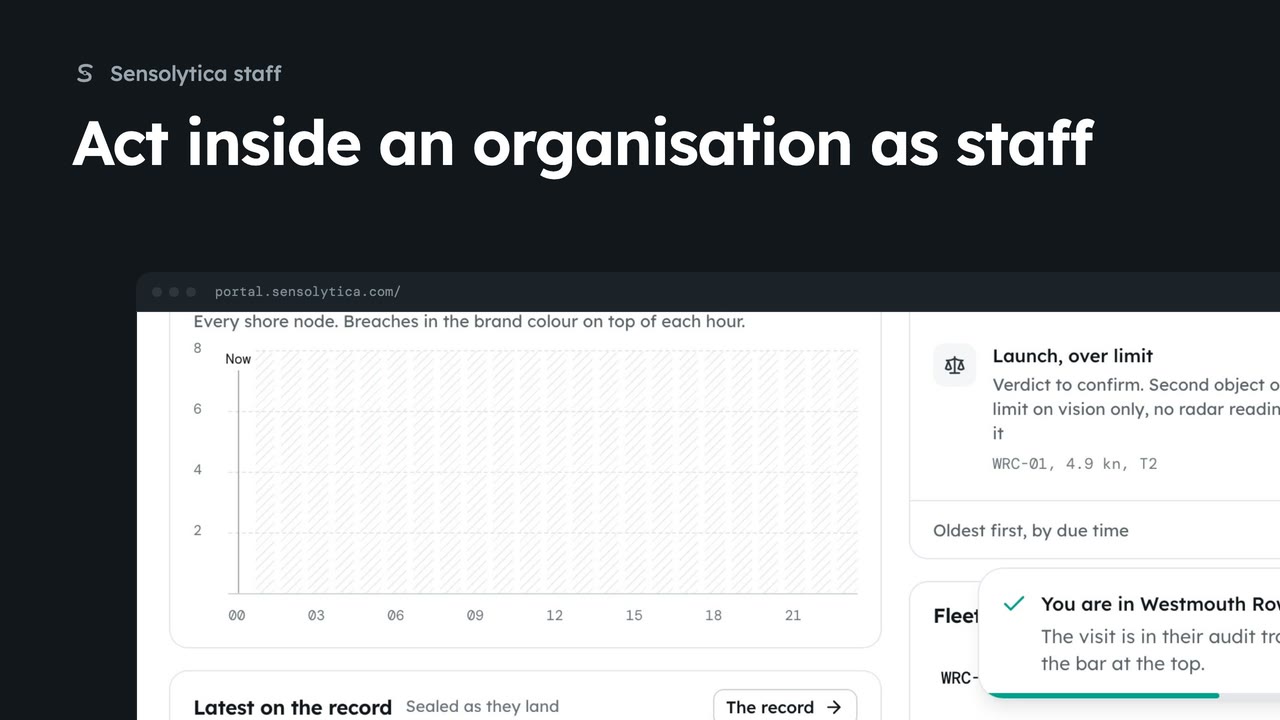
3 minEnter an organisation able to act, see what it looks like inside, change a setting for them, and find your visit in their audit trail.
3 min5 stepsSensolytica staff
 2 min
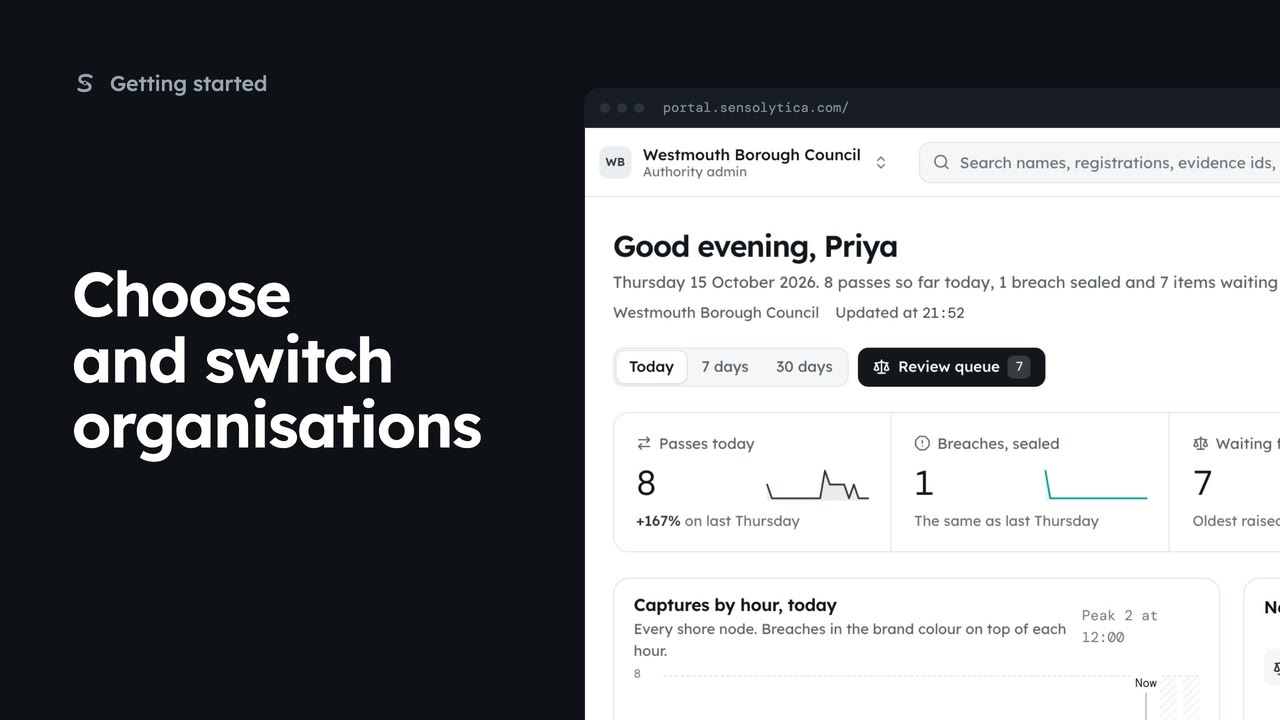
2 minPick where to start after sign in, switch organisation from the top bar, and set your default.
2 min5 stepsAdmin, Operator
Checked against the portal on 15 October 2026. Westmouth names, vessels, units and figures are illustrative. General guidance on using the portal, not legal, regulatory or financial advice.