 Film coming
Give an organisation its own prices
Override the default prices for one organisation, with a discount, and see what it will pay.
2 min3 stepsSensolytica staff
Add the Stripe keys, test the connection, give Stripe the webhook address, set the default prices and sync them to Stripe.
 Film coming
The film is being made.
Every step is written out here, with the buttons named as the portal labels them.
Billing
Platform, Billing. Test mode until you switch to live.
Add the test secret key
A restricted key from Stripe. Kept in Supabase Vault and never shown again.
Test connection
The account, its mode and the webhook endpoint.
Addresses for Stripe
Copy the webhook endpoint and the events to send into Stripe.
Default prices
What every organisation pays unless it has prices of its own.
Sync to Stripe
Stripe gets matching products and prices. A changed price is a new one; the old is archived.
Open Billing from the platform tabs. The badge says which mode billing is in: test mode, where nothing is charged, until Stripe is set up and checked.
Under Stripe keys, choose Add beside the test secret key and paste the restricted key from Stripe. Save and test: Stripe is asked which account it belongs to, the key goes into Supabase Vault, and from then on only its last four characters are shown.
Test connection ran at once. It names the Stripe account, says the key is a test key, and checks the webhook endpoint is there with every event. Run it again at any time.
Addresses for Stripe has the webhook endpoint to paste into Stripe, the events to send, and where Stripe sends people back after the billing portal and checkout. Copy the webhook endpoint.
Open Default prices. Set the price per drive unit a month and an annual discount, and save. Organisations with prices of their own keep them.
The list below says what Stripe still needs. Choose Sync to Stripe and confirm. Stripe gets matching products and prices; when a price changes, Stripe gets a new price and the old one is archived, never deleted.
Sign in with your work email. Your own organisation's records, nodes and units take the place of the Westmouth ones.
Film comingOverride the default prices for one organisation, with a discount, and see what it will pay.
2 min3 stepsSensolytica staff
 2 min
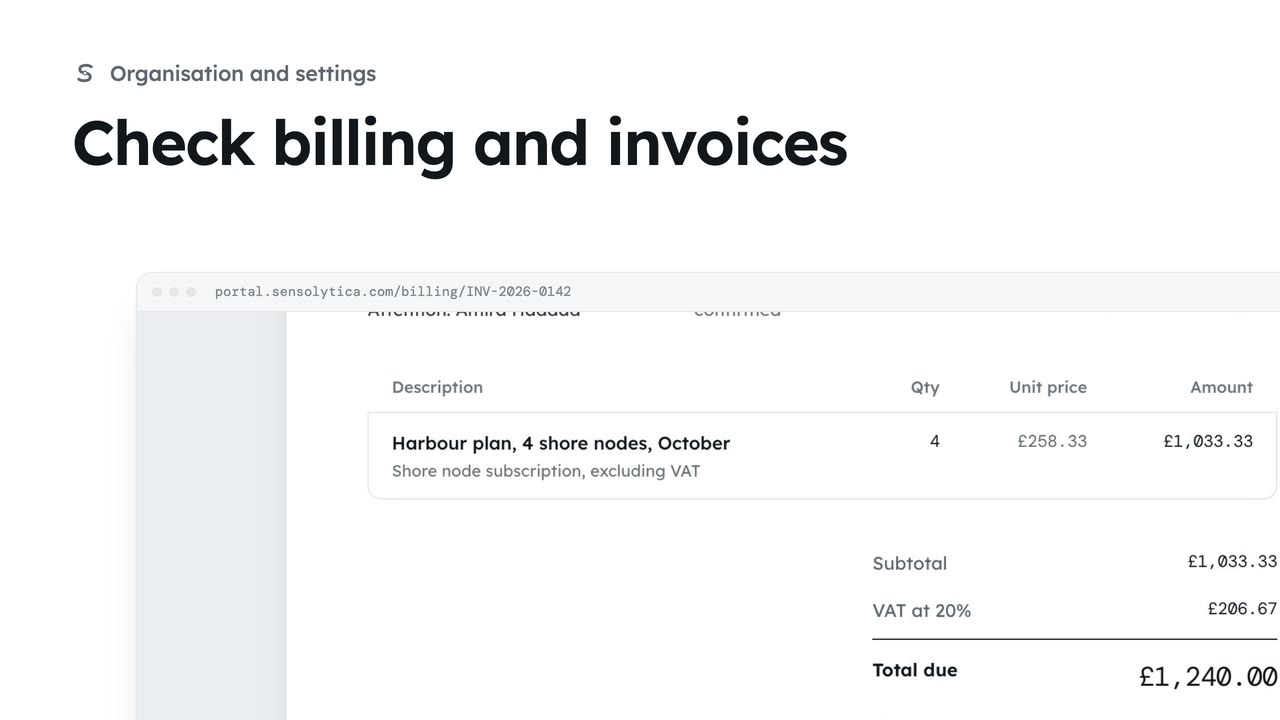
2 minSee your plan and next invoice, how you pay, and open, print or pay an invoice.
2 min4 stepsAdmin
Checked against the portal on 15 October 2026. Westmouth names, vessels, units and figures are illustrative. General guidance on using the portal, not legal, regulatory or financial advice.