 Film coming
Set up Stripe and the default prices
Add the Stripe keys, test the connection, give Stripe the webhook address, set the default prices and sync them to Stripe.
3 min6 stepsSensolytica staff
Override the default prices for one organisation, with a discount, and see what it will pay.
 Film coming
The film is being made.
Every step is written out here, with the buttons named as the portal labels them.
Its platform page
Organisations, then Detail on the organisation.
Billing
Each price beside its default. Empty uses the default.
Save prices
What it will pay, confirmed first. Its admins see the new prices, never the defaults.
Open Organisations from the platform tabs, and choose Detail on Westmouth Harbour Authority.
Billing shows each price beside the default. An empty field uses the default. Give it its own price per shore node, a discount, and say why.
It will pay shows the figure for the nodes and units it has now. Save prices and confirm. The price per shore node now says Custom, and its admins see what they pay on their Billing page, never the defaults.
Sign in with your work email. Your own organisation's records, nodes and units take the place of the Westmouth ones.
Film comingAdd the Stripe keys, test the connection, give Stripe the webhook address, set the default prices and sync them to Stripe.
3 min6 stepsSensolytica staff
 2 min
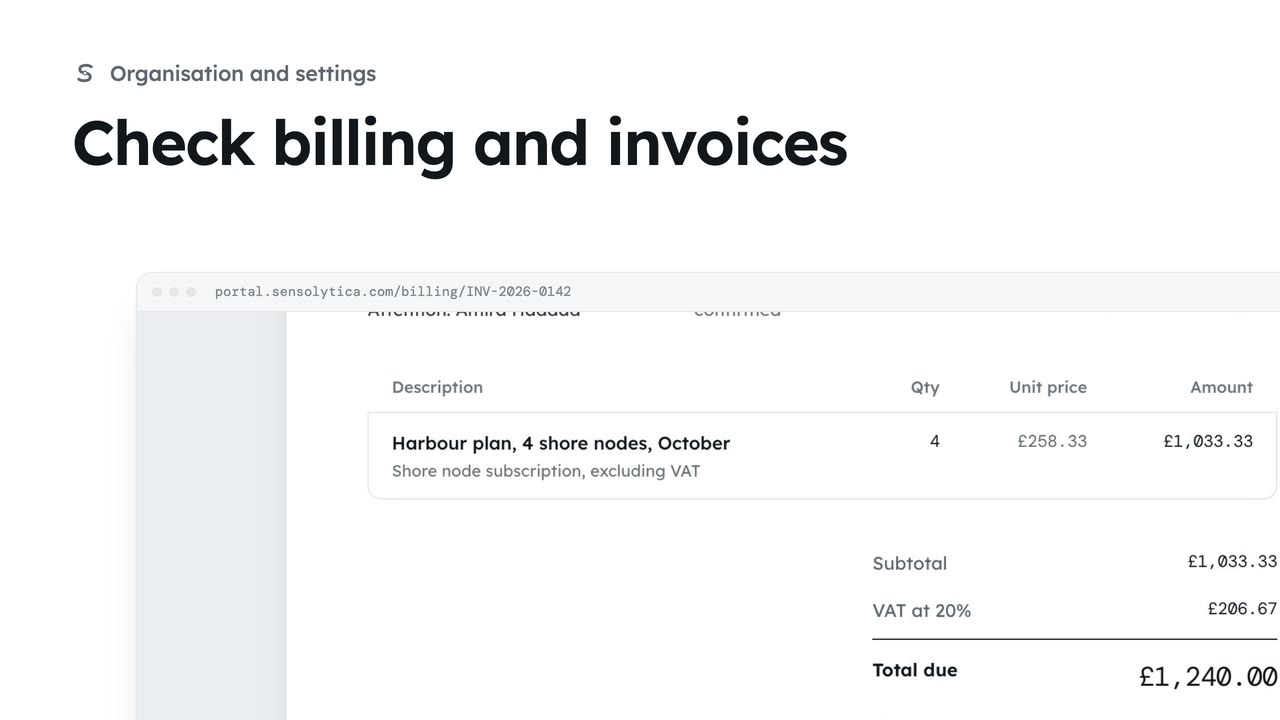
2 minSee your plan and next invoice, how you pay, and open, print or pay an invoice.
2 min4 stepsAdmin
Checked against the portal on 15 October 2026. Westmouth names, vessels, units and figures are illustrative. General guidance on using the portal, not legal, regulatory or financial advice.